Live in6Sessions

ALWAYS ON
AI AGENTS 

Need AI adoption that aligns your team, without the endless hours in slow AI chats? Six guided AI sessions in 2 hours cover your whole customer journey, from design, to sales, to support. Built By You from $9 per month, or Built For You at $5,000 per month.

Hi, I'm MOBLE. What would you like to build today?

Most businesses know AI should power their customer journey, but don't know where to start. I'll walk you through it: your website, chatbots and AI agents, live in 6 guided sessions, in under 2 hours.

SCROLL FOR SESSIONS

Danny Liang | CTO | MOBLE.com
DID YOU KNOW? MOBLE PICKS THE BEST AI MODEL FOR EACH TASK,

so you can bring AI into your whole business with no experience in under 2 hours, then run it yourself, with an agent on every screen. There are three ways to build, from $9 per month.”  Danny Liang | CTO | MOBLE.com

BUILT BY YOU

From $9 per month

Do it yourself, with a guided AI companion in every session.

  • 6 guided AI sessions
  • Website, chatbots and AI agents
  • Live in under 2 hours
  • Play before you pay

BUILT FOR YOU

$5,000 per month

No time? The MOBLE team builds it for you, in monthly sprints you control.

  • Built by the MOBLE team
  • Pause and Play Roadmap: only pay in the months you play
  • No lock-ins, no contract
  • Agents, websites, chatbots and more

BUILT WITH YOU

$12,500 per month

Custom sprints with the MOBLE team, for larger projects.

  • Custom sprints
  • Working with the MOBLE team
  • For larger projects

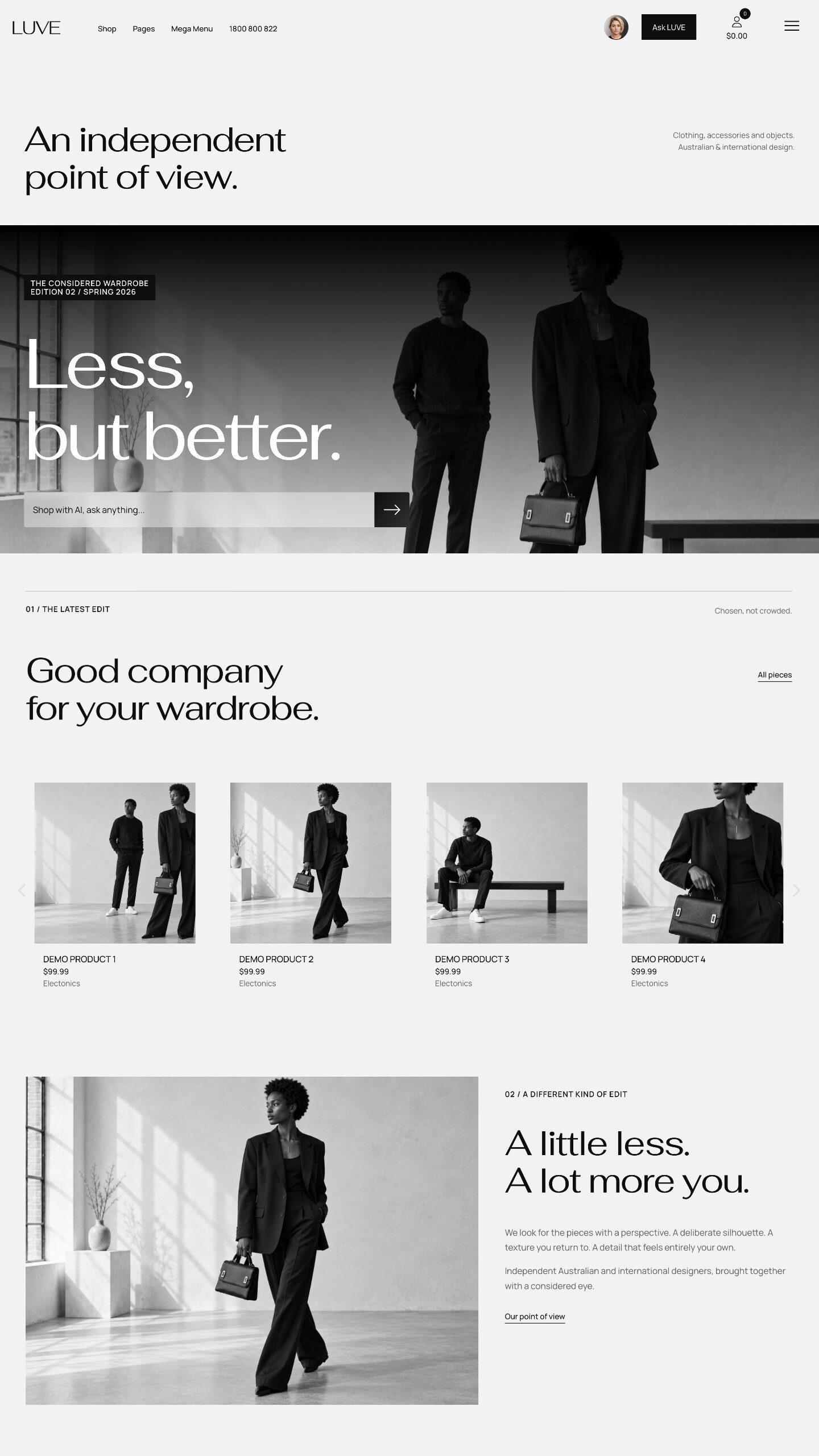
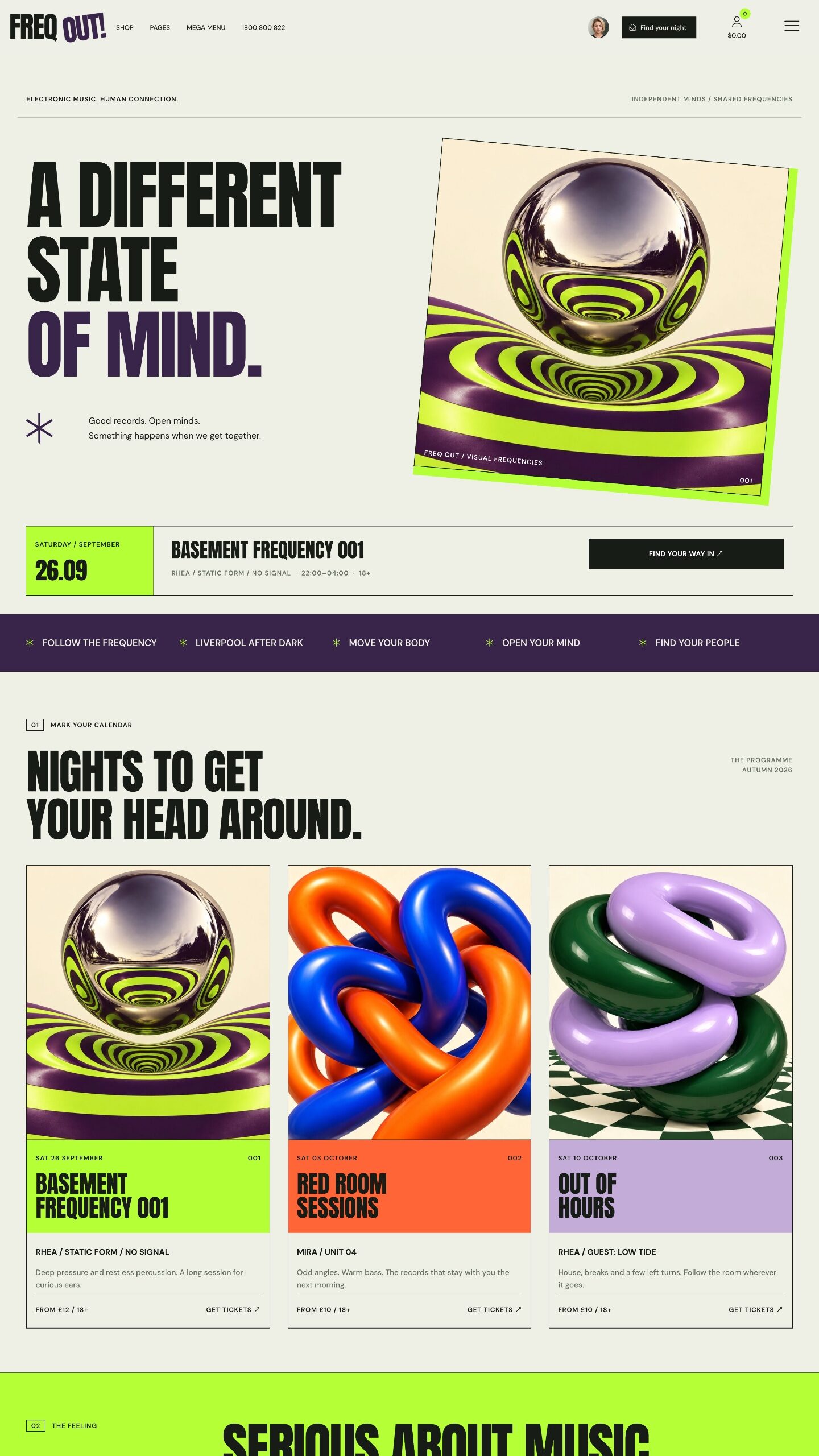
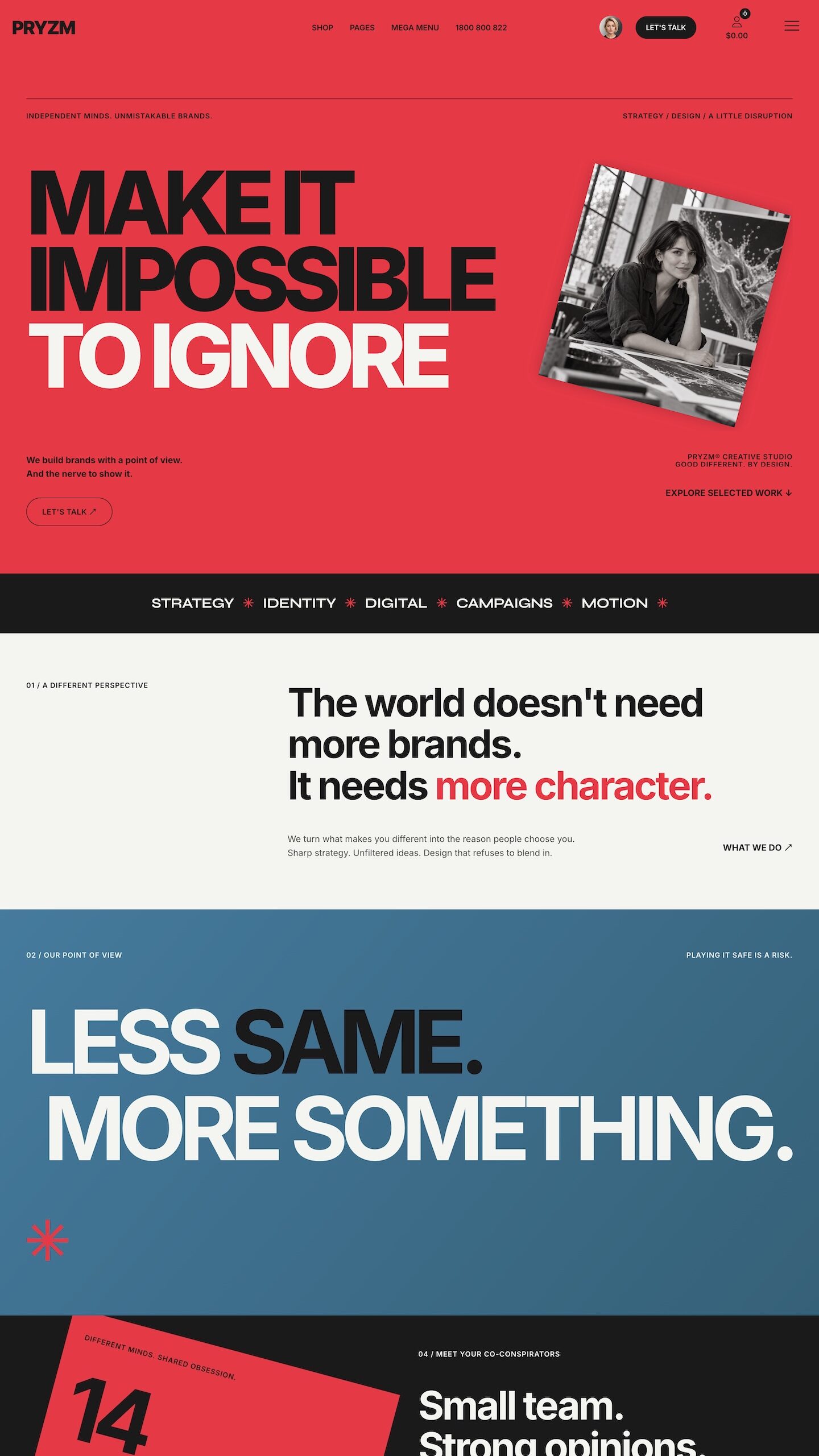
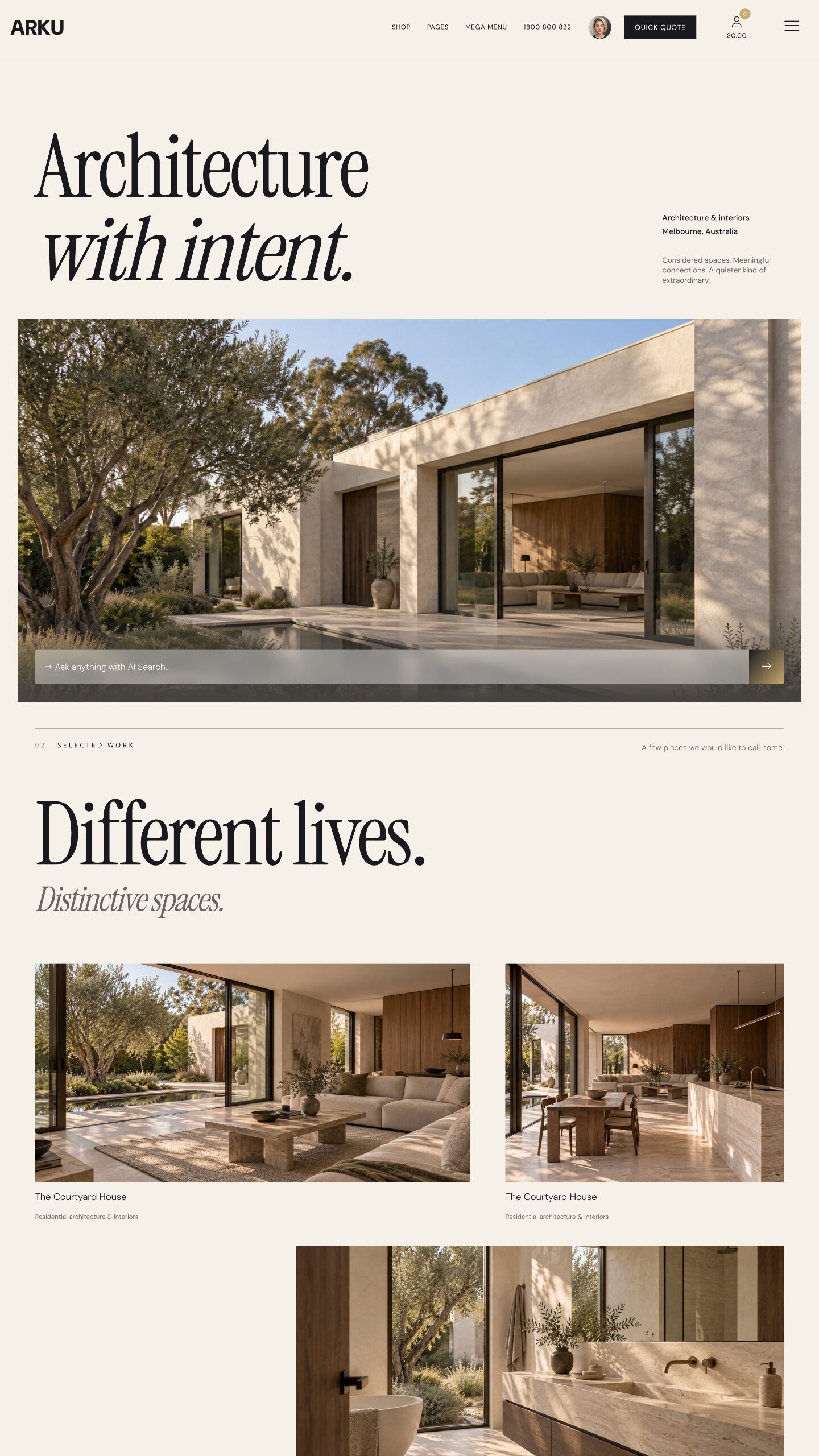
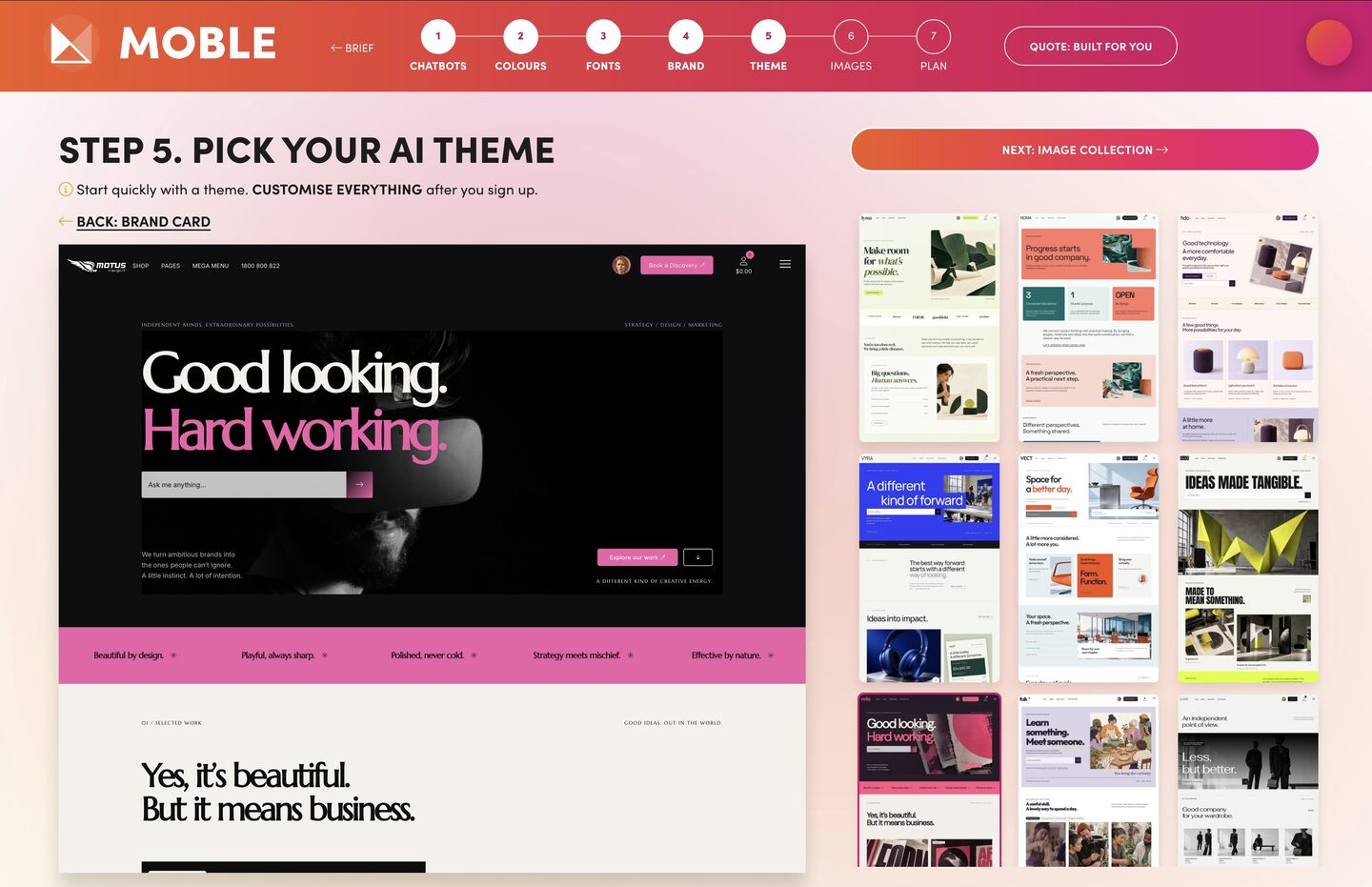
PLAY BEFORE YOU PAY VIEW YOUR BRAND ON 100 THEMES.

  SESSION 1 |   BRAND & THEME

LET AI SHOW YOU YOUR BRAND ON 100 AI DESIGNS.

Brand Agent10Mins

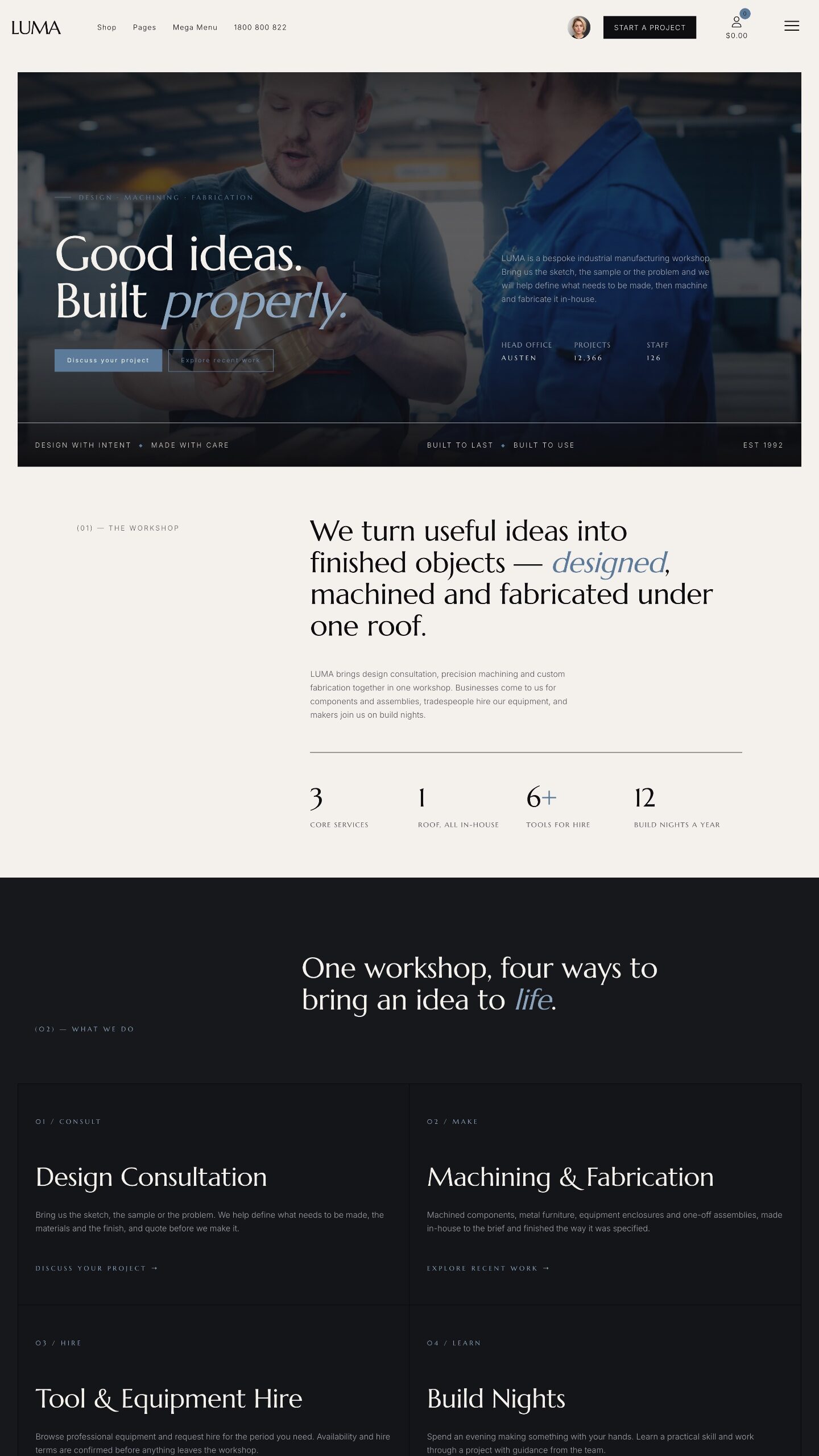
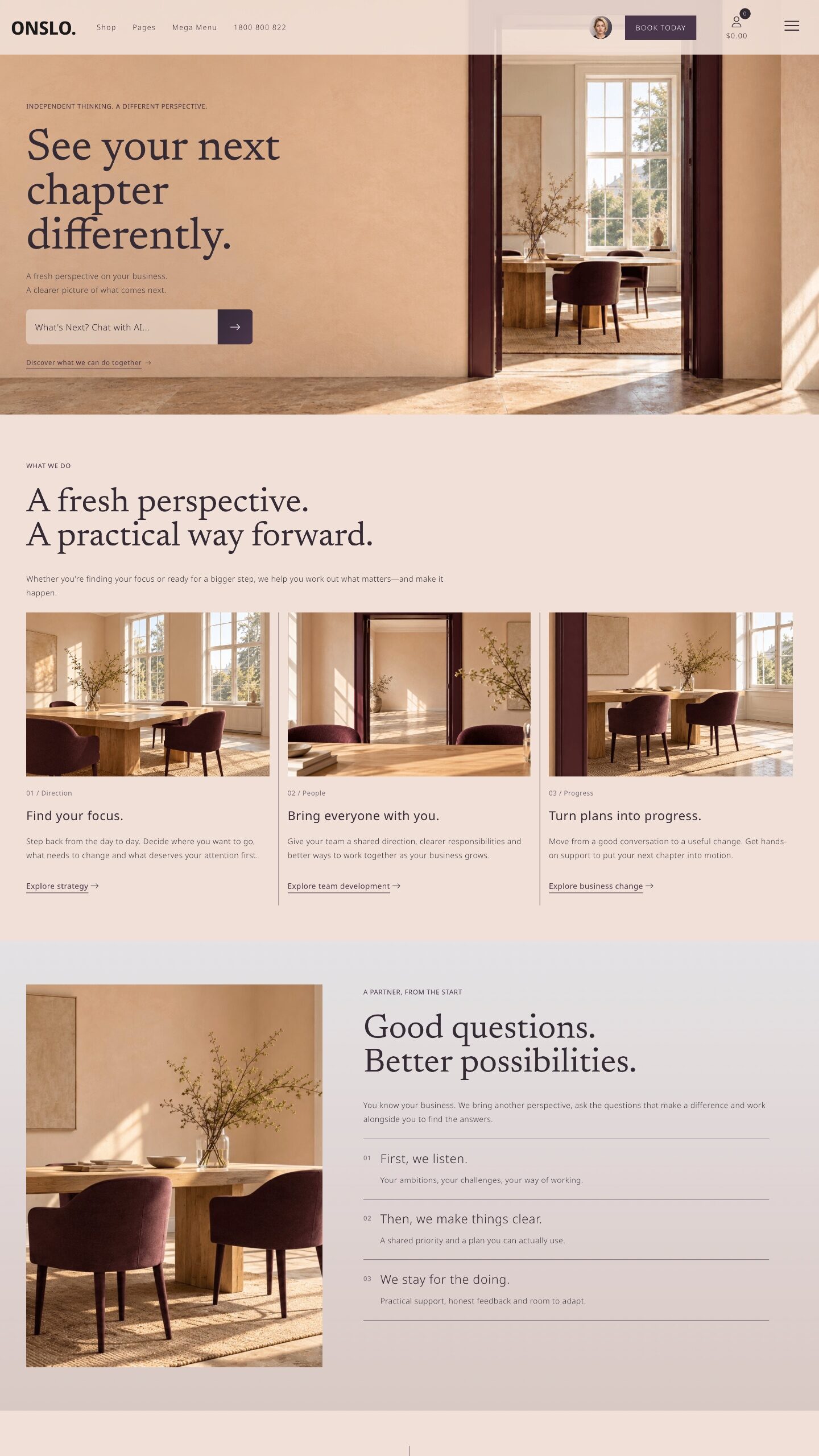
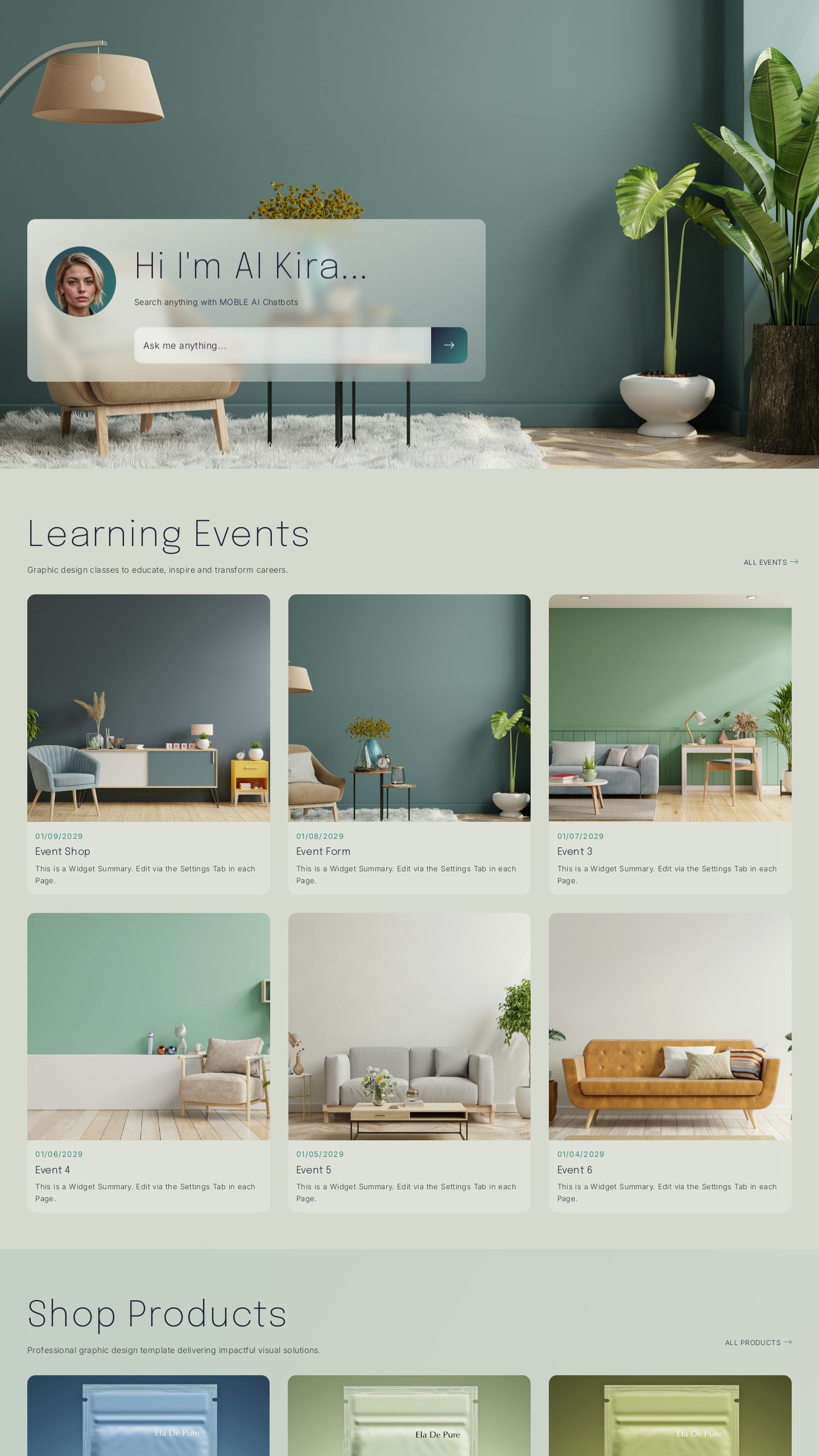
36 OF THE 100 THEMES YOU CAN VIEW YOUR BRAND ON. CUSTOMISE EVERYTHING.

Paul Davenport
WE MADE PLAY BEFORE YOU PAY TO LET CLIENTS SAMPLE SOME OF THE TOOLS

by letting AI show their brand on 100 themes... before they sign up, and go on to customise everything.”

Paul Davenport | CEO | MOBLE

  SESSION 1

Brand Session

10 MINS

EASY

BRAND AGENT

GET STARTED
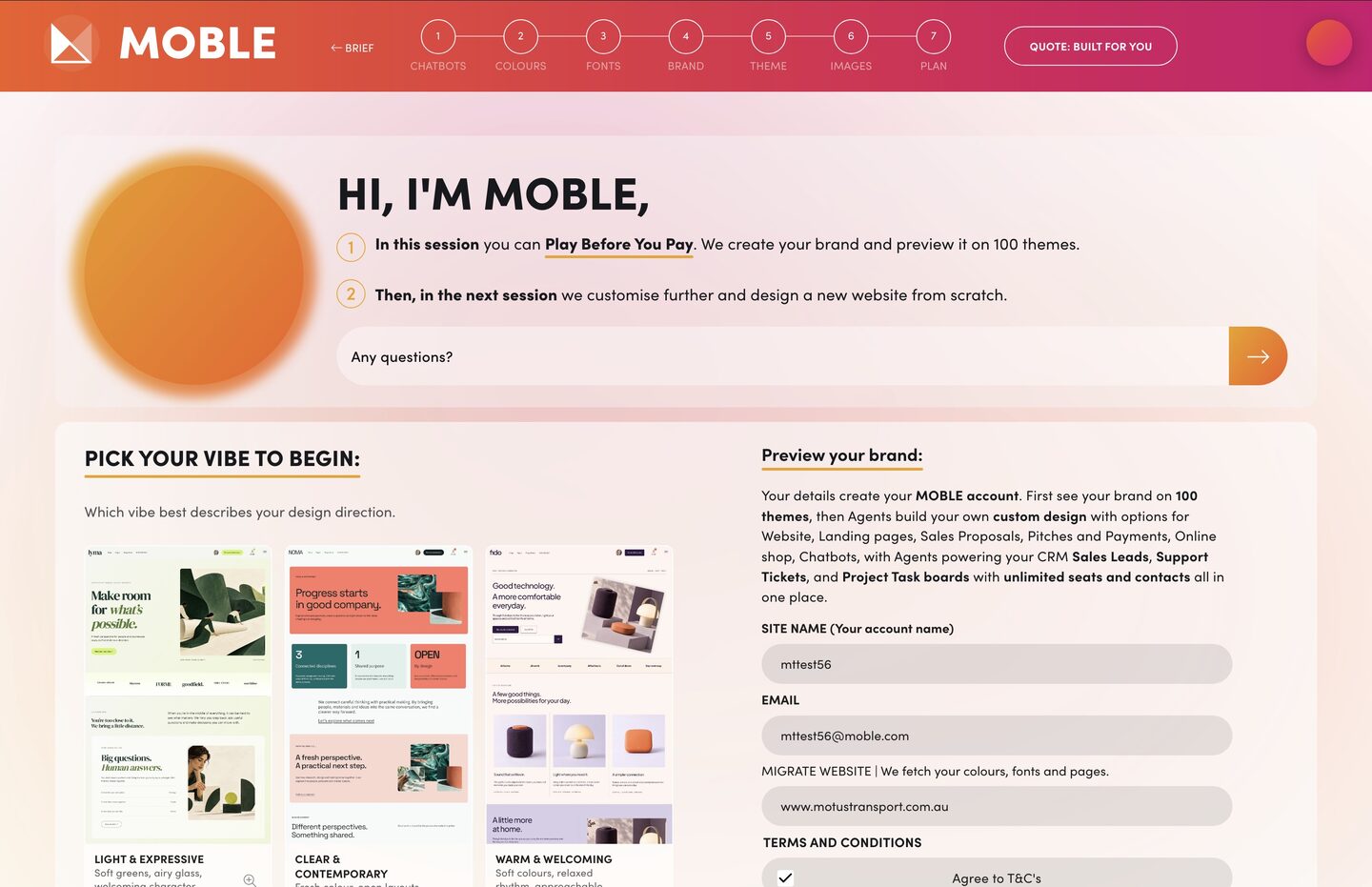
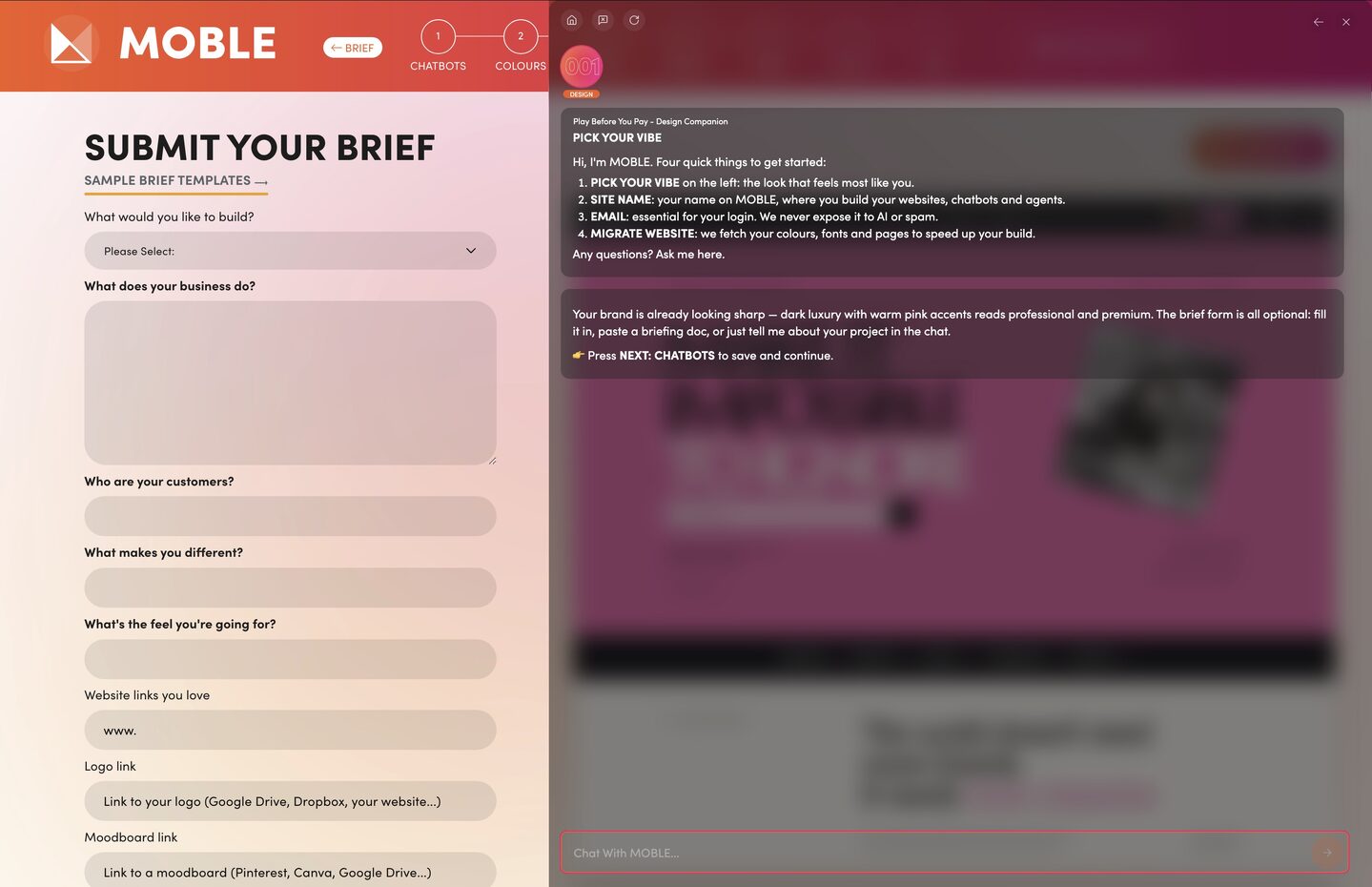
Play Before You Pay in Session 1. Fast track and steer the direction of your entire build: add your brief, view your colours and your fonts on 100 themes before you even pay a cent.

WHAT'S INCLUDED

1 Bullet

QUICK START
Brand, Brief, Knowledge Base

Choose the vibe that best describes your design direction, then add your website address. AI fetches your website content into your AI Knowledge Base, ready for the page build in Session 4 and the chatbot build in Session 5.

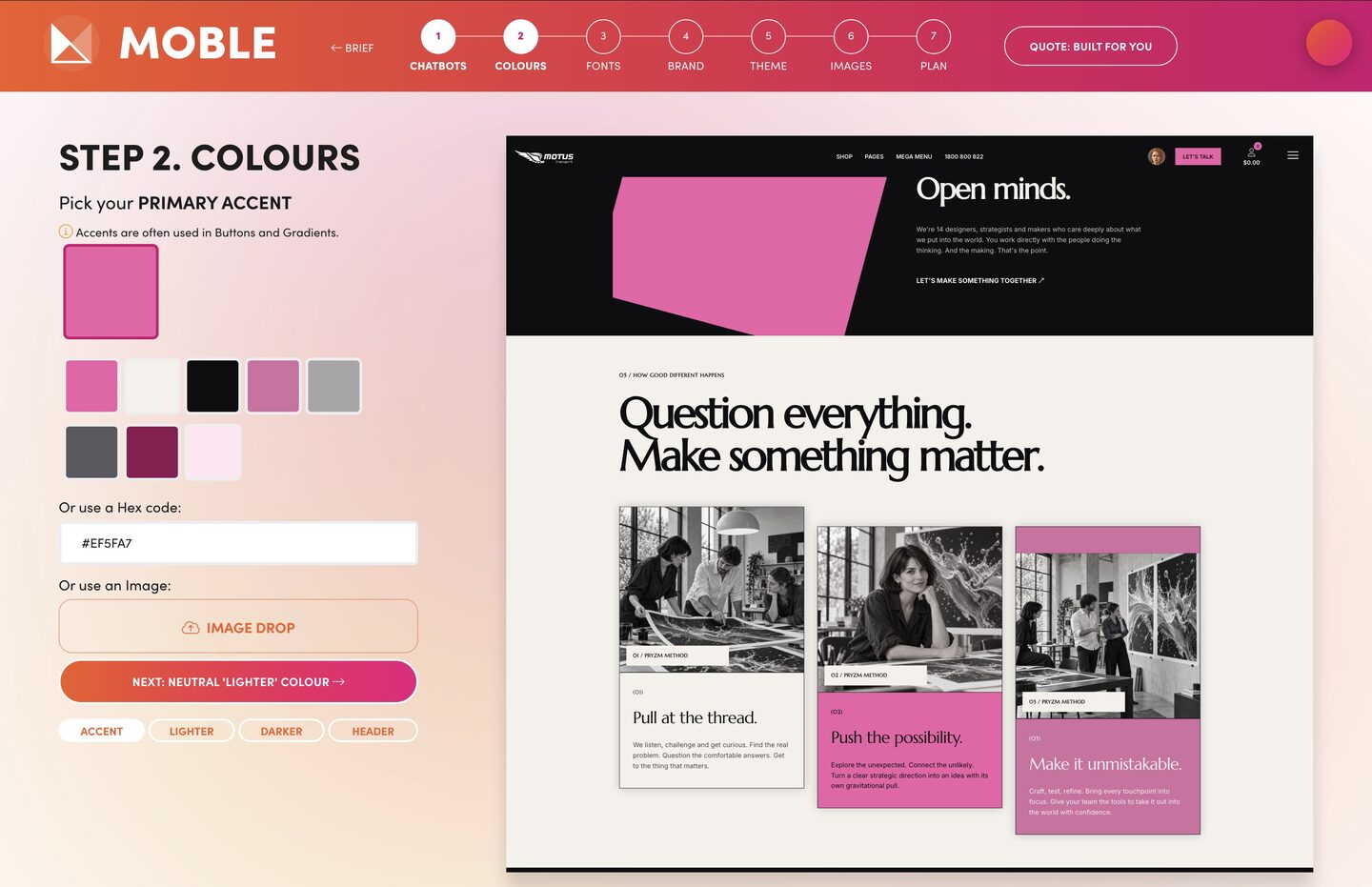
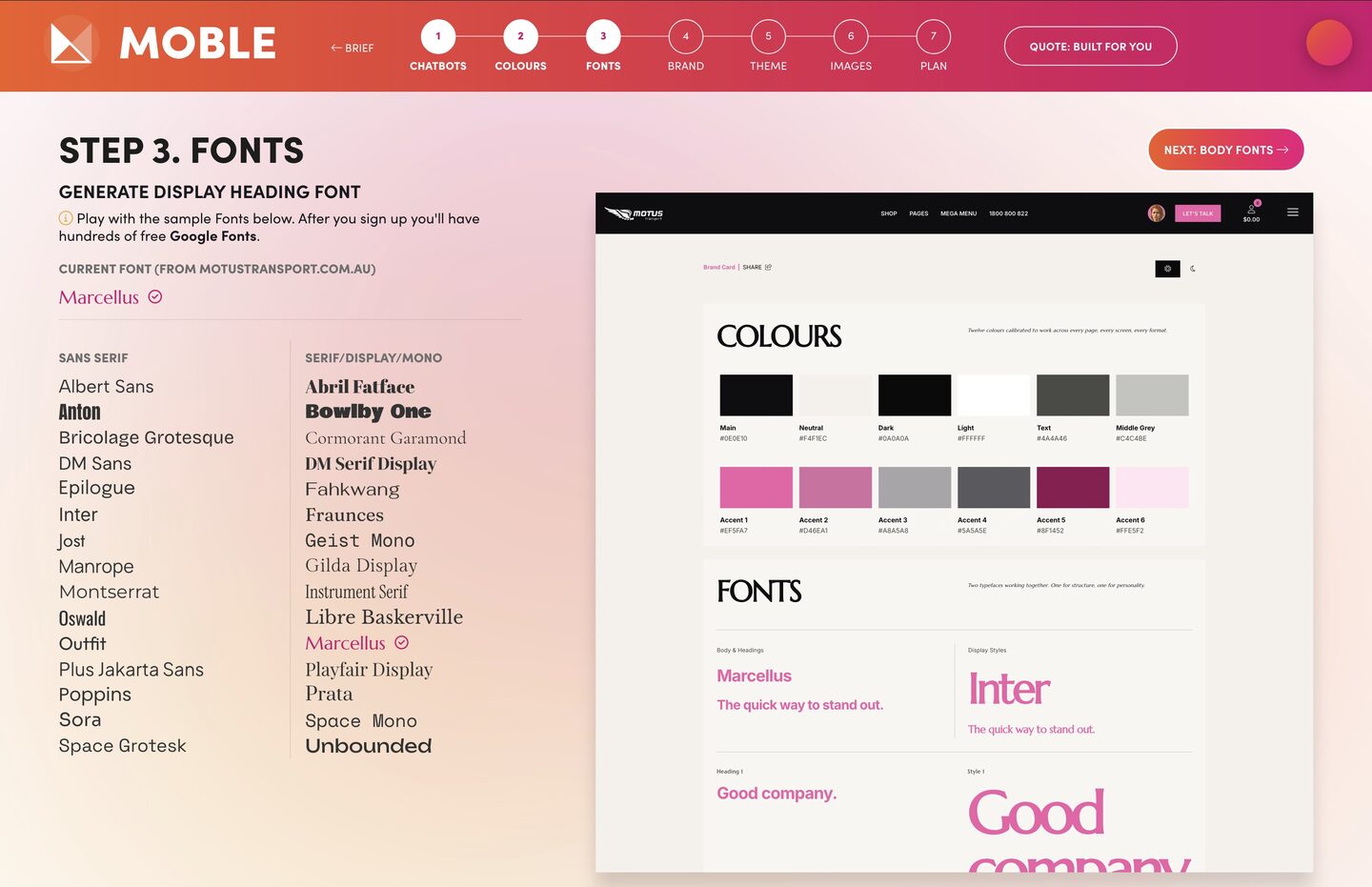
AI also fetches your logo, colours and fonts from your current website and shows them on your vibe, so you start fast.

Create your brief. Answer a few short questions with your AI Companion and add links to your logo, moodboard or briefing document, ready for your custom design in Session 2. Your theme preview is prepared and your session begins.

1 Bullet

CHATBOTS
instantly built from your KB

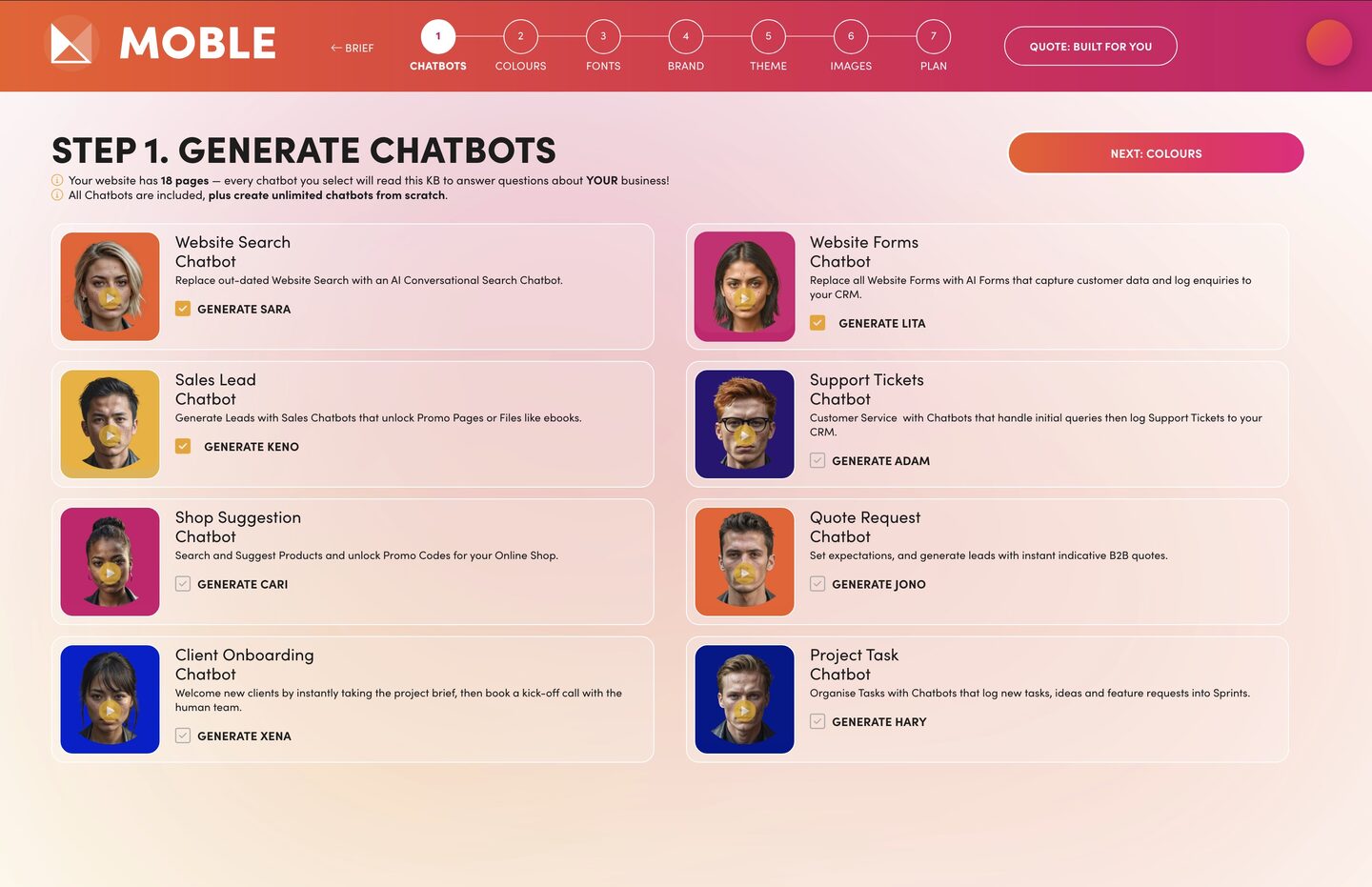
Tick the chatbots you want for your business. In Session 5 MOBLE builds them from your Knowledge Base, so they answer with your own content, not generic replies.

1 Bullet

COLOURS & FONTS
fetched from your site, confirmed on a brand card

Your Companion has already fetched your colours and fonts from your website: your swatches, and one font for headings and one for body text. Keep them, or change any of them yourself in the UI or ask the AI to do it. AI First, Human Perfect. Your Companion then confirms your brand card: your colours and fonts together on one page. Share the link with your team to confirm your brand before you go on.

1 Bullet

THEMES & IMAGES
your brand on 100 themes, find your look

With your brand confirmed, view it on 100 pre-made, award-winning themes and pick the one closest to what you want. In Session 2 we customise everything.

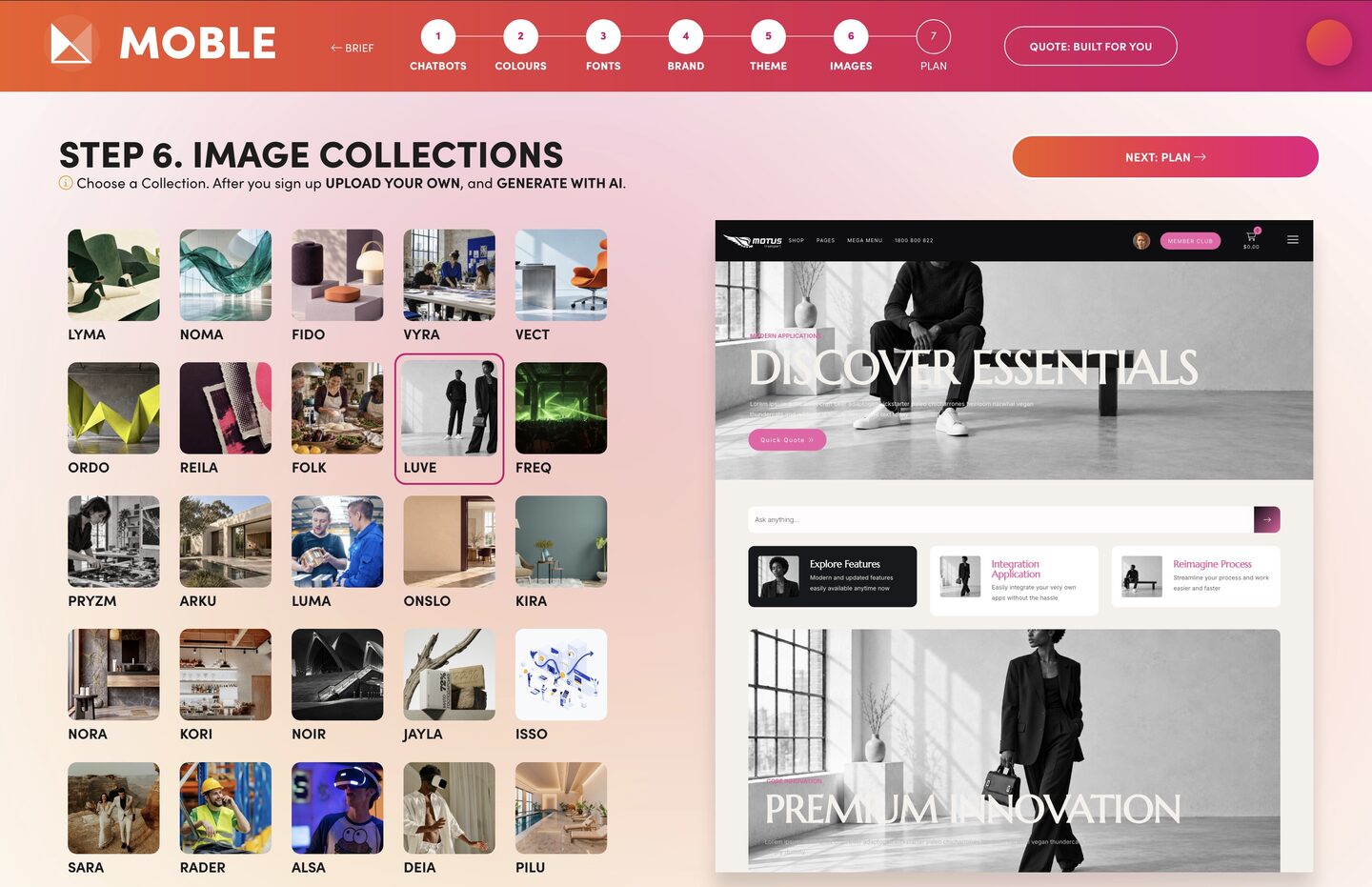
Then swap themes and image collections to find your look, before the custom design session. The collections are just there to inspire you before you sign up. After you sign up, you curate your own photo shoot style and generate AI images in a photo shoot session, with AI tokens included in your plan.

DID YOU KNOW? Your photo shoot settings are saved. When a new team member logs in to build a page, say a salesperson making a proposal, their images can be customised for their client and still stay on brand with your signed-off photo shoot settings.

1 Bullet

PLAN
AI confirms your KB size and your plan

AI tells you your plan and confirms the size of your Knowledge Base. Up to 50 pages pulled from your old website is $49 a month on the Plus Plan, and up to 500 pages is $79 a month on the Pro Plan. There is a plan for everybody. Or skip the Knowledge Base for now, pay $9 a month on the Mini Plan, and add it later.

SESSION TAKEAWAYS

Check Bullet
A hosted site
AI Web Builder, CMS & CRM
Check Bullet
A branded theme
picked from 100
Check Bullet
A brand card
to share with your team
Check Bullet
A Knowledge Base
Web pages migrated and ready to build
Play Before You Pay: see it all before you spend a cent.

NOT A DESIGNER? WASTING TIME WITH LONG AI SESSIONS?

  SESSION 2 |   CUSTOM DESIGN

DESIGNER MADE DESIGN SESSION, ALL YOU DO IS CHAT.

Design Agent20Mins

2026 AI PROJECTS

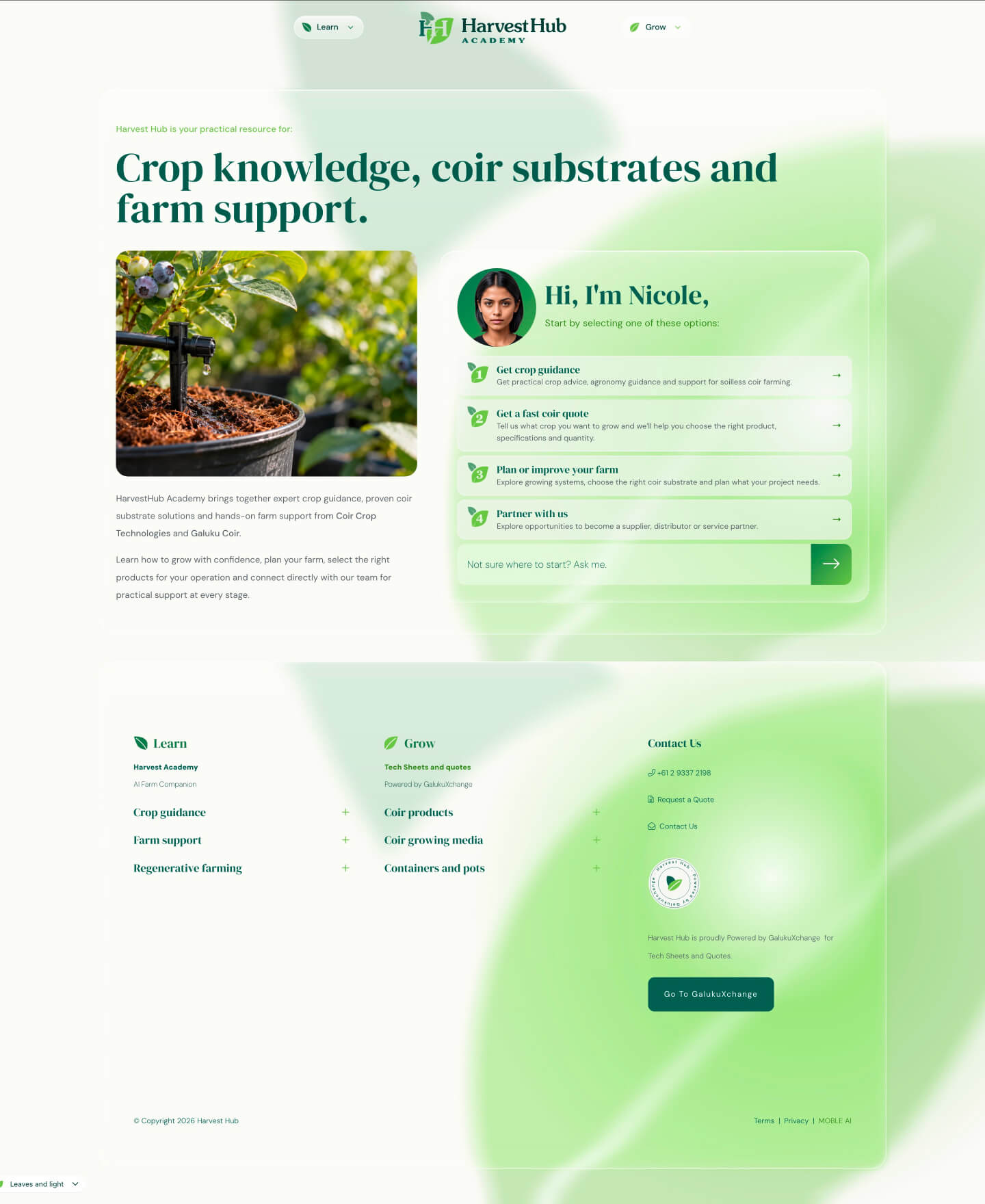
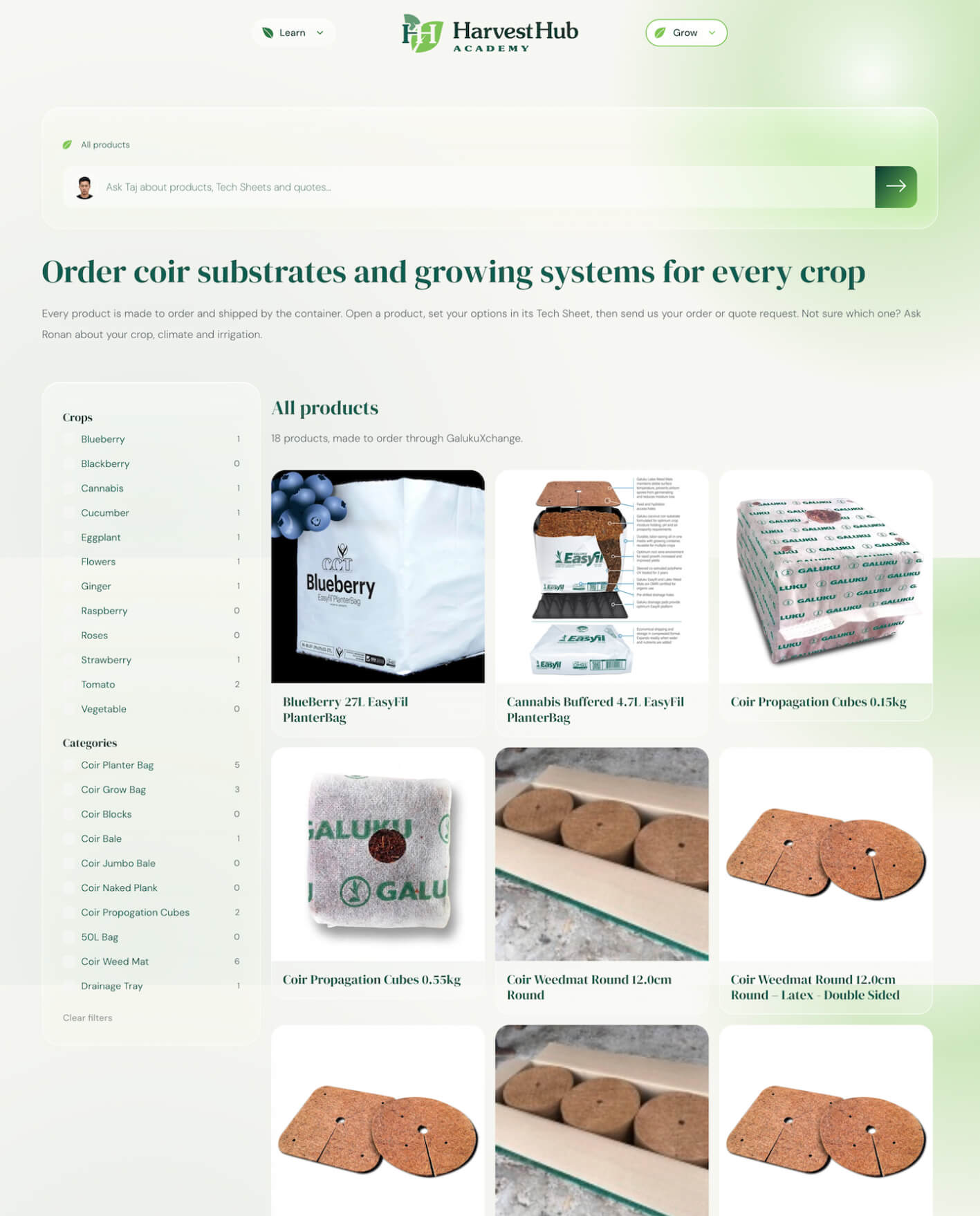
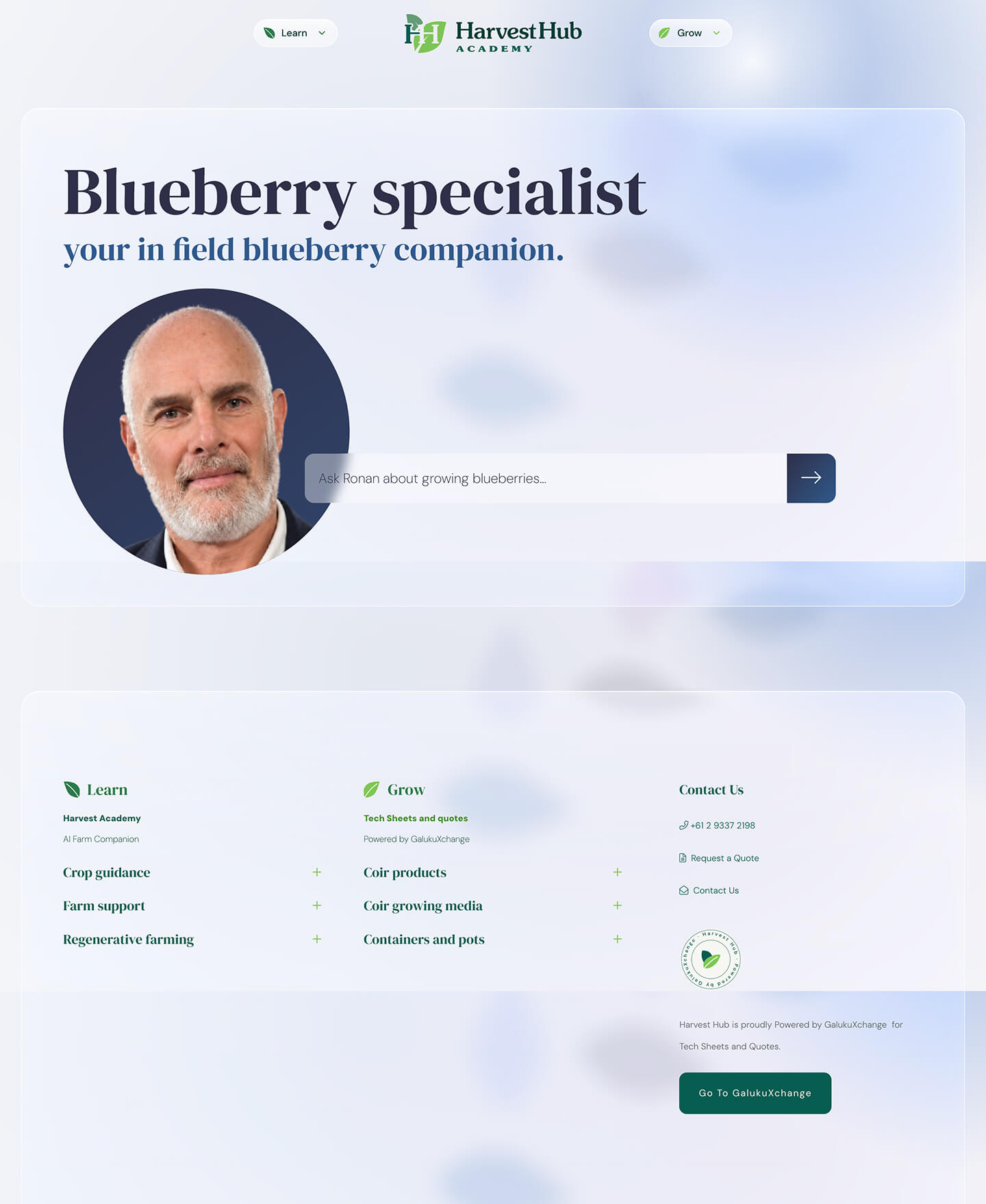
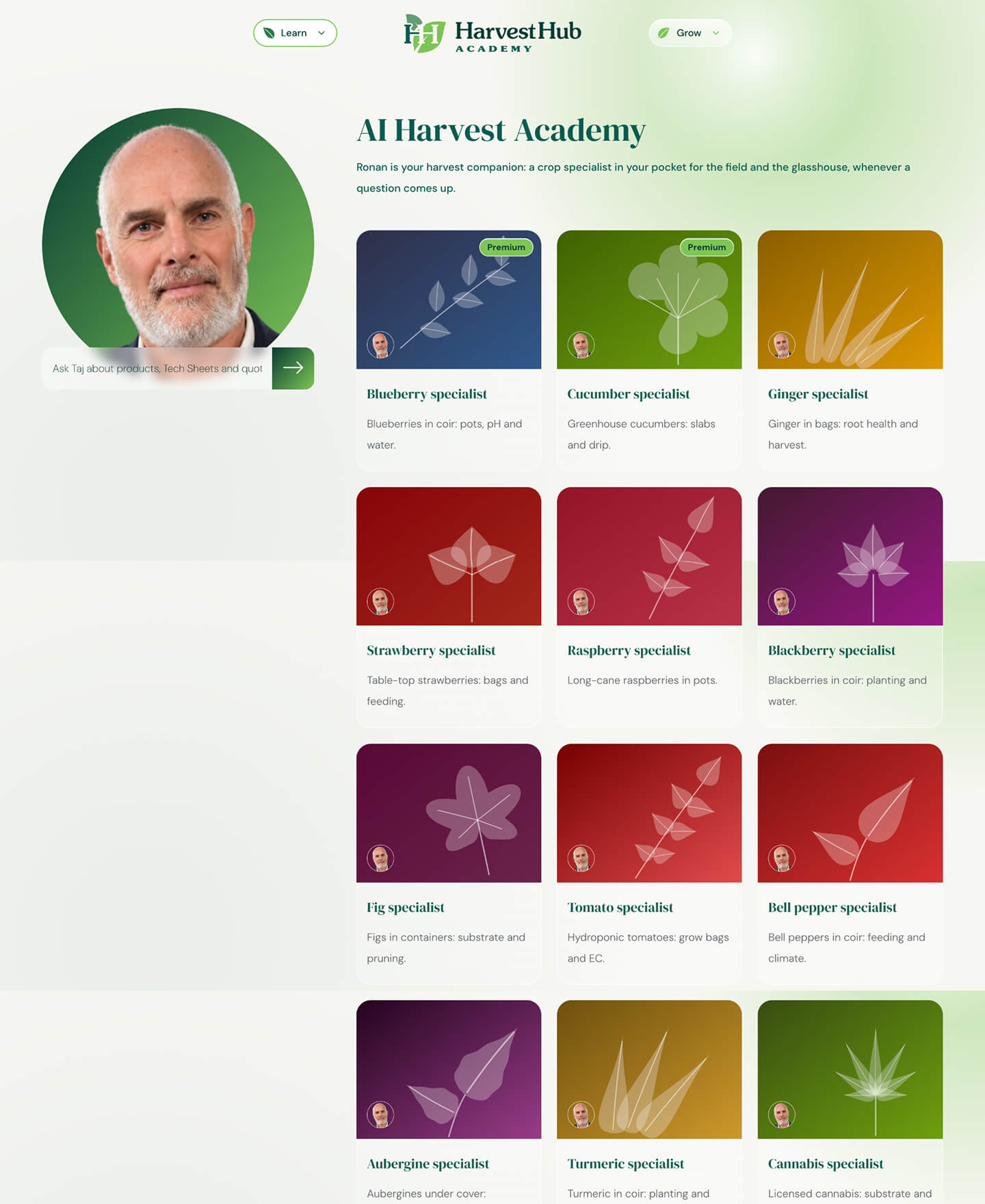
Ronan | Harvest Hub
MOBLE'S BUILT FOR YOU PRICING LET US ADOPT AI AT OUR OWN PACE.

PAUSE AND PLAY was essential to our launch. While we wrote our Knowledge Base, MOBLE built our Website, Agents, CRM, and Supply Chain Management.”

Ronan Hoyle | DIRECTOR | HARVEST HUB

  SESSION 2

Design Session

20 MINS

GUIDED

DESIGN AGENT

GET STARTED
Create your design and become a web designer in Session 2. Your AI Companion walks you through a custom home page as if you were chatting with a human designer, and your team sees the preview before anything is built.

WHAT'S INCLUDED

1 Bullet

THEME OR CUSTOM DESIGN
Enhance your theme or start from scratch

Your site is live and your brand is on it. With 15 years as a design agency in Sydney, MOBLE understands the AI design process, so this guided design session gets you where you want to be quicker. First, one decision: who sets up your sales and support, you or us. Ask MOBLE anything about the plans, choose, and we move on.

MOBLE opens with what is done, what we do now and what comes next, with three links: your theme, your design preview and your brand card. It reads back everything from Session 1: your look and theme, your fonts and colours, your business, what you want to build and the chatbots you picked, and asks at most two short questions. Then keep enhancing your theme, or start from scratch with a full redesign. MOBLE recommends one design direction for your business in plain words, with a reason; go with it, or ask for something else and MOBLE offers two more. Your design is made on the best AI model for design. When a better model comes, we flip to it, included in your monthly fee.

1 Bullet

PAGE DESIGN
Customise key layouts like home, footer, menus

Choose the top of your home page: a big photo filling the screen with your headline on top; your headline on the left with the photo behind, like a magazine cover; or split in half, photo one side and words the other.

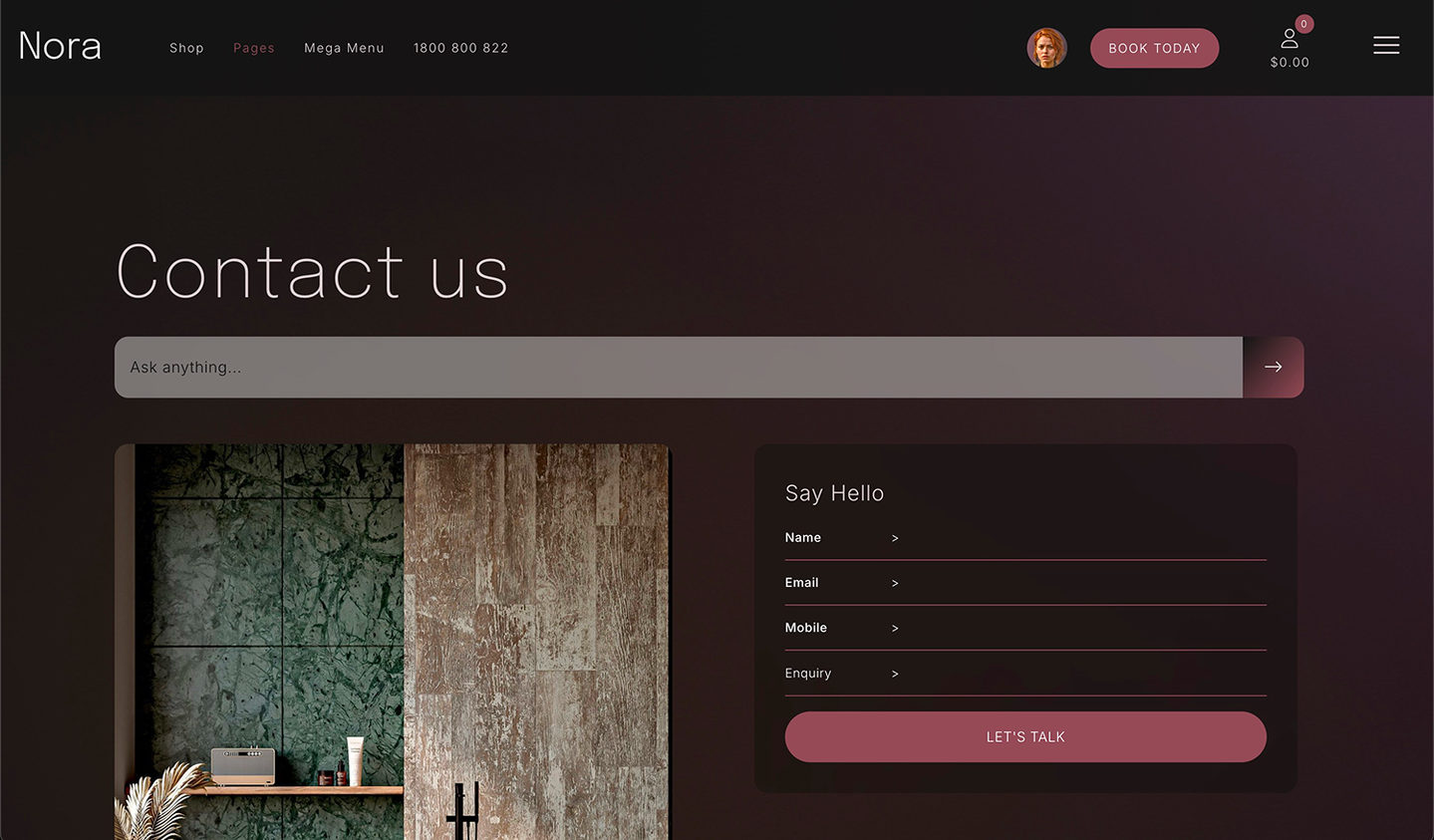
MOBLE then proposes your home page plan: four to eight sections, each in one line, built from your brief and the chatbots you picked, plus the footer, the slide-down contact panel and the full-page menu every MOBLE site has. Add, remove or reorder anything, or say "go". Two quick questions for the build, asked once: a slide-down contact form when visitors click your buttons, and a custom full-screen menu or the standard navigation.

1 Bullet

PREVIEW
Iterate layouts, a link after every step

MOBLE designs your banner first, in about two minutes, and shows it on your design preview page, on your own site, for your OK. Then the rest of the page in short steps of about three minutes, two or three sections at a time, with a link after every step. Change only what you ask for. "Stop" means stop.

1 Bullet

SIGN OFF
Share with your team, then sign it off

Scroll through the full page. Share your preview with your team, send back their feedback, and sign the design off when it is right. Reviews, products and galleries show sample content for now; on your live site they become widgets that update themselves. Your chatbots are placed when we build.

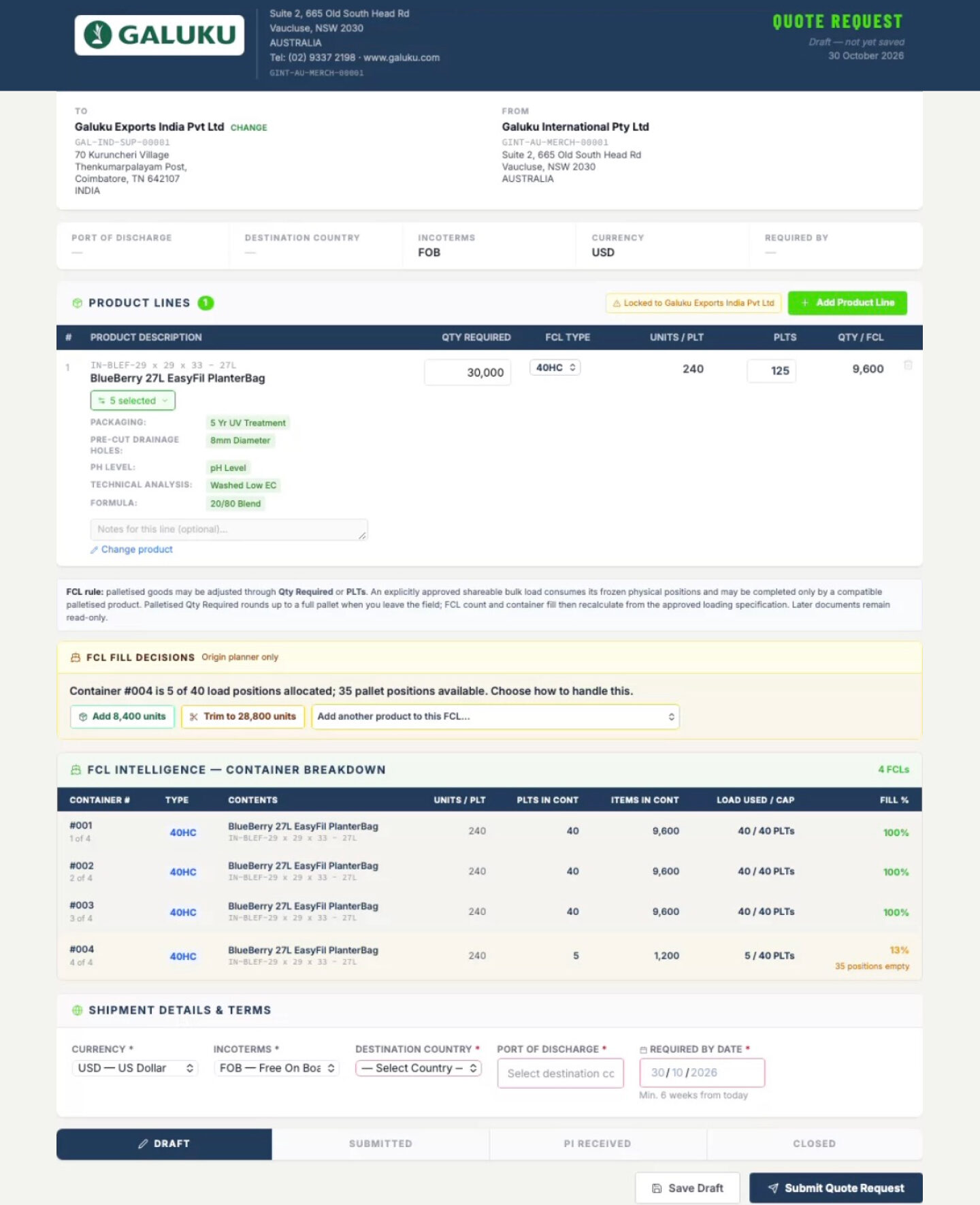
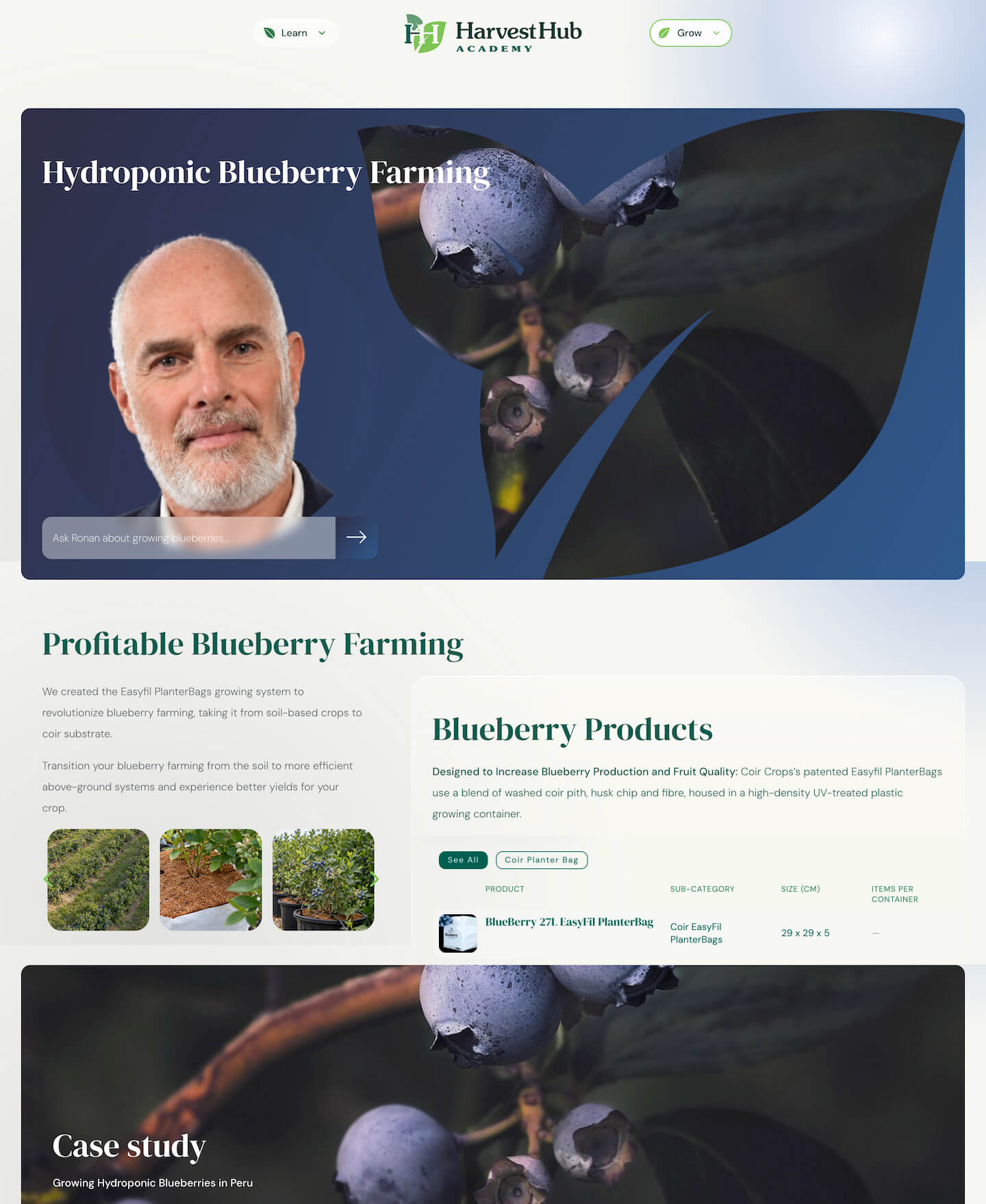
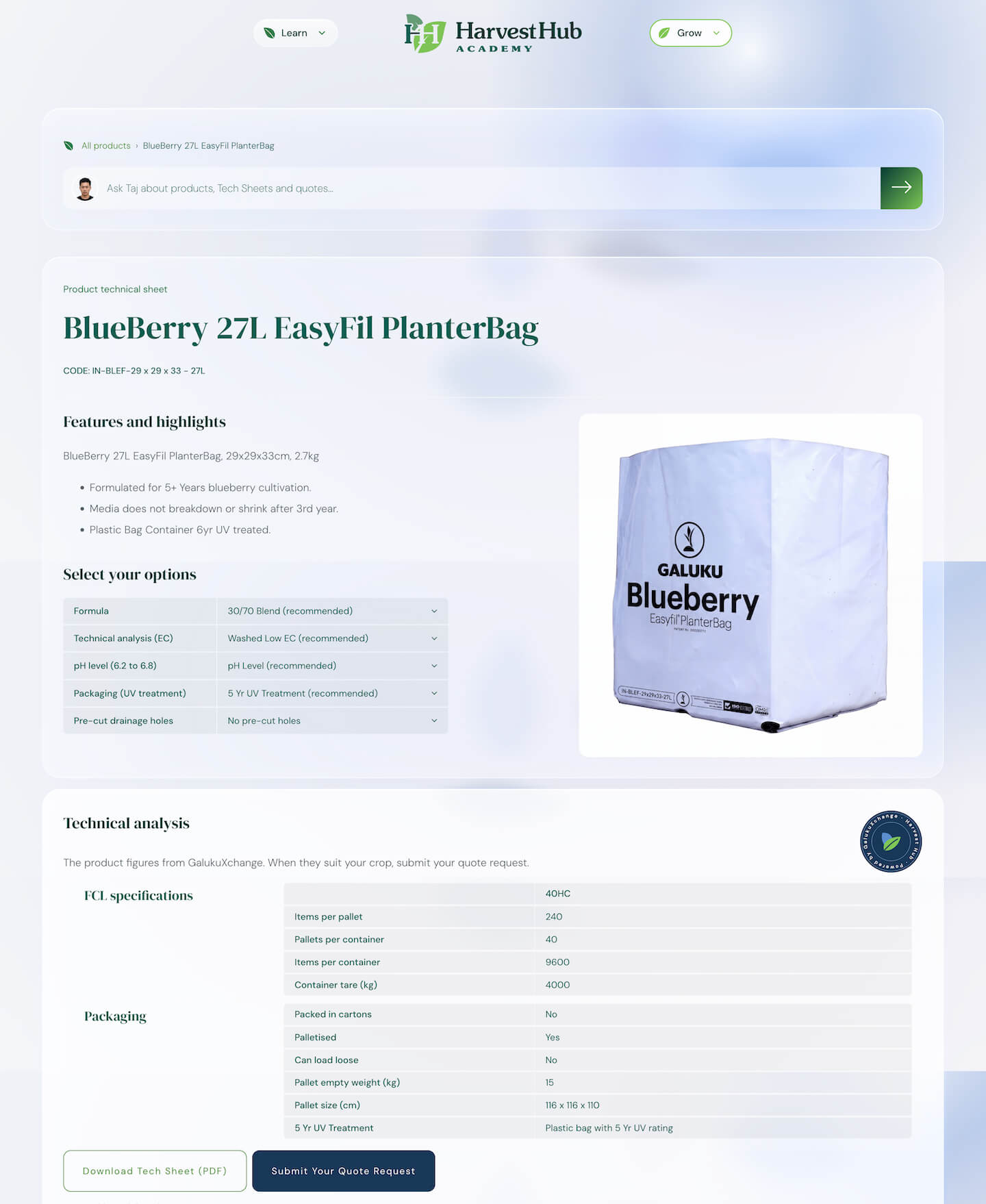
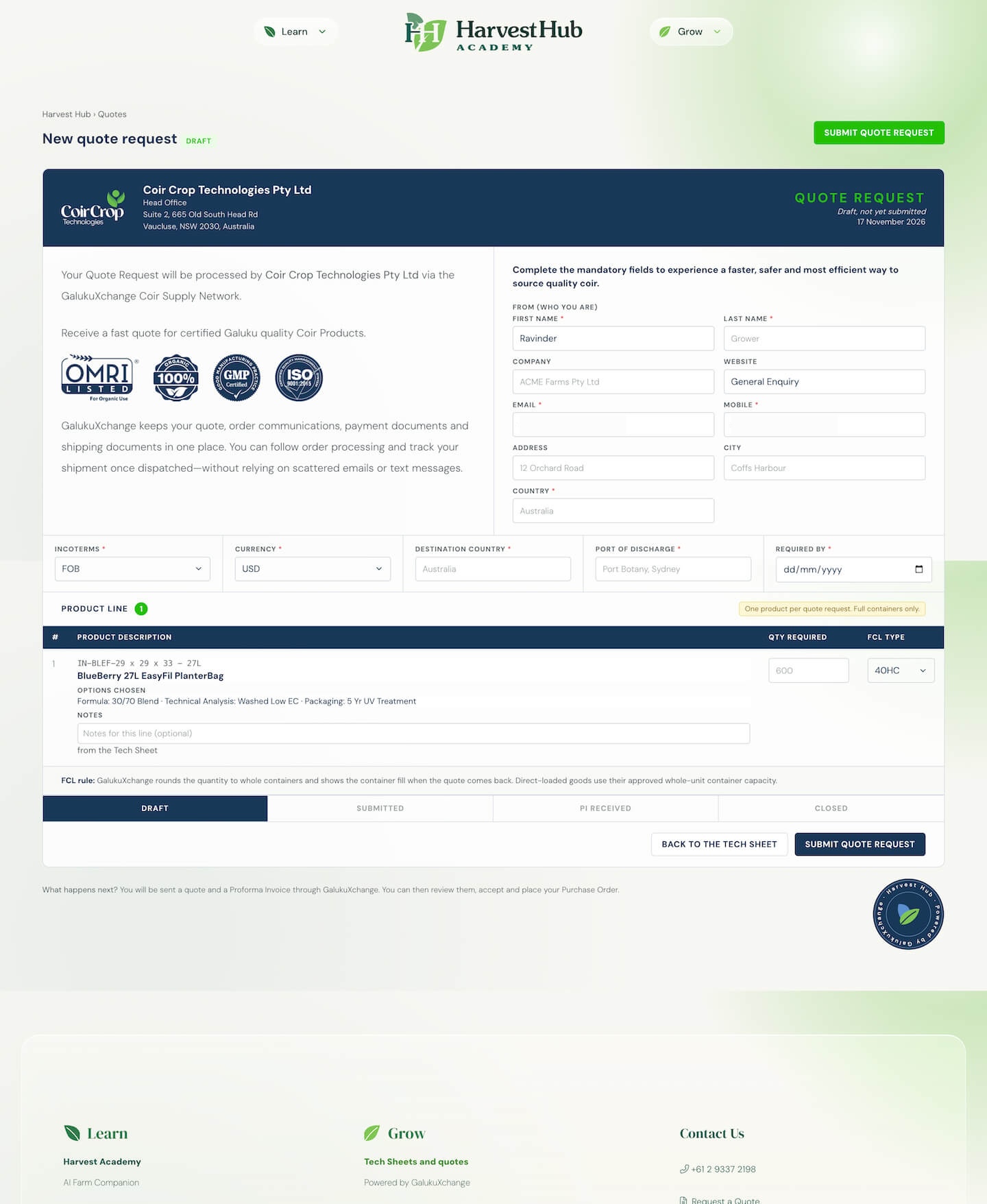
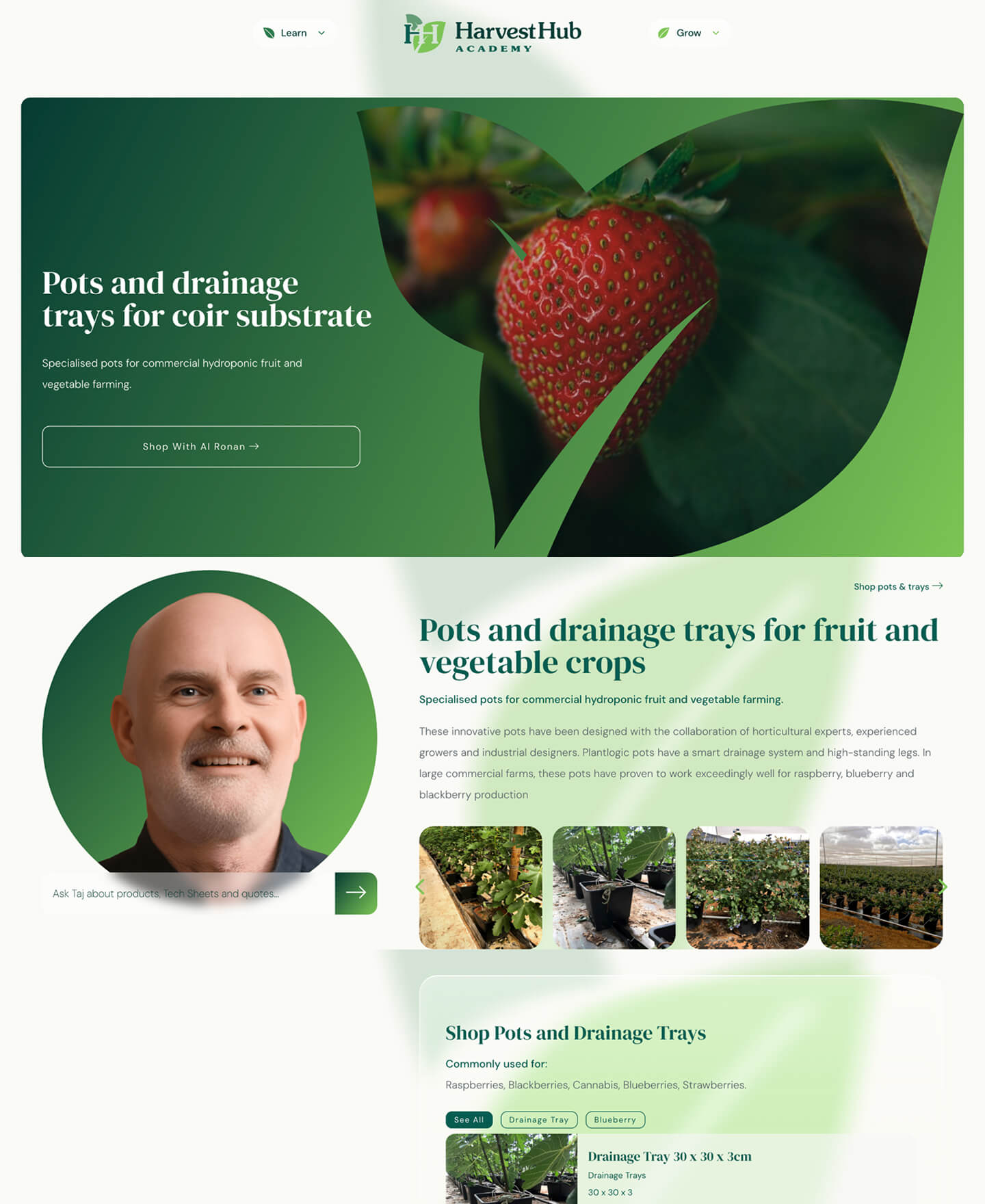
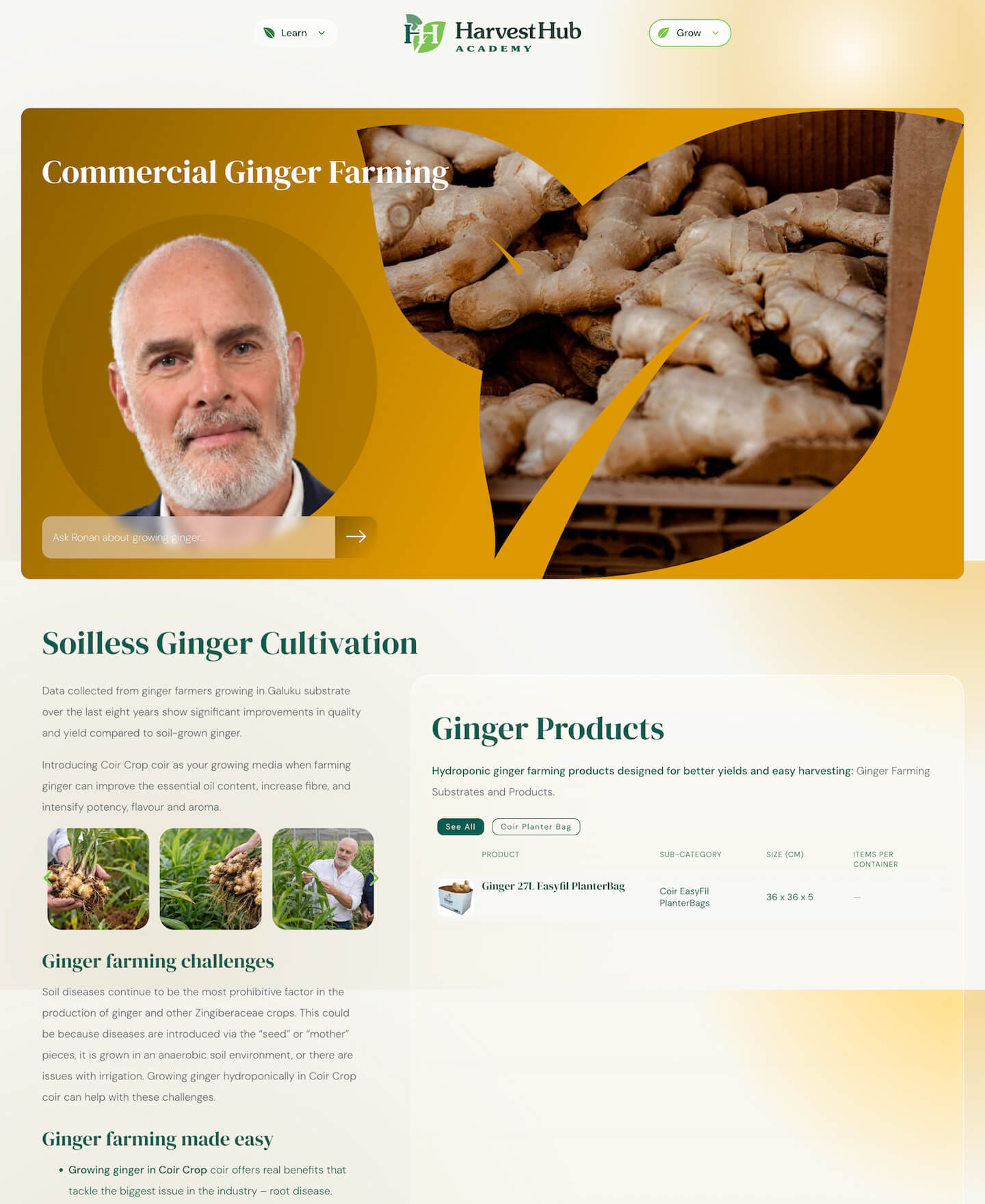
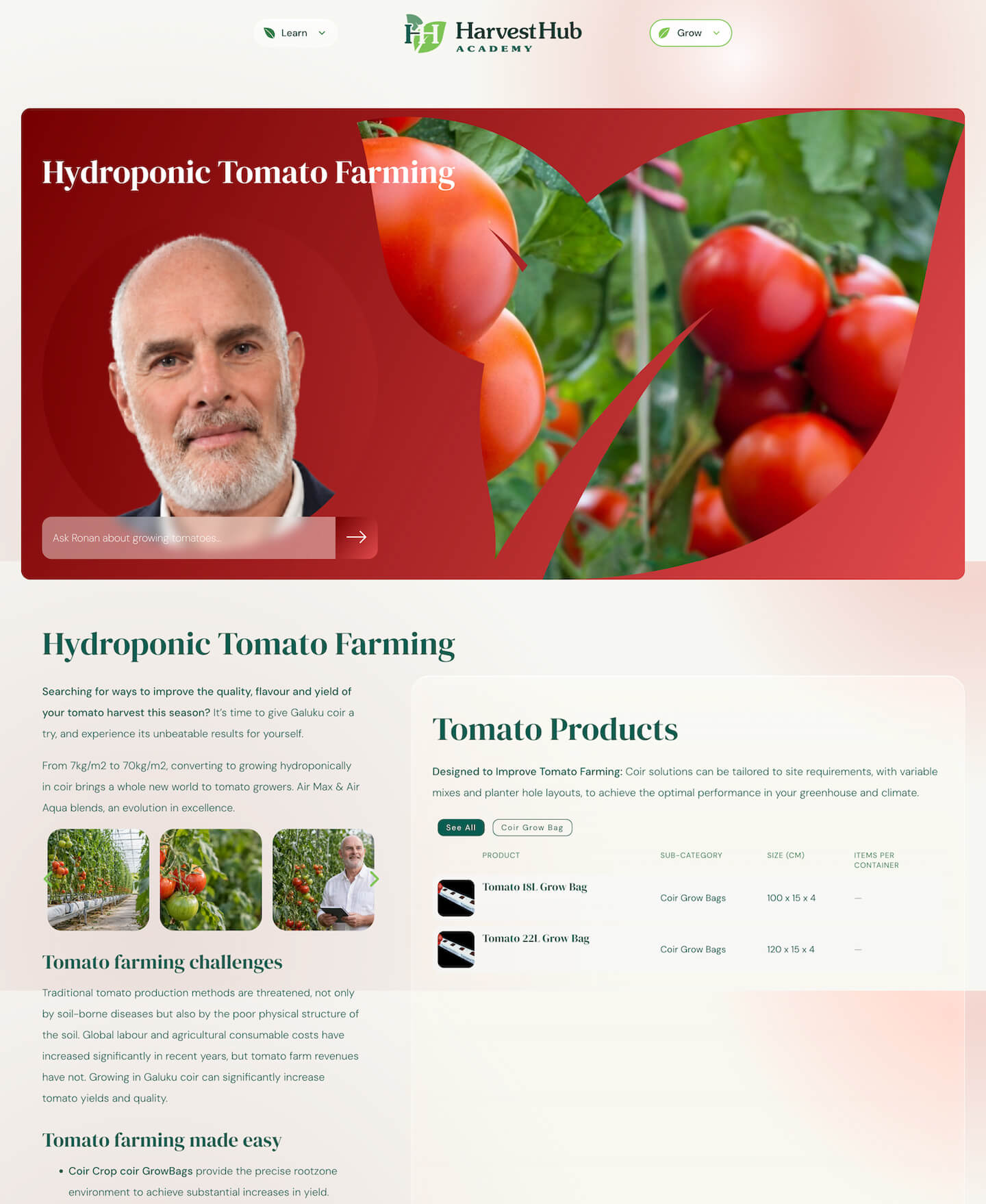
THE GALUKU AI STORY.  Galuku's founder designed Harvest Hub himself with MOBLE's AI design agents, then MOBLE's team turned that design into a working platform for commercial growers.

1 Bullet

DESIGNED WITH AI
The client's own page designs and user journey, signed off before anything was built.

1 Bullet

BUILT FOR YOU
MOBLE's team turned the design into real layouts, crop pages and Tech Sheets.

1 Bullet

12 AI CROP SPECIALISTS
One for each crop, answering growers' questions on the page.

1 Bullet

A QUOTE REQUEST THAT WORKS
18 Tech Sheets feed a quote request that lands on the Leads board.

1 Bullet

AGENTS AND AI TOGETHER
Leads, Support Ticket and Task agents, with the client's own AI connected to the MOBLE Tasks board.

SESSION TAKEAWAYS

Check Bullet
A custom home page
design, signed off
Check Bullet
Your colours and fonts,
on your own site
Check Bullet
Your team's feedback,
built in
Check Bullet
Your design saved,
ready for the build
No subscription on every platform: the best model, included.

SIGN OFF DESIGNS TO AI MEMORY. HANDOVER TO YOUR TEAM.

  SESSION 3 |   CODE LAYOUTS

KEEP YOUR TEAM ON BRAND WITH AI MEMORY.

Code Layouts20Mins

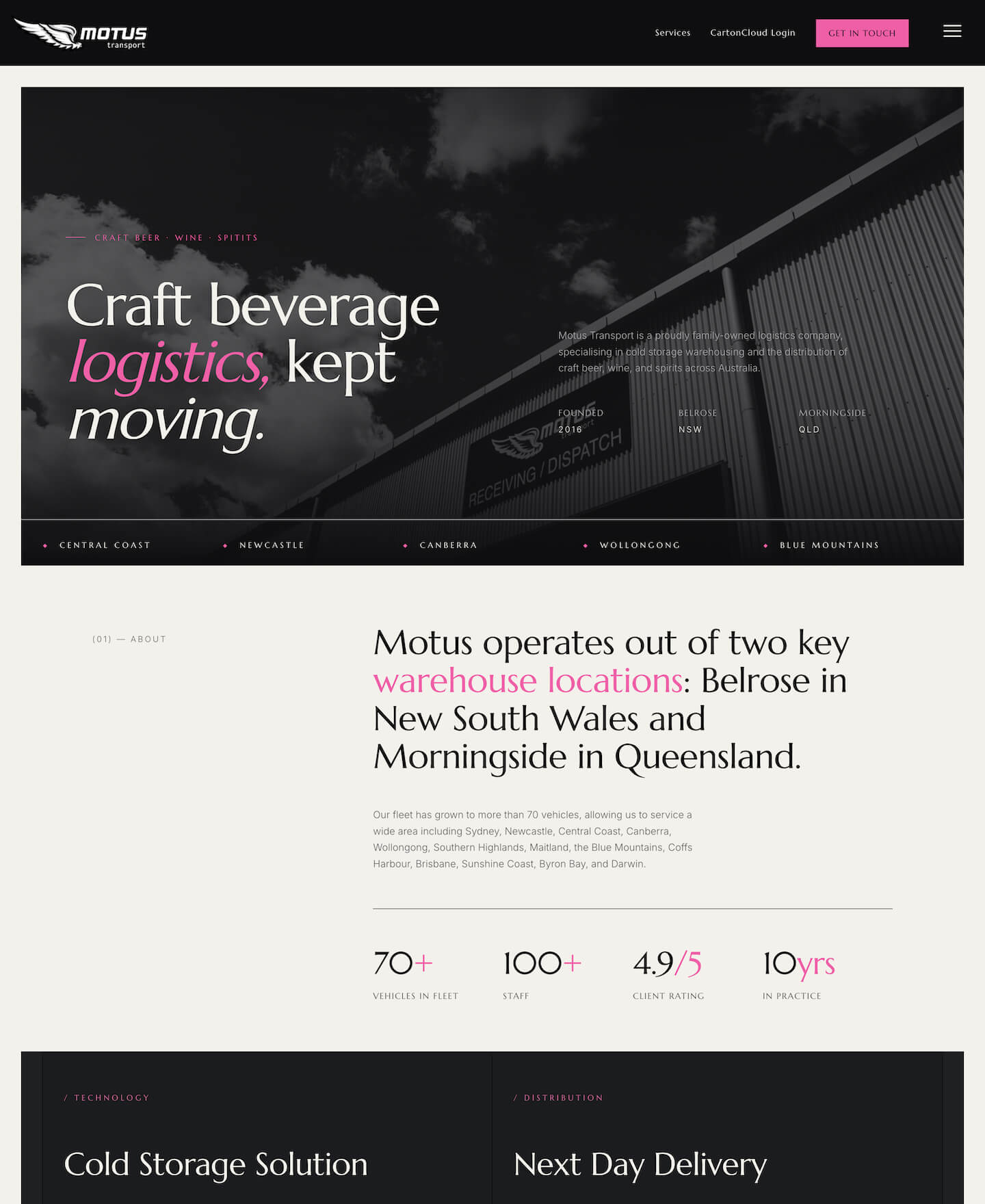
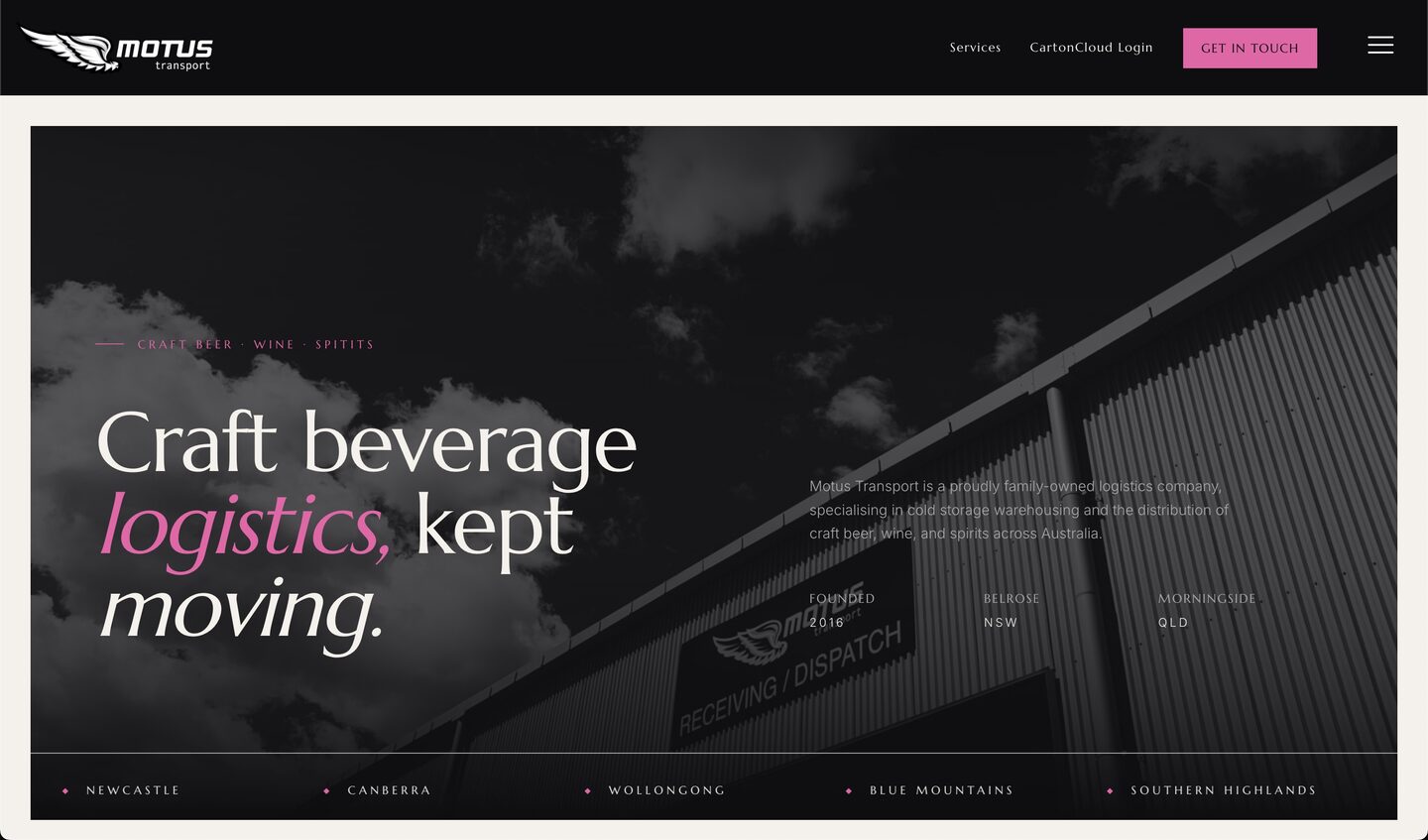
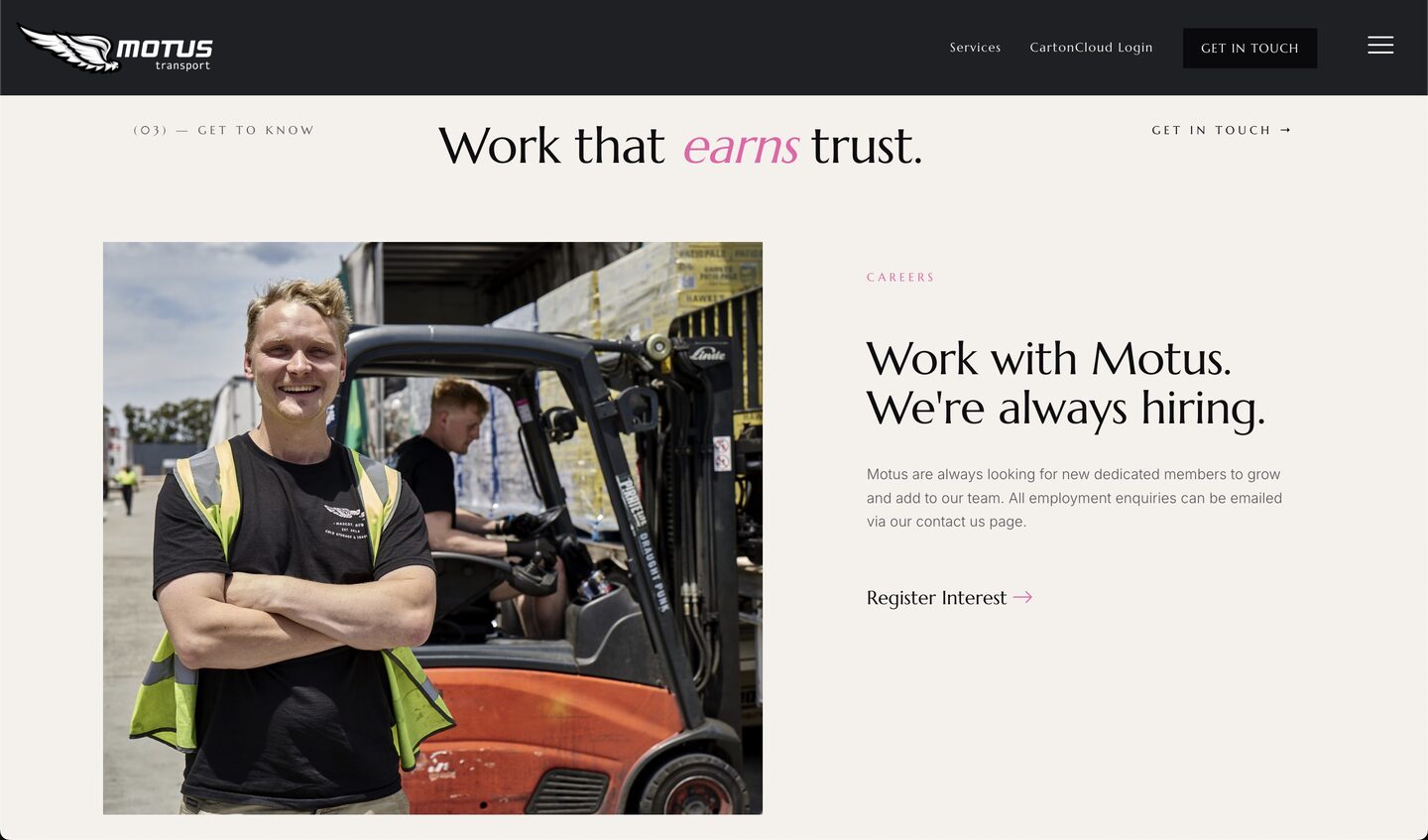
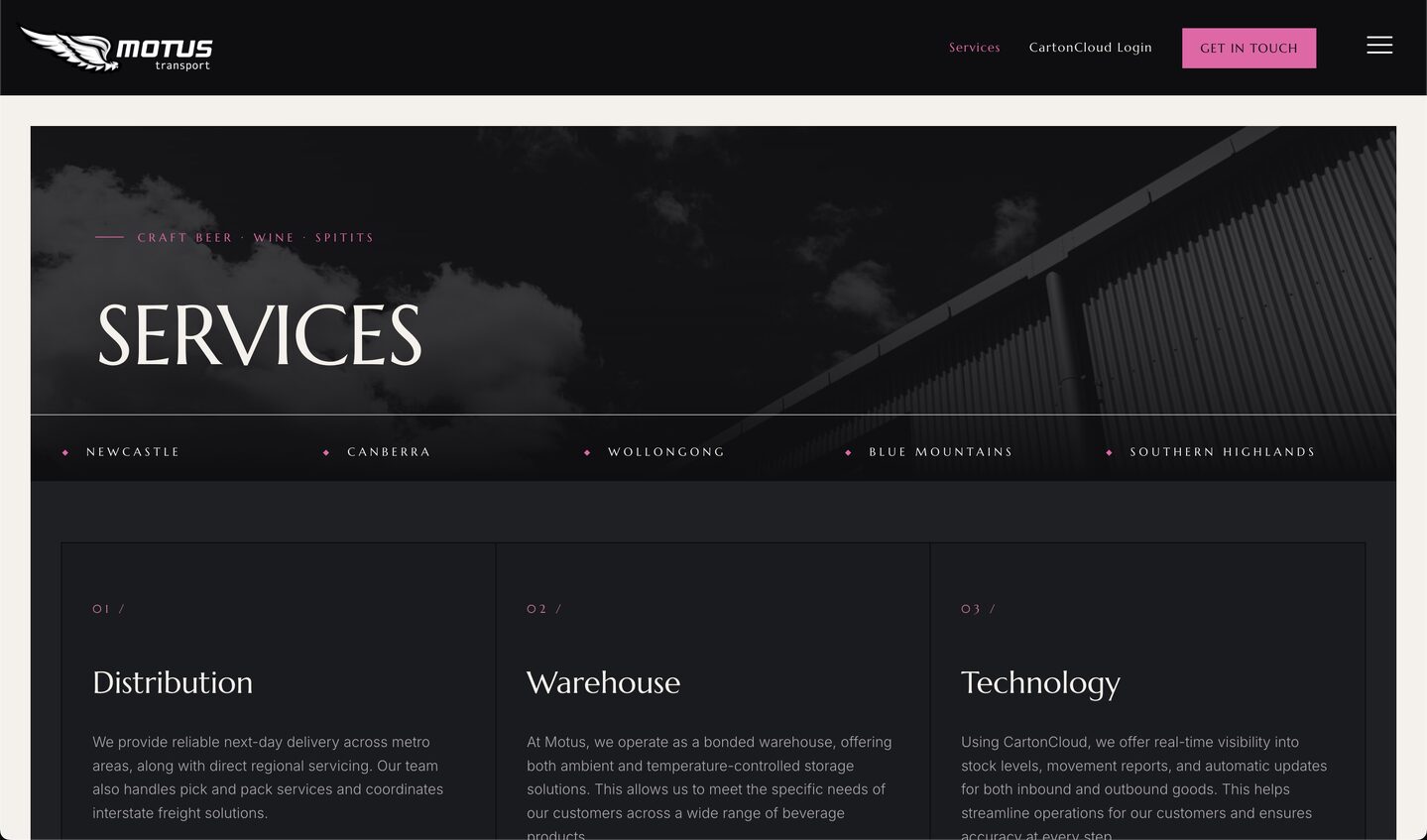
Ben Phillips | Motus Transport

The OLD MOBLE CMS was great for our staff, but they had to relearn editing between drinks. Now with the NEW HEADLESS MOBLE AI when they want to update schedules, prices & pages

THEY JUST GET AI TO DO IT, EITHER IN MOBLE OR VIA CLAUDE.”
Ben Phillips | OPERATIONS | MOTUS TRANSPORT

  SESSION 3

Build Session

20 MINS

EASY

CODE LAYOUTS

GET STARTED
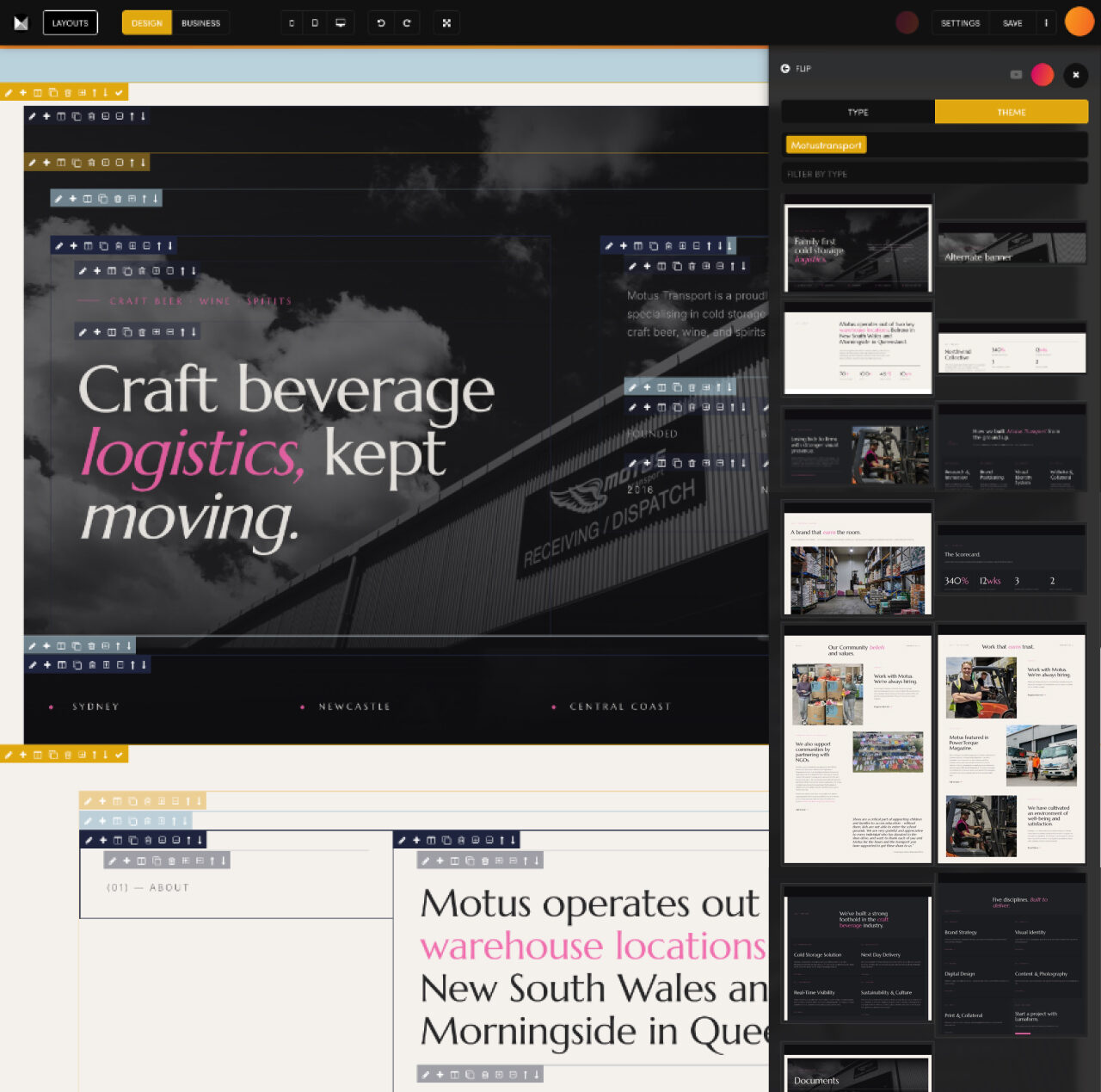
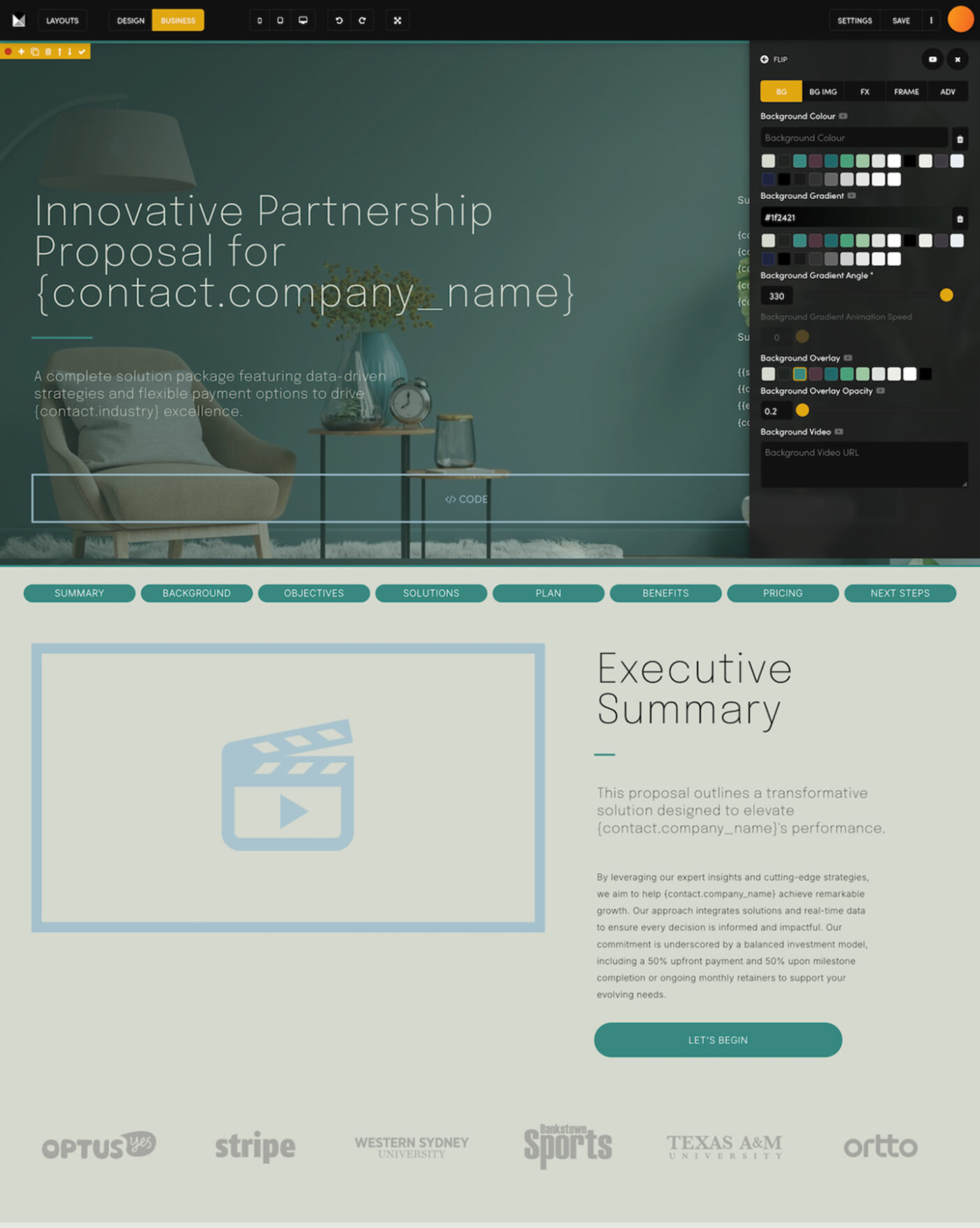
Code your signed-off design for MOBLE in Session 3. Every layout is locked into your AI memory as the base for everything your team builds next, and you keep editing in the Page Editor: AI First, Human Perfect.

WHAT'S INCLUDED

1 Bullet

CODE BATCHES
Three layouts at a time, pushed live

You arrive from Session 2 with your design signed off, so there is nothing to answer. MOBLE codes it into your site as real MOBLE layouts, the kind you can edit yourself, in about 20 to 30 minutes, three layouts at a time, pushing each batch live with a plain progress line, so you can watch your page appear as it is built. One thing: please don't open the page editor until it is done.

When the last batch is in, MOBLE puts the sections in your design's order and one link makes a picture of every layout. Then open the editor once, tick each widget and chatbot block, press Save. A one-time step.

1 Bullet

LAYOUTS MEMORY
Saved to drag, locked in for the AI

Every layout is saved to your Layouts Drawer: drag and drop any of them onto any page later, no AI needed. The same layouts are locked into your AI memory, so MOBLE's agents start from your signed-off design, not from scratch, for every future page, proposal, pitch, presentation, landing page and campaign. No more burning tokens.

1 Bullet

PAGE EDITOR
Click in the UI, or type to the AI

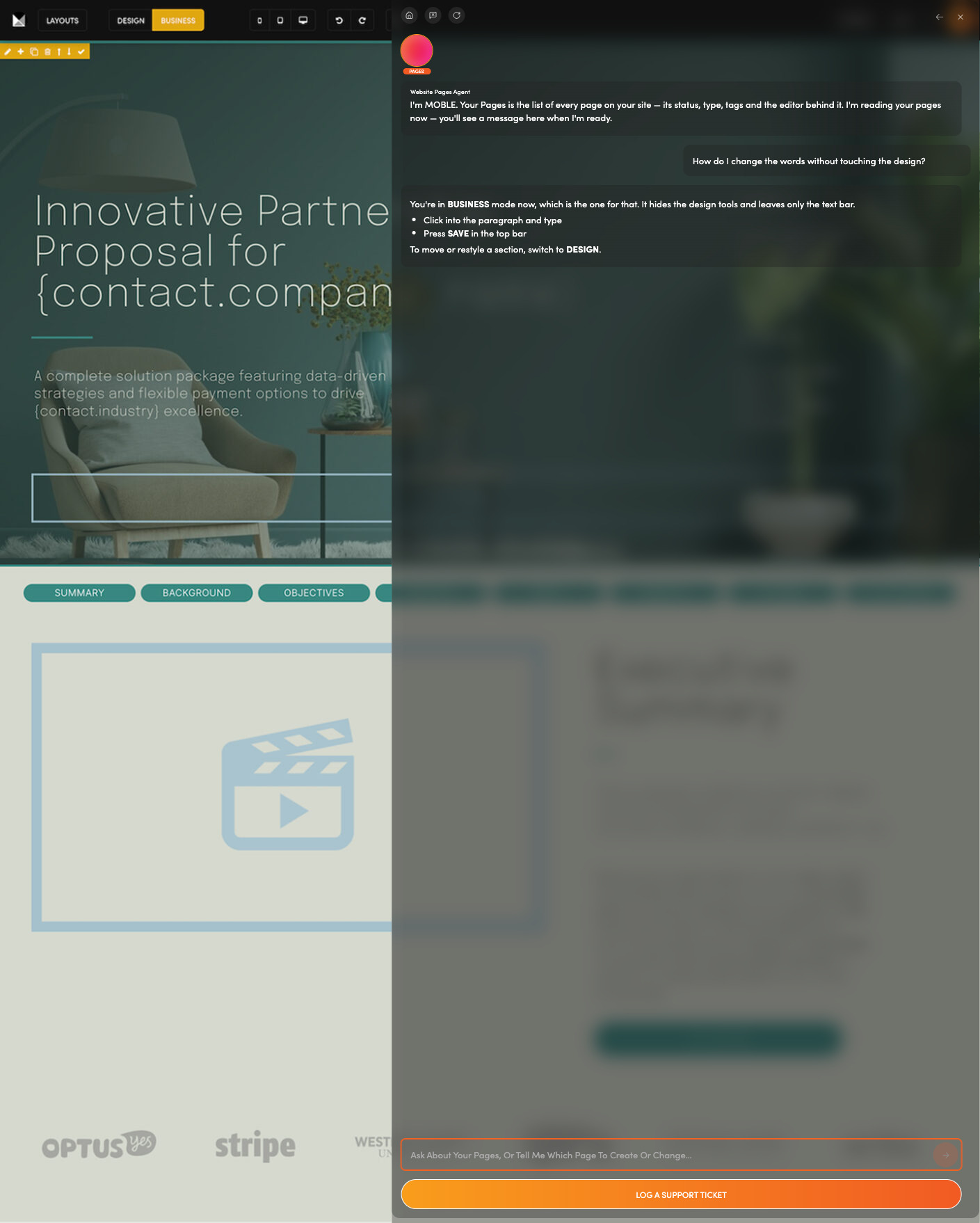
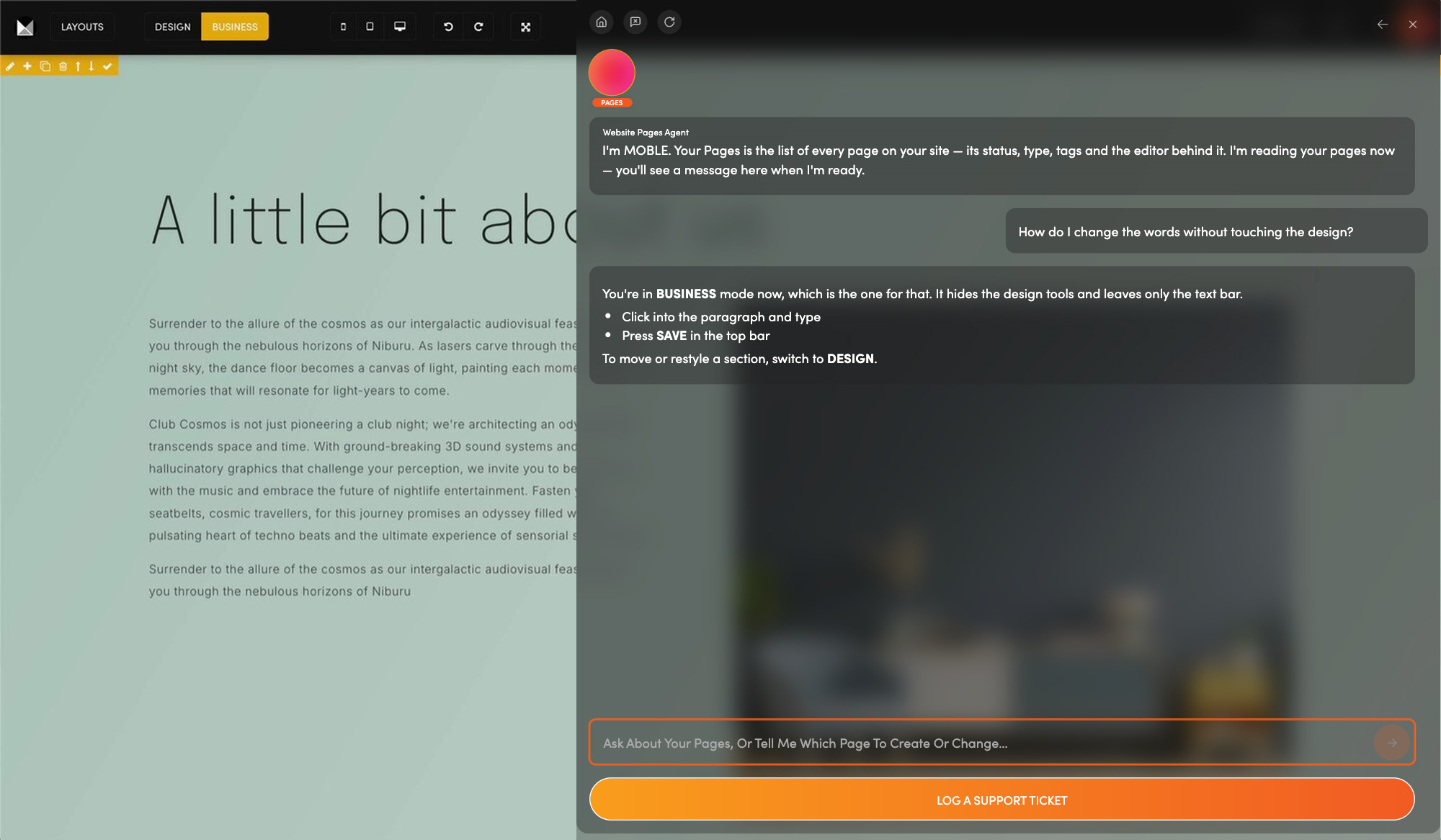
Now you have the best of both worlds. Editing in the CMS is faster than talking with AI: if you know page editors, click and change things yourself, and MOBLE reads your saved changes before it touches the page again. New to page editors? Type to the AI and watch it make the changes, then learn the tools as you go. Make the simple changes yourself and get the AI to do the rest.

1 Bullet

EXTRA LAYOUTS
Proposals, pitches, pages, all on brand

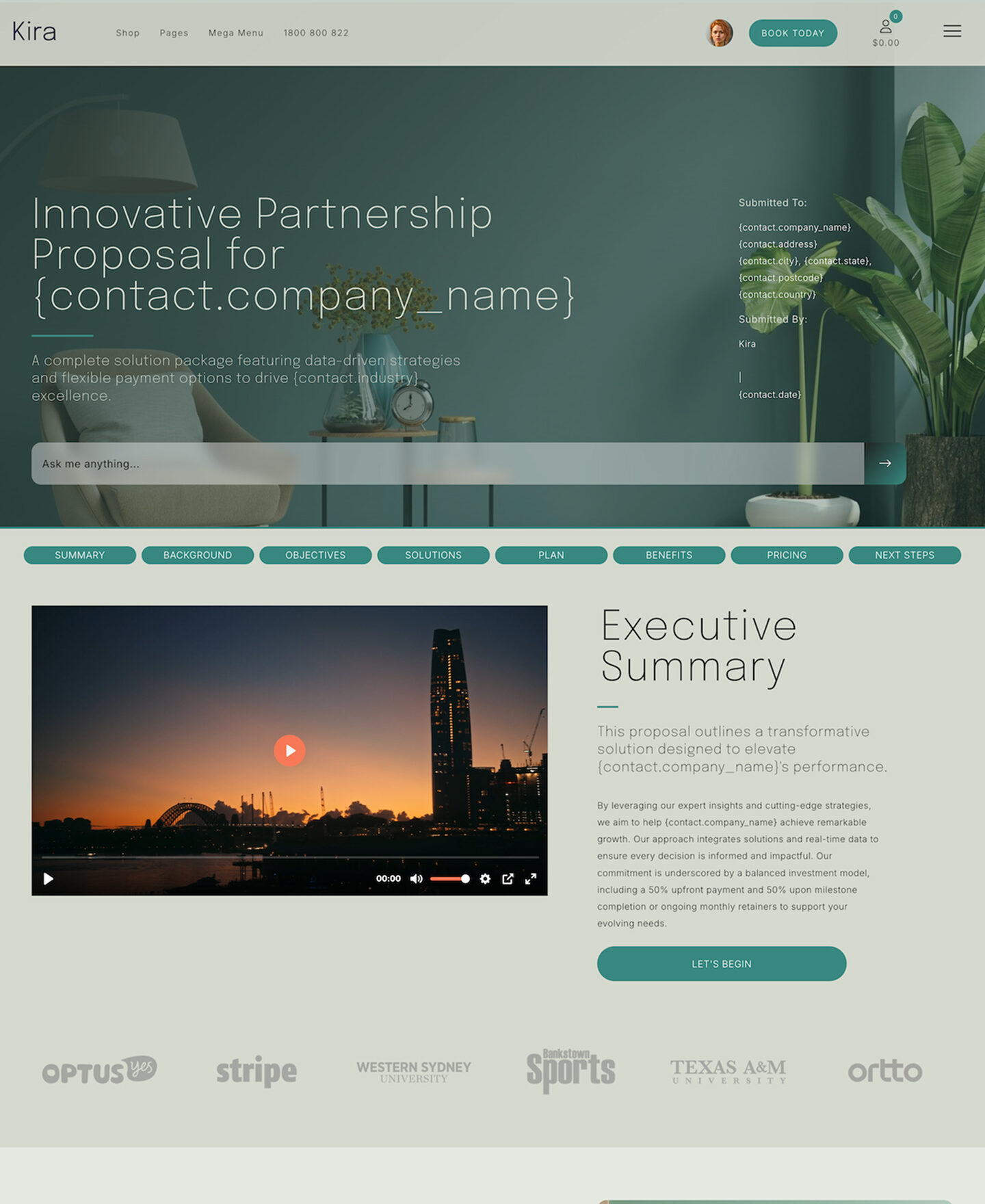
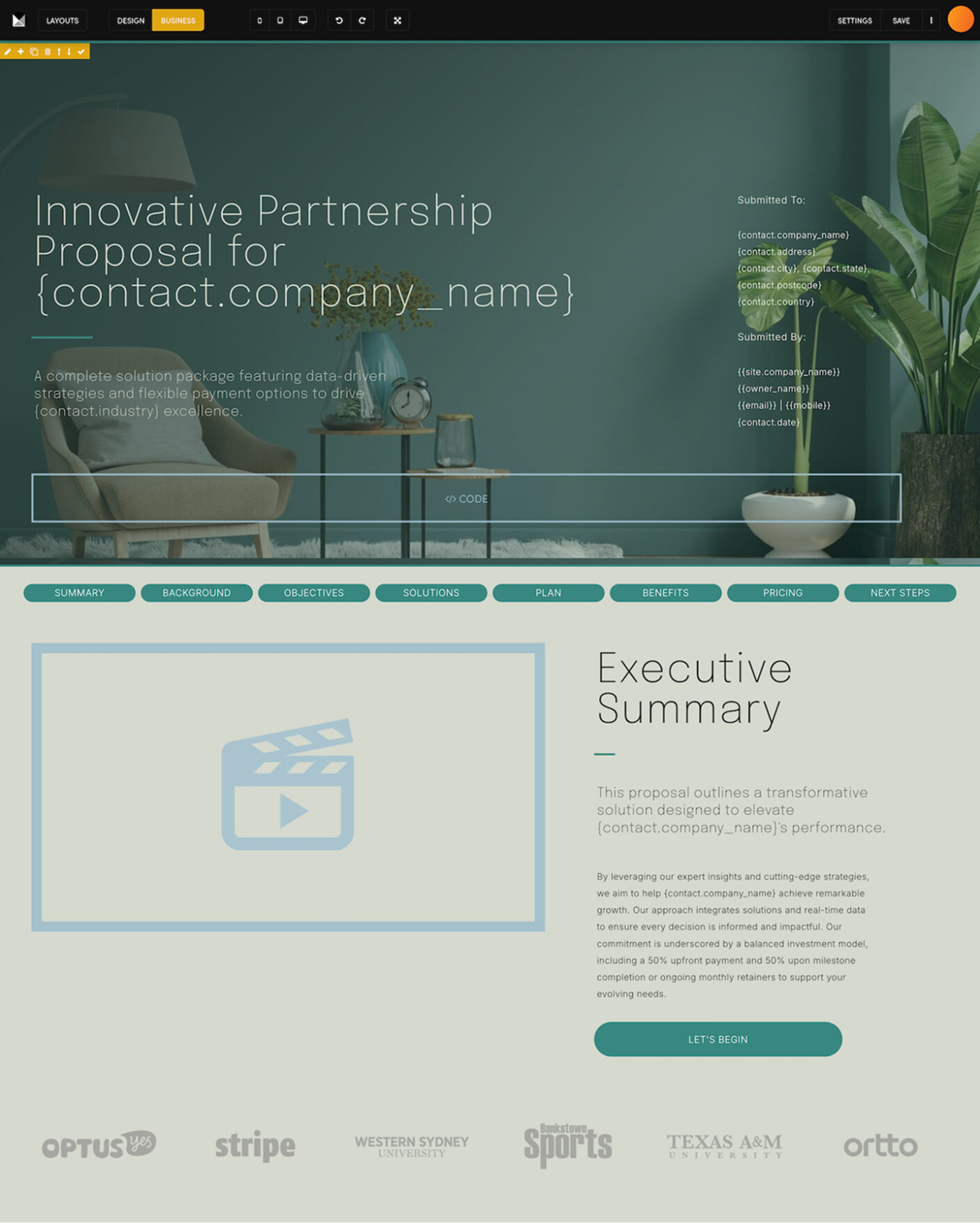
Your signed-off layouts are the base for every extra layout you will ever need. When your team log in and use AI for their work, they build from your signed-off layouts. A salesperson making a proposal, slide deck or payment page, or an agency generating a new landing page, all stay on brand, in Session 4 and every session after.

SESSION TAKEAWAYS

Check Bullet
A live home page,
coded for MOBLE
Check Bullet
A Layouts Drawer,
ready to drag and drop
Check Bullet
Your design
locked into AI memory
Check Bullet
The Page Editor:
click it, or type it
This is why you don't just use ChatGPT or Claude Code.

NOW YOU HAVE LAYOUTS, LET AI BUILD ALL YOUR PAGES

  SESSION 4 |   BUILD PAGES

FULL BUILD, PAGES, PRODUCTS, PITCHES, PROPOSALS...

Build Pages30Mins

AI WEBSITES

AI LANDING PAGES

AI PROPOSALS

AI SUPPORT SITES

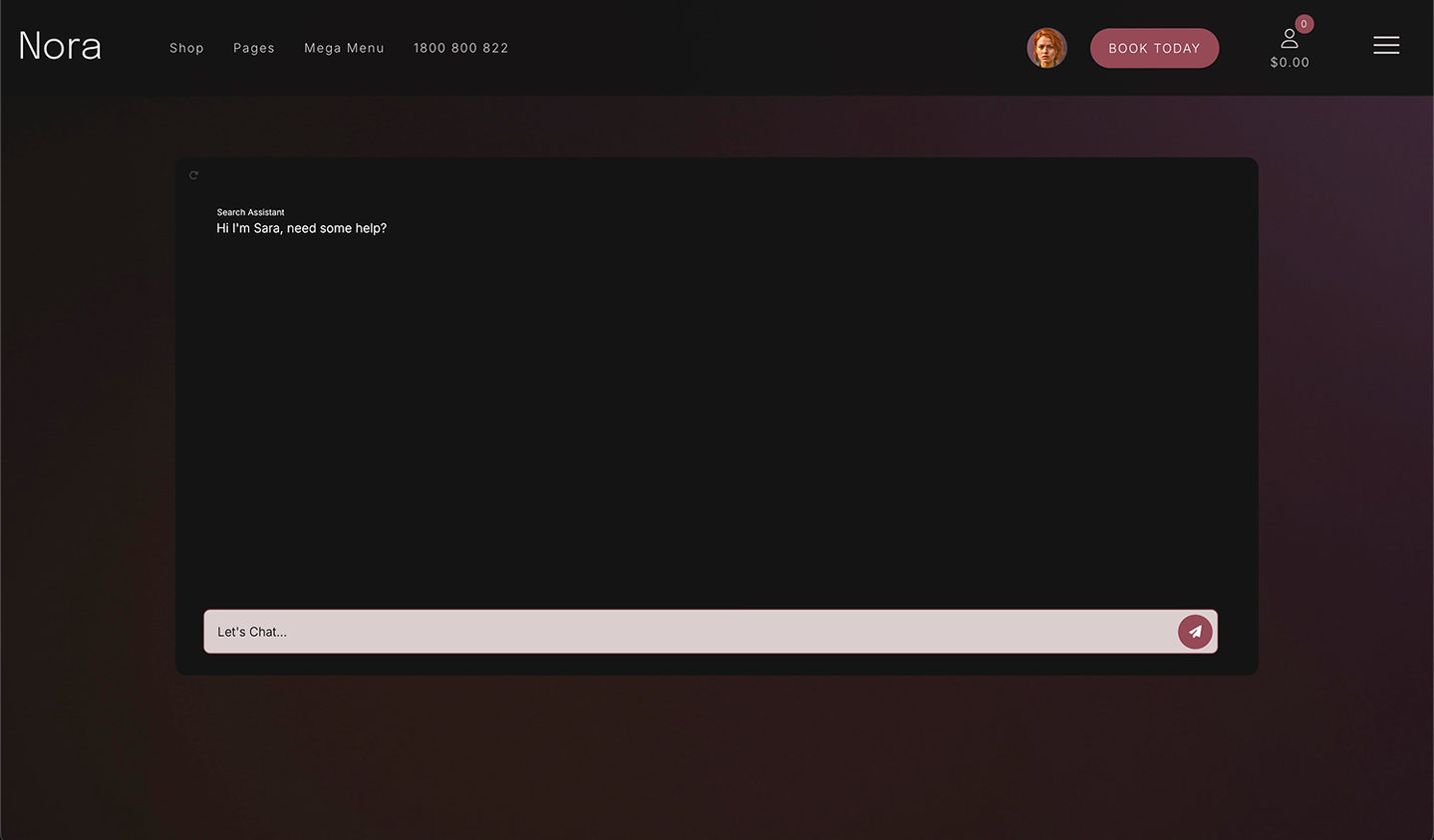
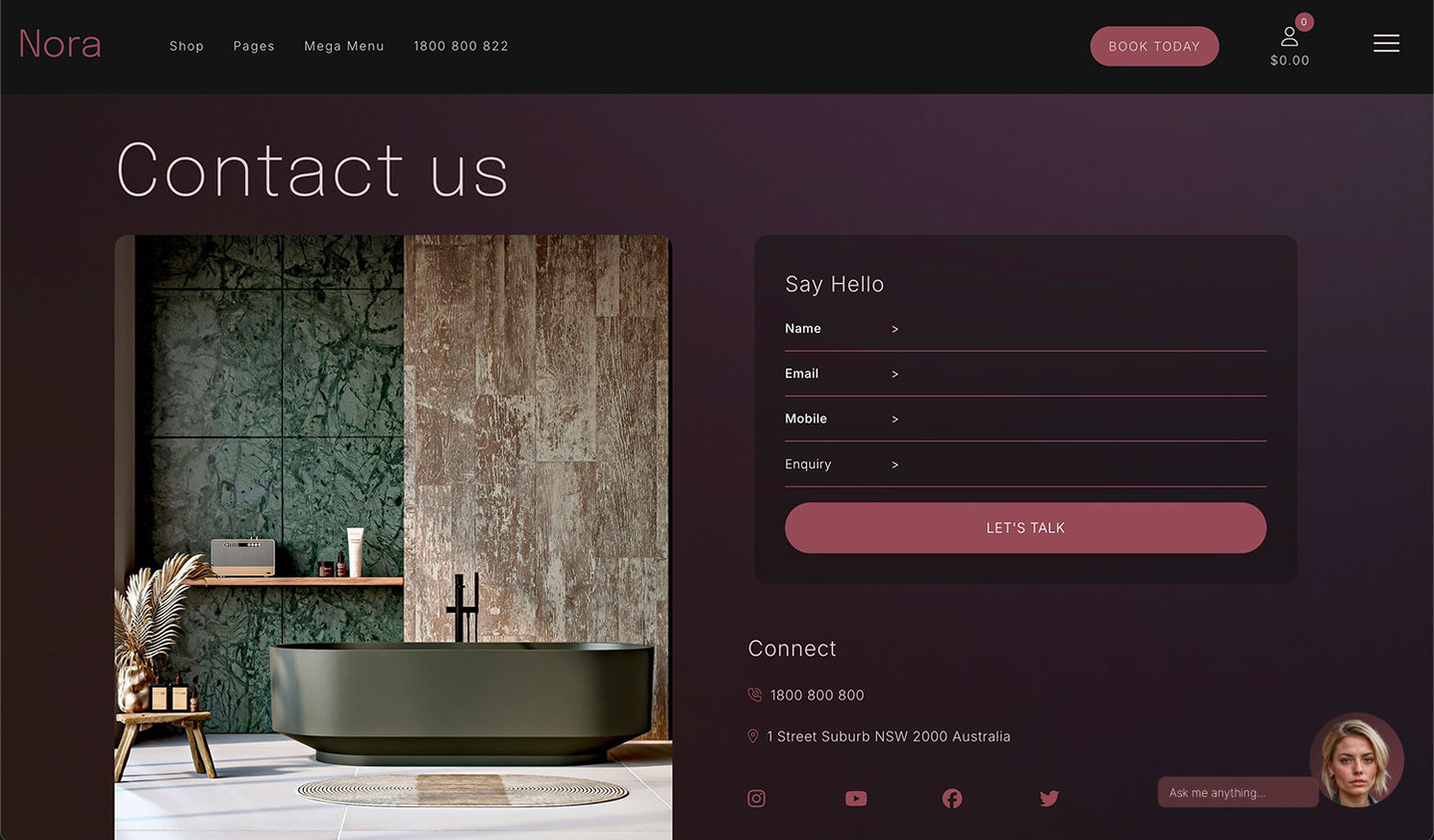
MOBLE AI Websites include intelligent Chatbot Widgets on every page, turning visitors into conversations and conversations into conversions. Replace static forms with interactive chat, guide users to what they need, and collect leads that are instantly logged into SPIBoard.

Send traffic to high-converting landing pages that feature embedded AI Chatbots and Voicebots — each fine-tuned for your product, offer, or audience. Add forms, payments, or booking widgets for a frictionless journey from ad click to qualified meeting, all tracked inside SPIBoard.

AI Proposals are dynamically generated for each new lead, personalised with customer details and sales data from SPIBoard. Embed payment links or online checkout to capture deposits instantly. Update automatically as deals progress — from first quote to final approval.

Build a branded Help Knowledge Base that answers questions before they become tickets. Chatbots pull verified answers from your Knowledge Base and escalate only when needed. Every interaction is logged in SPIBoard with SPI Scores for seamless human handover and automation.

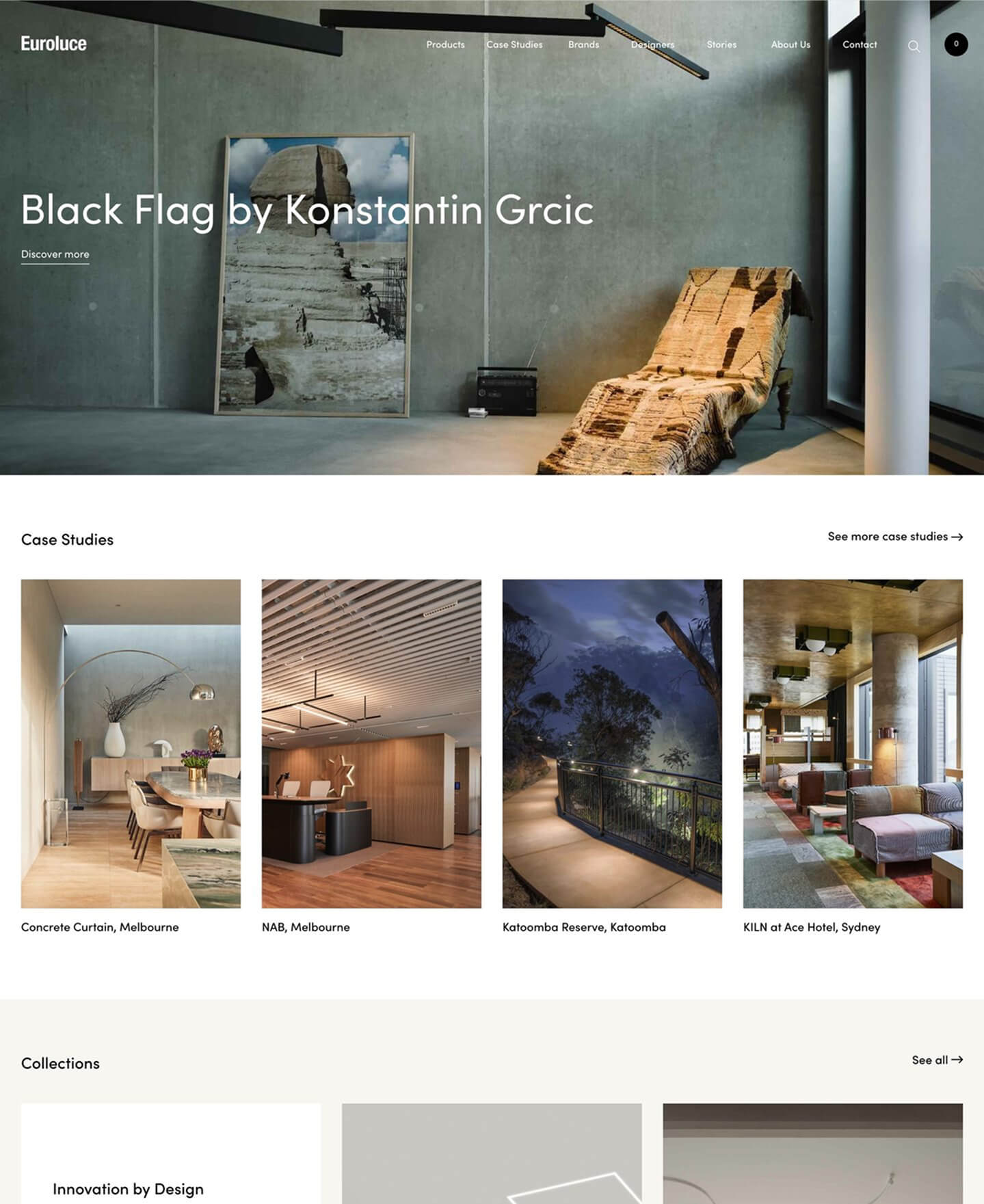
MOBLE CREATED TWO APPS AND WEBSITES FOR US, WITH BUILT FOR YOU AND BUILT WITH YOU.

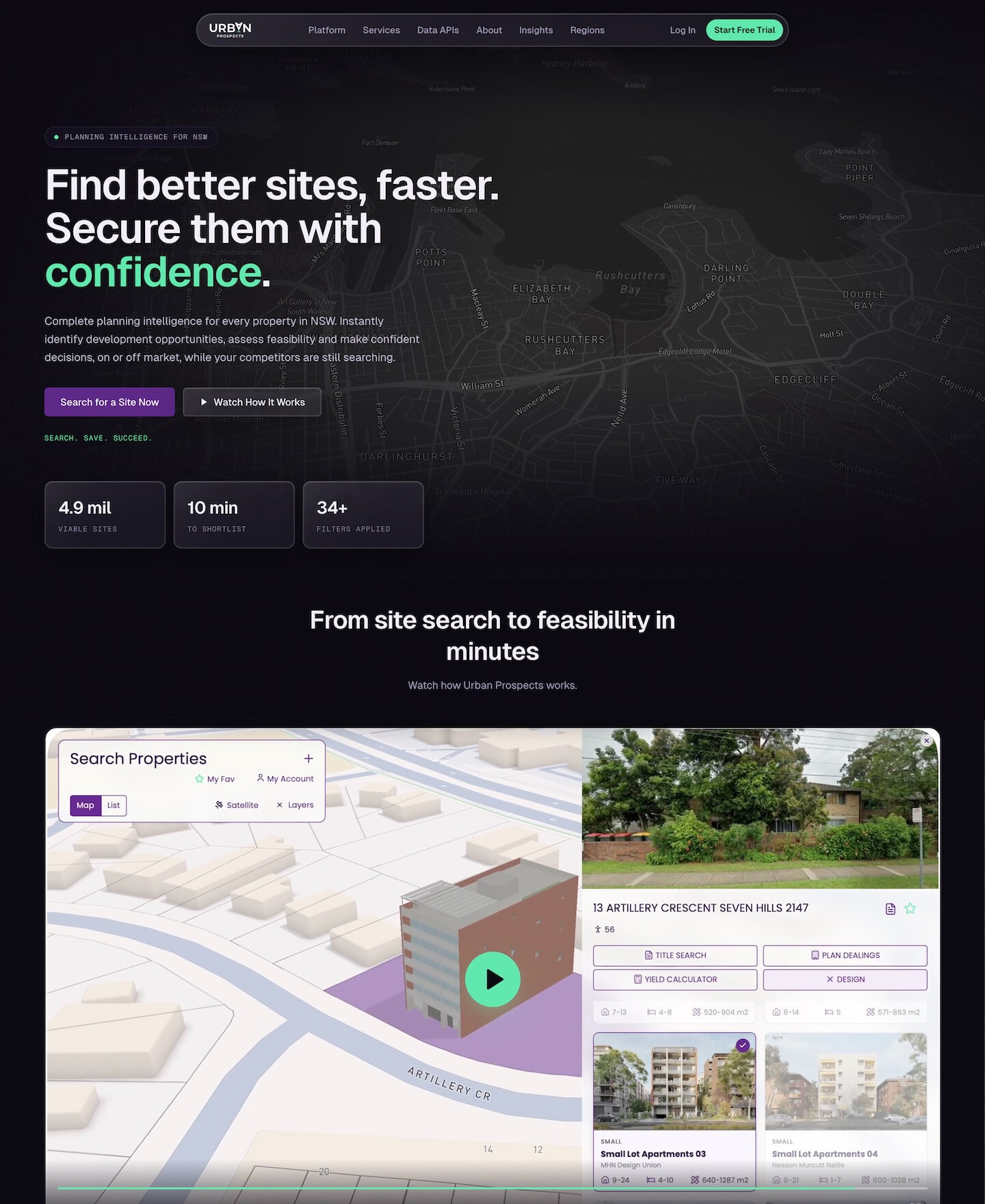
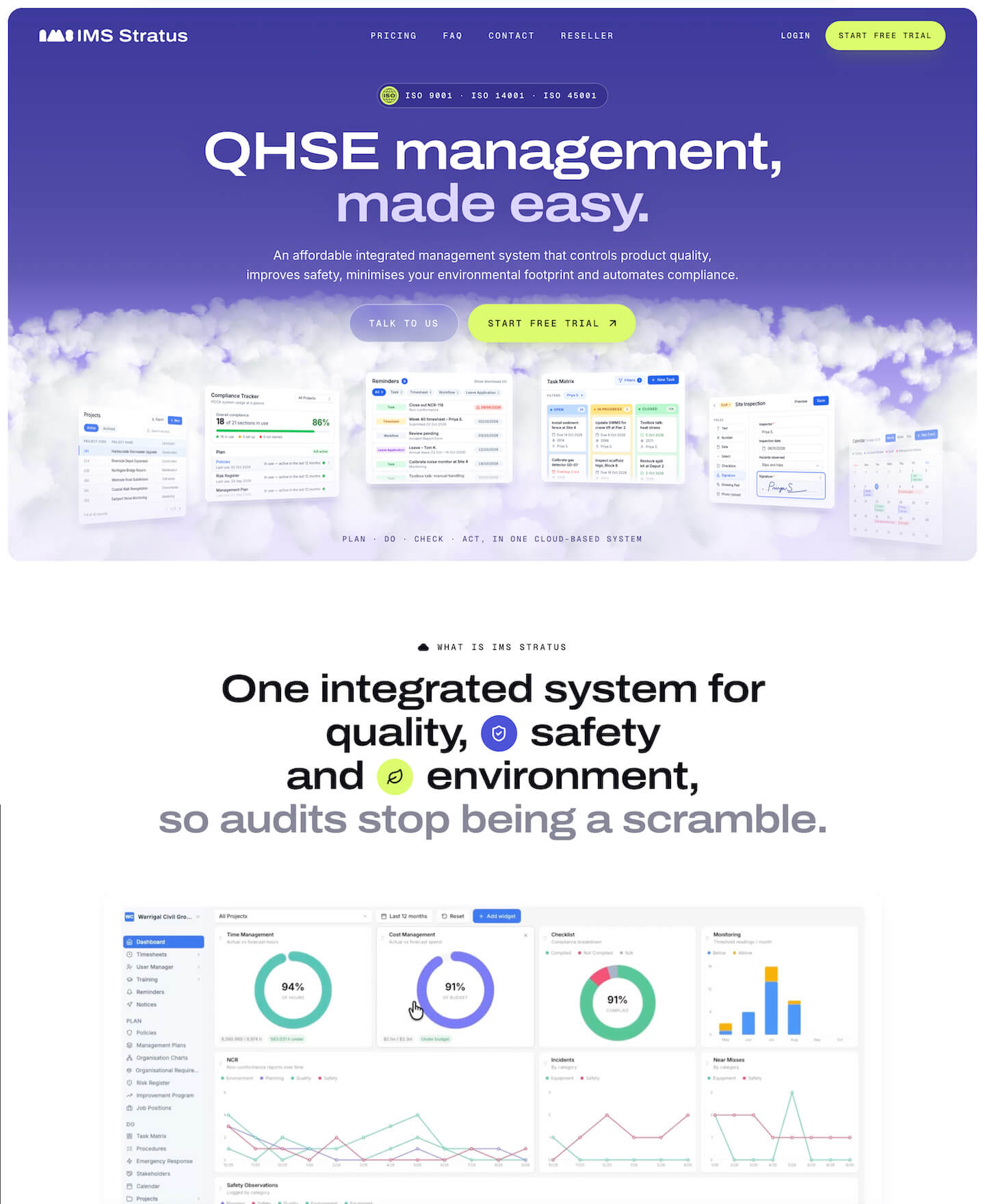
For Urban Prospects and IMS Stratus. Danny has been instrumental to our business: hiring additional developers, managing them and guiding them on the Built With You program. We love that our MOBLE website is completely headless and managed through APIs, and that we still have the platform to make changes and connect data.”

Stuart Wilmot | DIRECTOR | URBAN PROSPECTS

  SESSION 4

Pages Session

30 MINS

GUIDED

BUILD PAGES

GET STARTED
Roll out your entire website in Session 4: pages, products, proposals, pitches and payments. MOBLE fetches your signed-off layouts from memory, prunes and embellishes, so every page is rapid, on brand and never built from scratch.

WHAT'S INCLUDED

1 Bullet

PAGES BUILD
Confirm site map & pages to build

If your website was not scraped in Session 1, it is scraped now. Then add more to your Knowledge Base: other websites, PDFs with PDF-to-text, spreadsheets, whatever your pages need. Your Knowledge Base is what your pages and chatbots are built from.

Then say which page you want and who it is for. MOBLE takes a short brief: the purpose, what the reader should do, what to include, and whether sections like team or FAQs should be fixed or update themselves, and shows you the plan before it builds.

1 Bullet

ADD CONTENT TO LAYOUTS
Best matching layout, from your memory

MOBLE fetches the best matching layout from your layout memory, the layouts you signed off in Session 3, and adds your content to it. Rapid, no AI building, no token burning, and every page consistent and accurate to your brand. It builds three sections at a time and pushes them live. For each you say Save, Iterate or Skip. Then the next batch.

1 Bullet

PRUNE & EMBELLISH
Strip what's not needed, add blocks

MOBLE removes the bits your content does not need, then adds the extra bits the page does need: blocks fetched from MOBLE's library of 5,000 layouts, or new blocks designed from scratch, restyled to your brand. When a page needs a layout you don't have yet, MOBLE designs it and adds it to your memory. You choose how far to go: reuse your layouts, tweak them, reuse plus new, or full creative freedom. AI design is used for custom work only when it is needed.

1 Bullet

EXTRA PAGES
Proposals, slides, shops, payments

Proposals, landing pages, slide decks, shops, payment pages, booking pages, help centres and event pages each have their own specialist MOBLE agent, one link away, built from the same layouts. Do a photoshoot brief once and save your shoot settings, so every new image your team generates matches.

DID YOU KNOW?  Every part of MOBLE has its own AI agent: page building, CMS, CRM, automations, chatbots and agents. Wherever you are in MOBLE, just start a chat and the right agent for that job joins you.

1 Bullet

BEGINNERS
Just chat. Watch the agent do the work, learn as you go, and get faster every time.

1 Bullet

ADVANCED USERS
When chatting with AI feels slow, use MOBLE’s own tools and get it done faster yourself.

Chat with AI, or use the tools yourself, whichever is faster. That’s the best of both worlds.

SESSION TAKEAWAYS

Check Bullet
Live pages
that stay on brand
Check Bullet
New layouts
in your drawer and memory
Check Bullet
A Knowledge Base
filled with your content
Check Bullet
One photoshoot brief,
every image matching
Your whole team on one brand direction, in every AI session.

NOW YOU HAVE KB PAGES YOUR CHATBOTS ARE INSTANTLY READY!

  SESSION 5 |   DEPLOY CHATBOTS

GENERATE 10 CHATBOTS BUILT FROM YOUR KB PAGES

Chatbots20Mins

EIGHT WAYS TO EMBED A CHATBOT ON YOUR SITE

INPUT BLOCK
Block
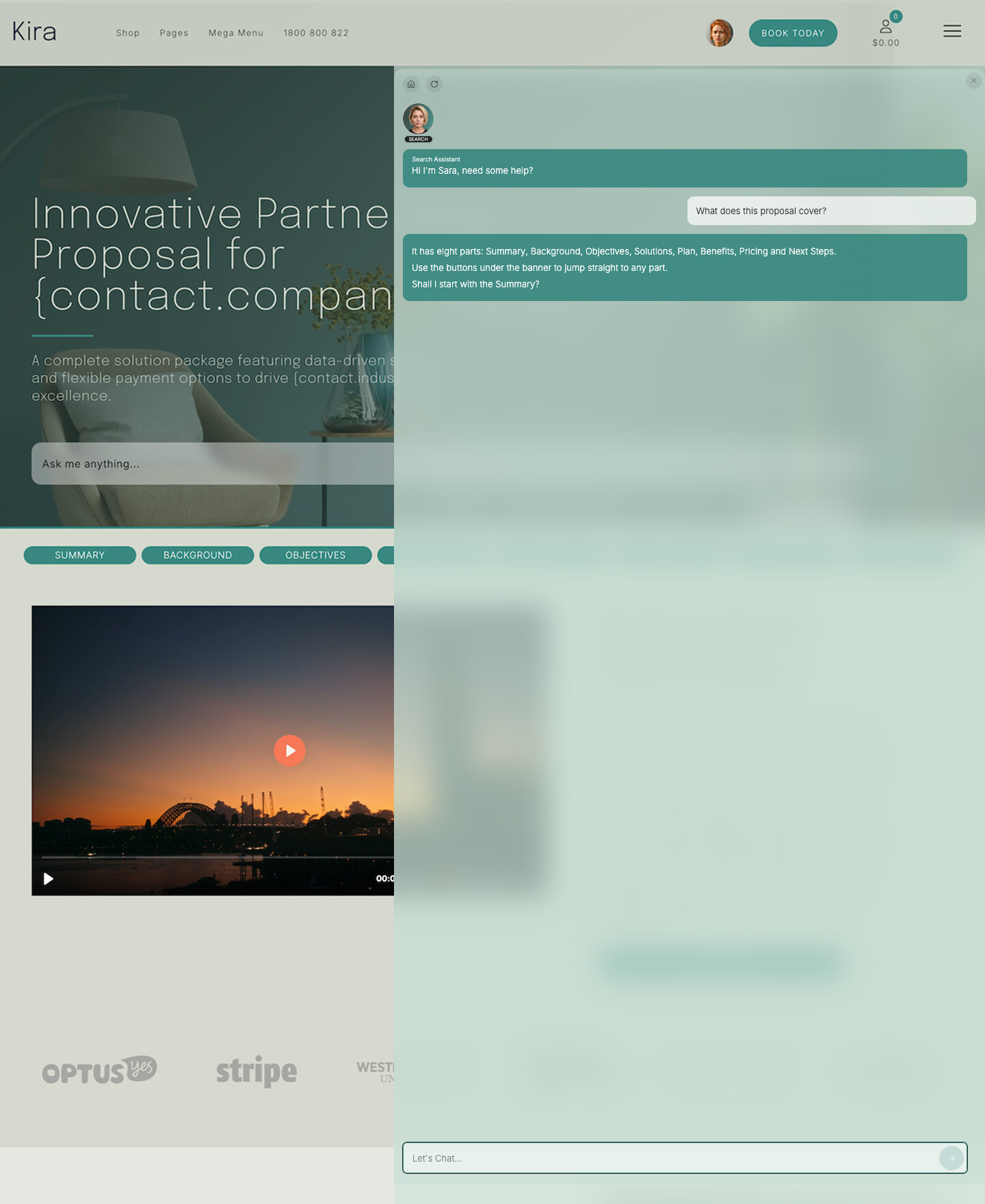
A minimal input you can drop anywhere—great for blogs, help pages, and footers and sidebars.

AGENT BLOCK
Block
Agent on top, input below—perfect for product pages, pricing, demos, and feature highlights.

HERO BAR
Layout
A thin full-width strip across your hero—great for headers, docs, and help centres.

HERO BANNER
Layout
Prominent hero with headline and media—ideal for launches, campaigns, and landing pages.

HERO AGENT
Layout
Large immersive hero with agent left and input right—great for demos and showcase moments.

CHAT DOCK
Layout
Embed the Chat Drawer onto a page to offer a ChatGPT-like prompting experience.

CORNER POPUP
Layout
Familiar bottom-right popup opened by a launcher—lightweight, unobtrusive, and always available.

CHAT DRAWER
Slide-In Drawer
A slide-in conversation drawer after the first input—keeps context and links to other AI Chatbot team members.

DID YOU KNOW? YOU CAN REPLACE YOUR WEBSITE'S FORMS WITH CHATBOTS.

When people realise they can embed chatbots on their existing website, right where their forms used to live, they're hooked. Why make a customer wait for an answer they could have straight away? And when they see that their staff agents are connected to those customer-facing chatbots, and have already processed the sales or support query, that's the magic moment.”

  SESSION 5

Chatbot Session

20 MINS

EASY

CHATBOTS

GET STARTED
Generate ten business-critical chatbots in Session 5, written from your own Knowledge Base and confirmed by you. Replace your forms and search with chatbots that talk to customers, on your pages or on any website.

WHAT'S INCLUDED

1 Bullet

10 CHATBOT AUTO BUILD
Chatbots are instantly updated with your KB Pages

Your website and your Knowledge Base have already been scraped, so your chatbots start with your real content: your pages, your products and your answers. Nothing to upload, nothing to retype. MOBLE rewrites each of its ten chatbot templates for your business from your Knowledge Base and your real pages: its role, its tasks, its instructions and its goals. For each one it shows the role, the key tasks and a sample answer using your real pages, and asks "Does this match what you need?" You confirm its role, tasks and flow, set the questions for the ones with forms, and say which board each feeds.

1 Bullet

ITERATE & TEST
Try each one, change anything

Test every chatbot yourself from one link. Ask it what your customers ask, and change anything in your chatbot settings at any time.

1 Bullet

EMBED & DEPLOY
Eight layouts, your pages or any website

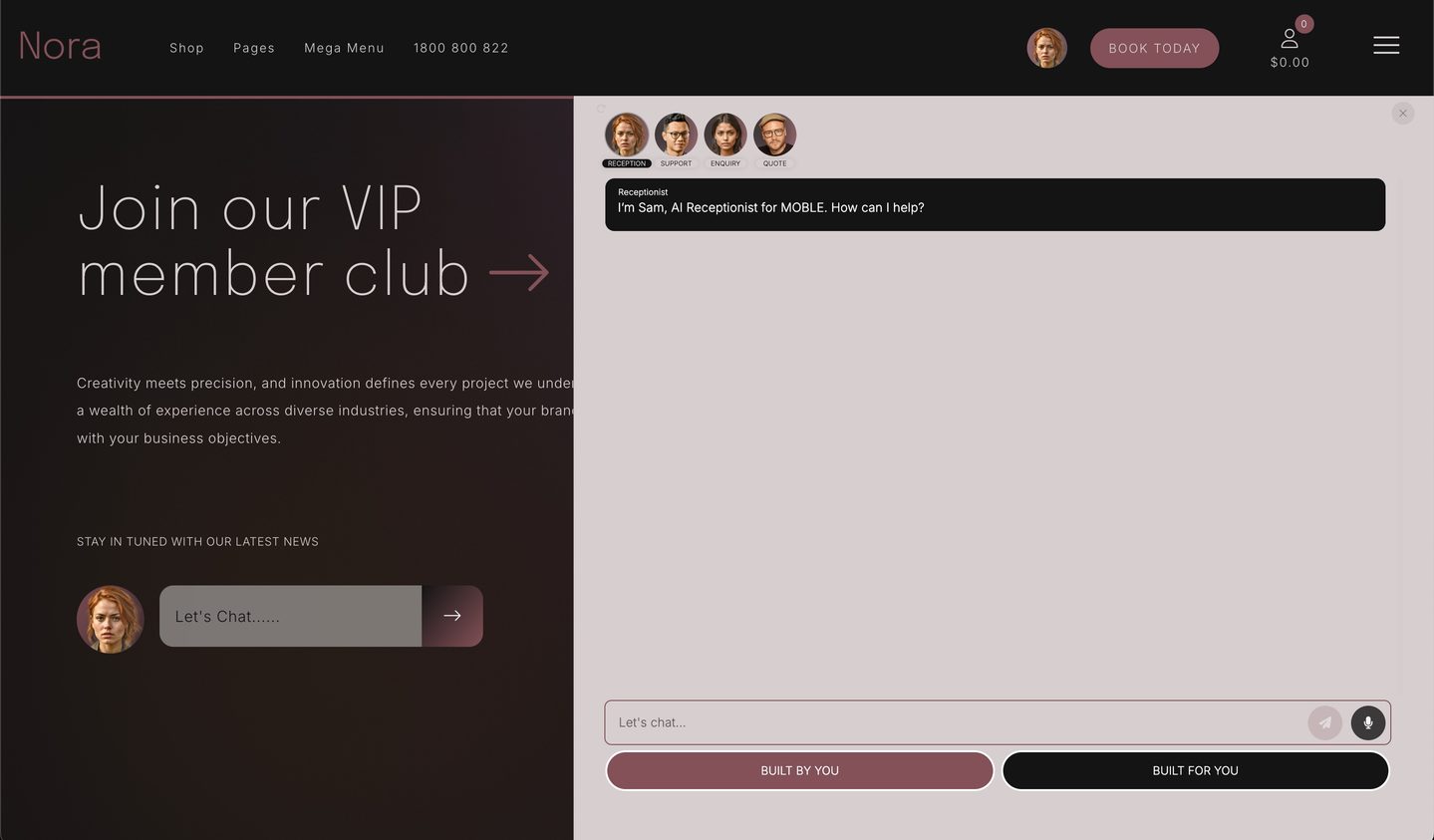
Place each chatbot where customers actually interact, with eight stylish embed layouts: input block, agent block, hero bar, hero banner, hero agent, chat dock, corner popup, and the chat drawer they all open into. They take your colours and fonts, and you can change the colour and style. Copy the embed code into any website, not only MOBLE, so you can try MOBLE's chatbots first and keep your current site.

1 Bullet

REVIEW & REVISIONS
Review the chats, update any time

Review your customers' conversations and the thumbs up and thumbs down on every answer, see where a new FAQ or page is needed, and update your chatbots any time. Nothing changes without you.

DID YOU KNOW? You can start with a template, or build a chatbot from scratch. Every chatbot is built with AI: you just chat. Chatbots are front facing, embedded on your site and in your apps, talking with your customers. MOBLE's AI Agents are the back-end operators that work like staff. The two work together: your chatbots feed your boards, and your agents pick the work up from there.

Replace outdated website searches with conversational AI that instantly finds answers for your visitors.
Replace static forms with conversational AI forms that capture customer data and log to your CRM.
Engage prospects and unlock promo pages, files, or ebooks while capturing qualified leads.
Provide instant support with chatbots that handle FAQs, log tickets, and escalate to your human team. 
Guide customers to the right products and reveal promo codes directly in chat.
Generate instant, indicative B2B quotes and pre-qualify serious buyers automatically.
Welcome new clients, take project briefs, and book kickoff calls seamlessly.
Collect and organise new tasks, ideas, and feature requests directly into your project board.
Redirects enquiries and takes phone calls.

SESSION TAKEAWAYS

Check Bullet
Ten chatbots
written for your business
Check Bullet
Each one confirmed
and tested by you
Check Bullet
Embedded on your pages,
or any website
Check Bullet
Every chatbot
feeding the right board
Replace your forms and search with chatbots that talk.

STOP PAYING FOR APPS PER SEAT. AI AGENTS ARE HERE.

  SESSION 6 |   AGENTS & CRM

DEPLOY AGENTS FOR AI SALES, SUPPORT TICKETS & TASKS.

Agents and CRM30Mins

  SESSION 6

Agents Session

30 MINS

GUIDED

AGENTS AND CRM

GET STARTED
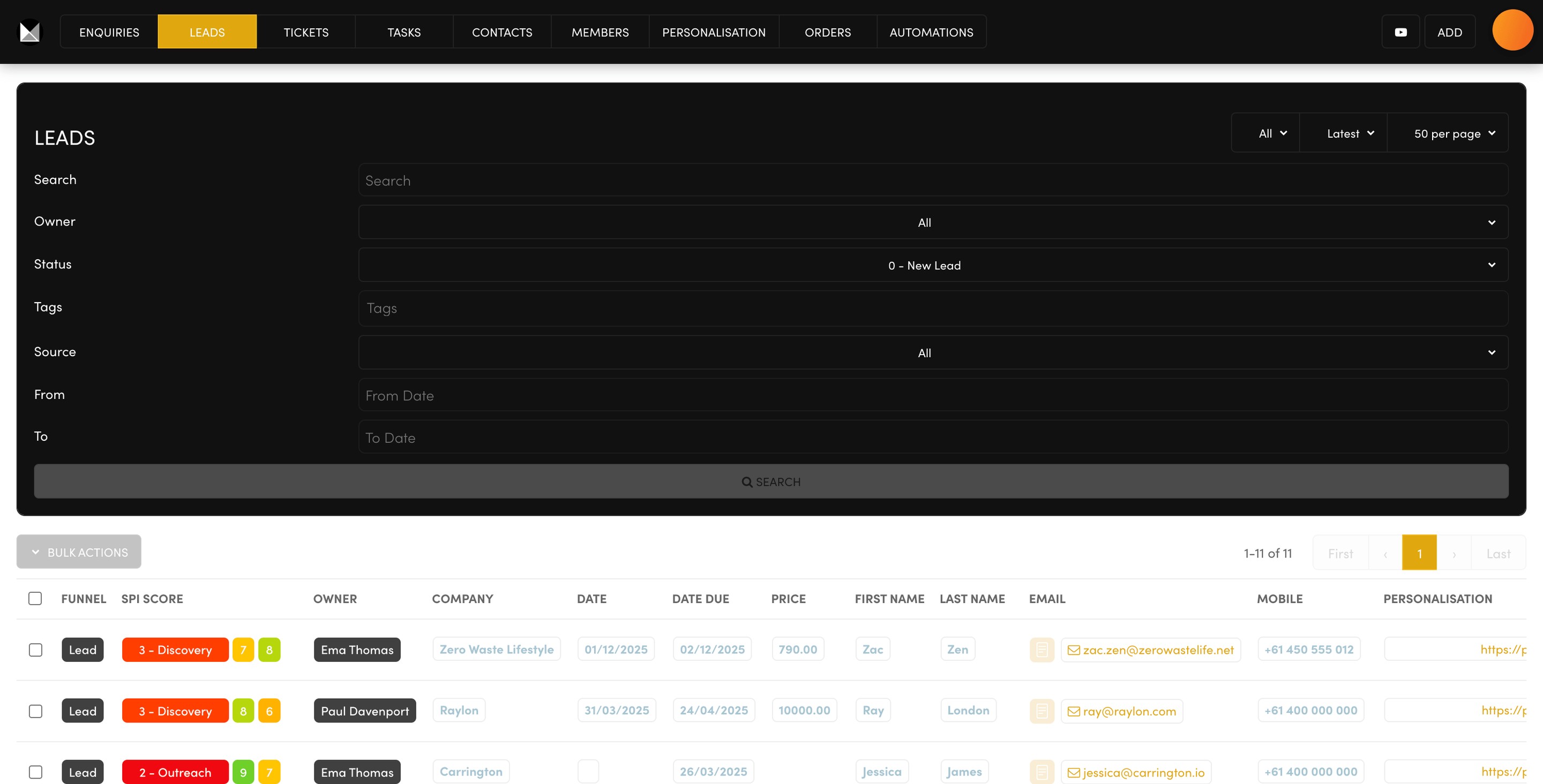
Turn your chatbots into Always On Agents in Session 6, for sales, support tickets and project tasks. They become part of your team, managed through MOBLE's AI CRM for leads, tickets and tasks, with no per-seat charges.

YOUR AGENTS AT WORK.  Every lead, ticket and task carries a score from 0 to 10, so teams can view their team boards, or their own individual boards, at a glance. It is all powered by MOBLE agents, and each staff member can even connect their own AI subscription, such as Claude Code, OpenAI, Manus or Grok.

WHAT'S INCLUDED

1 Bullet

WORKSHOP ONBOARD SESSION
A full briefing, by chatting with AI

Agents build your agents. You start with a full briefing by chatting with AI. Your agent walks you through MOBLE's briefing document, question by question, and completes it for you on your own VPS: your company, who is on your team, and who looks after enquiries, leads, tickets and tasks. MOBLE reads it back as a short table, and the rest is done for you, step by step. It adds your four built-in agents, Enquiries, Leads, Tickets and Tasks, to your team, each with its own login, and adds your staff. Your standard automations are copied in and your alerts switched on per board and per person: sales never get support alerts, and support never gets sales.

Your Always On Agents run from a secure VPS. They are always on and integrated with your website, your shop and your chatbots, doing tasks and working with your MOBLE contacts, enquiries, leads, tickets and tasks around the clock. Before any save, MOBLE shows you the exact change in plain words and waits for your yes; every automation can be edited later on your Automations screen.

1 Bullet

SALES AGENT BUILD
On your Leads board, with SPI scores

Your Sales Lead Agent is deployed on your VPS and assigned to your Leads board, with alerts set for the right people on your team. Every lead carries an SPI score from 0 to 10 that shows its stage: New Lead, Assigned, Outreach, Discovery, Presentation, Meetings, Proposal, Objections, Contract, Negotiation, Sold. Your Sales Lead chatbot sets the score when it logs the lead, and it moves up as the deal moves on, so your sales team sees every lead with view by their own board or by the team.

Messages to your own customers, a quote follow-up, a ticket update, a confirmation, go out from your own email address and your own number. You add your sending details on your Settings screen, MOBLE sends a test, and you approve the words before any message goes live.

1 Bullet

SUPPORT TICKET AGENT
On your Tickets board, nothing lost

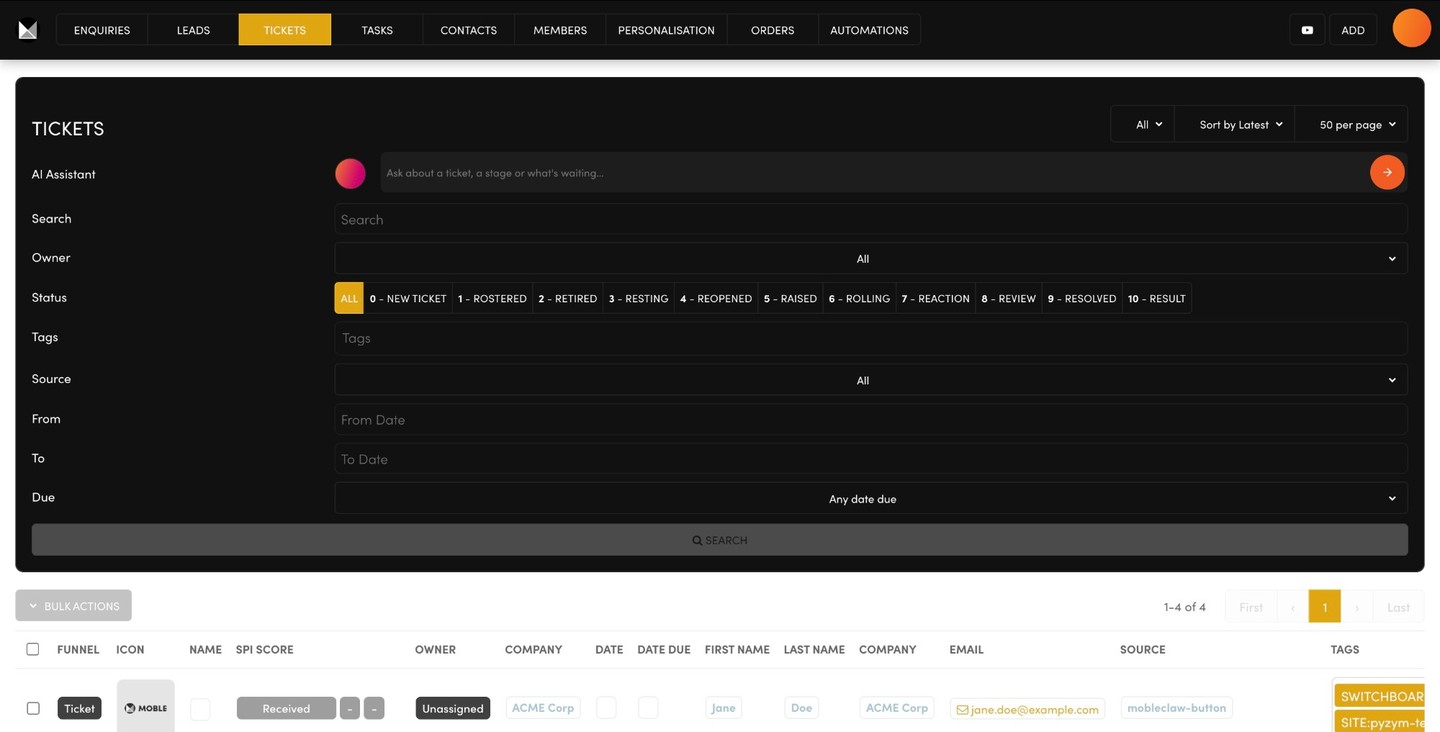
Your Support Ticket Agent is assigned to your Tickets board. Every ticket carries its own score from 0 to 10: Received, Rostered, Retired, Resting, Reopened, Raised, Rolling, Reaction, Review, Resolved, Result. Raised means escalated to a person, so the hard ones reach your team and nothing is lost on the way.

Your chatbots can also sit inside a password-protected members area of your MOBLE website, for your signed-in customers only: help and answers for the people who have already bought from you, behind their login.

1 Bullet

PROJECT TASKS AGENT
Every task in one place, on one board

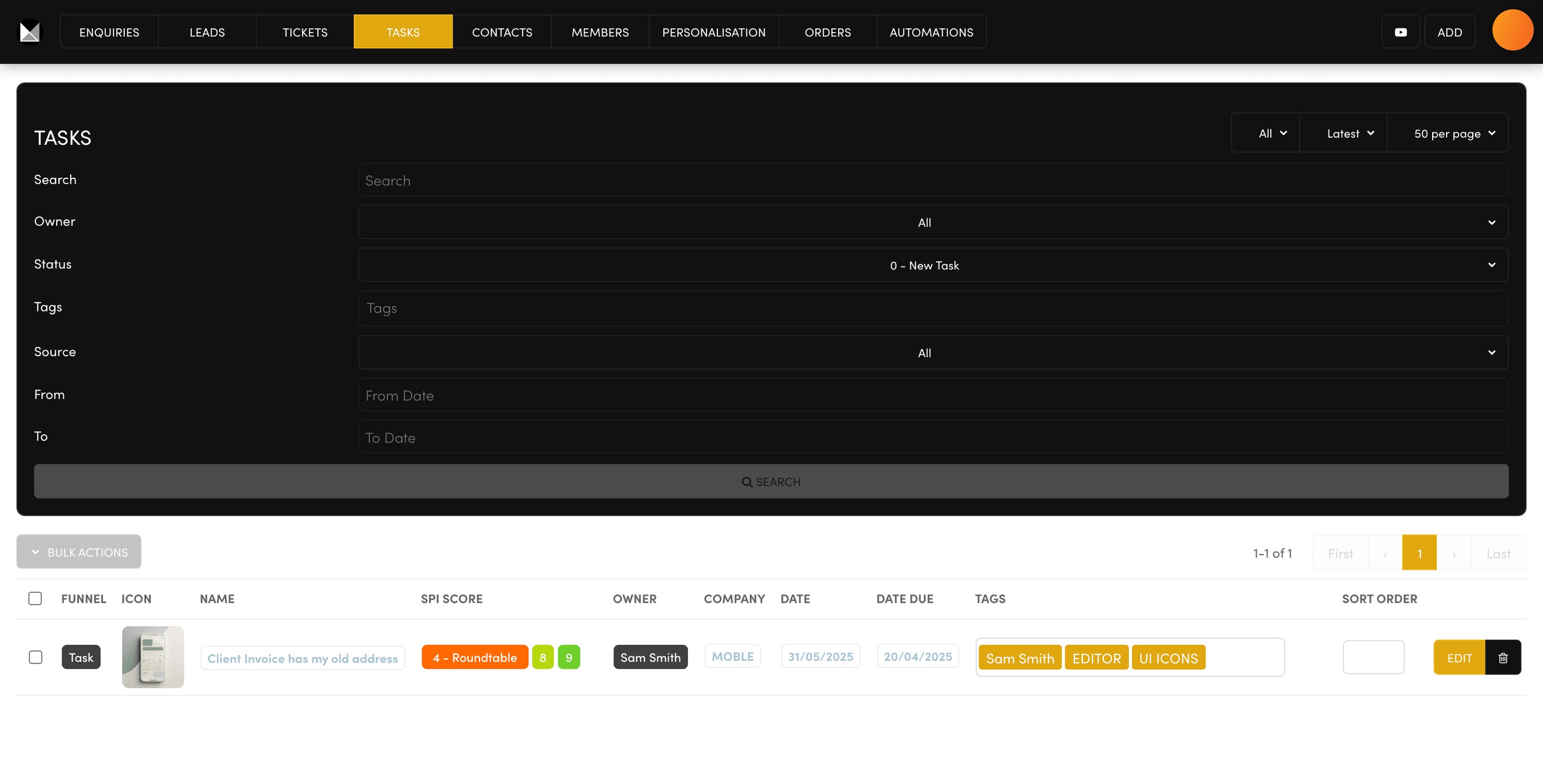
All your MOBLE tasks are logged in one place, on your Tasks board, with your Project Tasks Agent assigned to it. Connect your favourite AI, such as Claude Code, and get it to assign tasks to your MOBLE agents, almost like a chat room where your team's AIs connect and talk with each other through your Tasks board to get things done. Everything is scheduled for humans too: when a task needs a boardroom discussion it goes to Roundtable, and from there it moves forward to Research or Rolling, or back to Resting or Retired. Every agent's work shows on your boards, in one CRM for your whole team, with no per-seat charges.

Paul Davenport
ALL MOBLE PLANS NOW INCLUDE A FREE AI POWERED SALES CRM,

support ticket system and project tasks board to power your Always On AI agents. Check out our amazing BUILT FOR YOU offer.”

Paul Davenport | CEO | MOBLE

BUILT FOR YOU

MOBLE recommends having your agents BUILT FOR YOU. In your first month MOBLE's team builds your whole sales and support set-up with you: your follow-up emails, quote templates, alerts, chatbots and boards, written for your business and tested until they're right. After that it's yours to run.

THE OFFER

A Sales agent or a Support agent built for you is $5,000 each. Or take the annual Elite plan: a year of Elite is $3,588 at the monthly price, $2,990 paid annually with two months free, and it includes one agent built for you. Both agents built for you with your year of Elite: $5,000. That is $13,588 of value for $5,000.

SESSION TAKEAWAYS

Check Bullet
Sales Lead Agent
with your Leads SPI Board
Check Bullet
Support Ticket Agent
with your Tickets SPI Board
Check Bullet
Project Tasks Agent
with your Tasks SPI Board
Check Bullet
Always On VPS
where your agents live
Annual Elite, $2,990: one agent built for you, included.

AI CRM FOR SALES, SUPPORT AND TASKS. FREE ON EVERY PLAN.

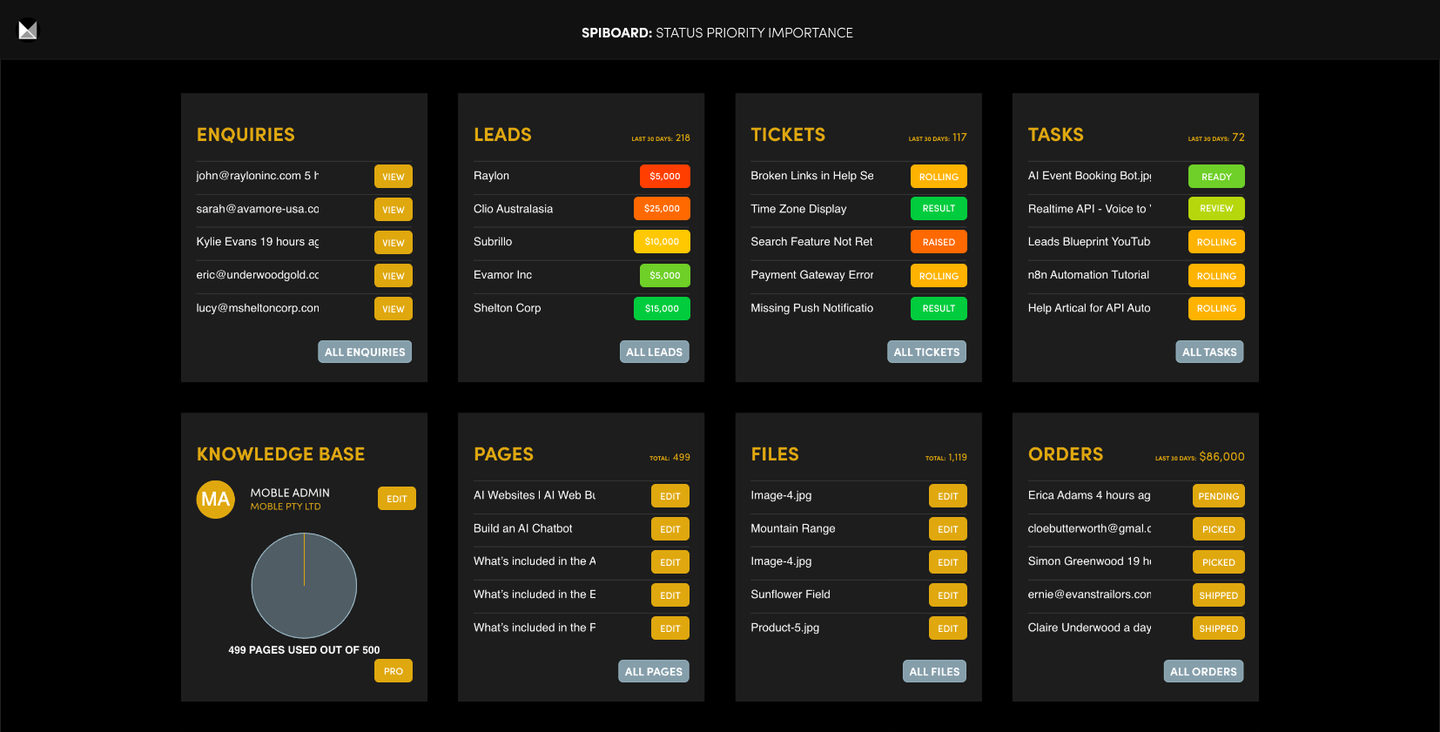
FREE CRM ON EVERY PLAN. An AI powered Sales Lead CRM, Support Ticket System and Project Tasks Board, all included from $9 a month, with no per-seat pricing. Every chatbot enquiry, lead, ticket and task is scored by AI for Status, Priority and Importance — ready for human action, automation, and integration. Companies are saving on subscription fees with an AI powered CRM. See our BUILT FOR YOU offer

 + SALES CRM
 + EMBED SALES CHATBOT

 + CAPTURE LEADS WITH CHATBOT FORMS
 + CAPTURE LEADS WITH WEB FORMS
 + AI LEAD SCORING (SPI SCORE)
 + LEAD MANAGEMENT
 + UNLIMITED TEAM MEMBERS
 + UNLIMITED CONTACTS
 + TEAM NOTIFICATIONS
 + AI AUTOMATION (Make Blueprints)
 + AI INTEGRATION (Leads API)
Works well with your Themes Landing Pages, Proposals and Sales Lead Chatbot.
 + SUPPORT TICKET SYSTEM
 + EMBED SUPPORT CHATBOT

 + CAPTURE TICKETS WITH CHATBOT FORMS
 + CAPTURE TICKETS WITH WEB FORMS
 + AI TICKET RESOLUTION (SPI SCORE)
 + TICKET MANAGEMENT
 + UNLIMITED TEAM MEMBERS
 + UNLIMITED CONTACTS
 + TEAM NOTIFICATIONS
 + AI AUTOMATION (Make Blueprints)
 + AI INTEGRATION (Tickets API)
Works well with your Themes Help Knowledge Base Pages and Web Search Chatbot.
 + PROJECT TASK BOARD
 + EMBED PROJECTS CHATBOT

 + CAPTURE TASKS WITH CHATBOT FORMS
 + CAPTURE TASKS WITH WEB FORMS
 + AI TASK PRIORITY (SPI SCORE)
 + TASK MANAGEMENT
 + UNLIMITED TEAM MEMBERS
 + UNLIMITED CONTACTS
 + TEAM NOTIFICATIONS
 + AI AUTOMATION (Make Blueprints)
 + AI INTEGRATION (Tasks API)
Works well with your Themes Staff/Member Pages and Project Task Chatbot.

NOW YOU'RE LIVE. ONGOING MANAGEMENT IS EASY WITH 30+ AI AGENTS.

  ONGOING SESSIONS

HELPER AGENTS FOR EVERY MODULE & EVERY TEAM MEMBER.

Ongoing30+Agents

ONCE THE SIX SESSIONS ARE DONE, YOU GO LIVE AND MANAGE EVERYTHING.

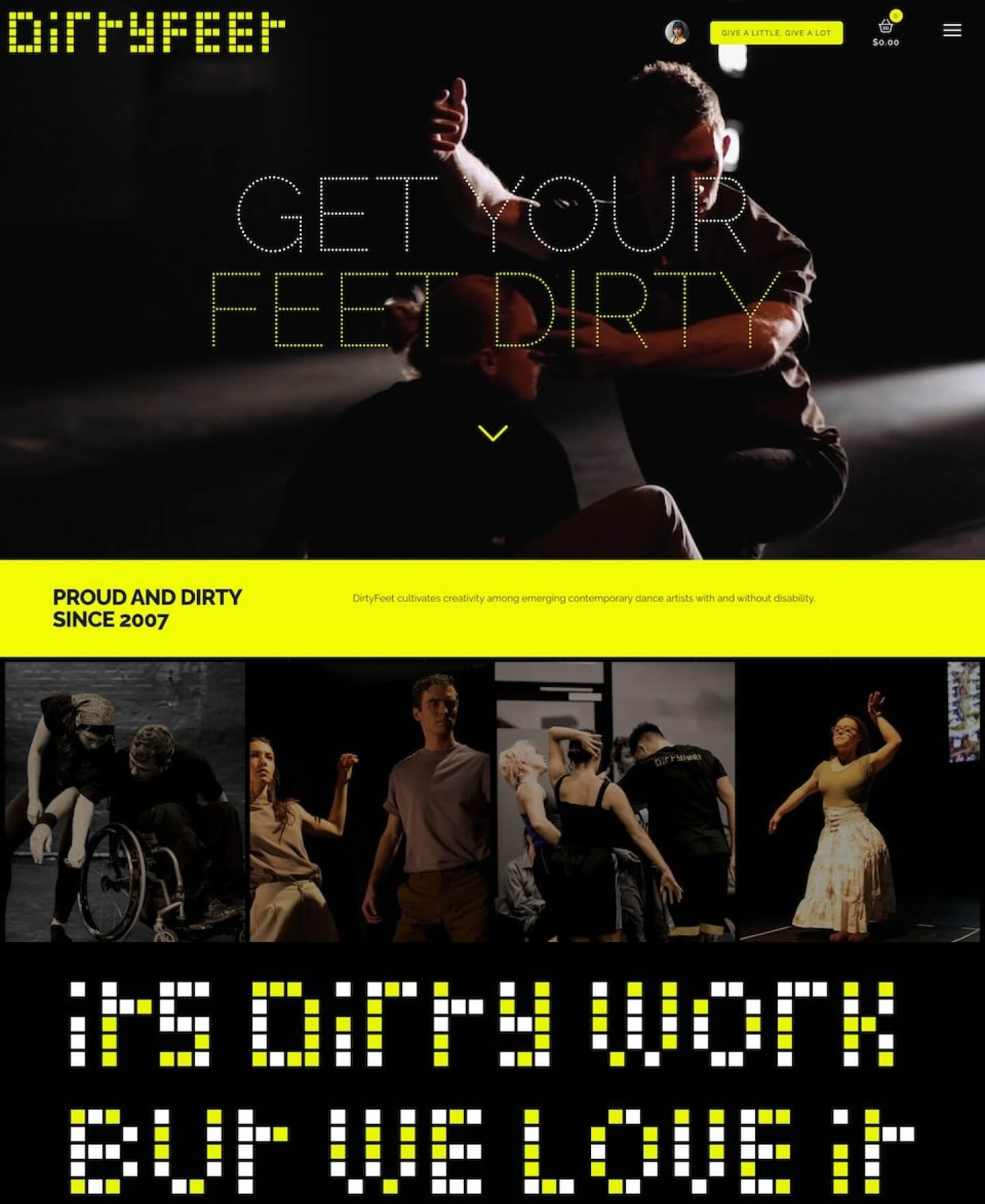
MOBLE is Canva for web design, with 5,000 drag 'n drop layouts that can be customised with and without AI. Anyone can do it.”

Anthea Doropoulos | CEO | DIRTYFEET | MOBLE SINCE 2014

  AFTER YOU 'GO LIVE'

Ongoing Sessions

ON DEMAND

MICRO SESSIONS

AN AGENT ON EVERY SCREEN

GET STARTED
You are live. Now your staff start a session on demand, whenever they want one: build a page, add an automation, send a proposal. There is an agent on every screen of the MOBLE platform, using the AI Design Memory, automations and agents from Sessions 1 to 6 to manage your business. Tap a card to see its screen and its agent.
ENQUIRIES

Every enquiry

LEADS

Sales pipeline

TICKETS

Support desk

TASKS

Project board

CONTACTS

Companies, people

PROPOSALS

Pitch, price, sign

ENQUIRIES

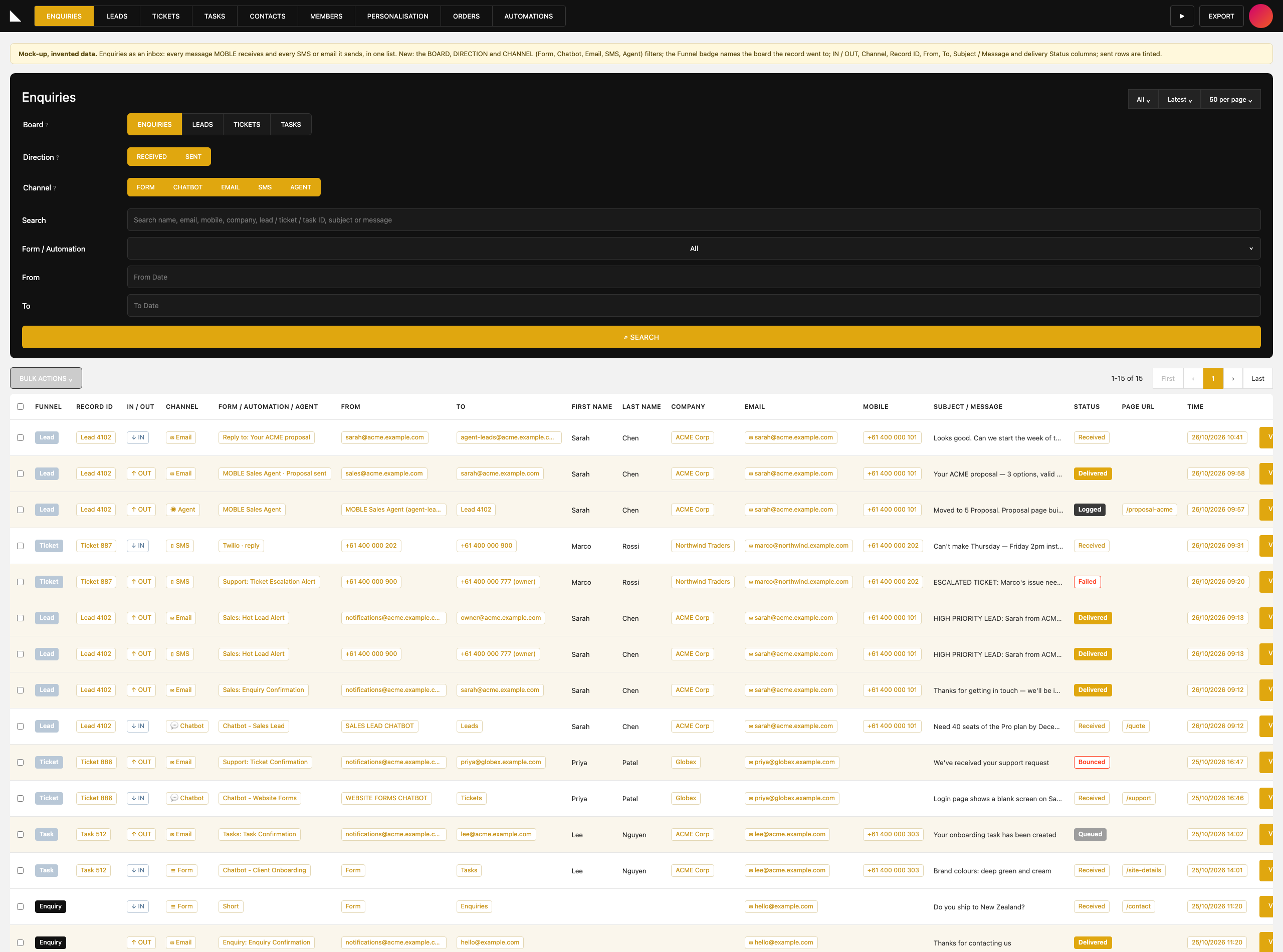
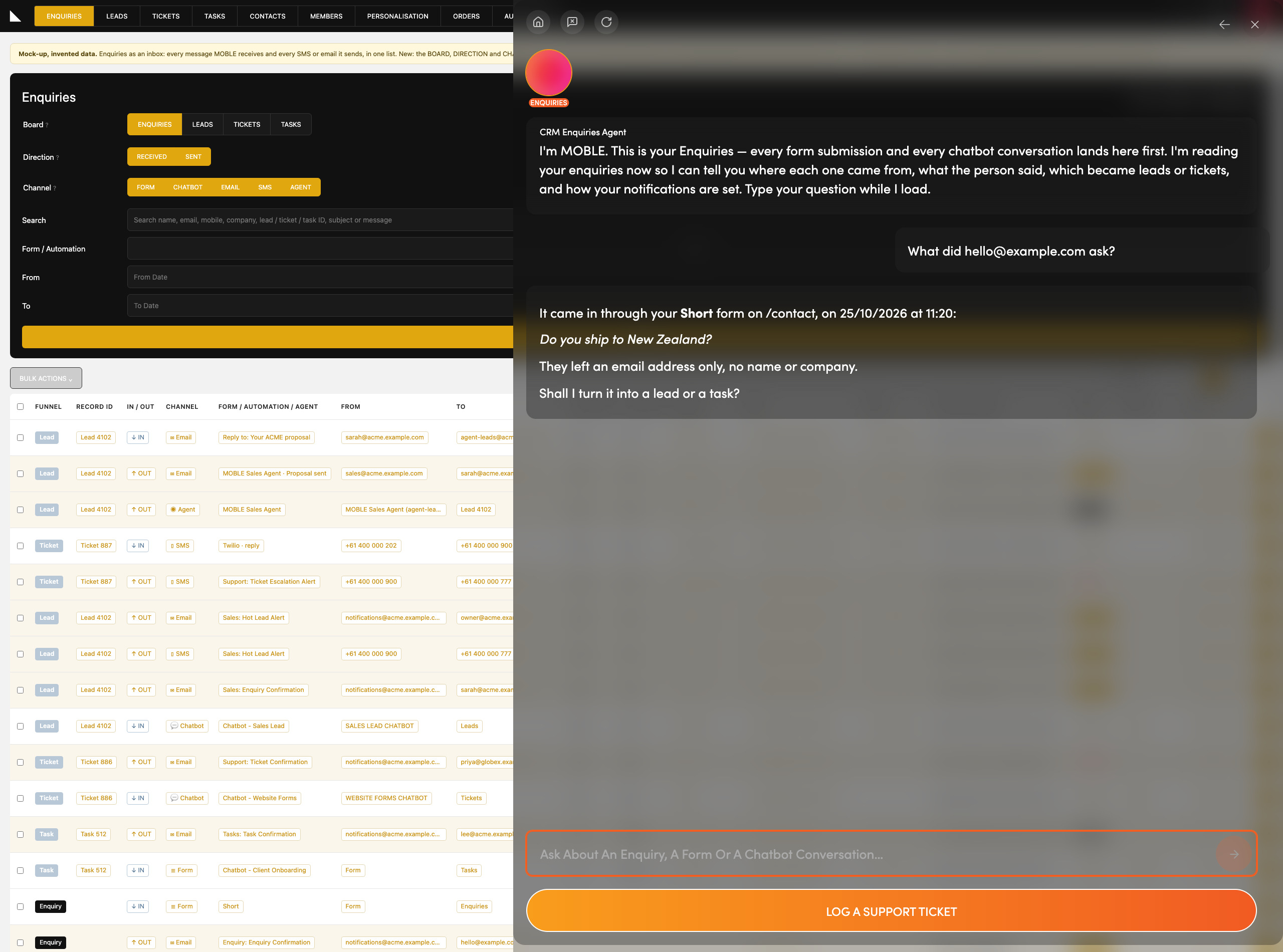
Where do my enquiries go?  Every form and chatbot conversation lands on this one screen, with its answers and the full transcript.

See who asked what, and from which page.

Ask the Enquiries Agent to read one out, then turn it into a lead or a task on your yes.

Ask: “What did hello@example.com ask?”

LEADS

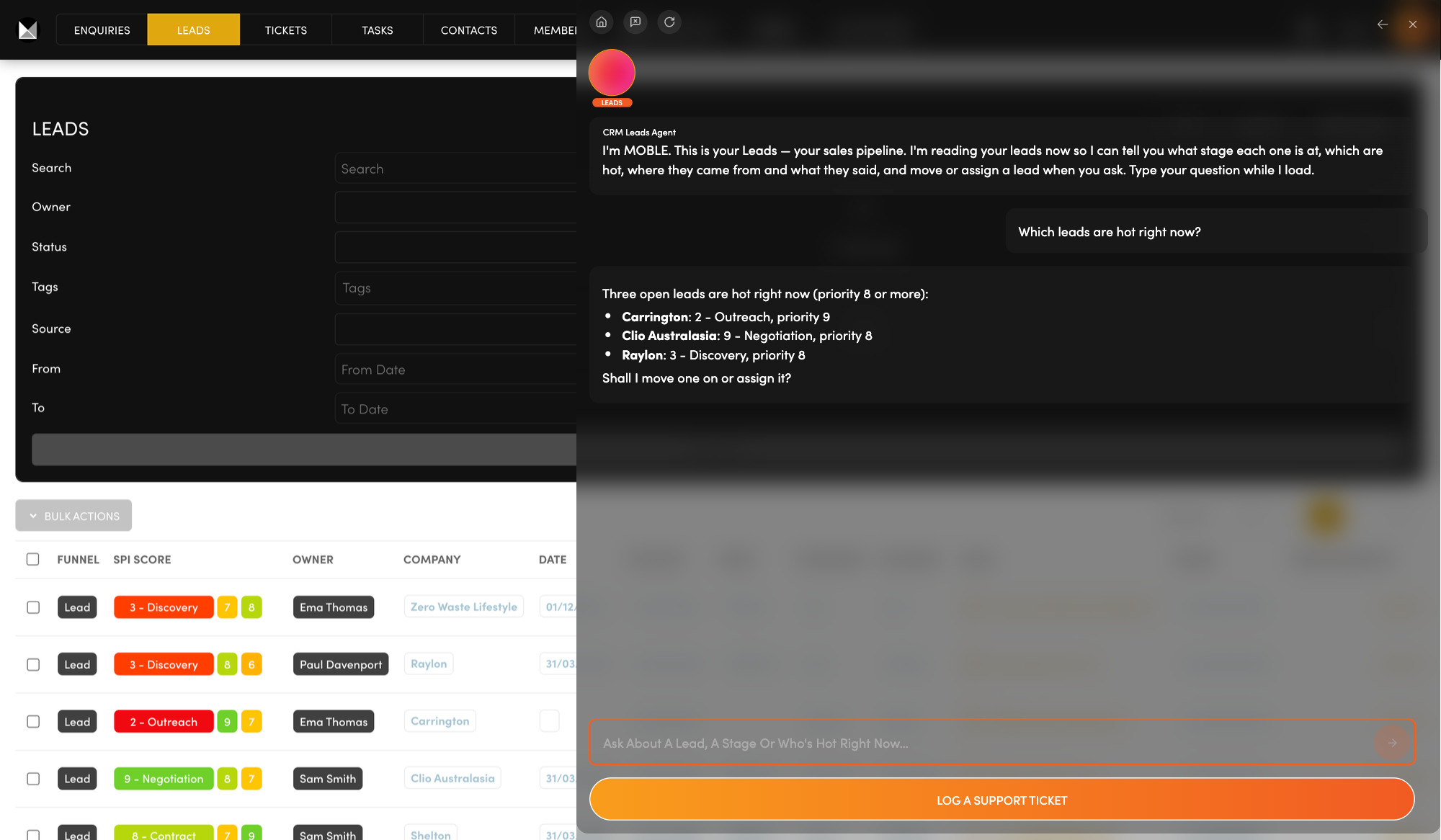
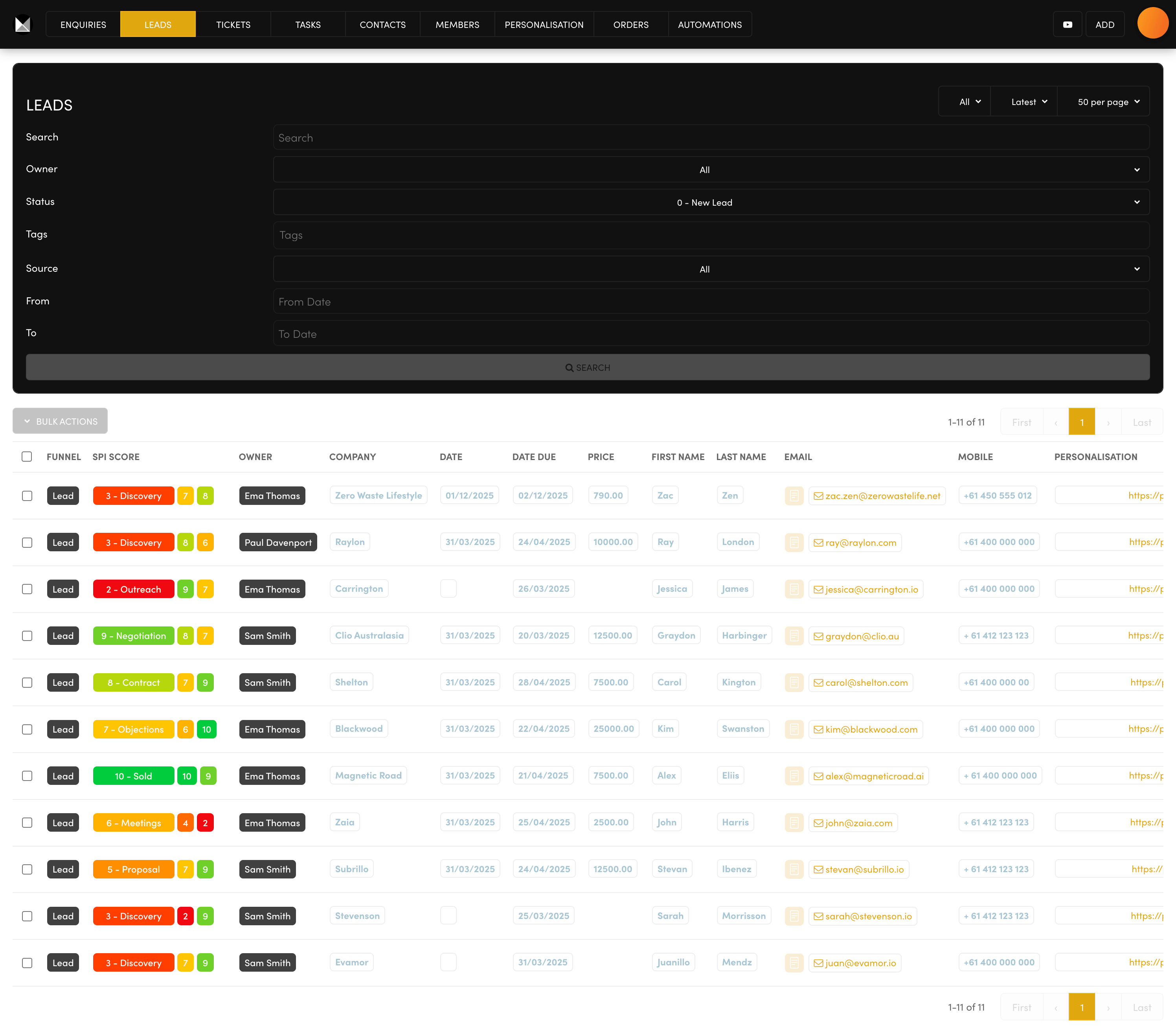
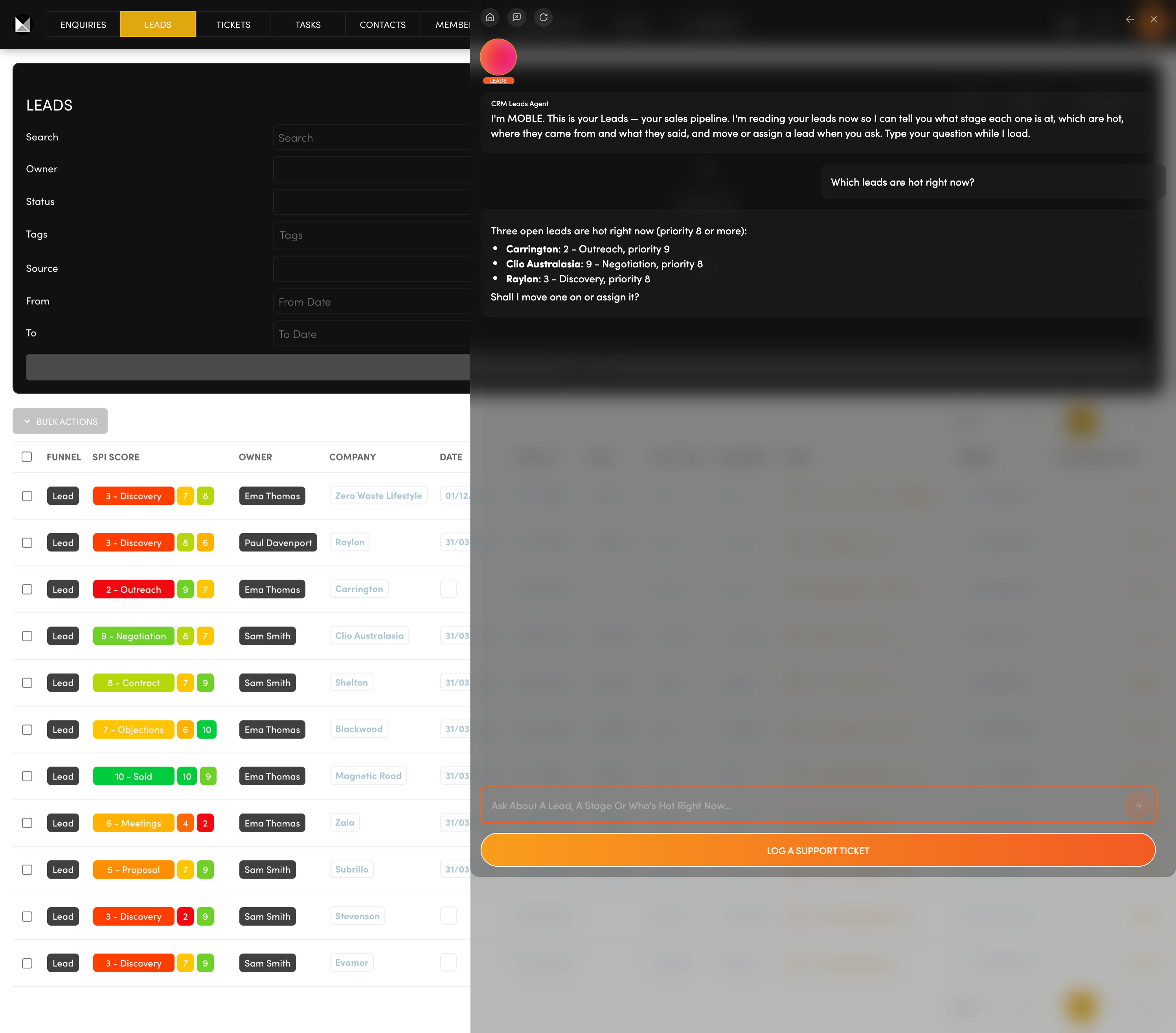
Who should I call first?  Your sales pipeline shows every possible sale, stage by stage, so you can see what needs you today.

Work each lead across eleven stages, from New Lead to Sold.

Ask the Leads Agent for overdue follow-ups, or to move and assign a lead on your yes.

Ask: “Which leads are hot right now?”

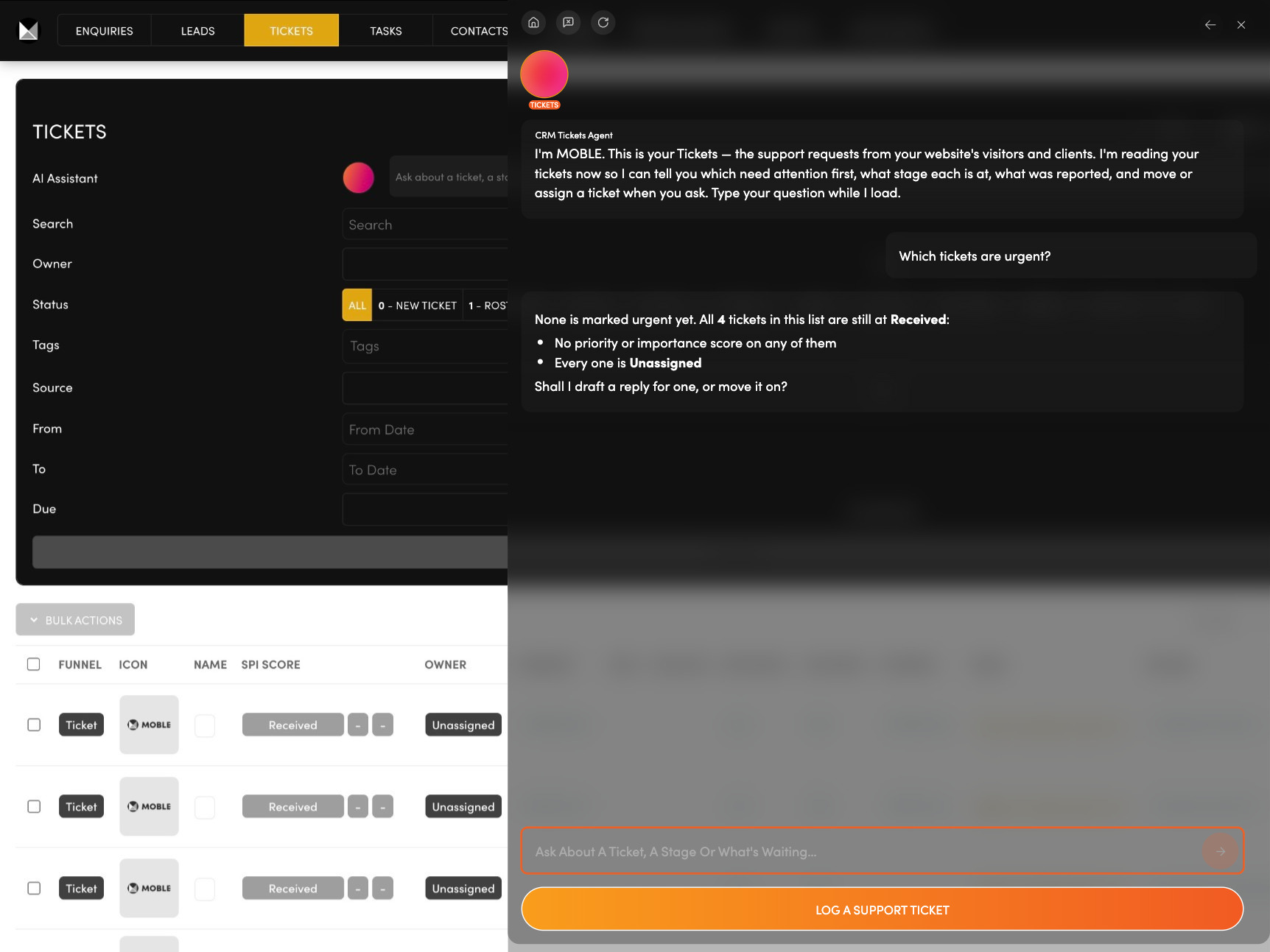
TICKETS

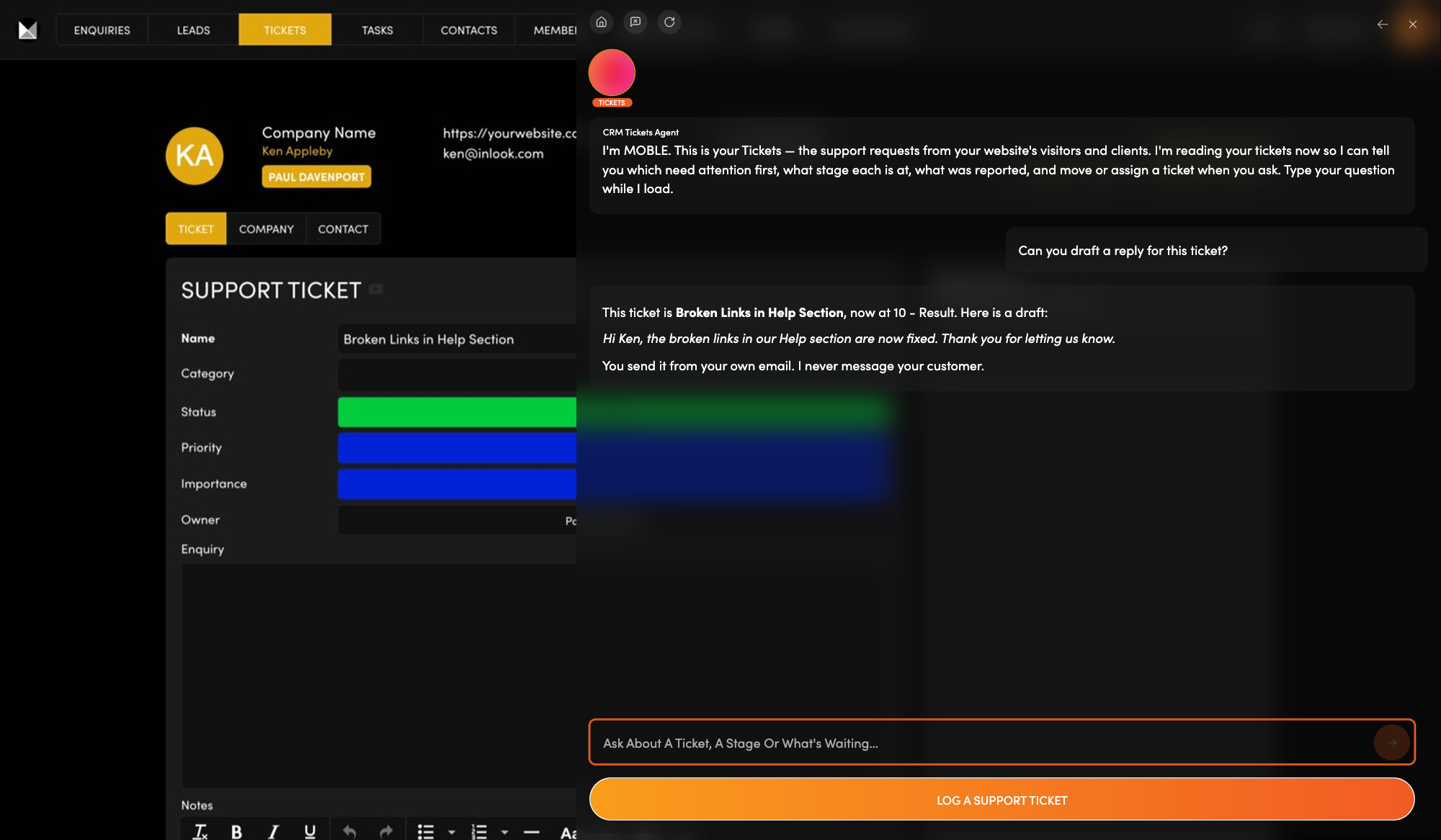
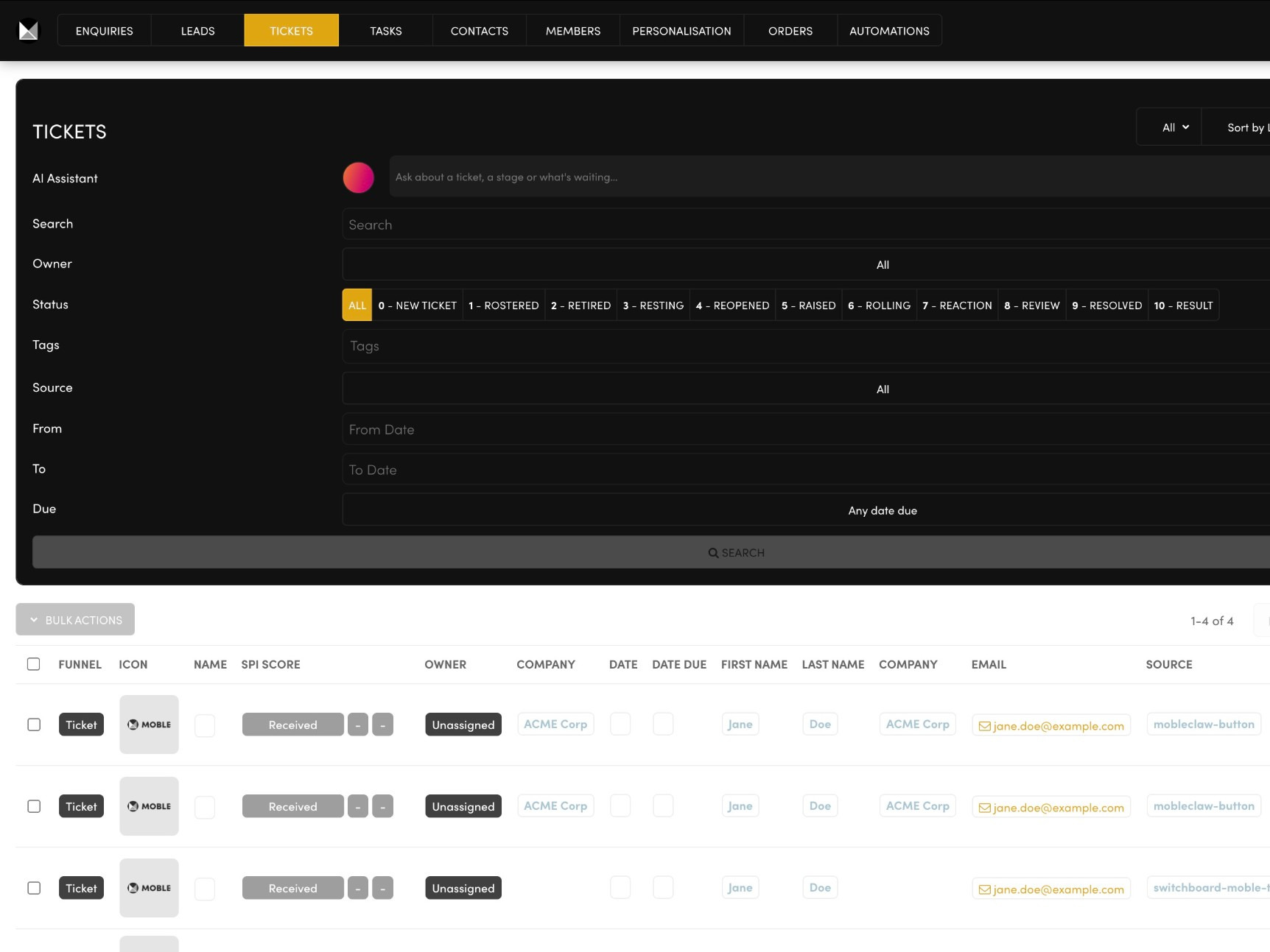
Support requests piling up?  Each request arrives here already placed in a stage and scored by your Support Ticket chatbot.

Follow every ticket through the support stages.

Ask the Tickets Agent to draft your reply, then move the ticket on or escalate it to your team, on your yes.

Ask: “Which tickets are urgent?”

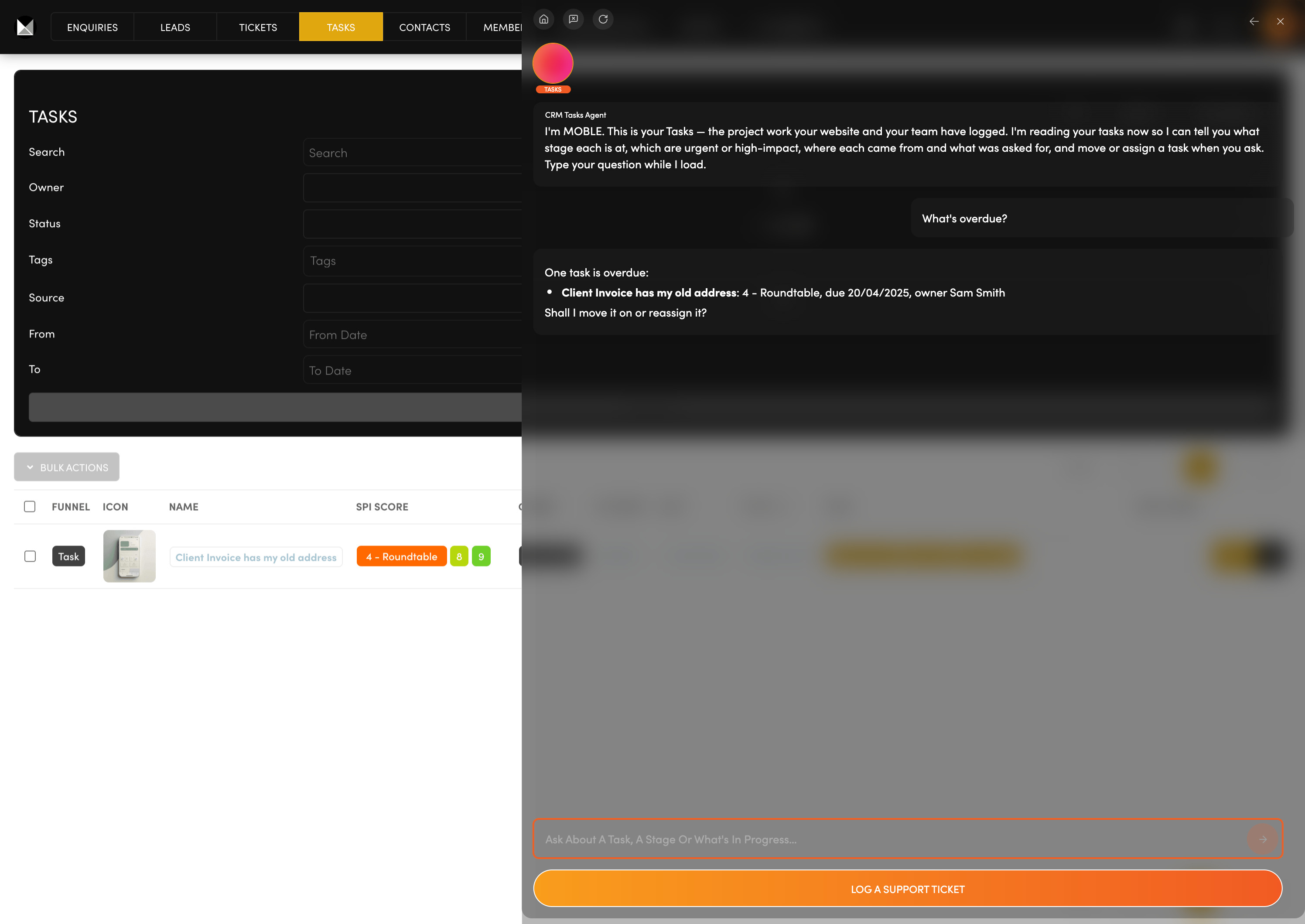
TASKS

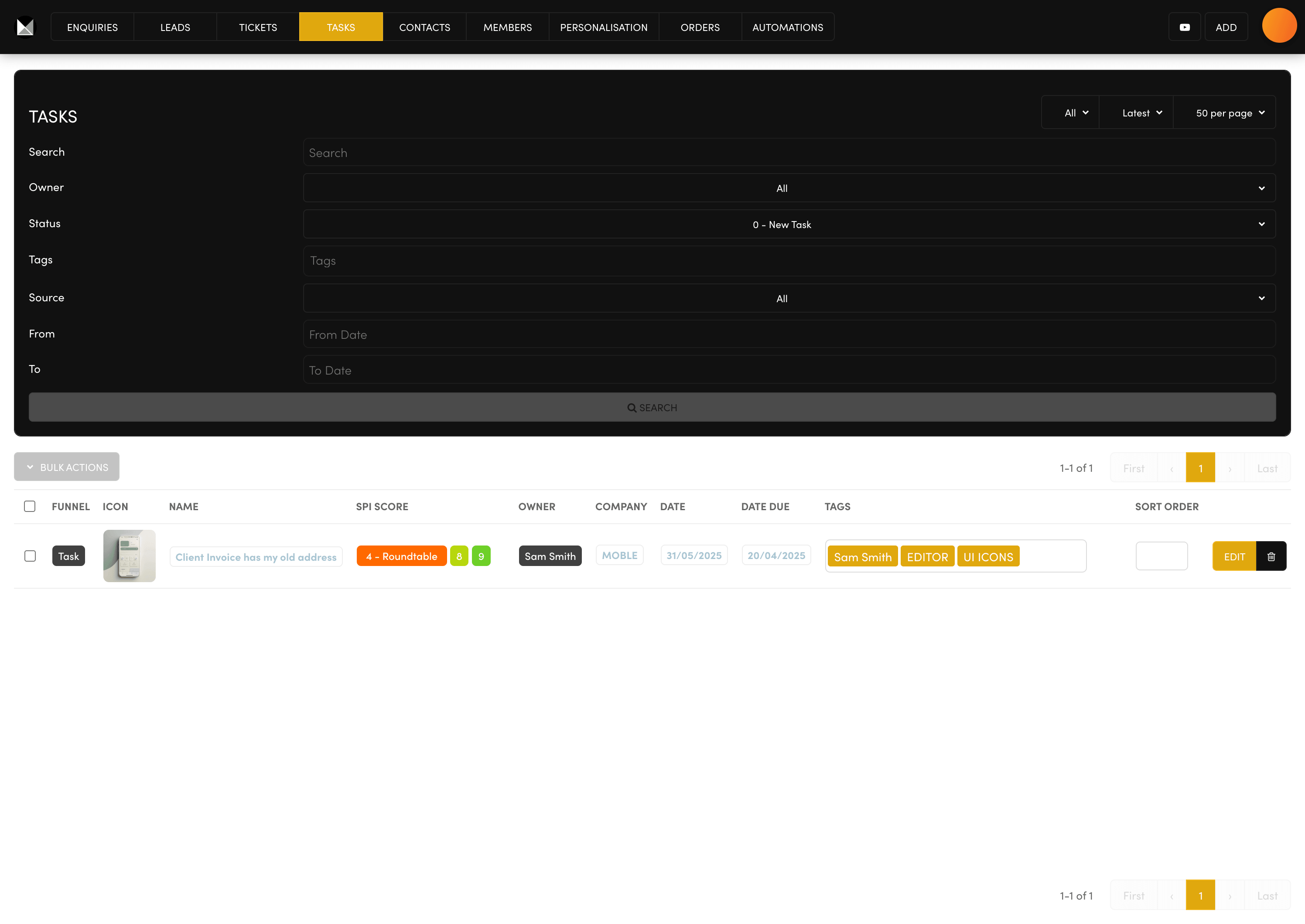
Projects slipping through the cracks?  Track every piece of project work from Received to Result, each task with an owner and a due date.

See who is doing what, and by when.

Ask the Tasks Agent to create a task and assign it to a team member.

Ask: “What's overdue?”

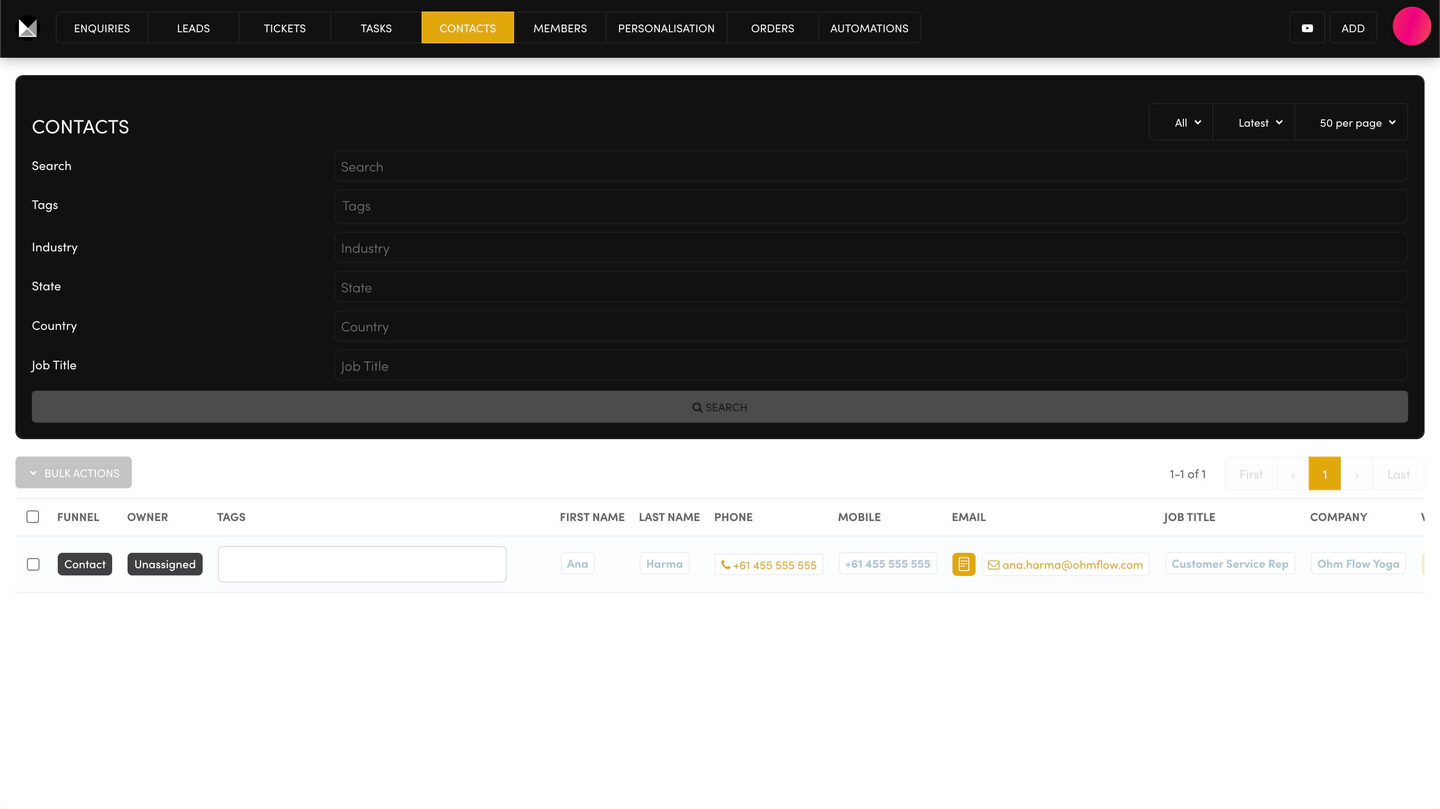
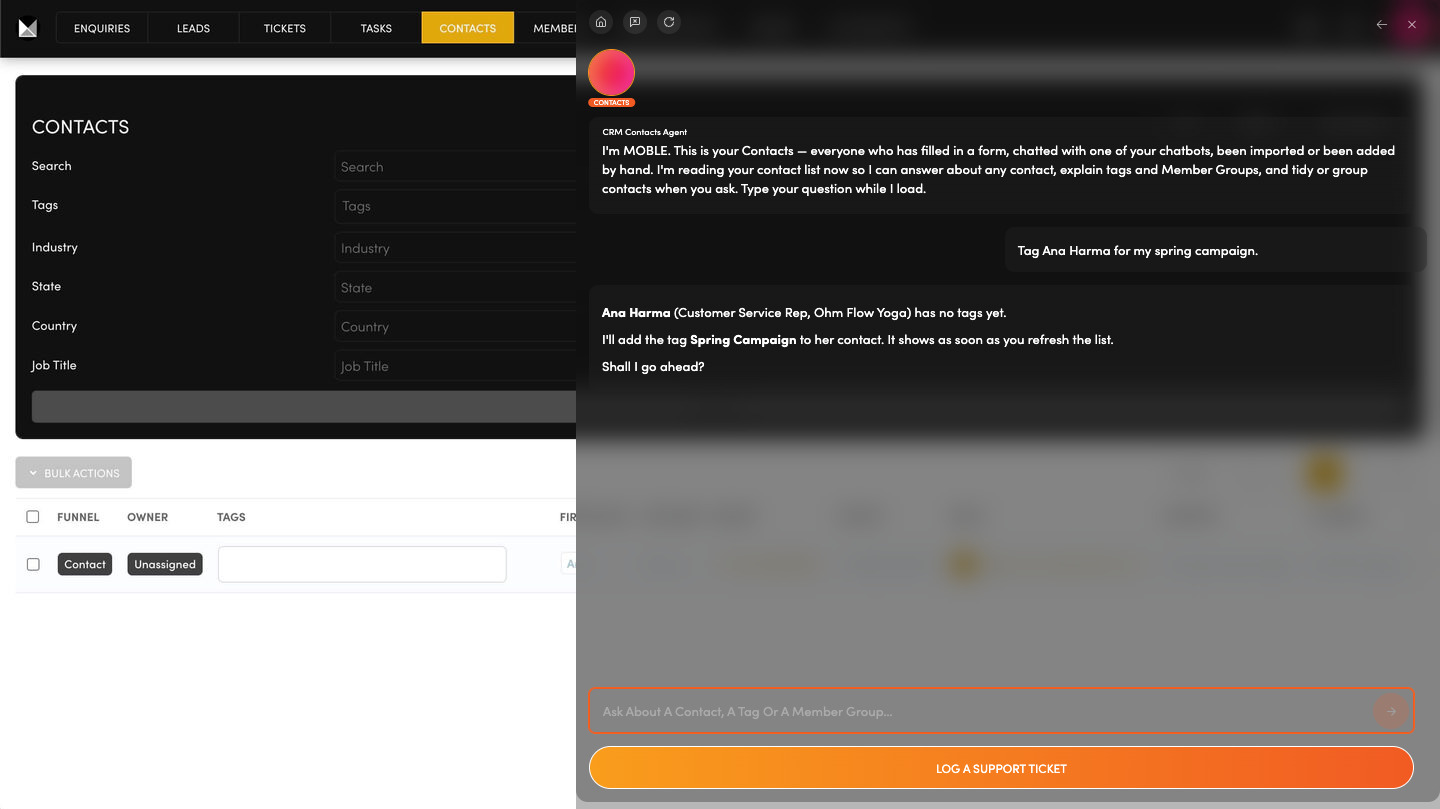
CONTACTS

Who filled in that form?  Everyone who fills in a form, on a page or in a chat, is kept here: the people and their companies.

Find any person or company in one list.

Ask the Contacts Agent where a contact came from, or to add one and tag it (a label you choose) for a campaign.

Ask: “Tag Ana Harma for my spring campaign.”

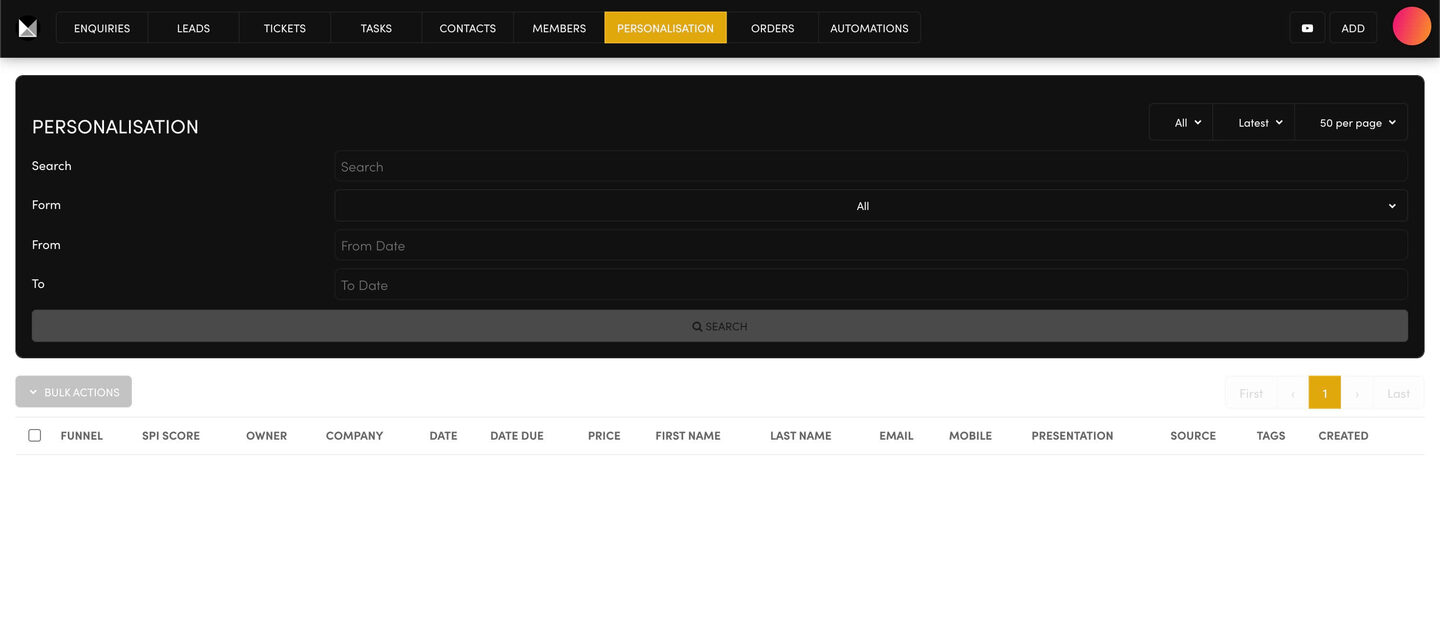
PROPOSALS

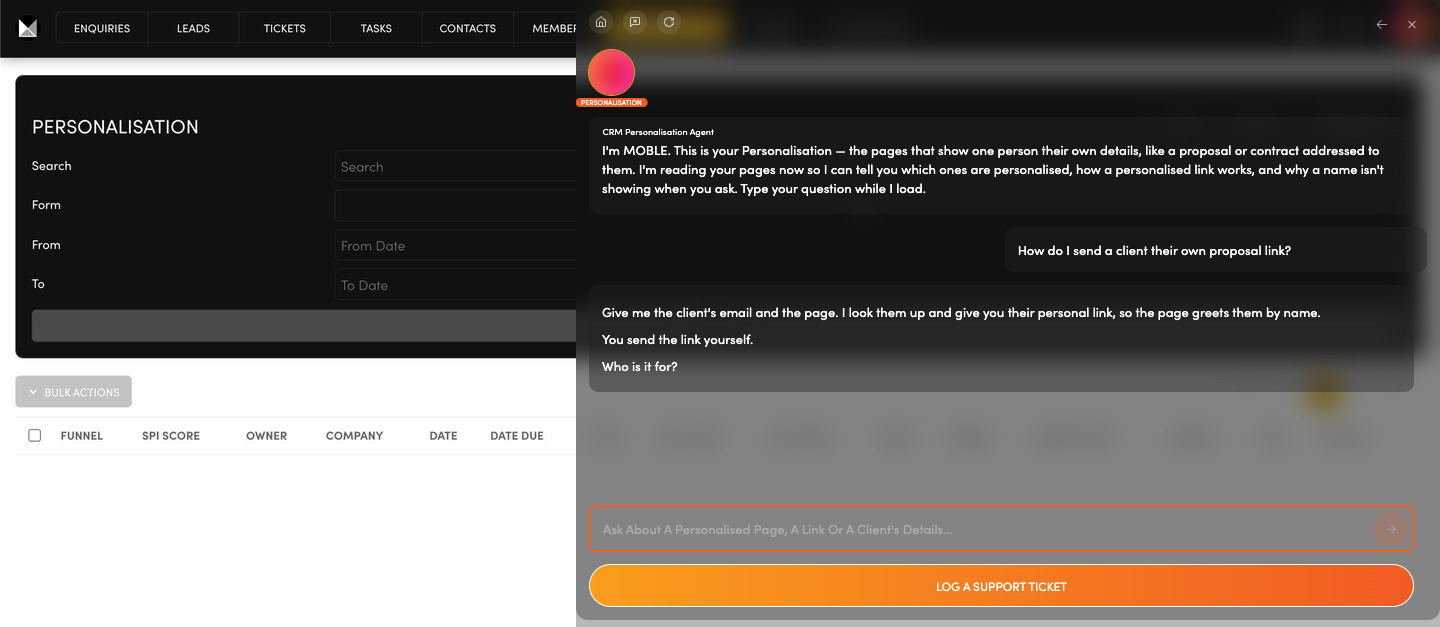
A proposal that says their name.  A proposal, deck or contract page can greet each client by name, company and price, so one page reads as if written for one person.

Use one page for many clients, each with a personal link.

Ask the Personalisation Agent for a lead's personal link, or why a name is not showing.

Ask: “How do I send a client their own proposal link?”

AI AGENTS

Your chatbots

ADD KB

Add knowledge

AVATARS

Customer types

WEBMIND

Knowledge base

FAQS

Quick answers

VOICEBOTS

Phone calls

AI AGENTS

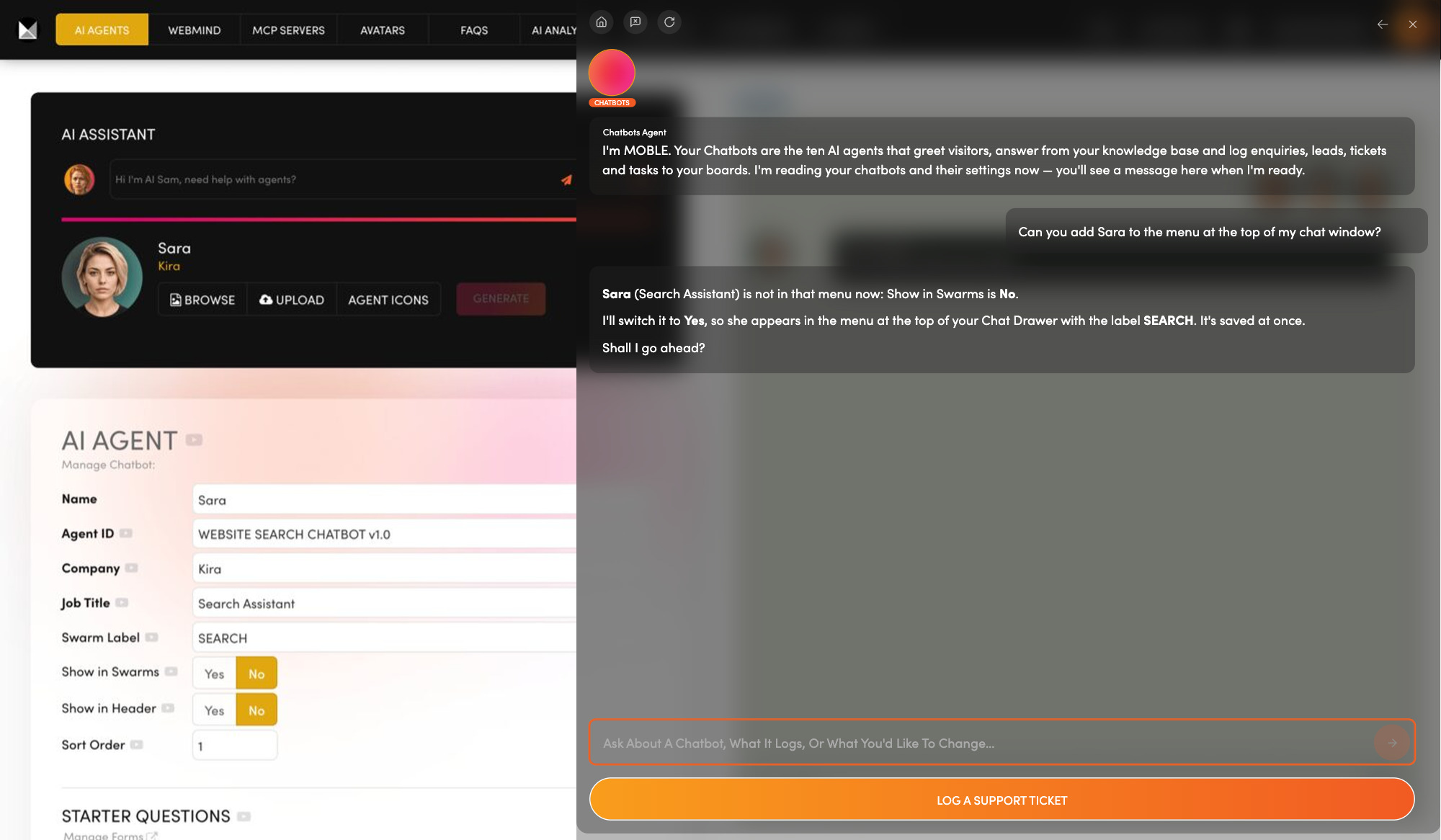
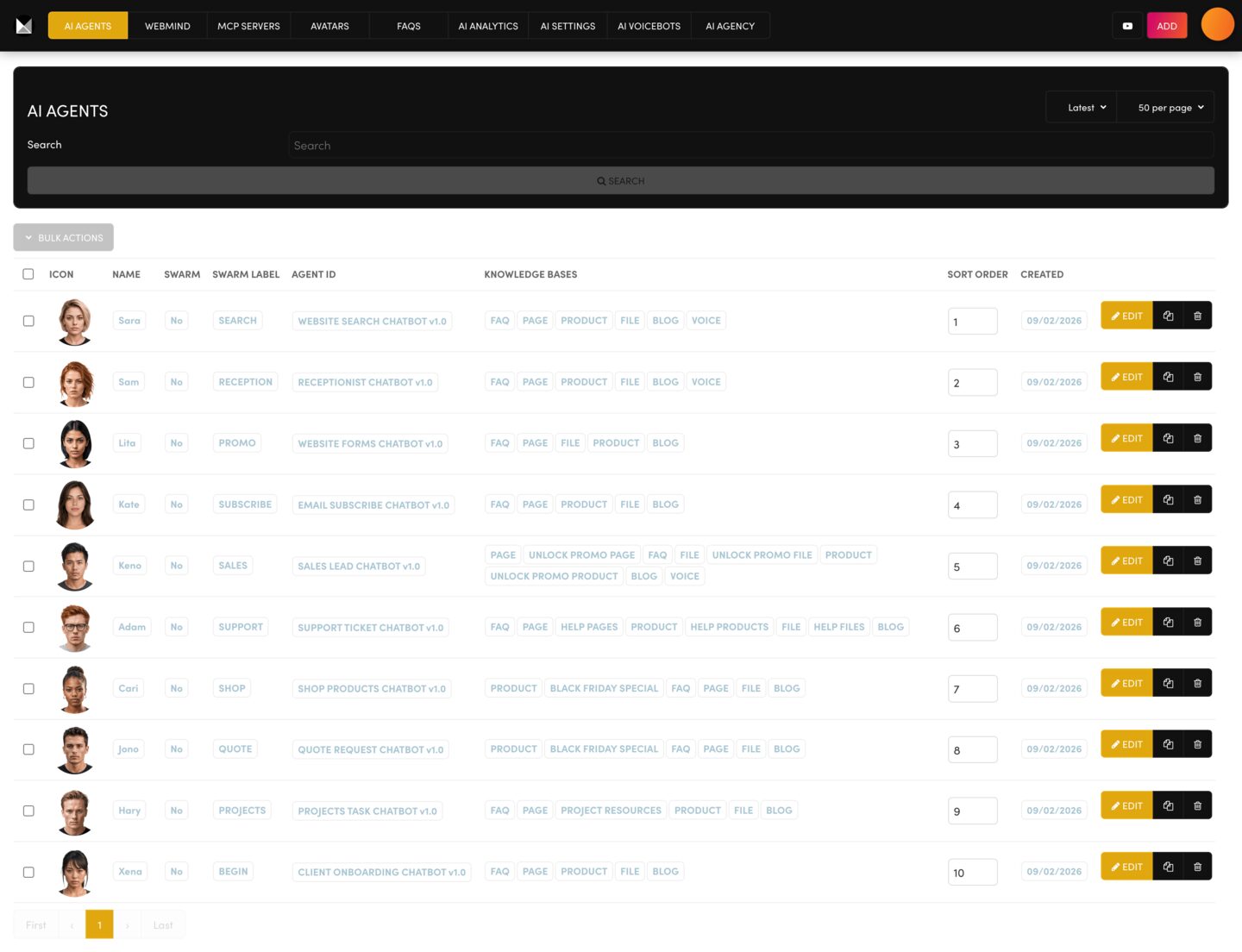
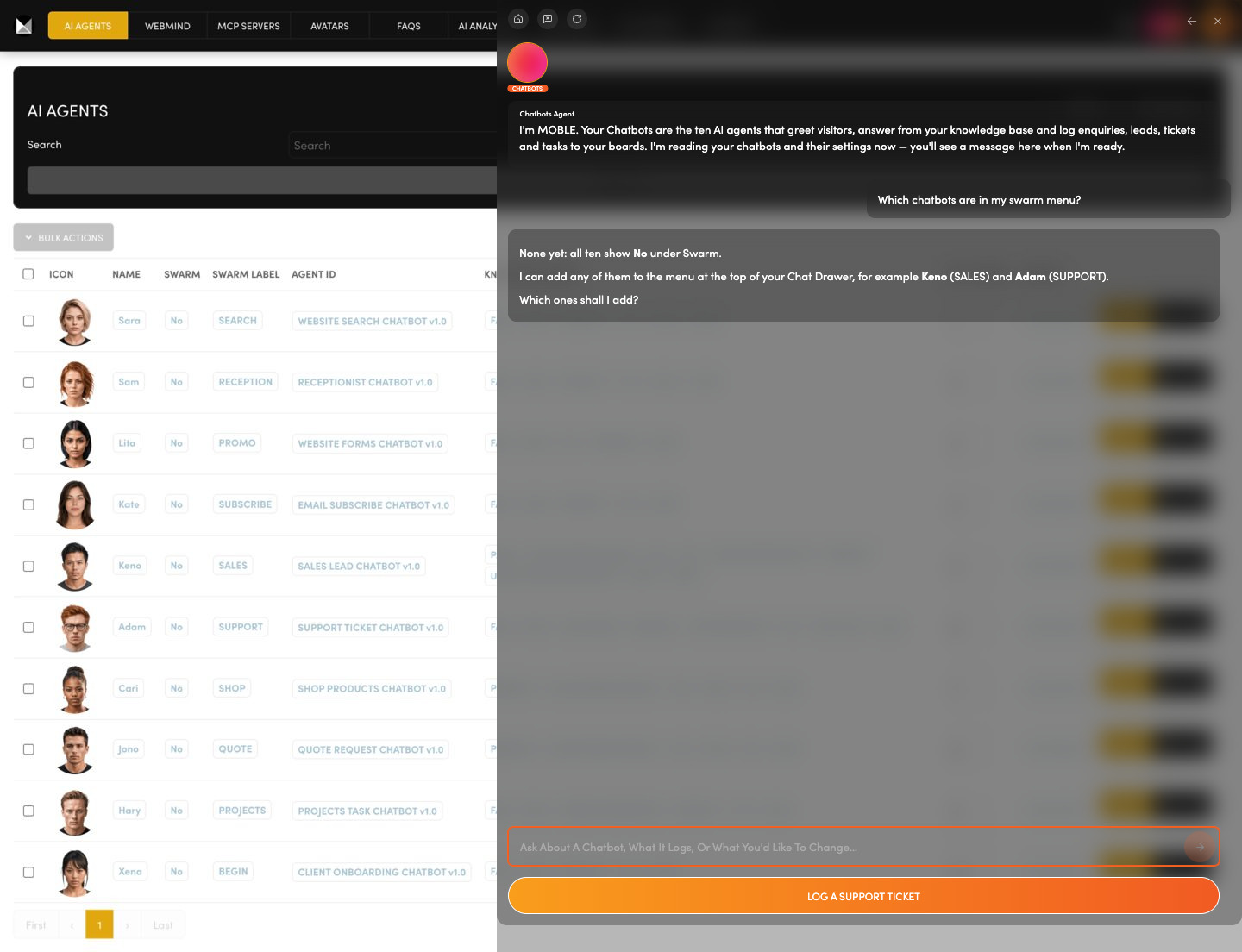
One chatbot for every job.  Ten chatbots live here, each with its own job, from sales to support.

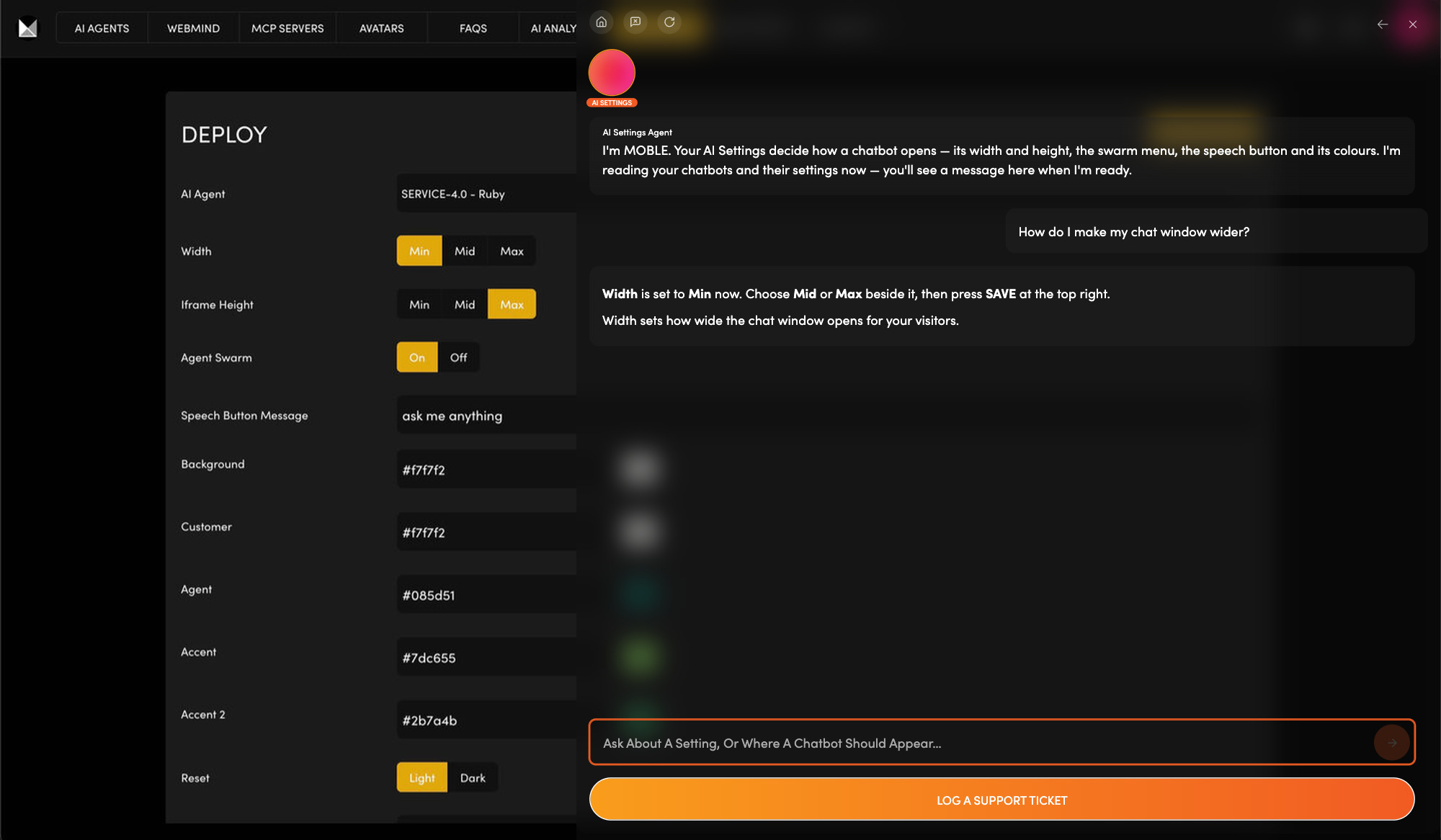
Choose which ones appear in your swarm menu (the menu at the top of your chat window).

Ask the Chatbots Agent to explain any setting, or to change that menu or your header icon on your yes.

Ask: “Which chatbots are in my swarm menu?”

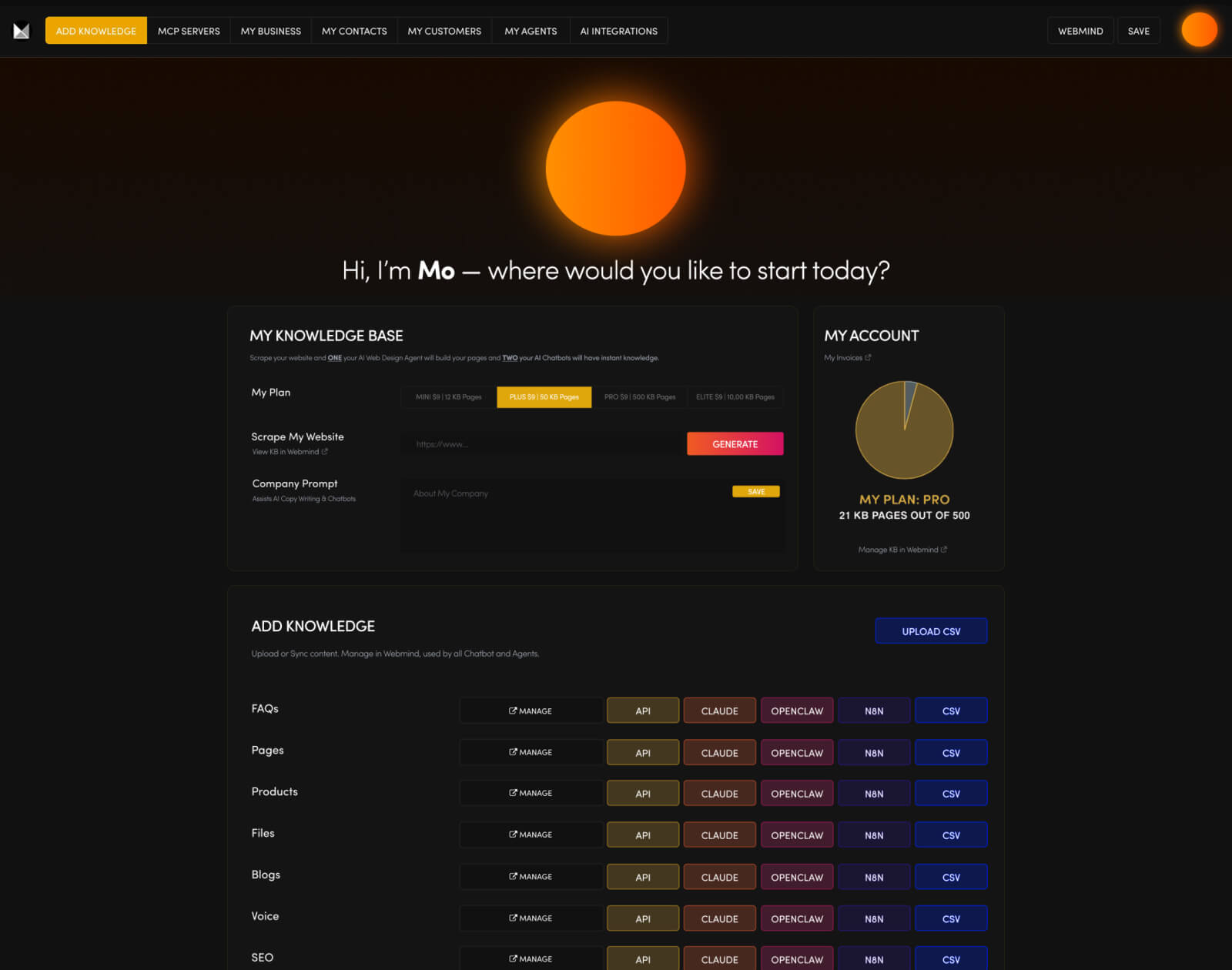
ADD KNOWLEDGE

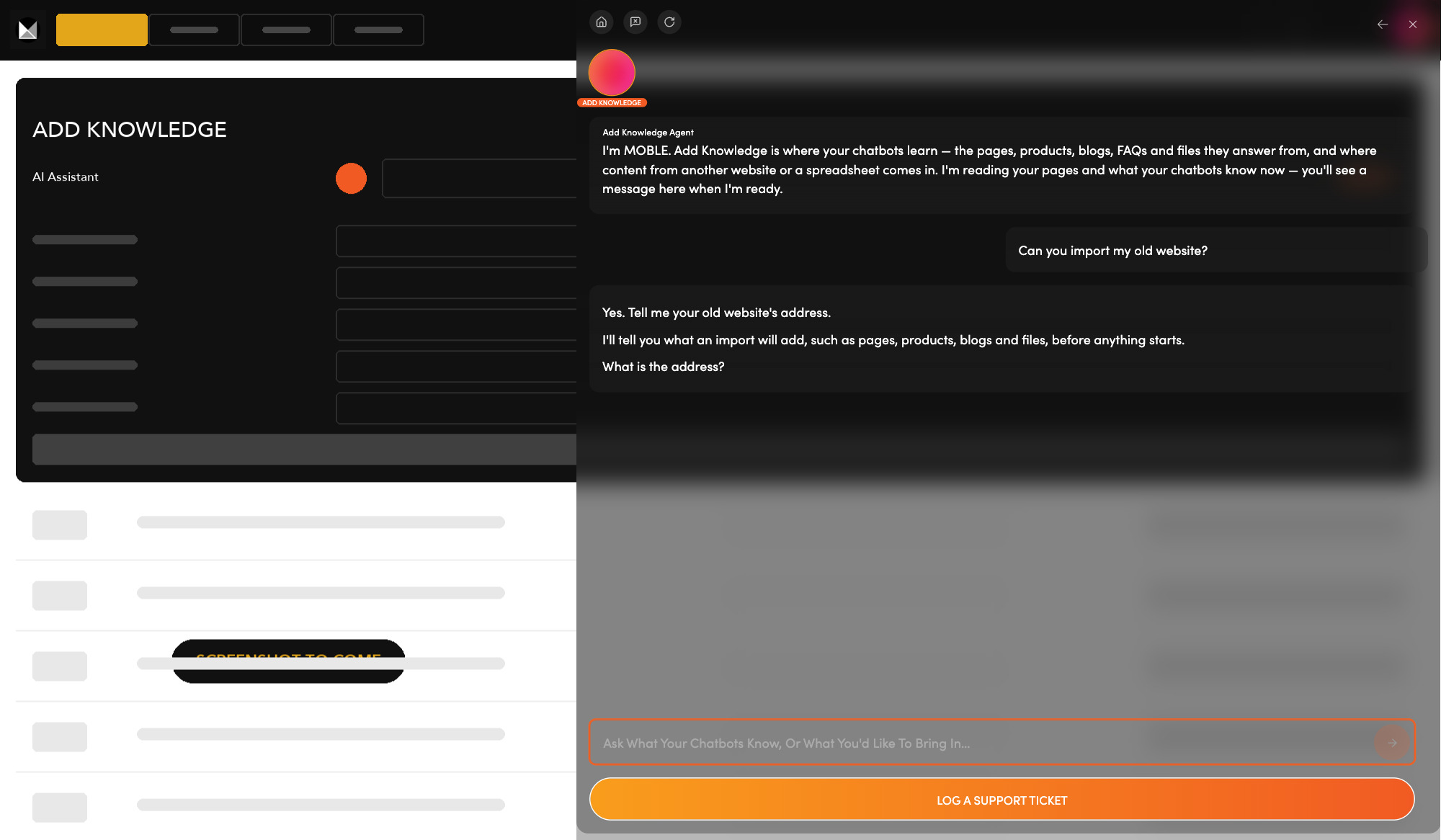
Teach your chatbots your business.  Your chatbots answer from what you give them: your old website, your pages and files, or a spreadsheet.

Enter your old website's address and each page and file becomes knowledge.

Ask the Add Knowledge Agent what an import will add before you start it.

Ask: “Can you import my old website?”

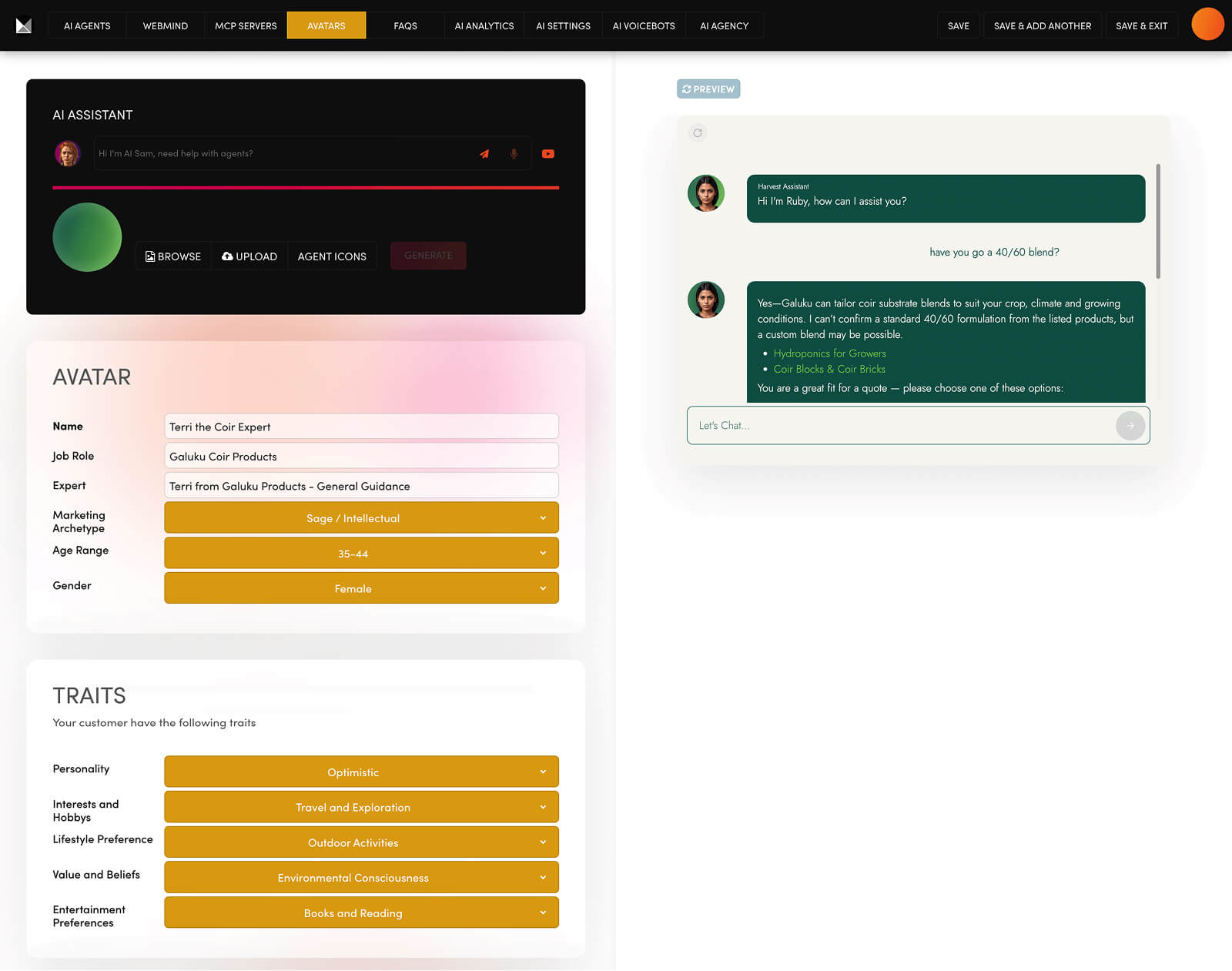
AVATARS

Does your chatbot know your customer?  A customer avatar describes one type of customer: who they are, their problem and their objections. Assign it to the chatbot that serves them.

Write one avatar for each type of customer you serve.

Ask the Avatars Agent to draft each section with you, ready to paste and save.

Ask: “Do I need a customer avatar?”

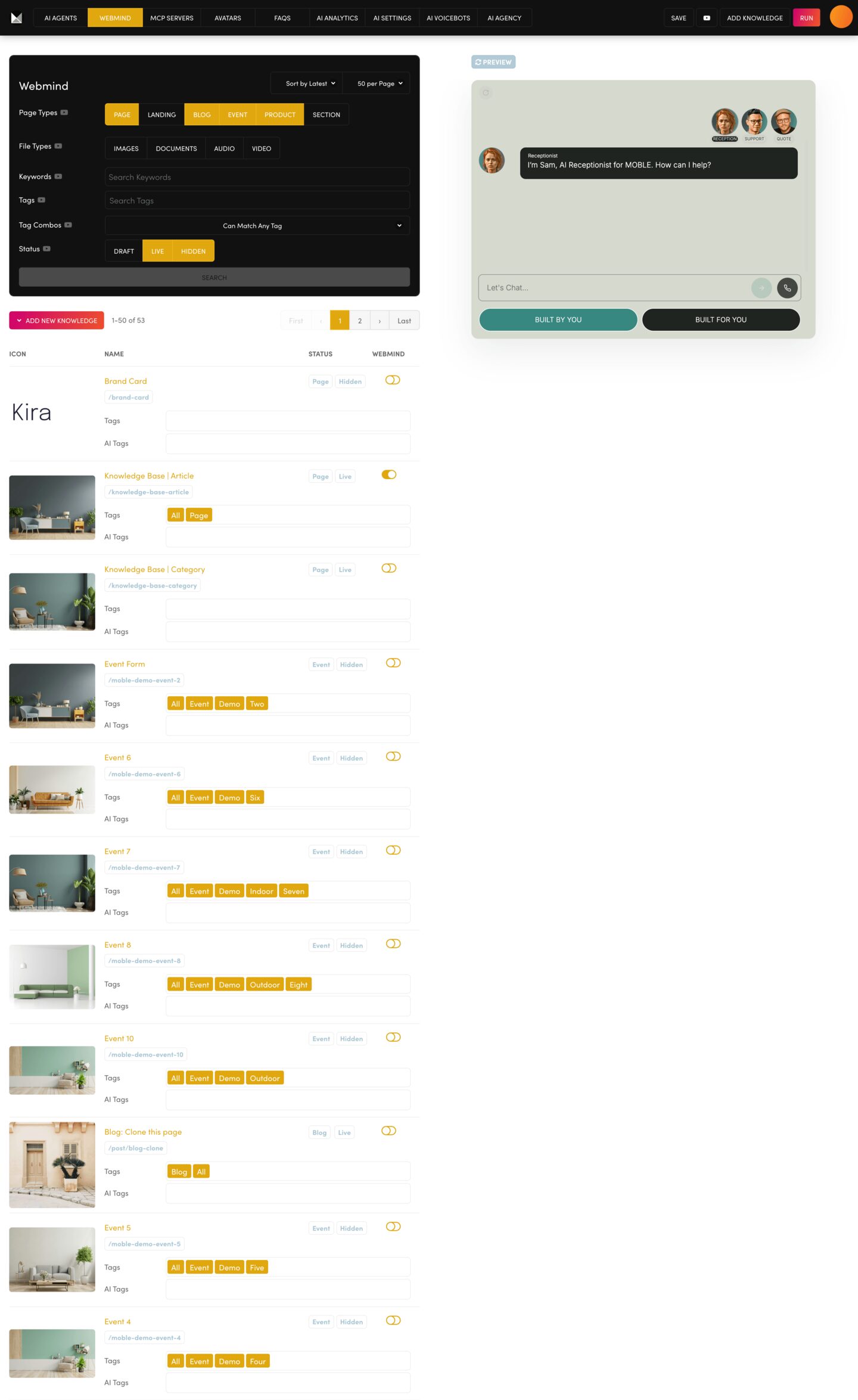
WEBMIND

What does your chatbot actually know?  Webmind lists every page and file your chatbots can learn from (your Knowledge Base), each with its own switch.

Switch a page on or off, then press RUN to update your chatbots.

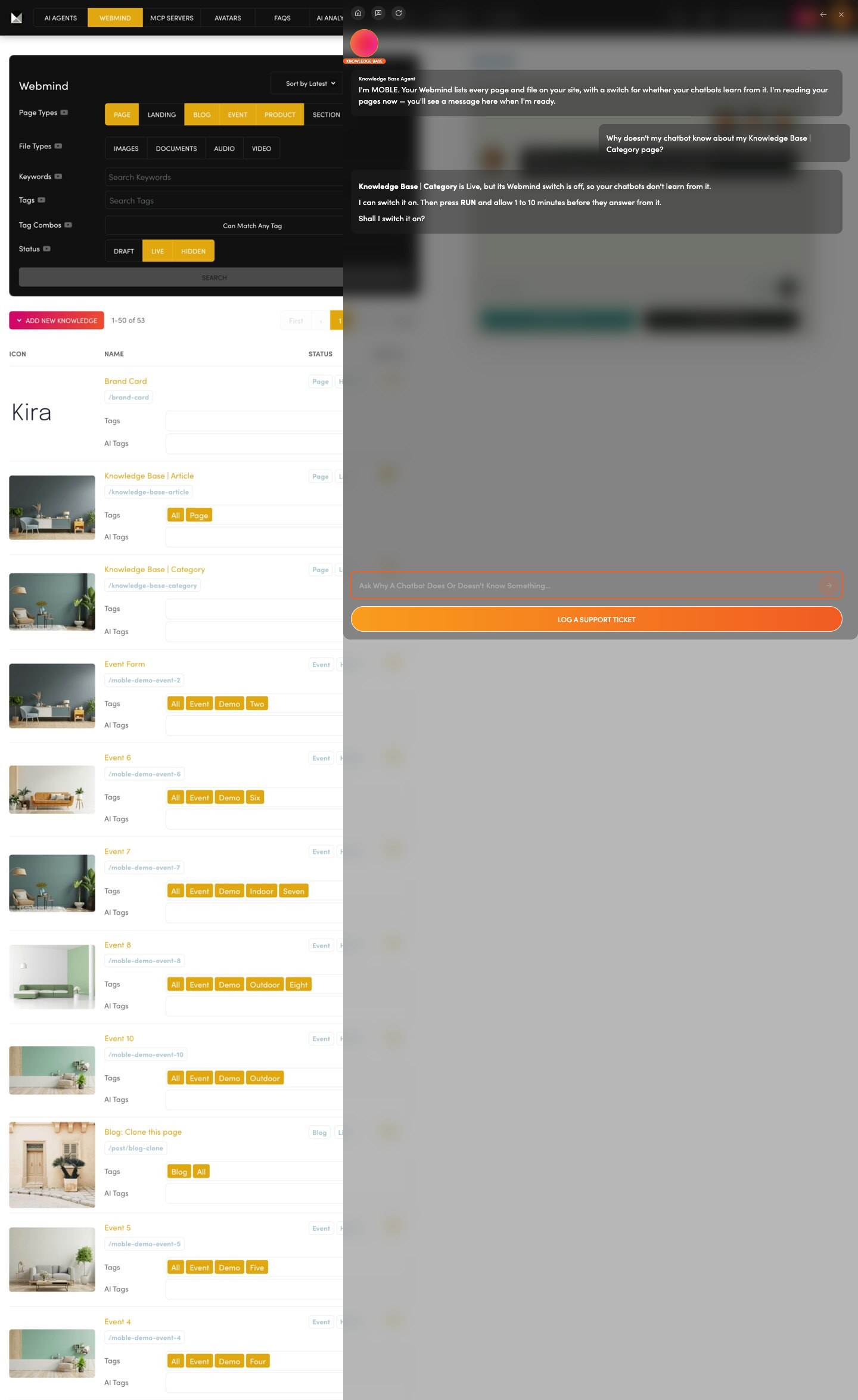
Ask the Knowledge Base Agent why a chatbot missed something; it tracks down the page and switches it on.

Ask: “Why doesn't my chatbot know about my Knowledge Base | Category page?”

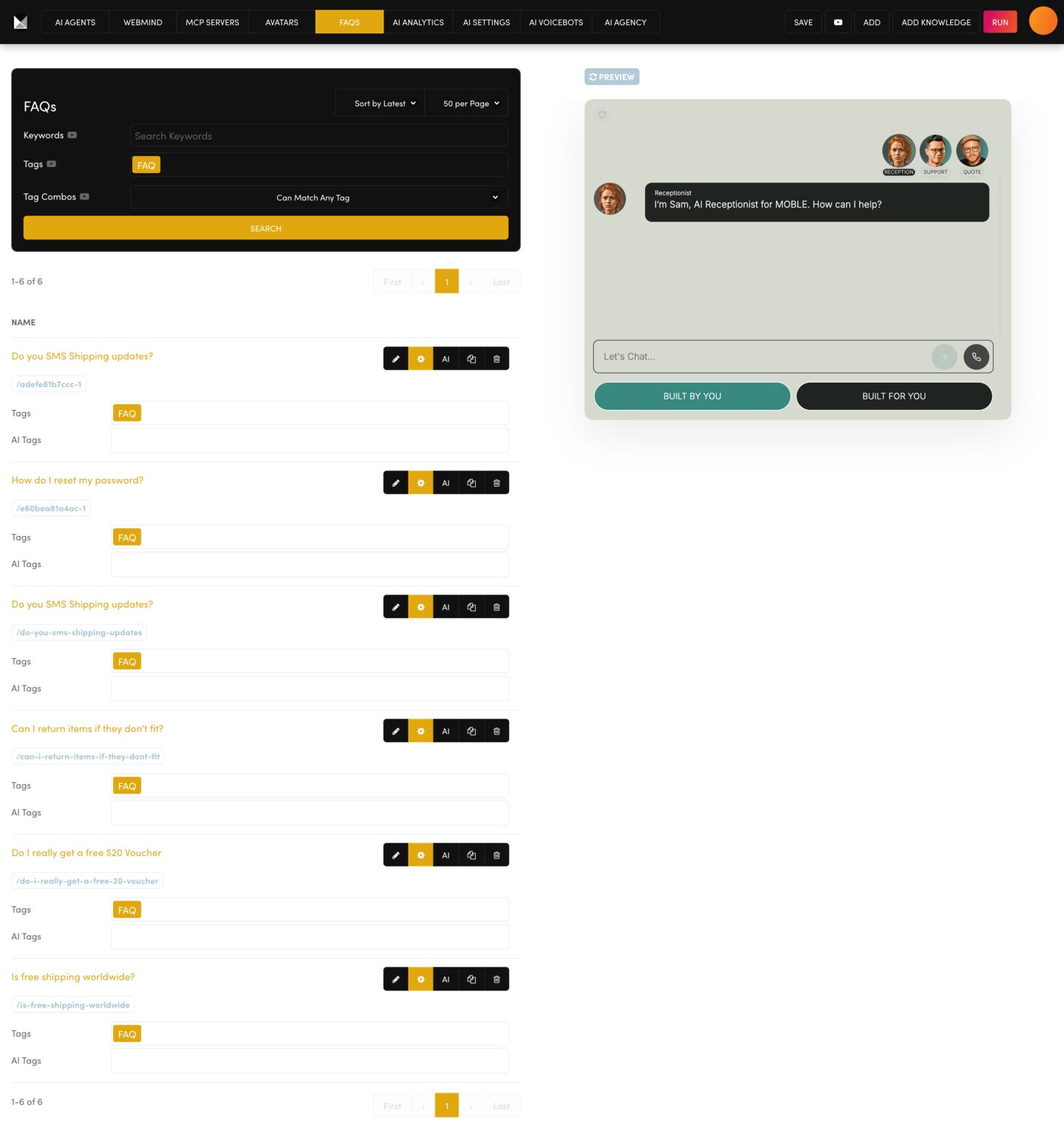
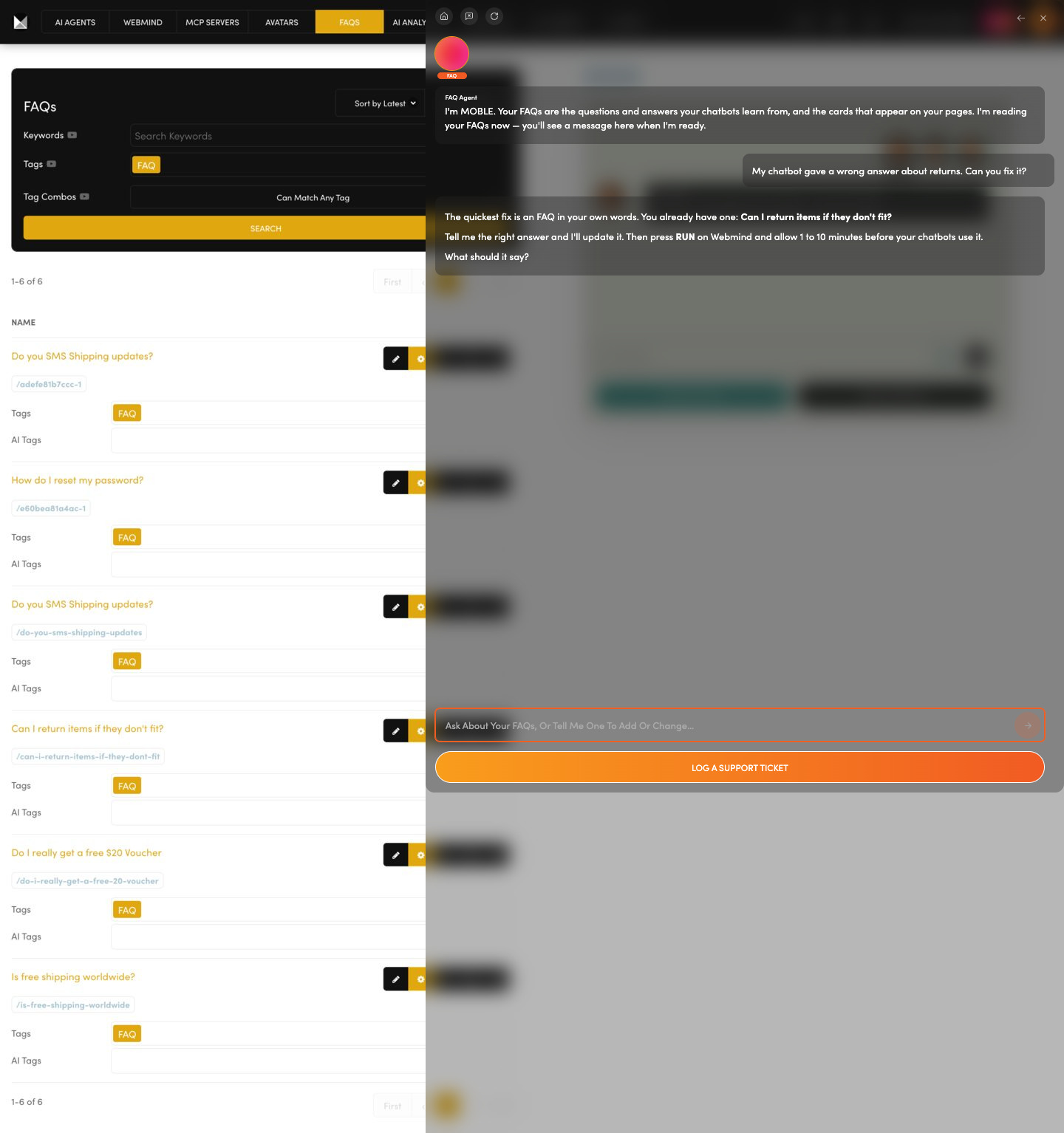
FAQS

Chatbot gave a wrong answer?  An FAQ, a question and its answer in your own words, is the quickest fix. It serves your chatbots and your website.

Add or change a question and answer.

Ask the FAQ Agent to add or edit one on your yes; it reminds you to press RUN so your chatbots learn it.

Ask: “My chatbot gave a wrong answer about returns. Can you fix it?”

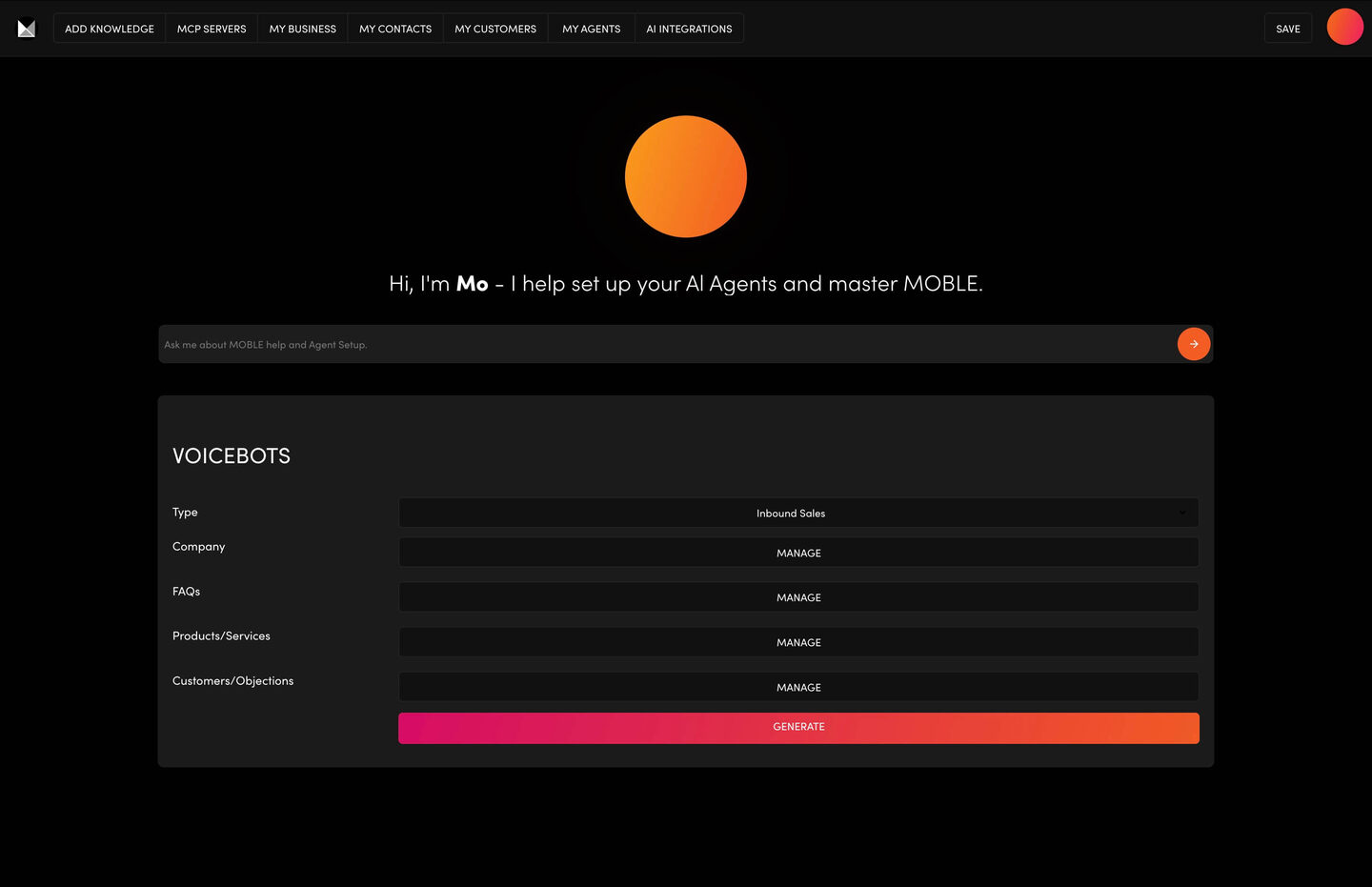
VOICEBOTS

Want AI to answer your phone?  AI Voicebots answer and make phone calls, book meetings and forward callers to your team.

Bring a phone number, a booking calendar and a voice, and fill in one set-up form.

Ask the Voicebots Agent to get each account ready with you; the MOBLE team then adds your voicebots.

Ask: “Can my chatbot answer phone calls?”

PAGES

Add, edit, publish

NAVIGATION

Menus

TAGS

Group anything

FILES

Images, documents

FORMS

Capture enquiries

LAYOUTS

Design memory

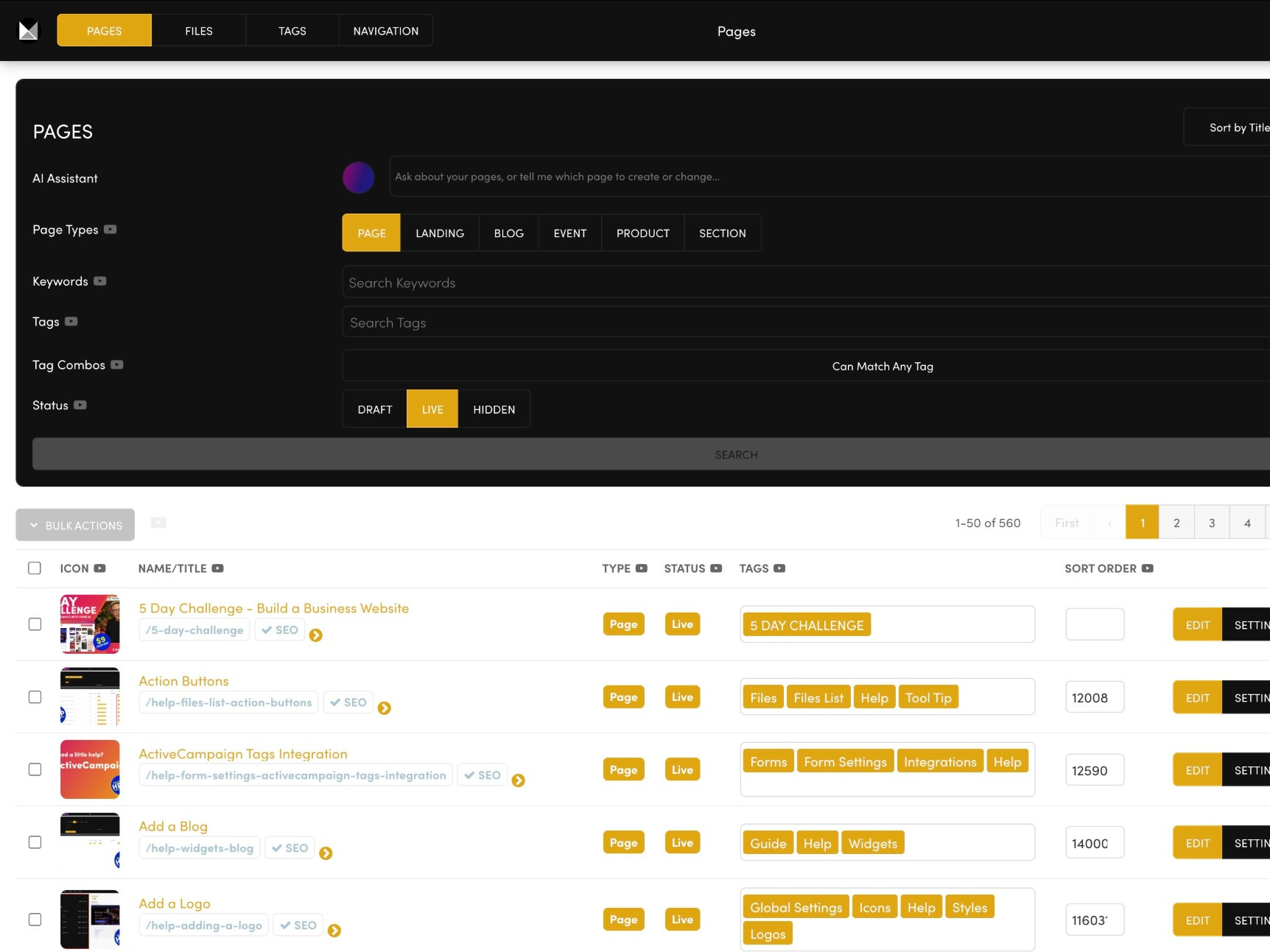
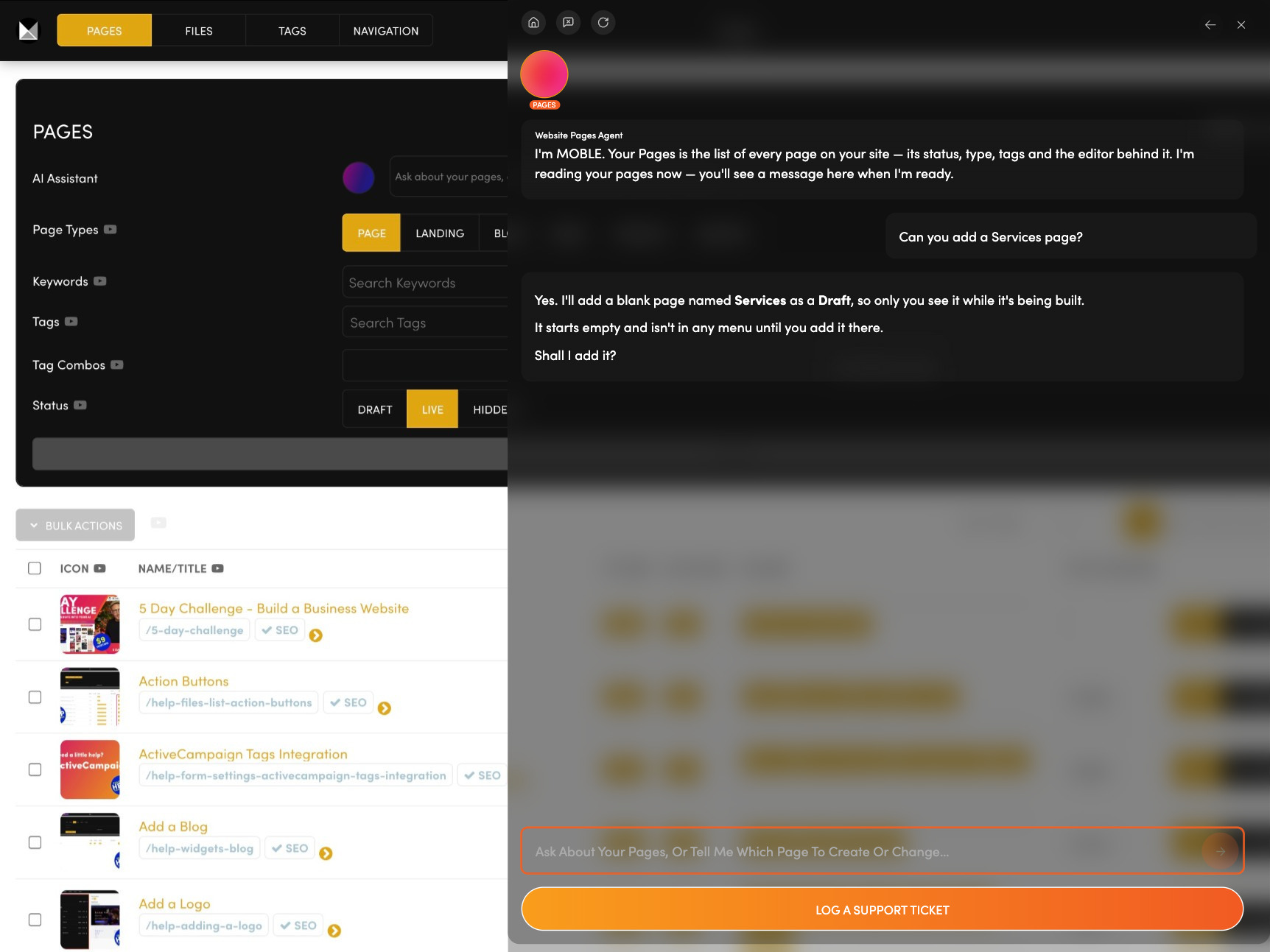
PAGES

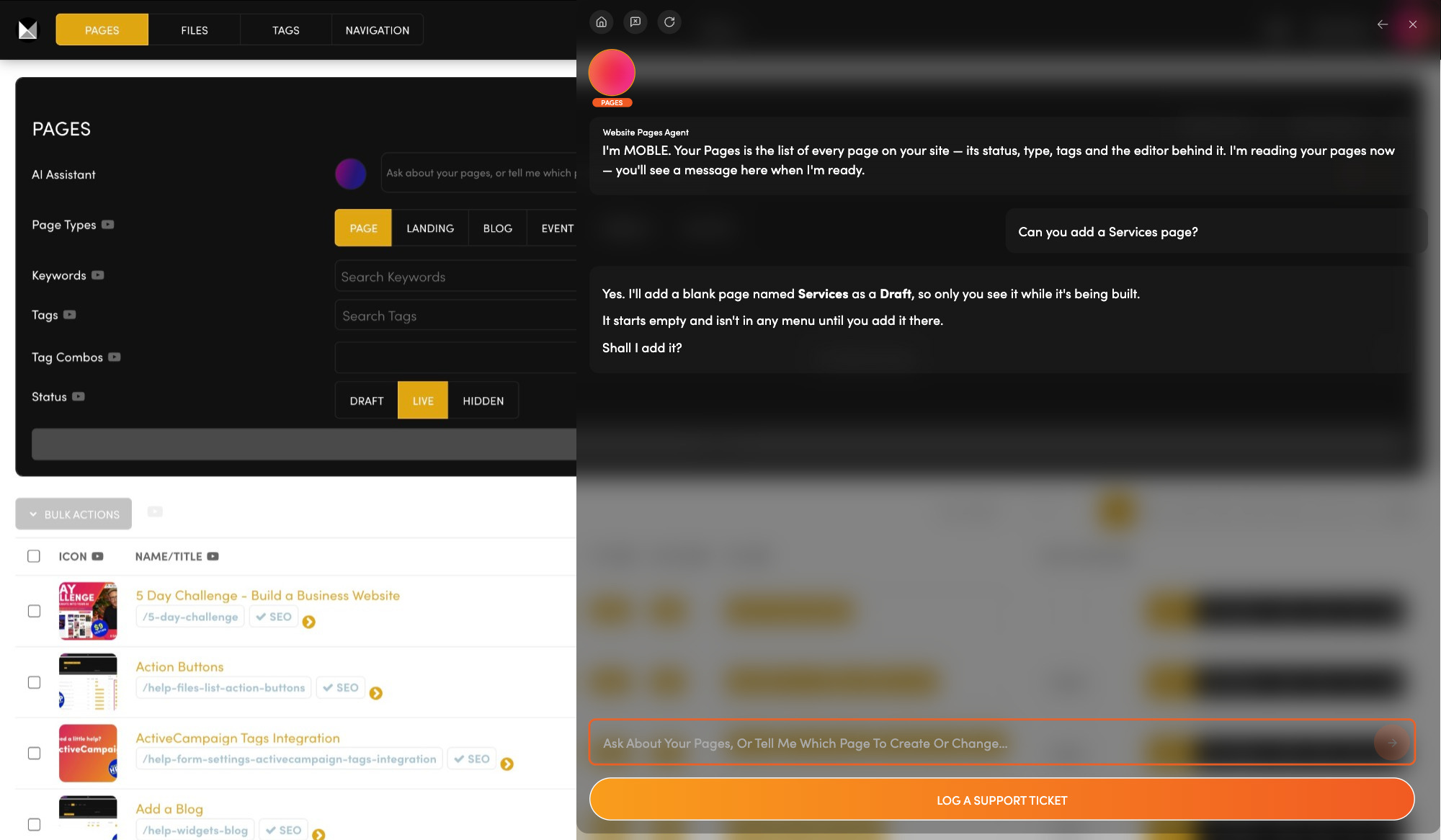
Every page, in one list.  Pages, landing pages, blogs and events sit together here, ready to edit and publish.

Open any page to edit it, and publish it when it is ready.

Ask the Pages Agent to add a Draft page on your yes, or to find out why a page is not showing.

Ask: “Can you add a Services page?”

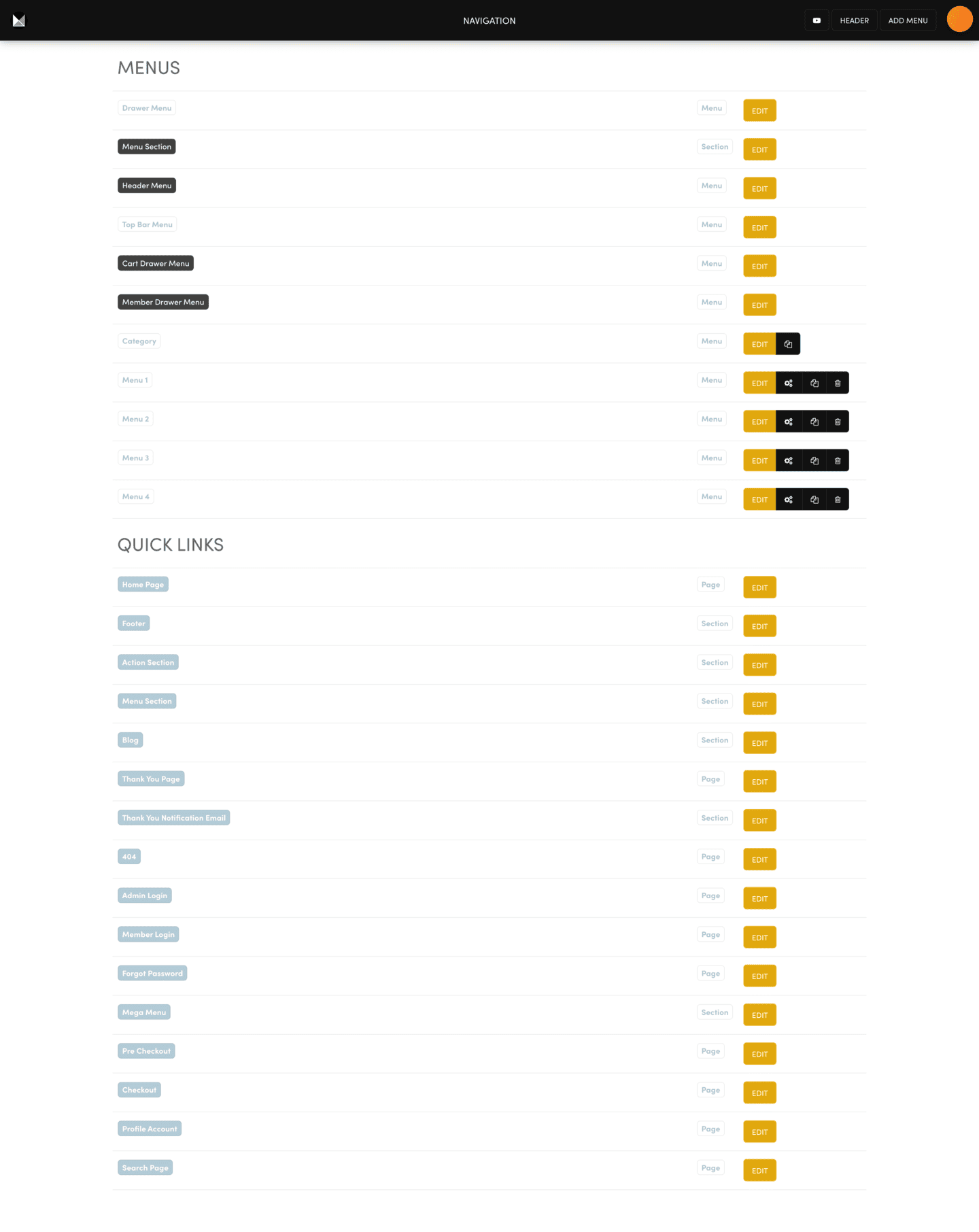
NAVIGATION

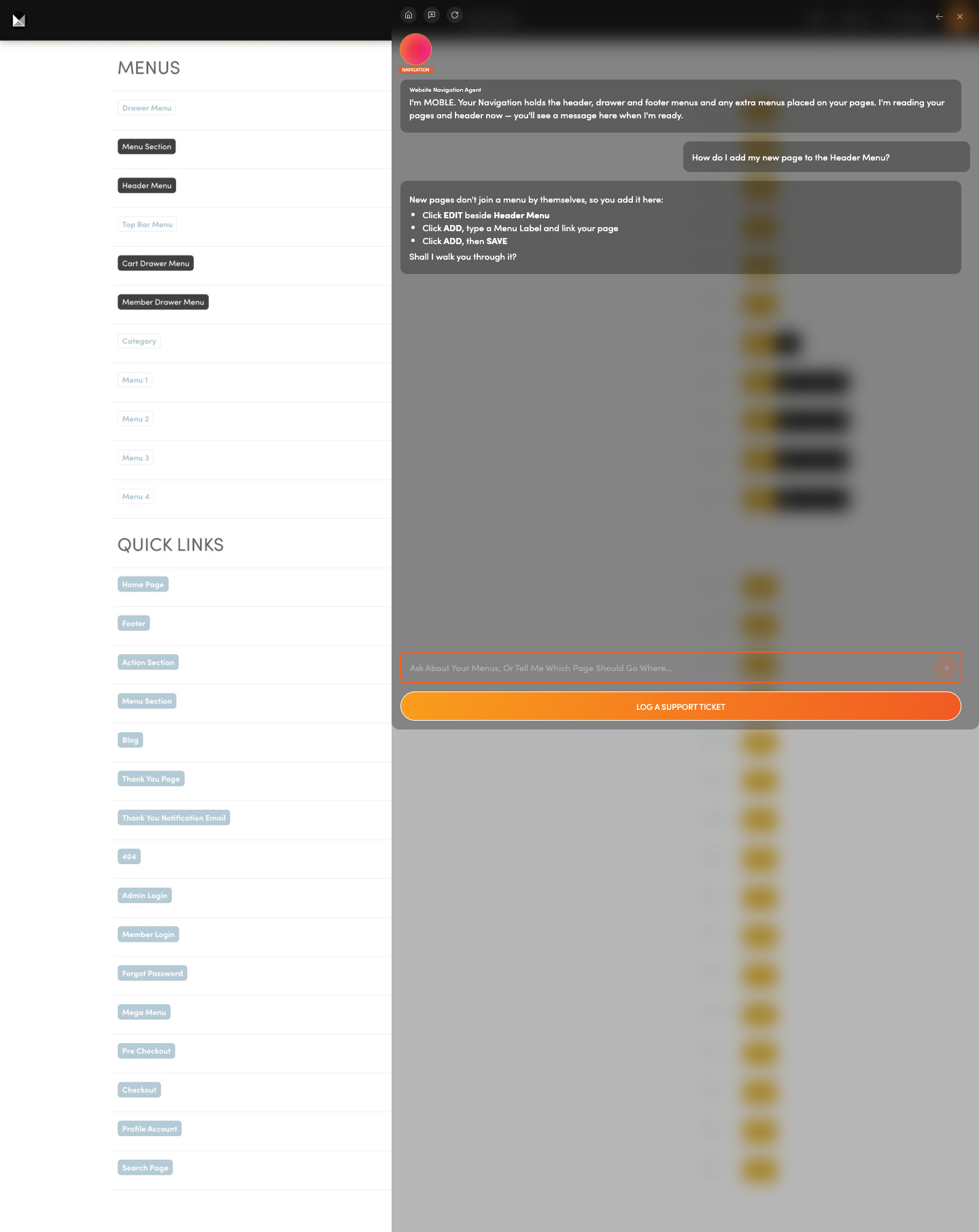
New page missing from your menu?  New pages never join a menu by themselves. You add them here, with dropdowns where you need them.

Set quick links to your footer, 404 and checkout pages.

Ask the Navigation Agent to walk you through each change.

Ask: “How do I add my new page to the Header Menu?”

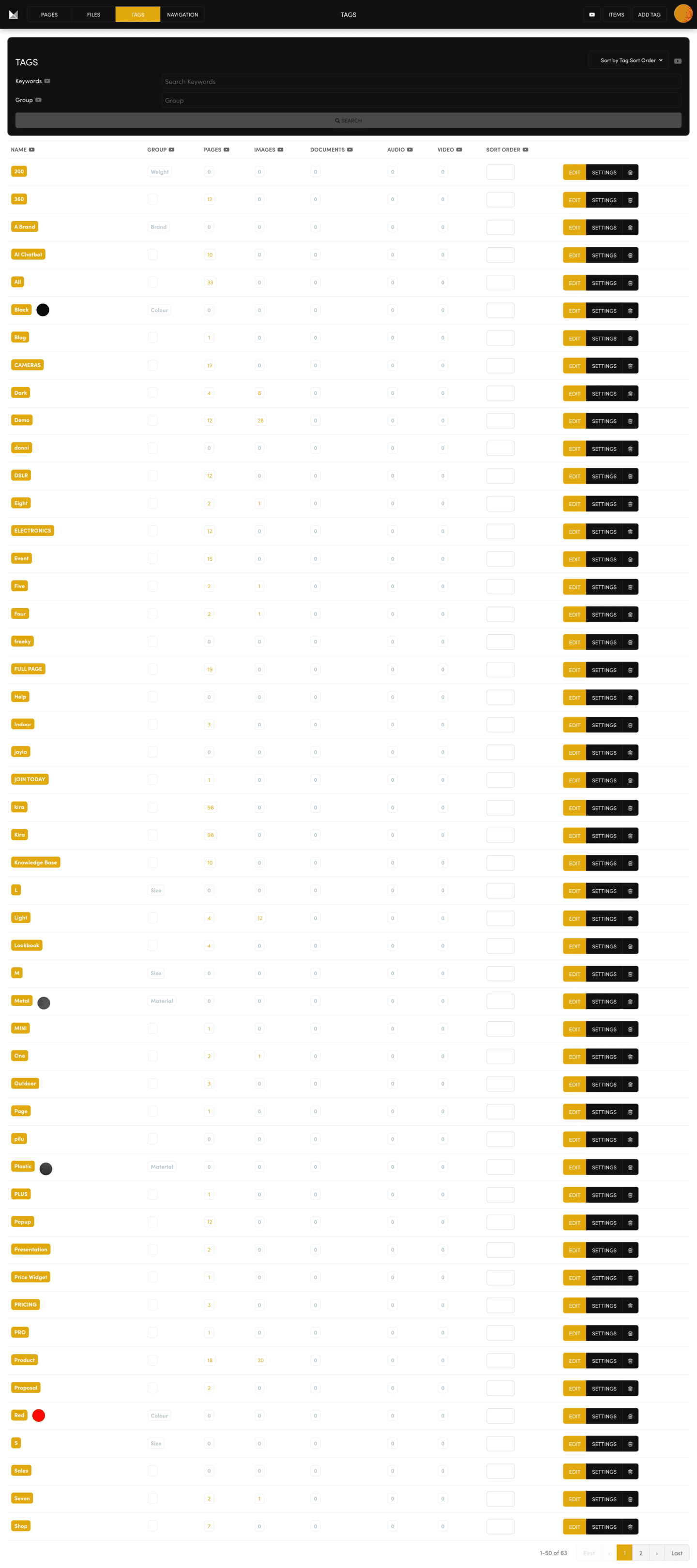
TAGS

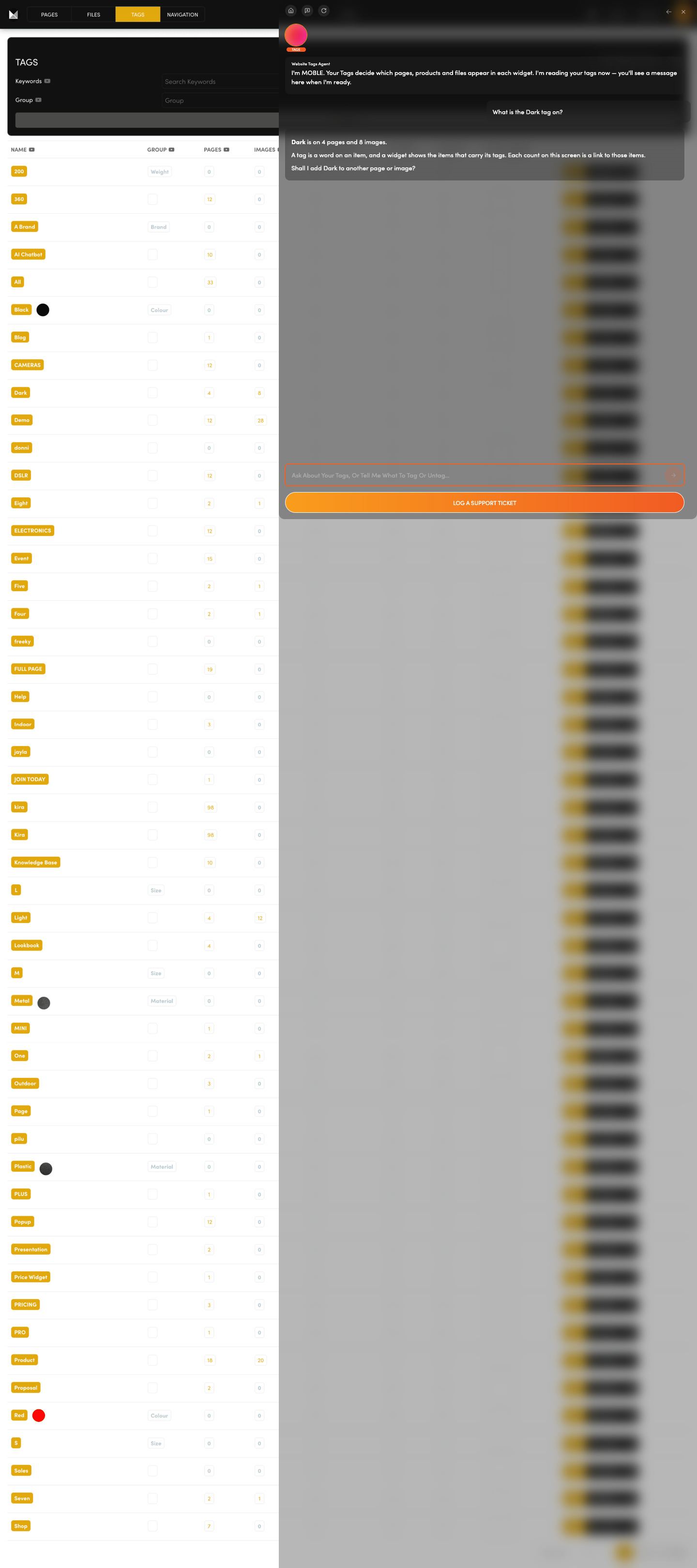
What decides what a page shows?  A tag is a word you put on a page, file or product. Each widget (a block that lists your content) shows whatever carries its tag.

Group your pages, files and products by the words you choose.

Ask the Tags Agent to add a tag to your items, on your yes.

Ask: “What is the Dark tag on?”

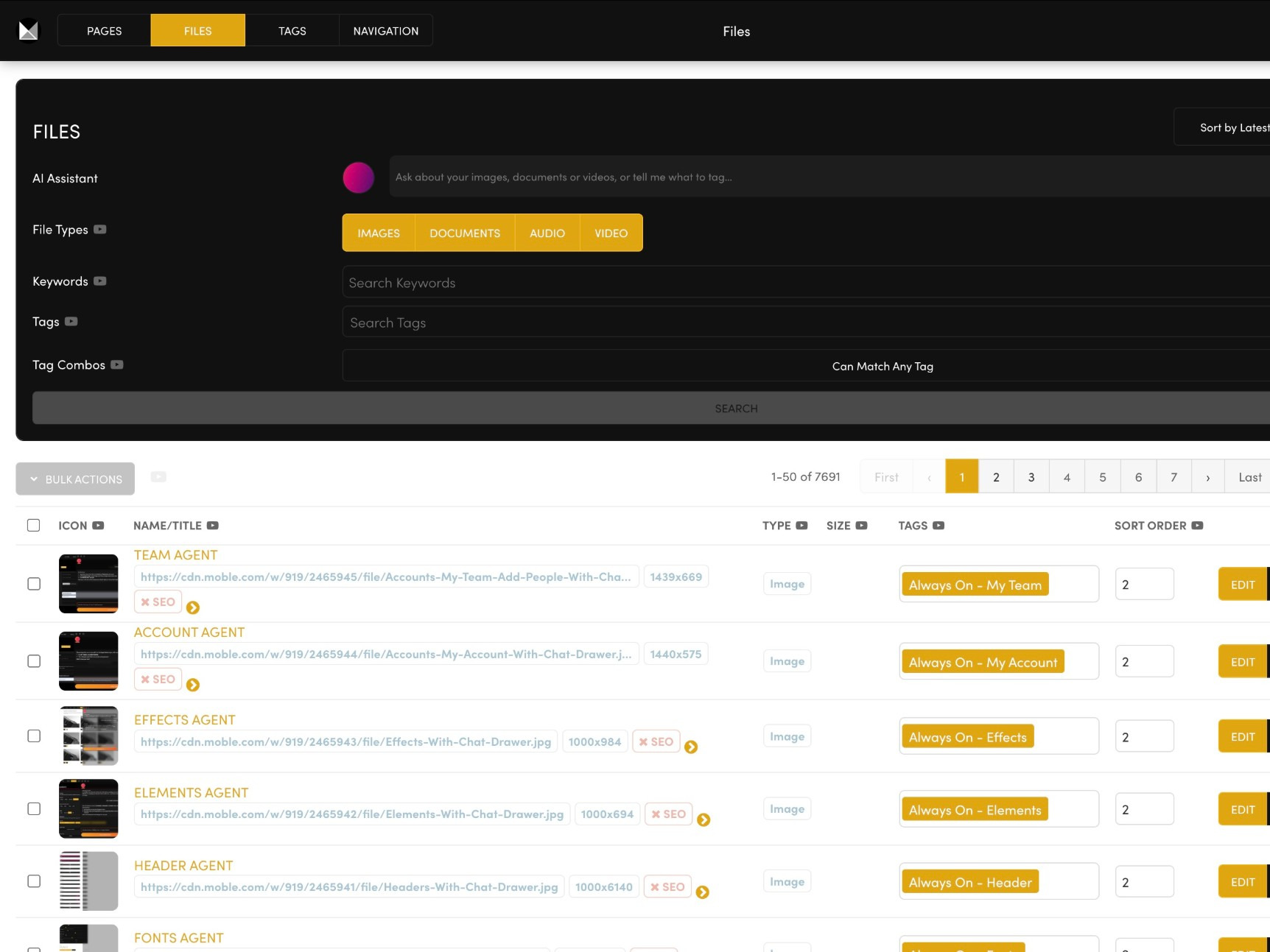
FILES

One home for every file.  Upload images, documents, audio and video. Each image is compressed and served in three sizes.

Keep your whole library in one place, ready for any page.

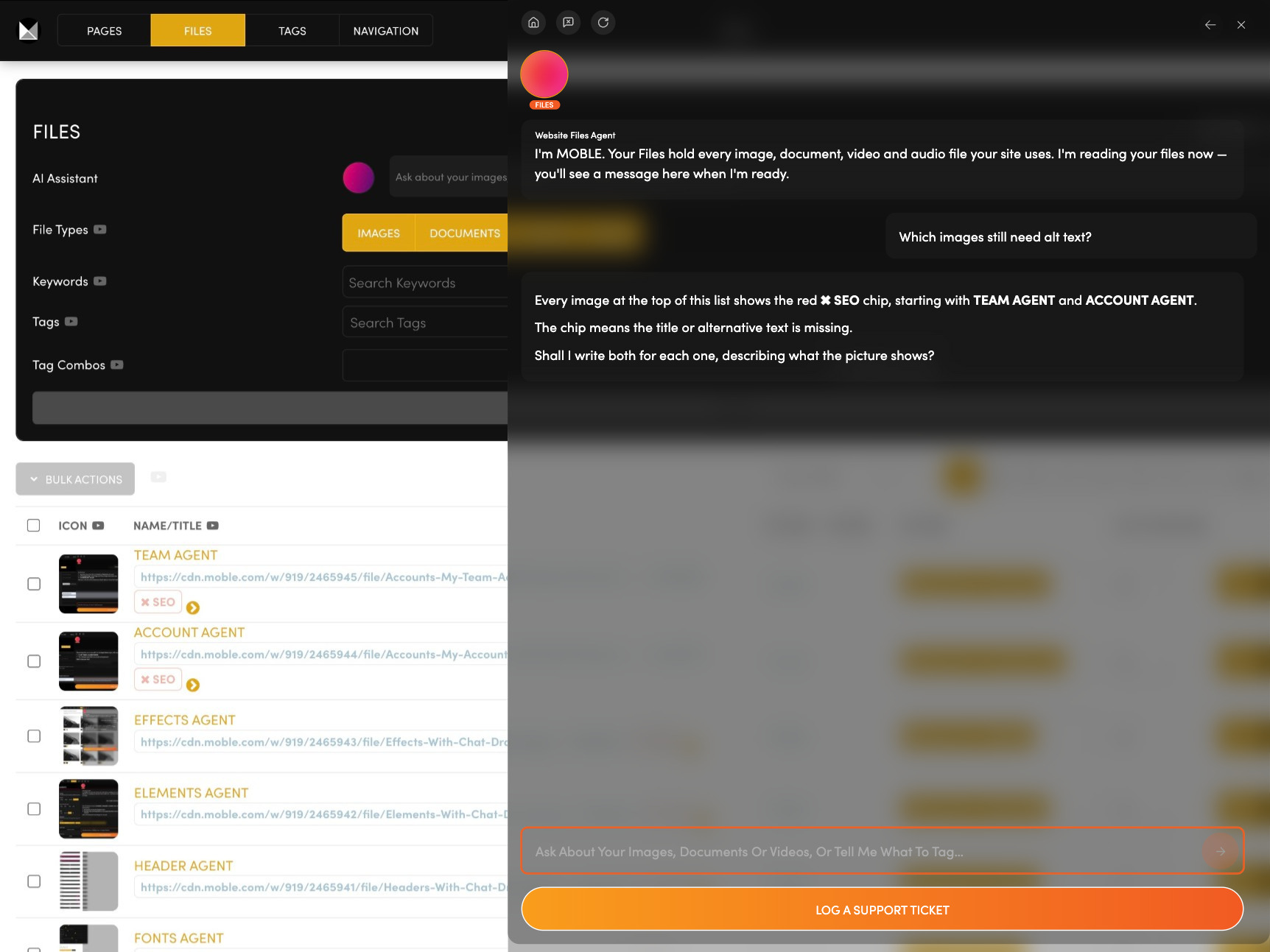
Ask the Files Agent about image size, alt text (the words that describe a picture) and bulk uploads.

Ask: “Which images still need alt text?”

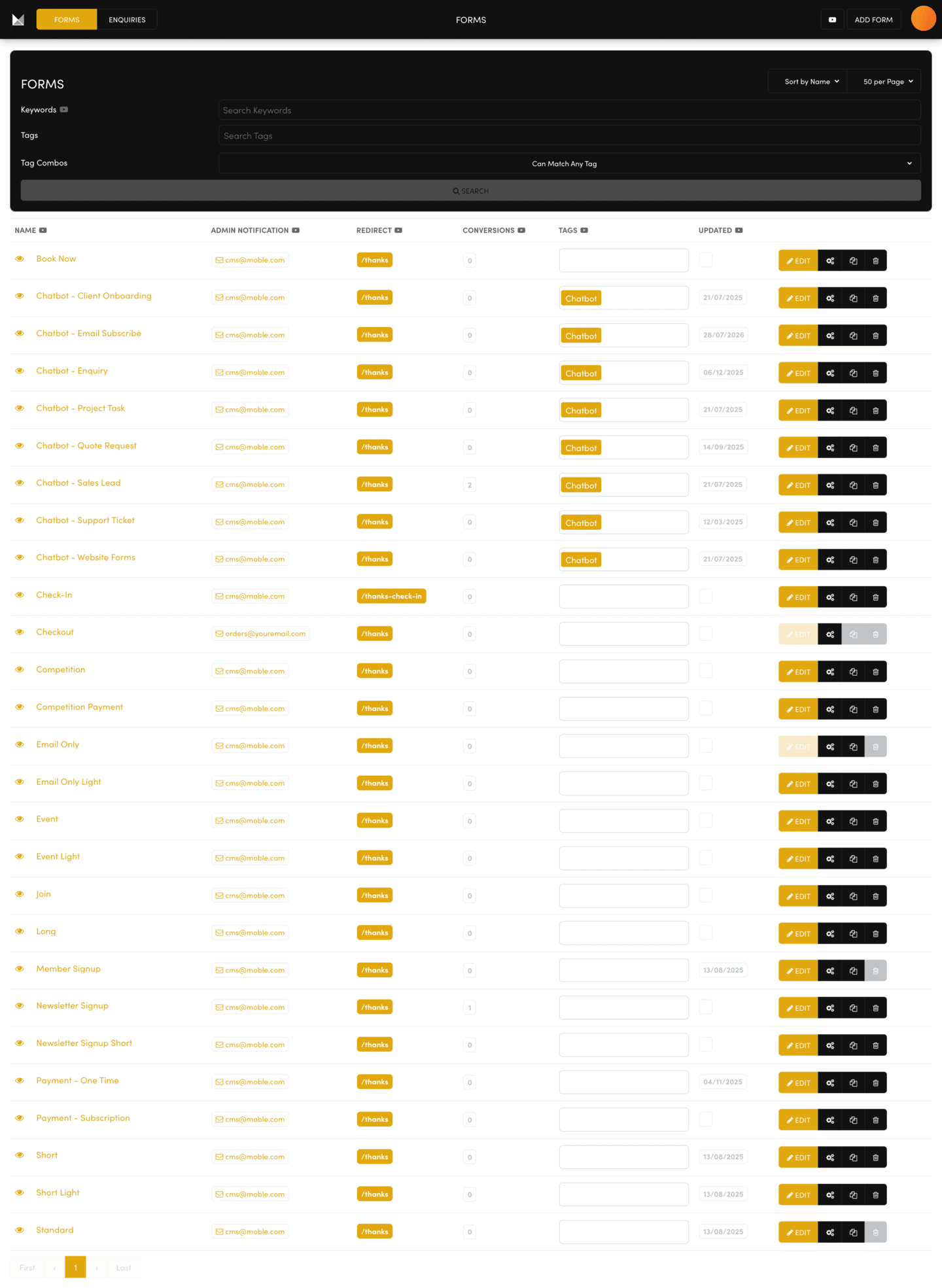
FORMS

Where do form answers end up?  You decide. A form's Form Type sends its answers to Enquiries, Leads, Tickets or Tasks.

Add fields, mark the ones people must fill in, and place the form on a page.

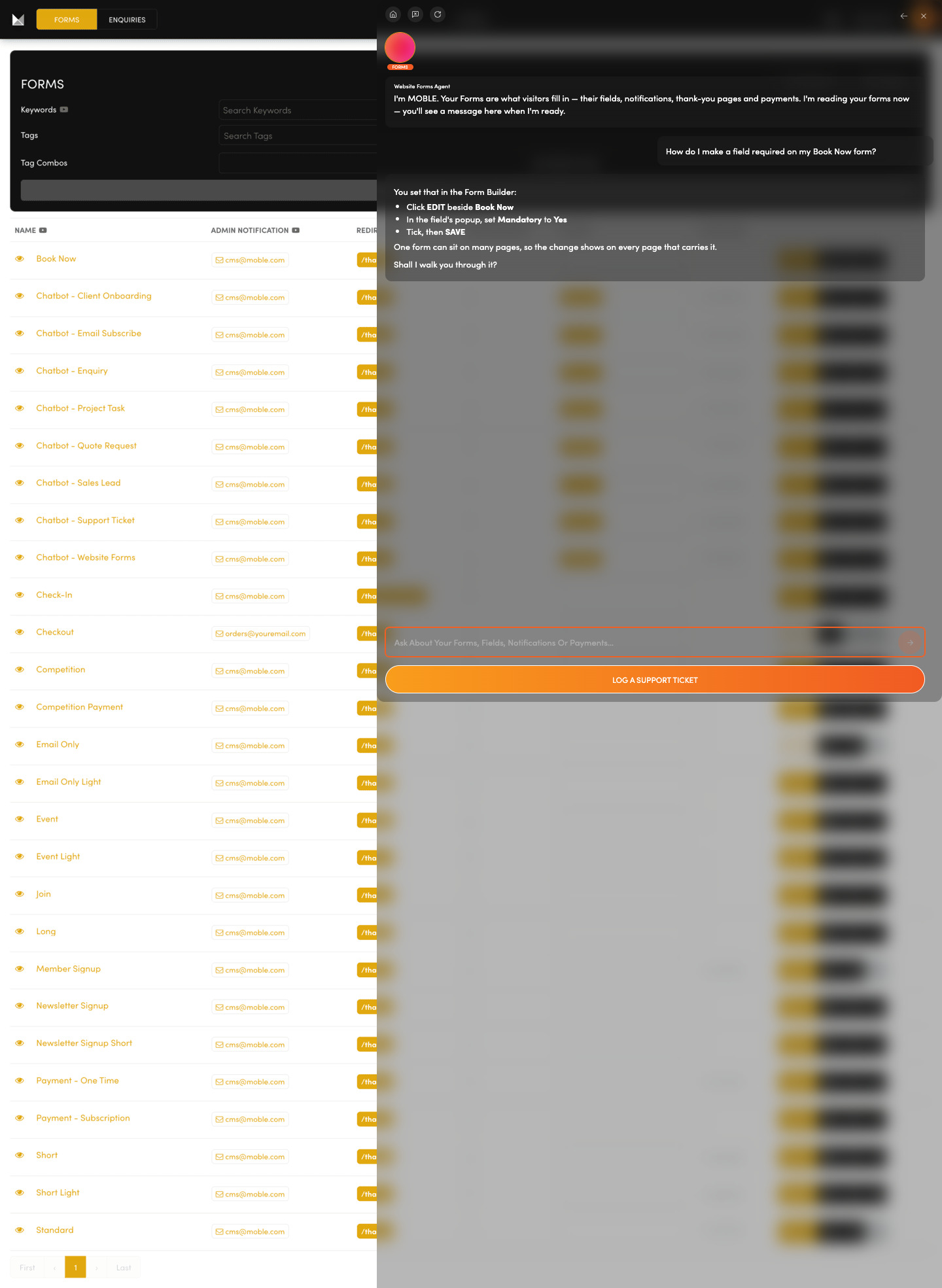
Ask the Forms Agent to walk you through each step.

Ask: “How do I make a field required on my Book Now form?”

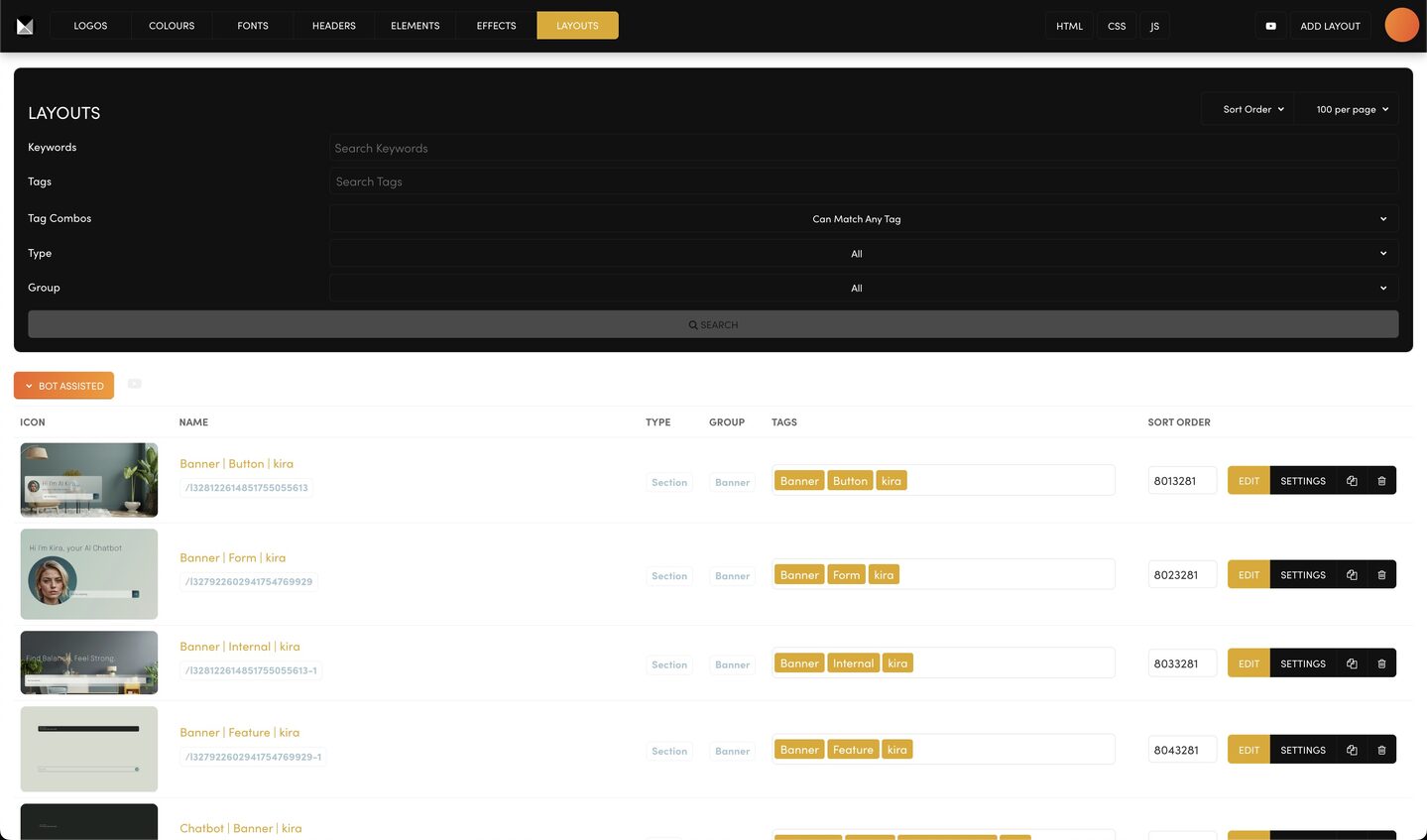
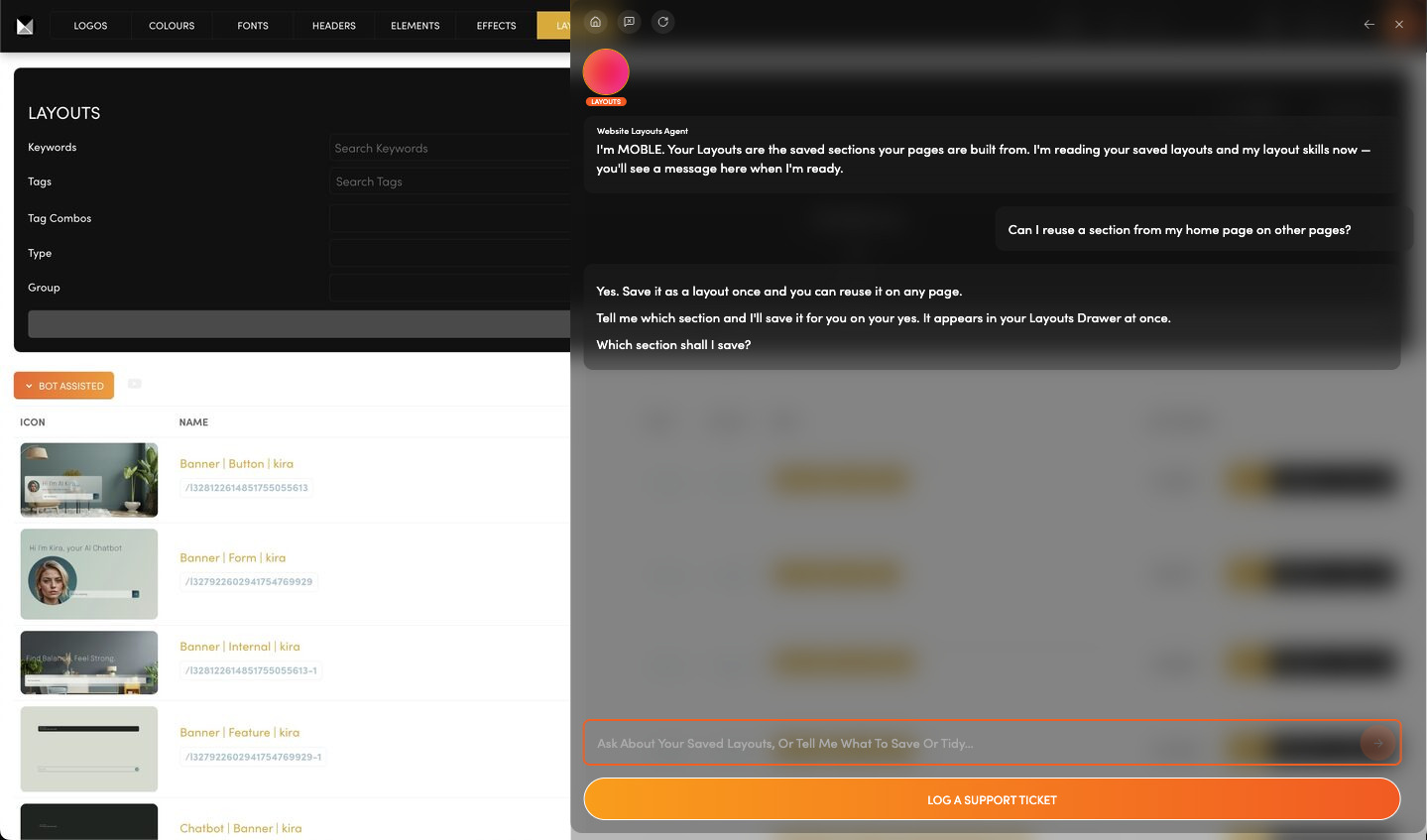
LAYOUTS

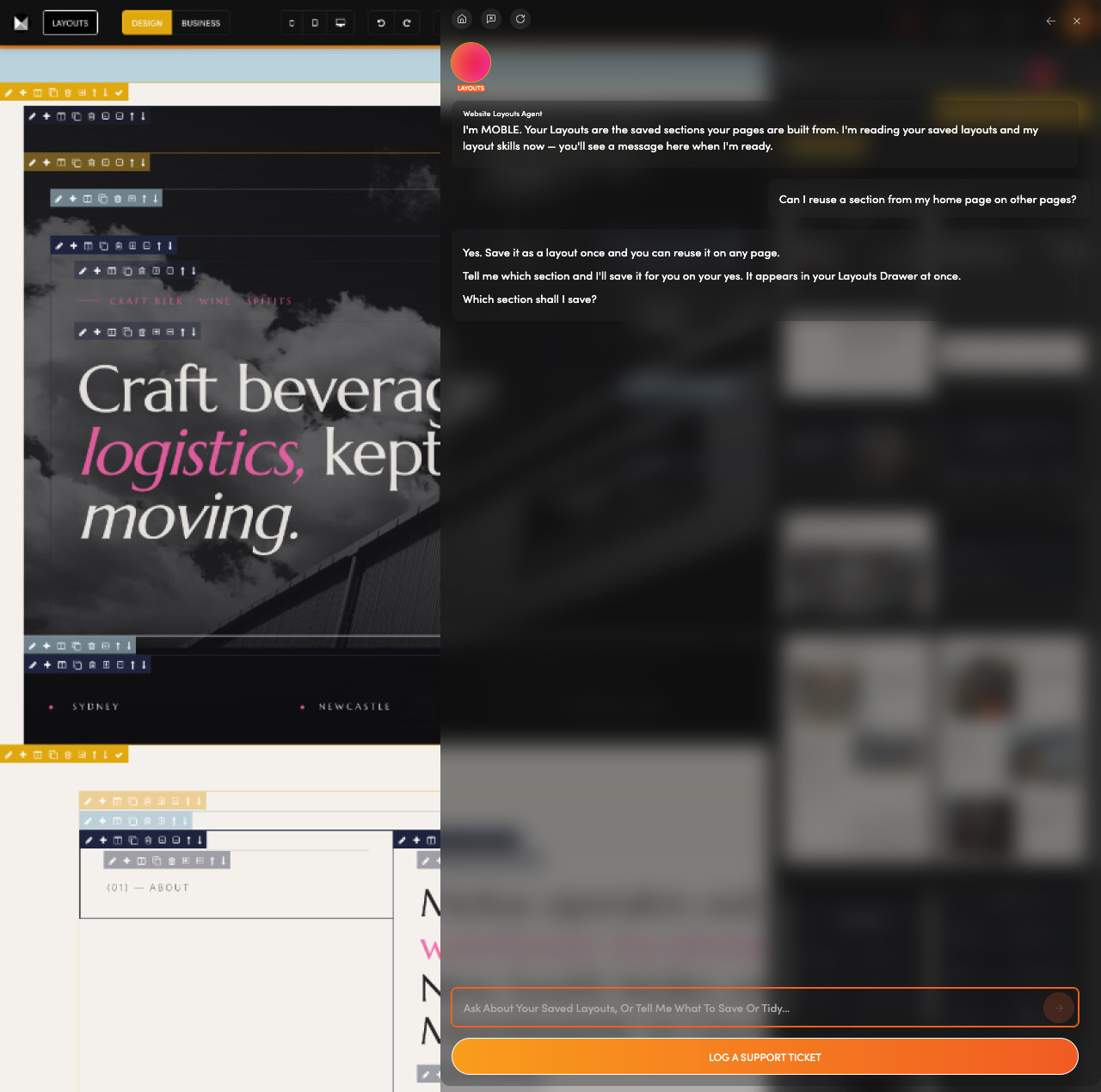
Rebuilding the same section again?  Build it once, save it as a layout and reuse it on any page. That is rapid page building.

Save a section, or a whole page, as a layout.

Ask the Layouts Agent to save one on your yes, or to find the layout you need.

Ask: “Can I reuse a section from my home page on other pages?”

PRODUCTS

Your catalogue

CATEGORIES

Shop sections

ORDERS

Sales, fulfilment

PAYMENTS

Transactions

DISCOUNTS

Codes, offers

SETTINGS

Shop, shipping, tax

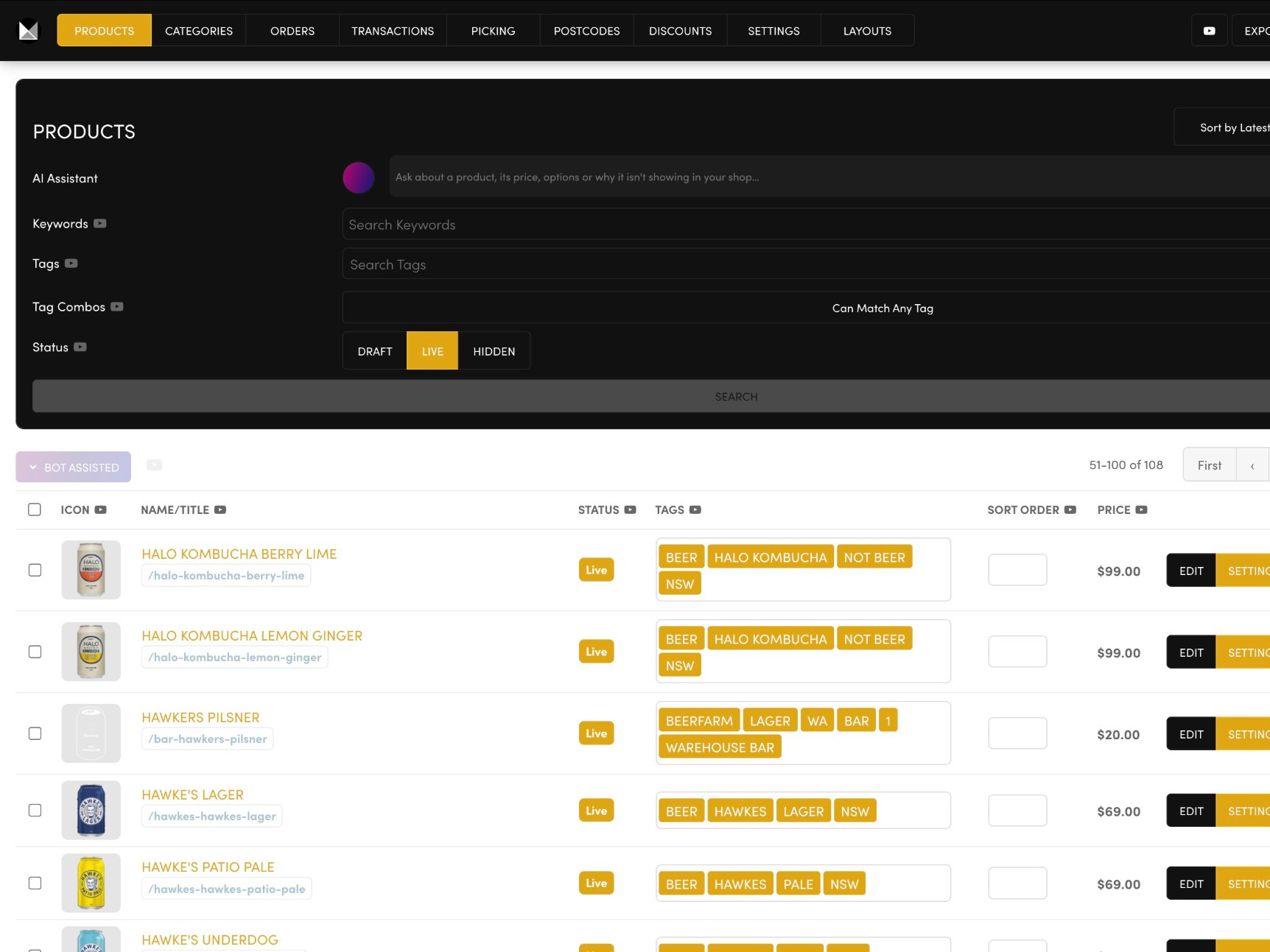
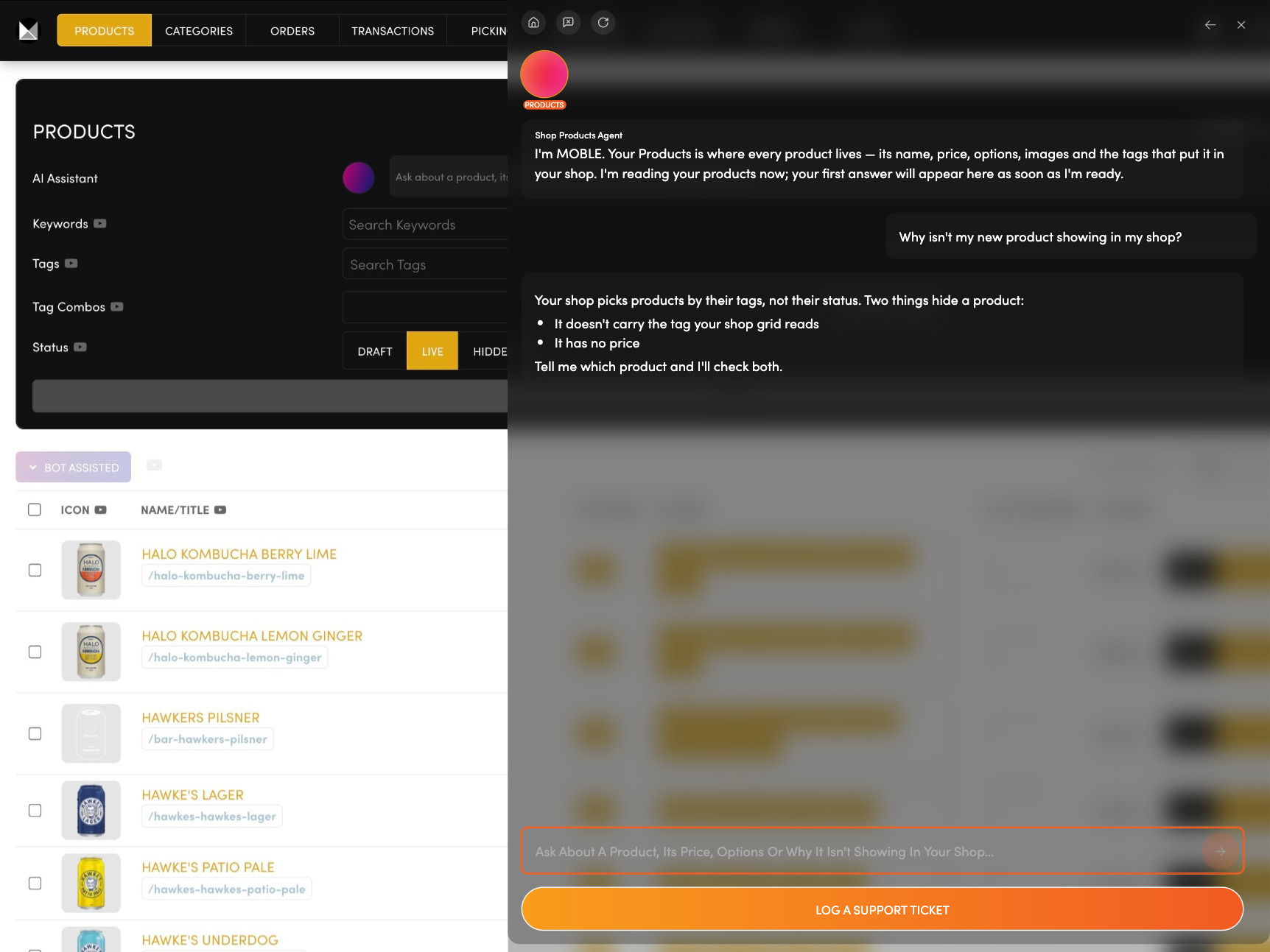
PRODUCTS

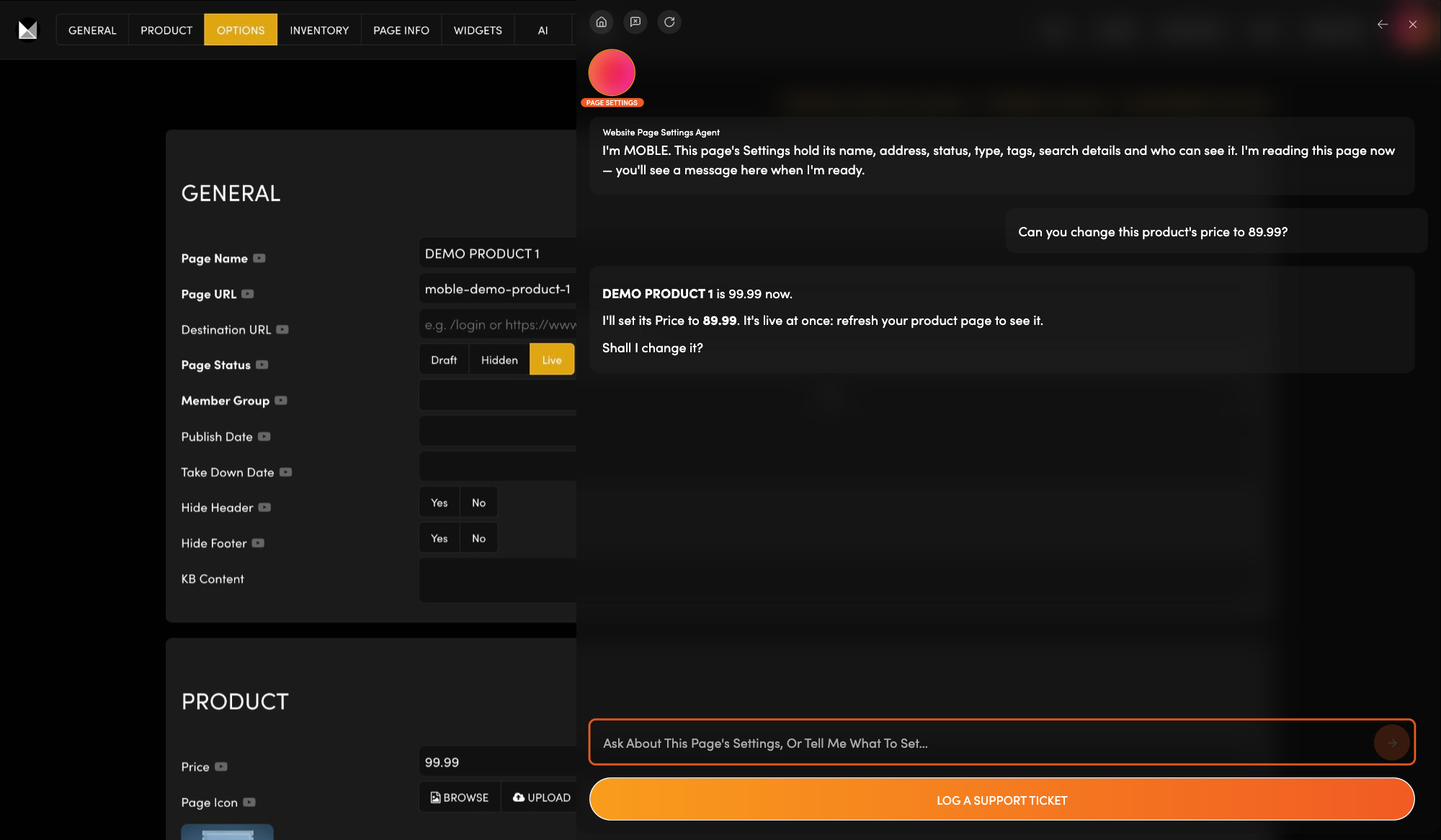
Ready to sell online?  Add a product, or clone one to keep its options, then set its price, variants and stock in Product Settings.

Manage what you sell, what it costs and how many are left.

Ask the Products Agent to create a product and fill it in, on your yes.

Ask: “Why isn't my new product showing in my shop?”

CATEGORIES

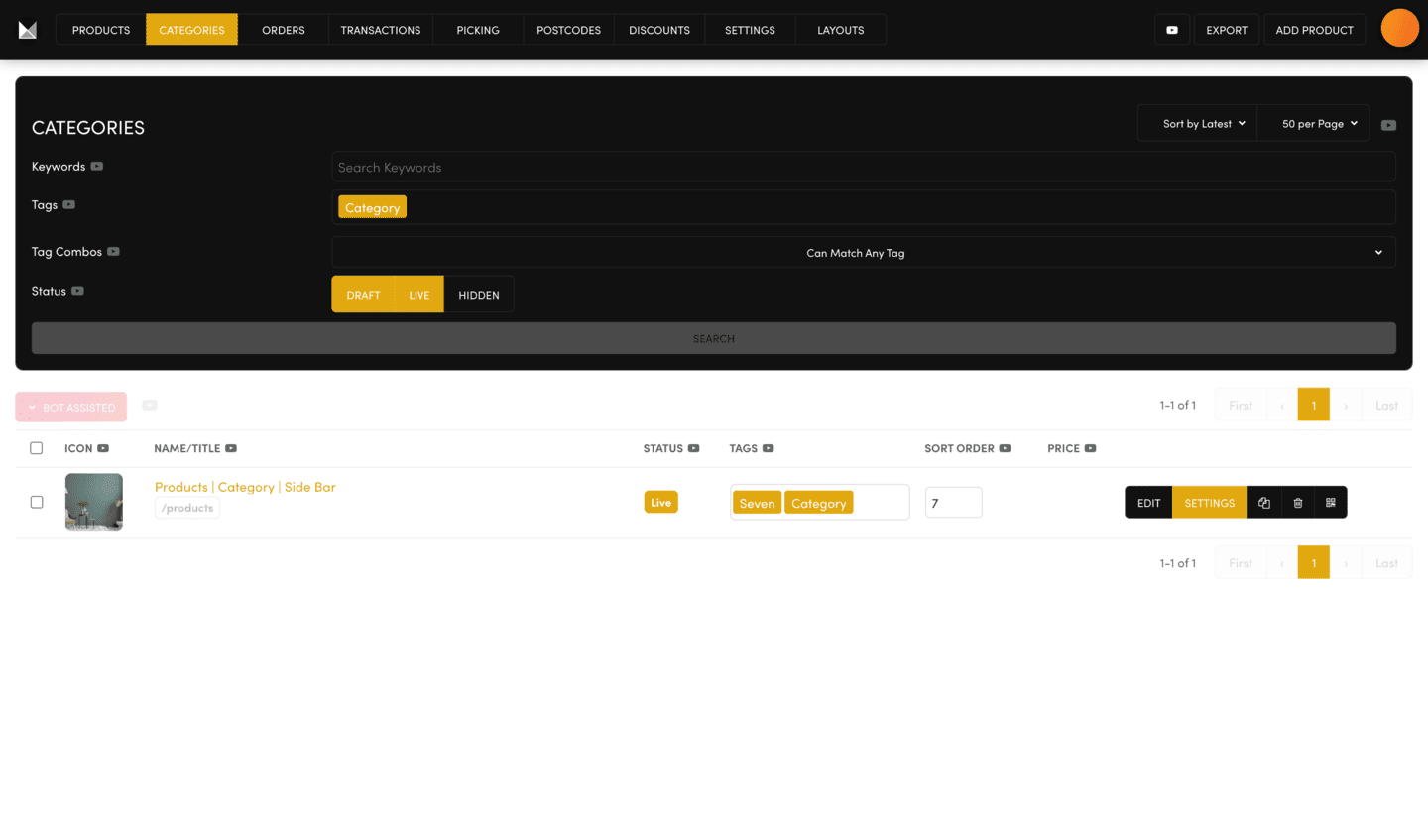
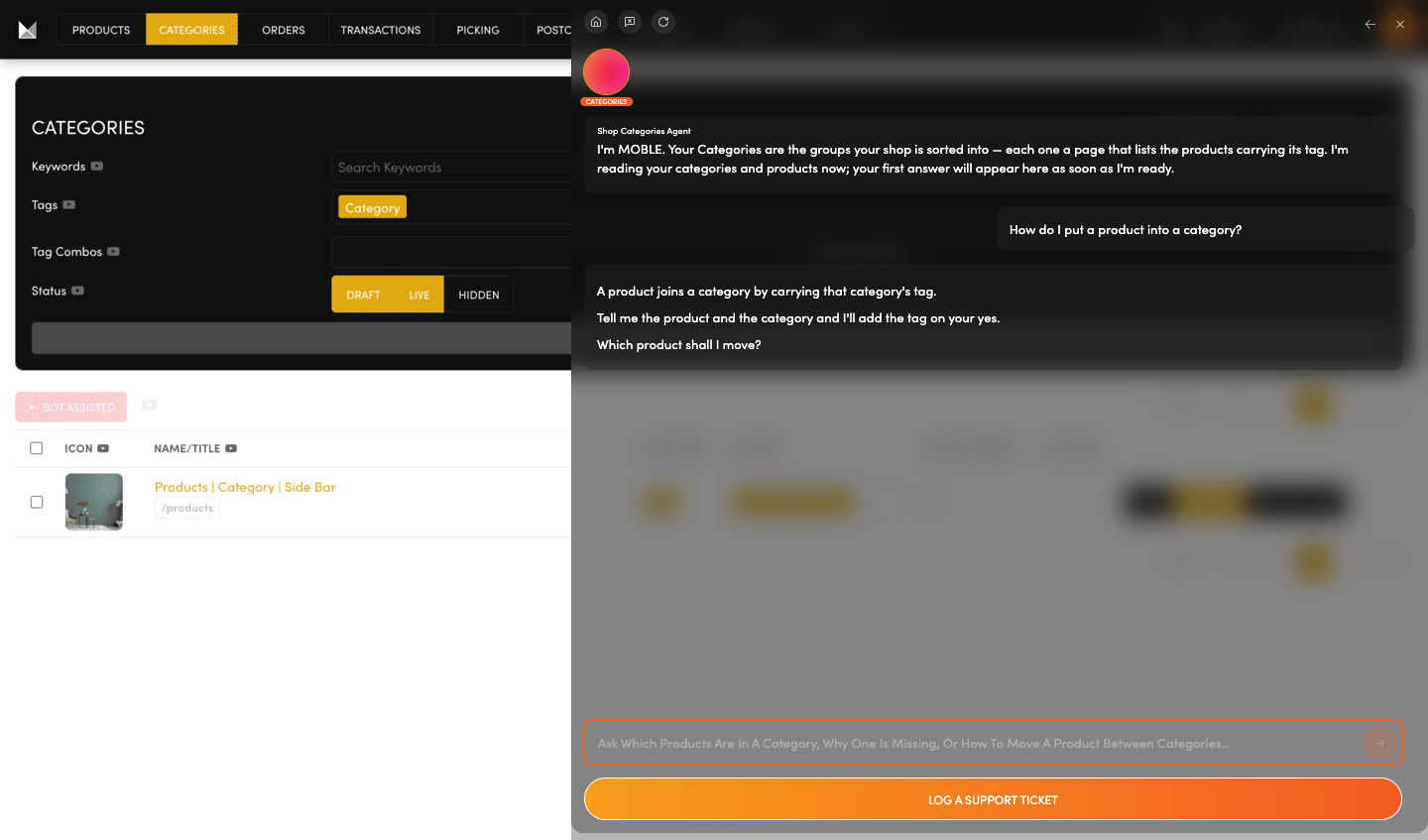
Help shoppers find things faster.  A category page lists the products that carry its tag (a word you put on each product). Your theme comes with two to start from.

Clone a category page, rename it and choose its tag.

Ask the Categories Agent to put products into a category by tagging them.

Ask: “How do I put a product into a category?”

ORDERS

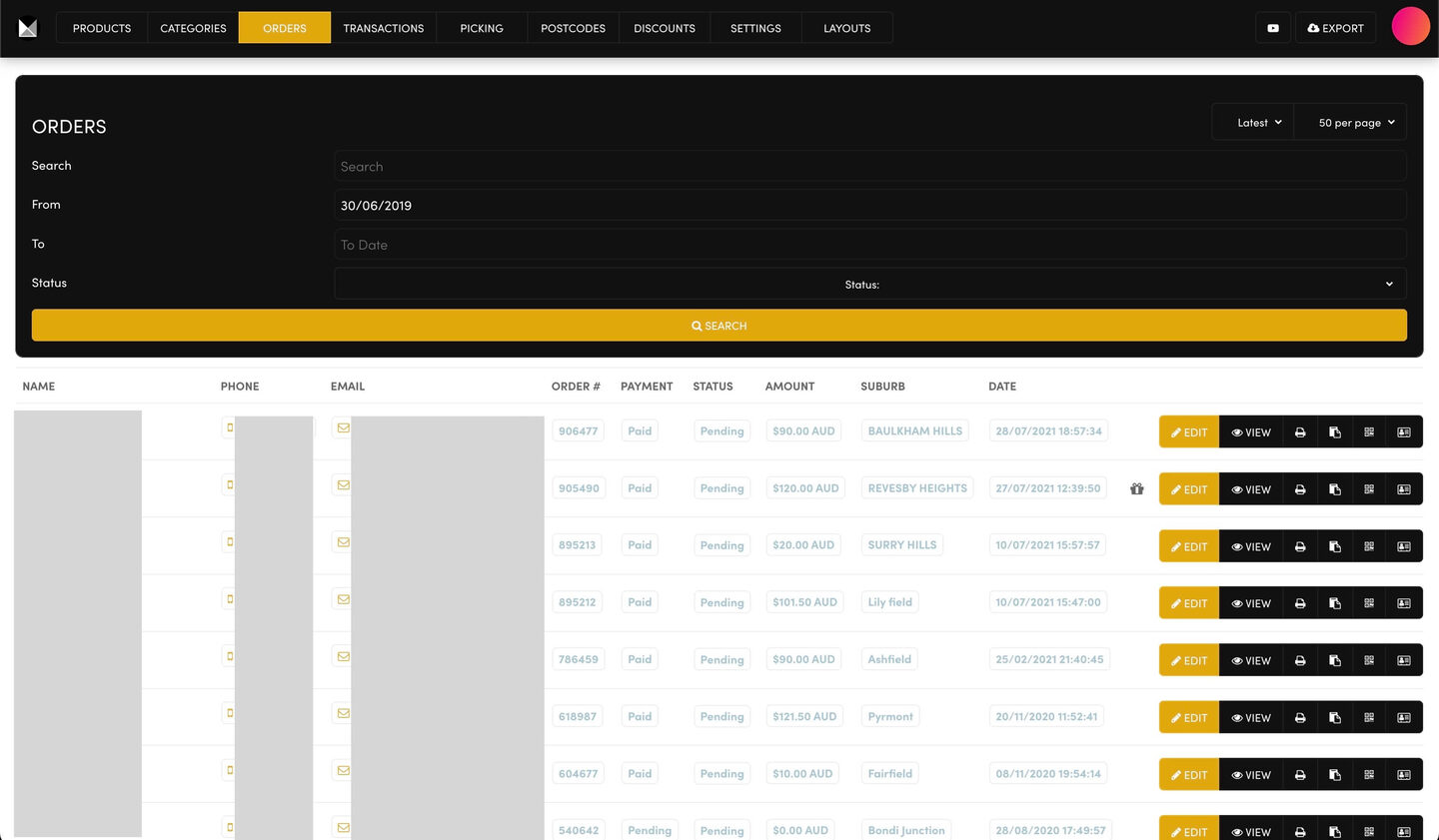
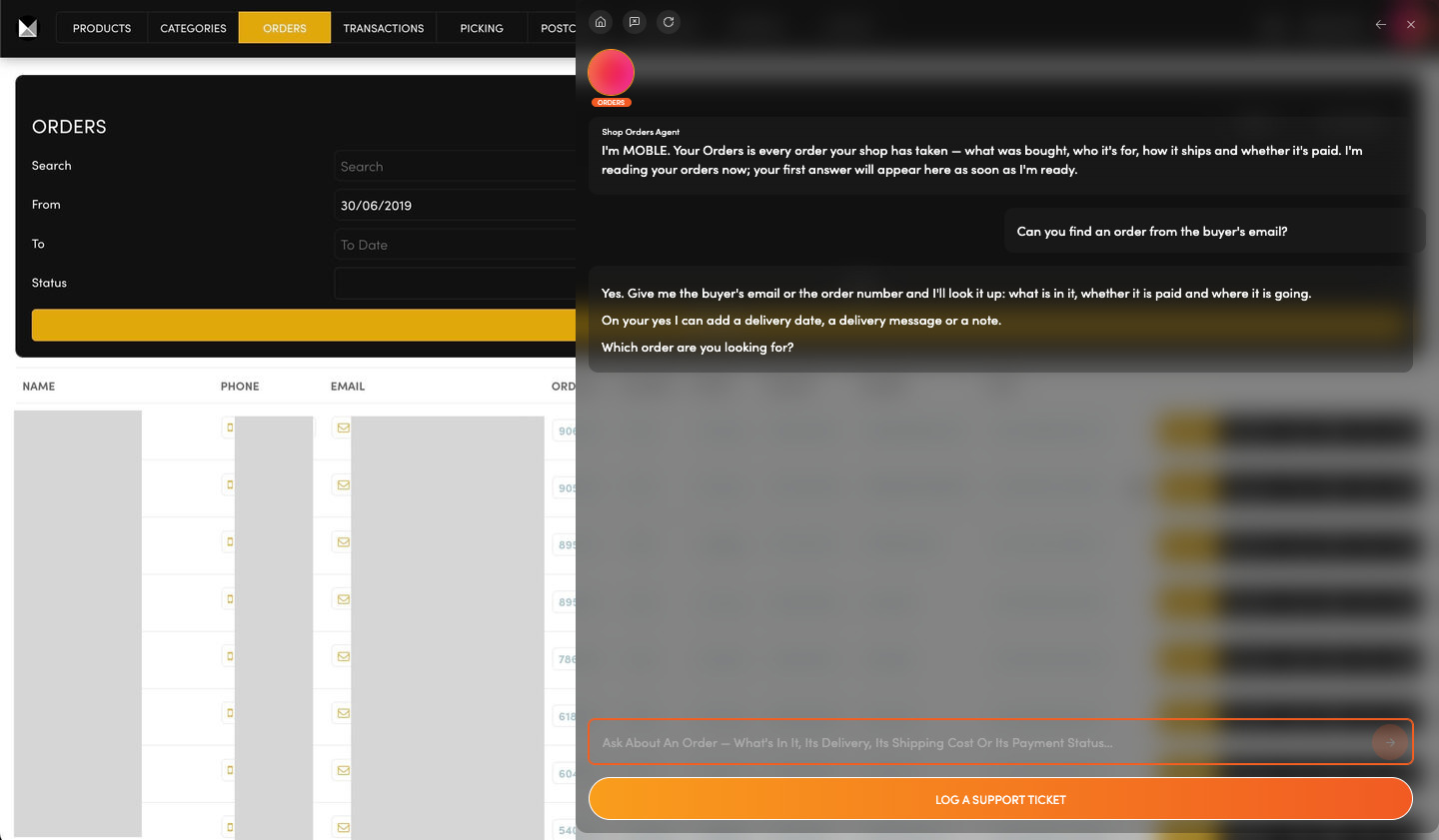
Has that order shipped yet?  Every order shows its payment status and its shipping status side by side, latest first.

See what is paid and what has shipped.

Ask the Orders Agent to find an order by email or order number, and to add delivery details or notes.

Ask: “Can you find an order from the buyer's email?”

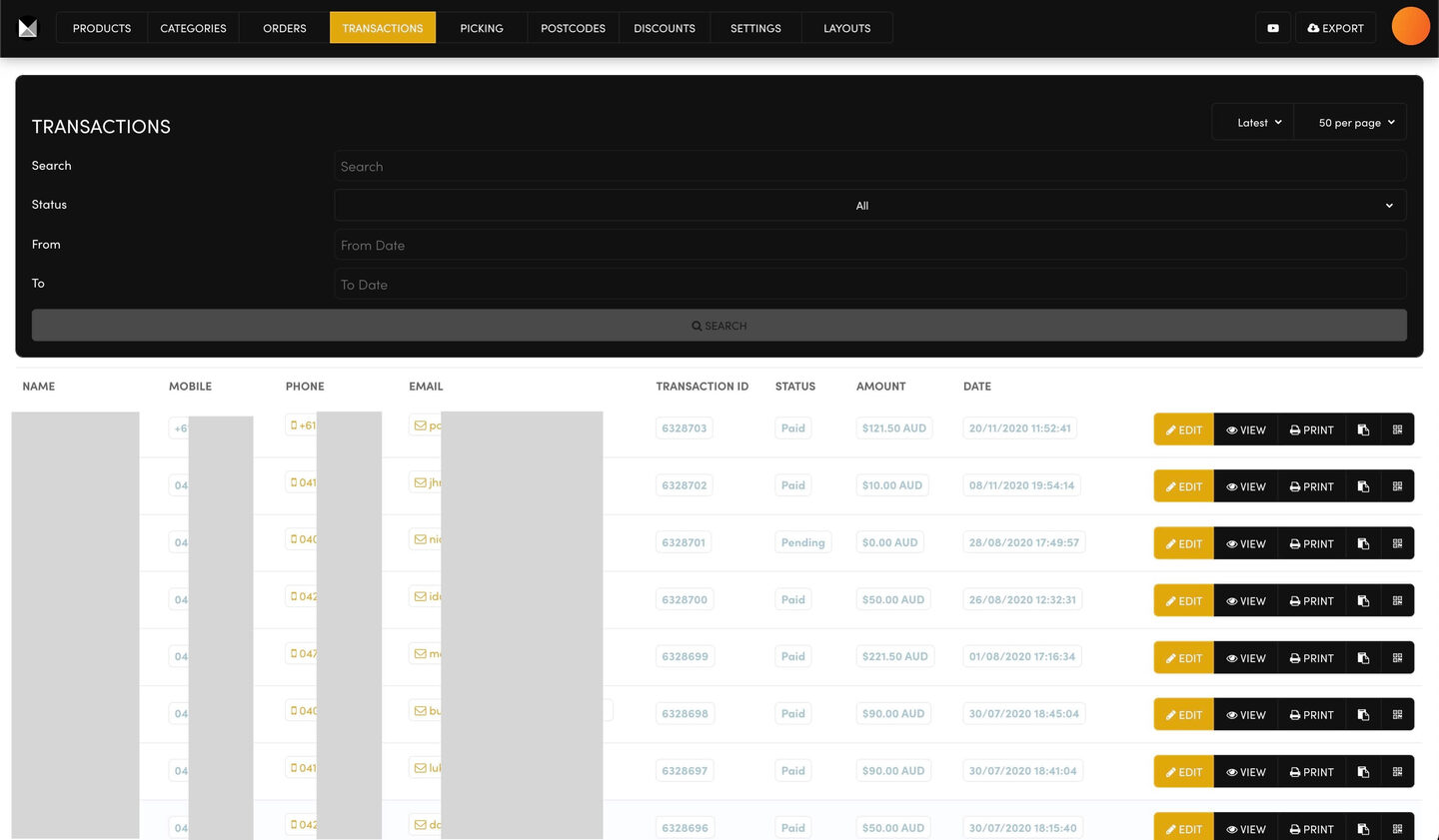
PAYMENTS

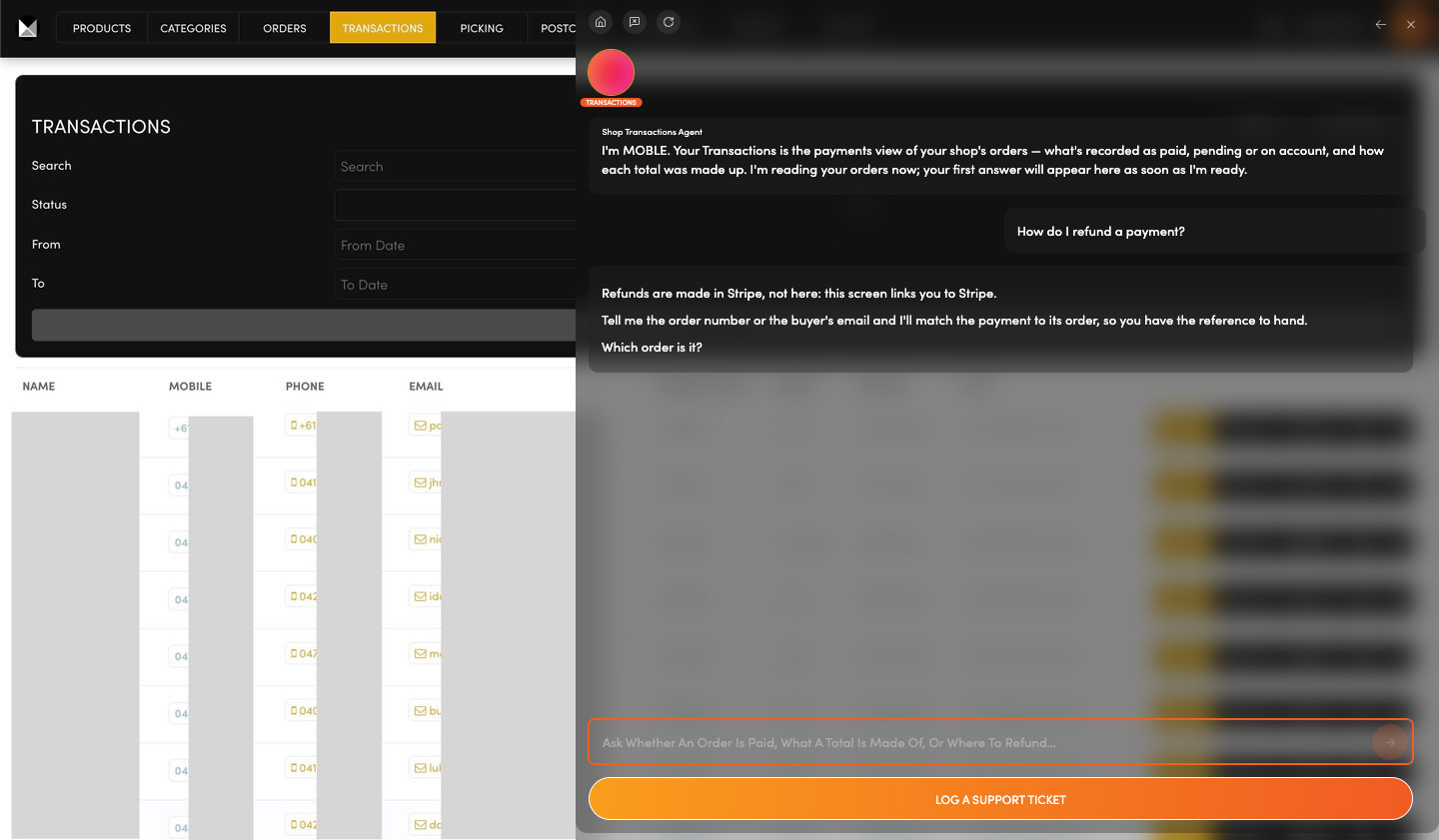
Did that payment go through?  Every payment shows here as Paid or Pending. Refunds are made in Stripe, linked from this screen.

Check where any payment stands.

Ask the Transactions Agent to match a payment to its order.

Ask: “How do I refund a payment?”

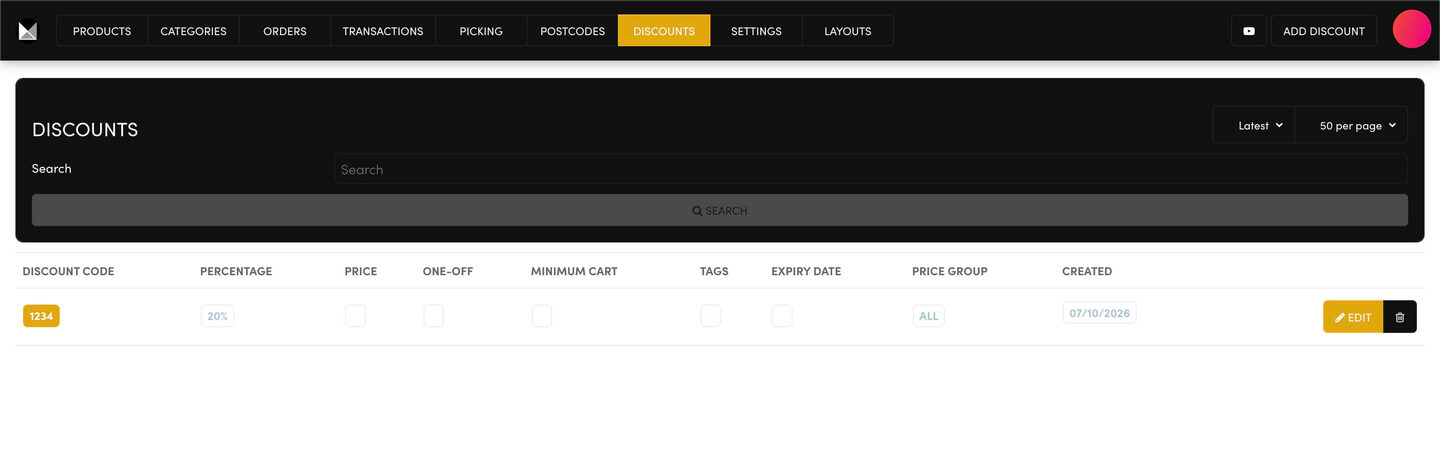
DISCOUNTS

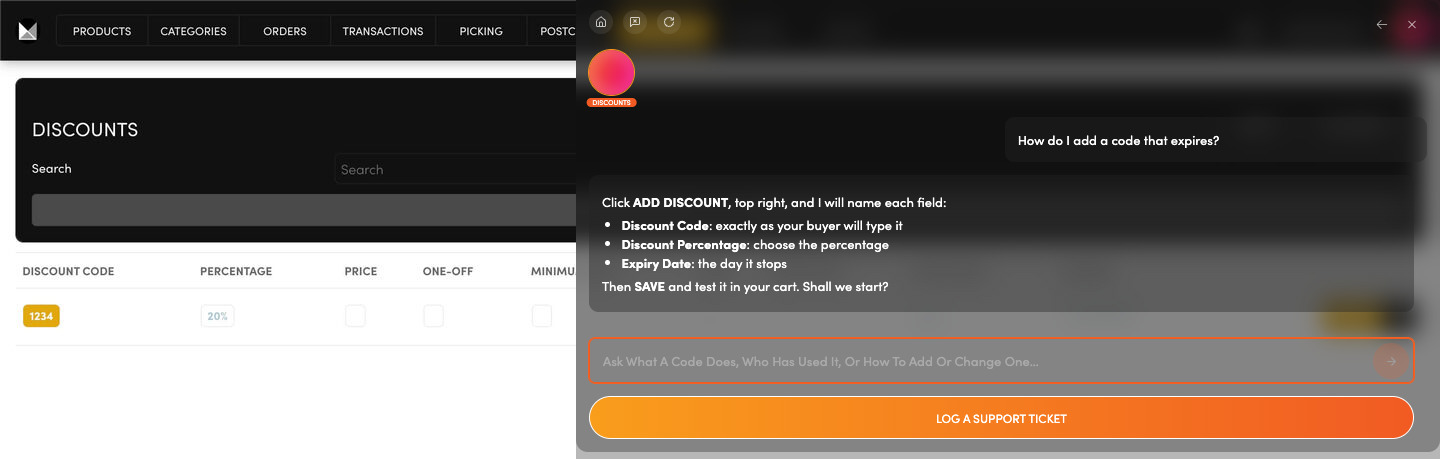
Running a sale soon?  A discount code takes a percentage or an amount off, with an expiry date, a minimum cart or only the products you tag.

Set up a code, then test it in your own cart.

Ask the Discounts Agent to guide you through it, field by field.

Ask: “How do I add a code that expires?”

SHOP SETTINGS

Checkout and shipping, in one place.  One SAVE covers your payment gateway (how you get paid), checkout emails, flat and international shipping, and store address.

Set how buyers pay and what shipping costs.

Ask the Shop Settings Agent to set your shop's tax rate, on your yes.

Ask: “What tax am I charging?”

LOGOS

Logos

COLOURS

Brand palette

FONTS

Typography

HEADER

Menu, logo

ELEMENTS

Buttons, spacing

EFFECTS

Motion, hover

LOGOS

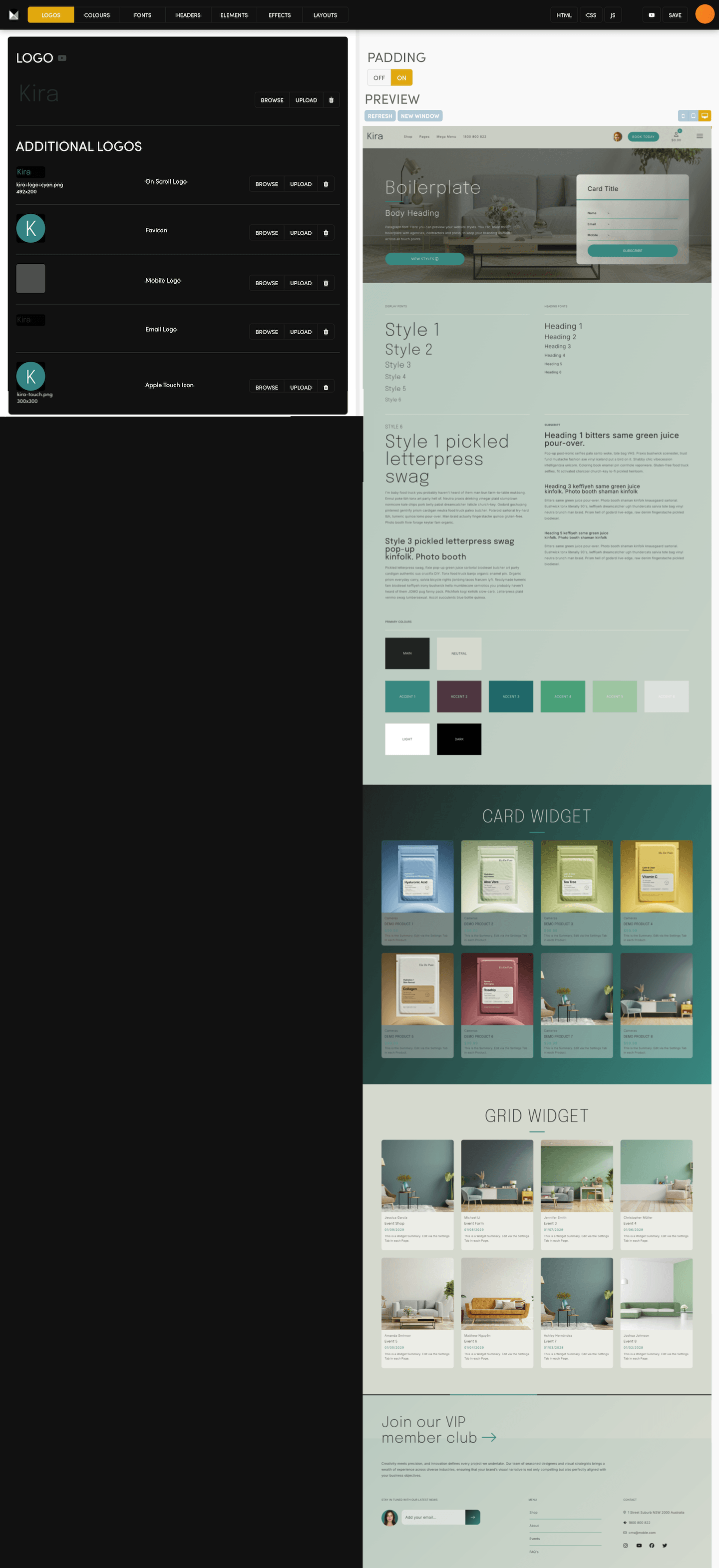
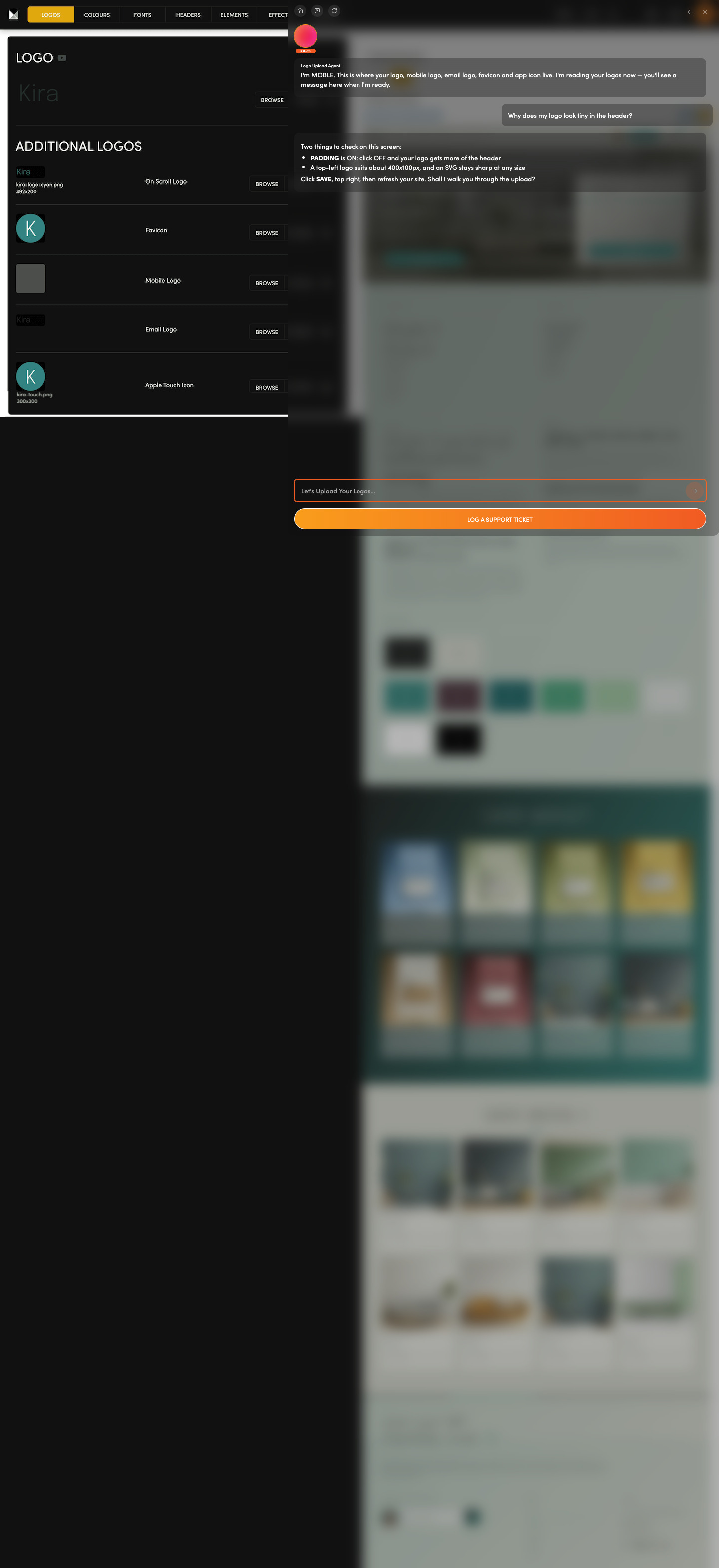
Logo looking blurry or tiny?  Your main logo sits beside an on-scroll logo, favicon (the small icon in a browser tab), mobile logo, email logo and Apple touch icon.

Keep every version of your logo in one place.

Ask the Logos Agent which sizes to use, and why a logo looks blurry.

Ask: “Why does my logo look tiny in the header?”

COLOURS

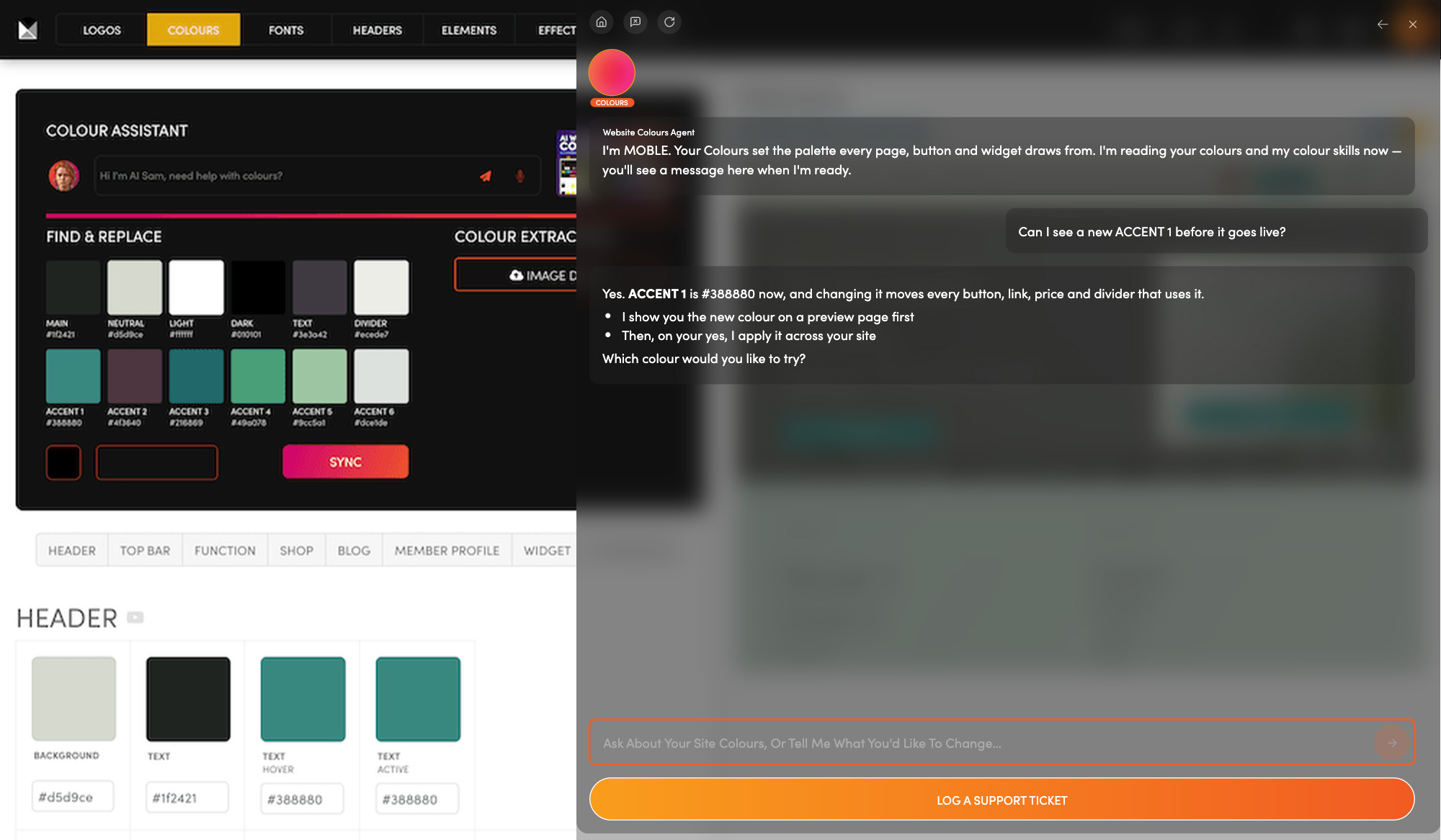
One palette for your whole site.  Twelve swatches, from MAIN to six accents, colour your whole site.

Change a swatch here, not page by page.

Ask the Colours Agent to preview a change first, then apply it on your yes.

Ask: “Can I see a new ACCENT 1 before it goes live?”

FONTS

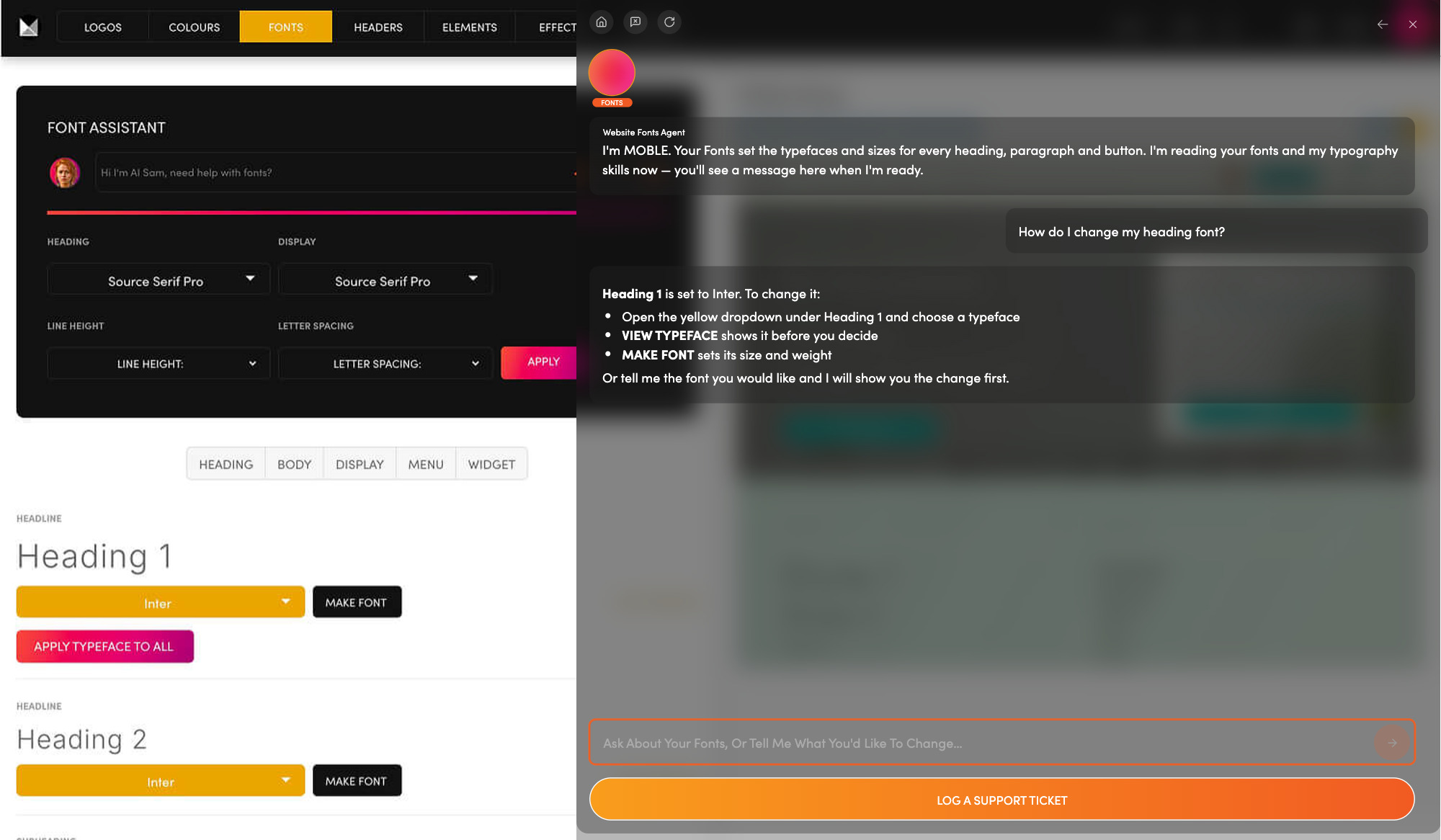
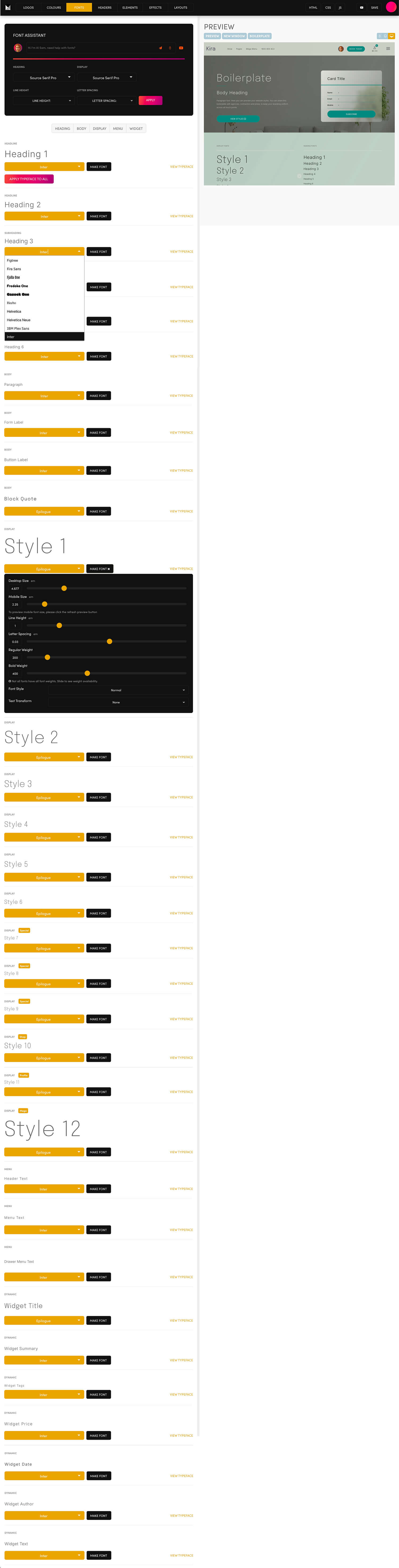
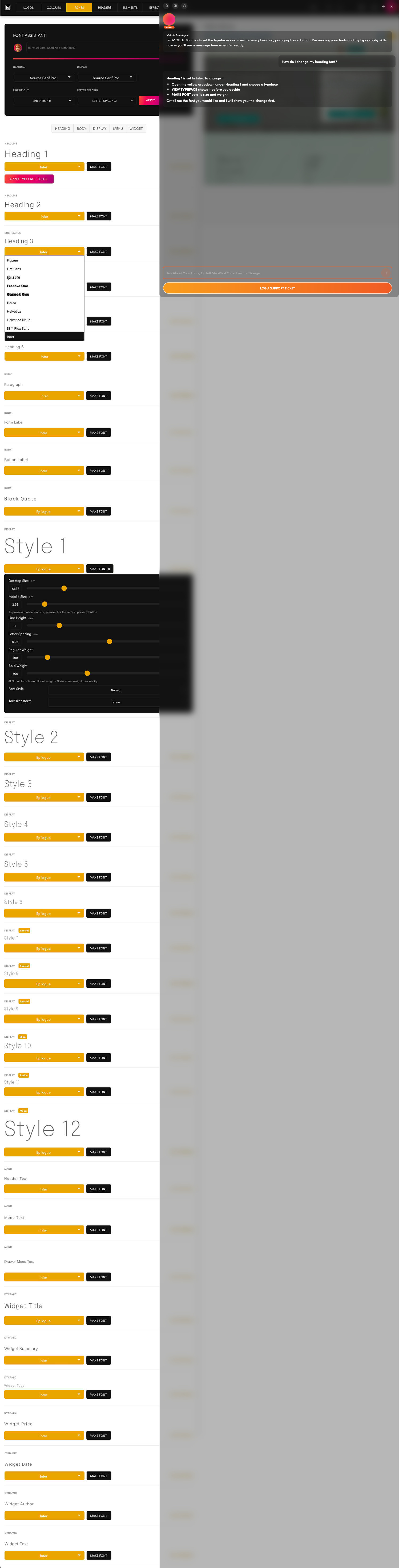
Want headings that feel like you?  Set a heading font and a display font for your website, then fine-tune your body and menu text.

Choose your fonts in one place.

Ask the Fonts Agent to show you the new look first, then set it on your yes.

Ask: “How do I change my heading font?”

HEADER

The top of every page, your way.  Choose from more than seventy header layouts, then customise yours.

Compare layouts by logo position, menu and buttons.

Ask the Header Agent to show you the options and switch your header on your yes.

Ask: “Can I have a header with a button and search?”

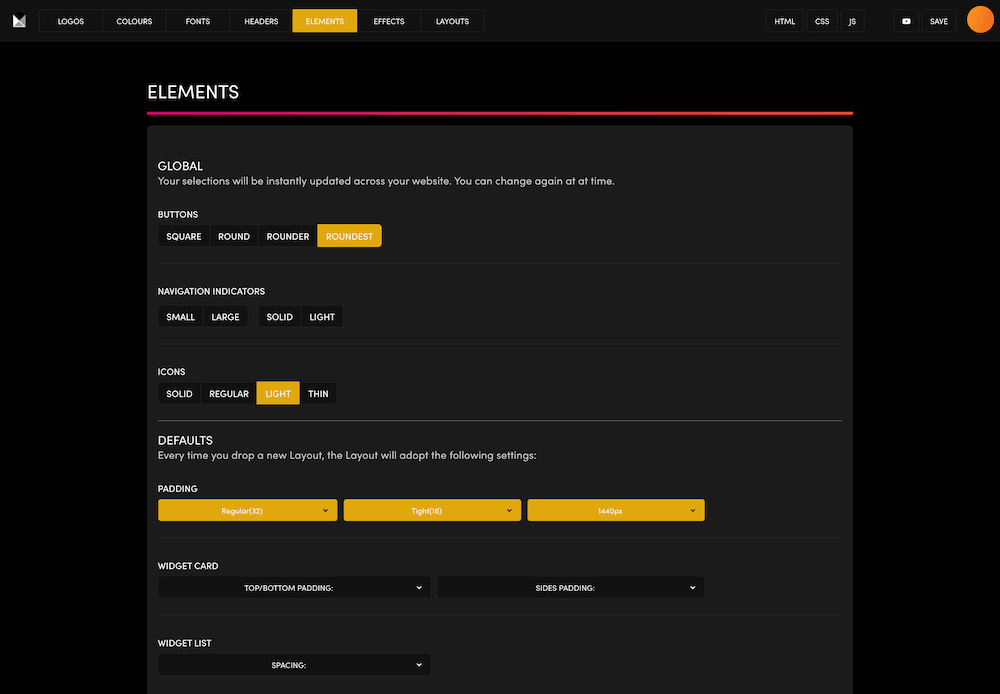
ELEMENTS

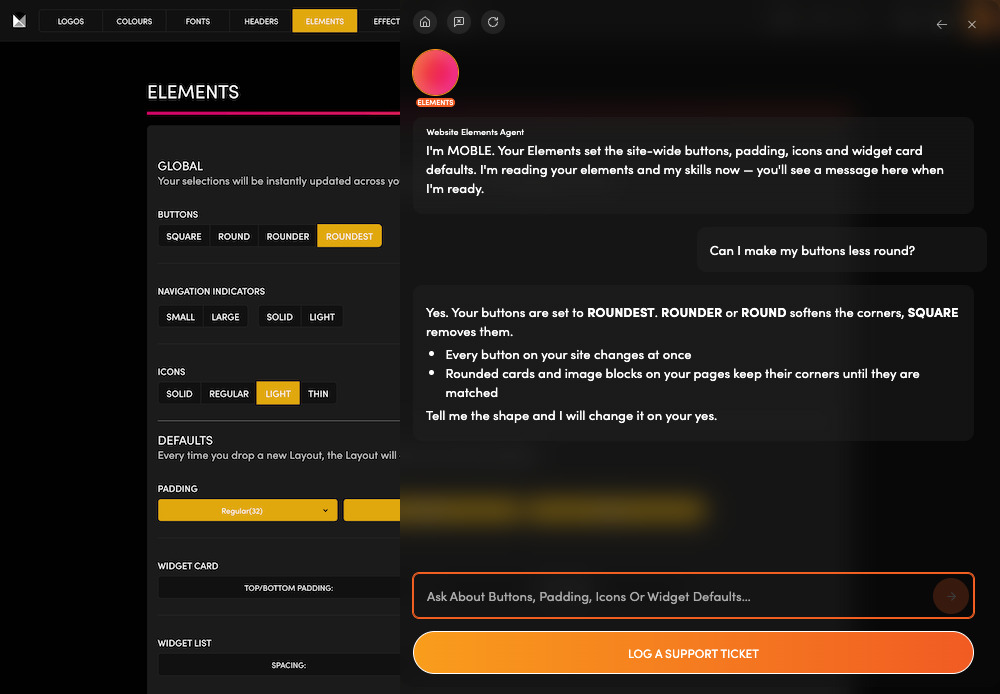
Small details, set once.  Button corners, menu indicators, icon style and default padding (the space around your content) are set here for the whole site.

Give your buttons, menus and icons one look.

Ask the Elements Agent to make a change on your yes; it points out pages that still need matching.

Ask: “Can I make my buttons less round?”

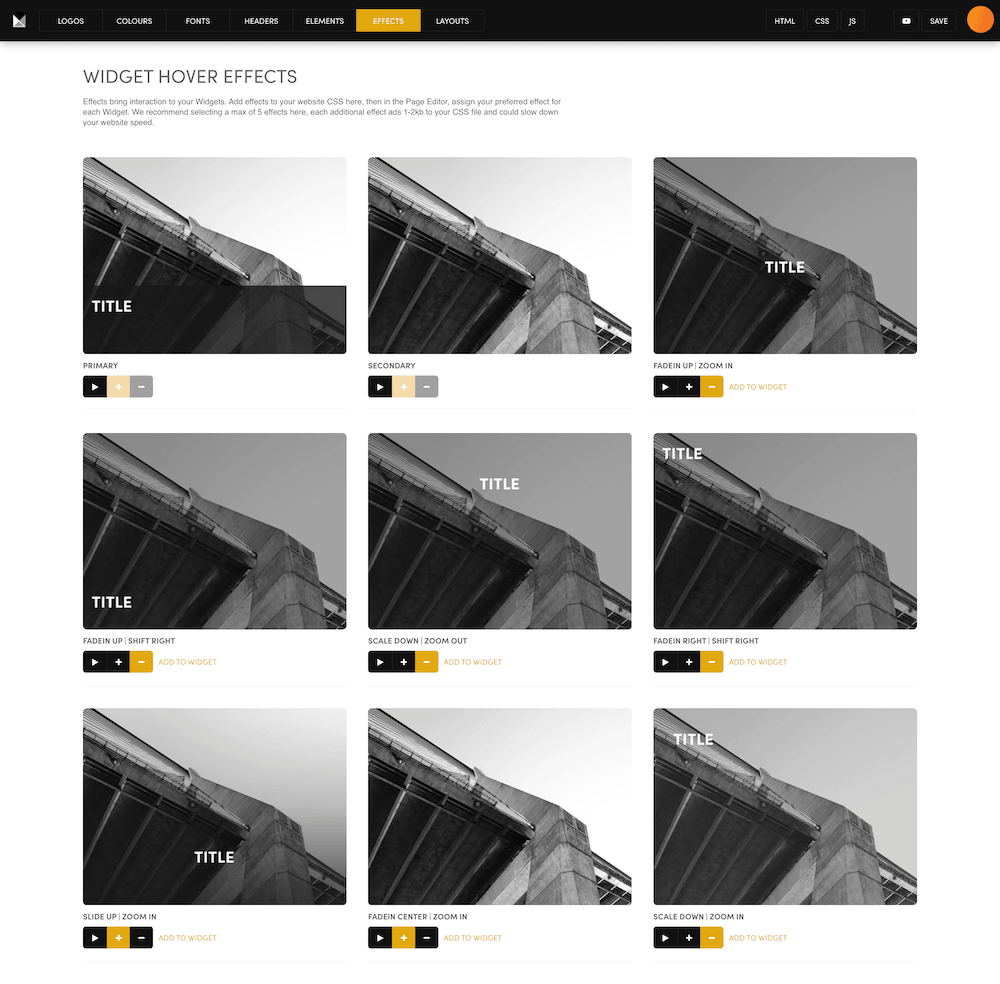
EFFECTS

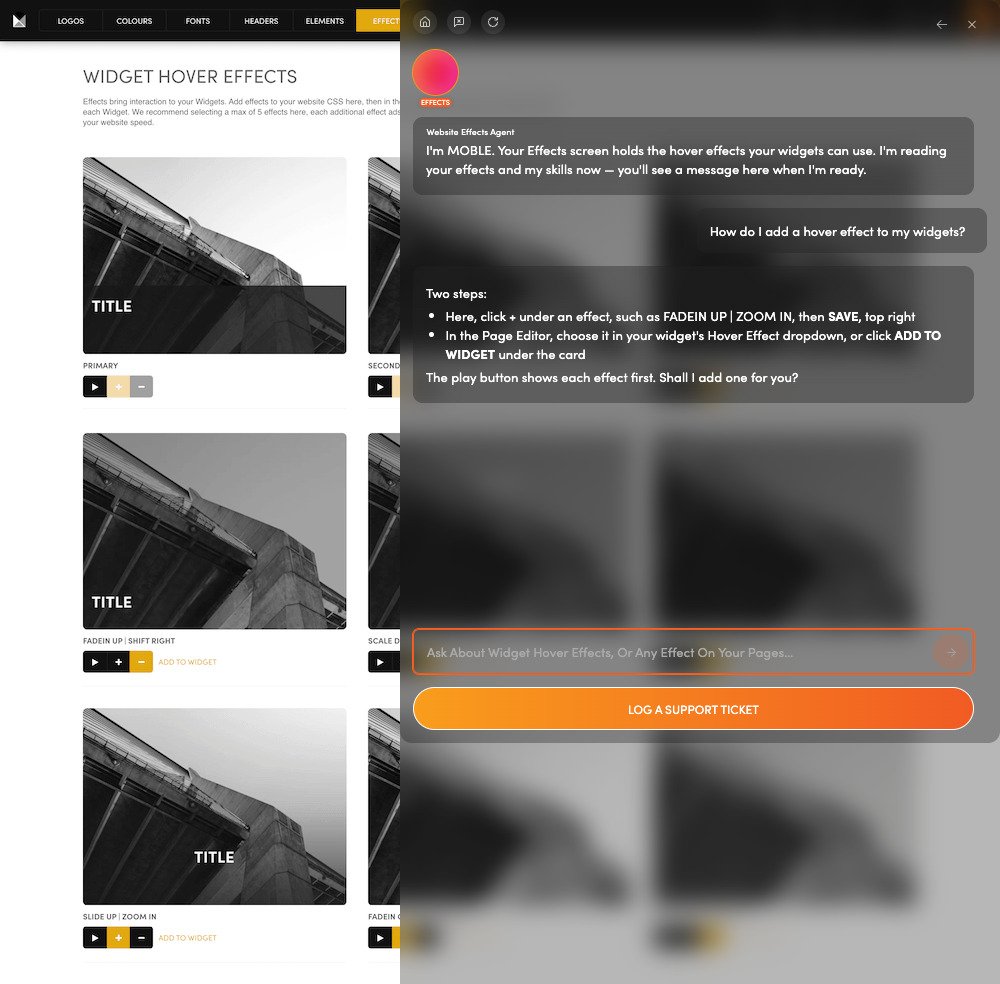
Pictures that react on hover.  A hover effect is what a picture does when a mouse passes over it. Five or fewer keeps your site quick.

Each effect you add appears in the settings of your widgets (blocks that list your content).

Ask the Effects Agent to add one and set it on a widget, on your yes.

Ask: “How do I add a hover effect to my widgets?”

GLOBAL SETTINGS

Go Live, Integrations

MY ACCOUNT

Login, plan, billing

MY TEAM

Add your people

MY AGENCY

Partner programme

GLOBAL SETTINGS

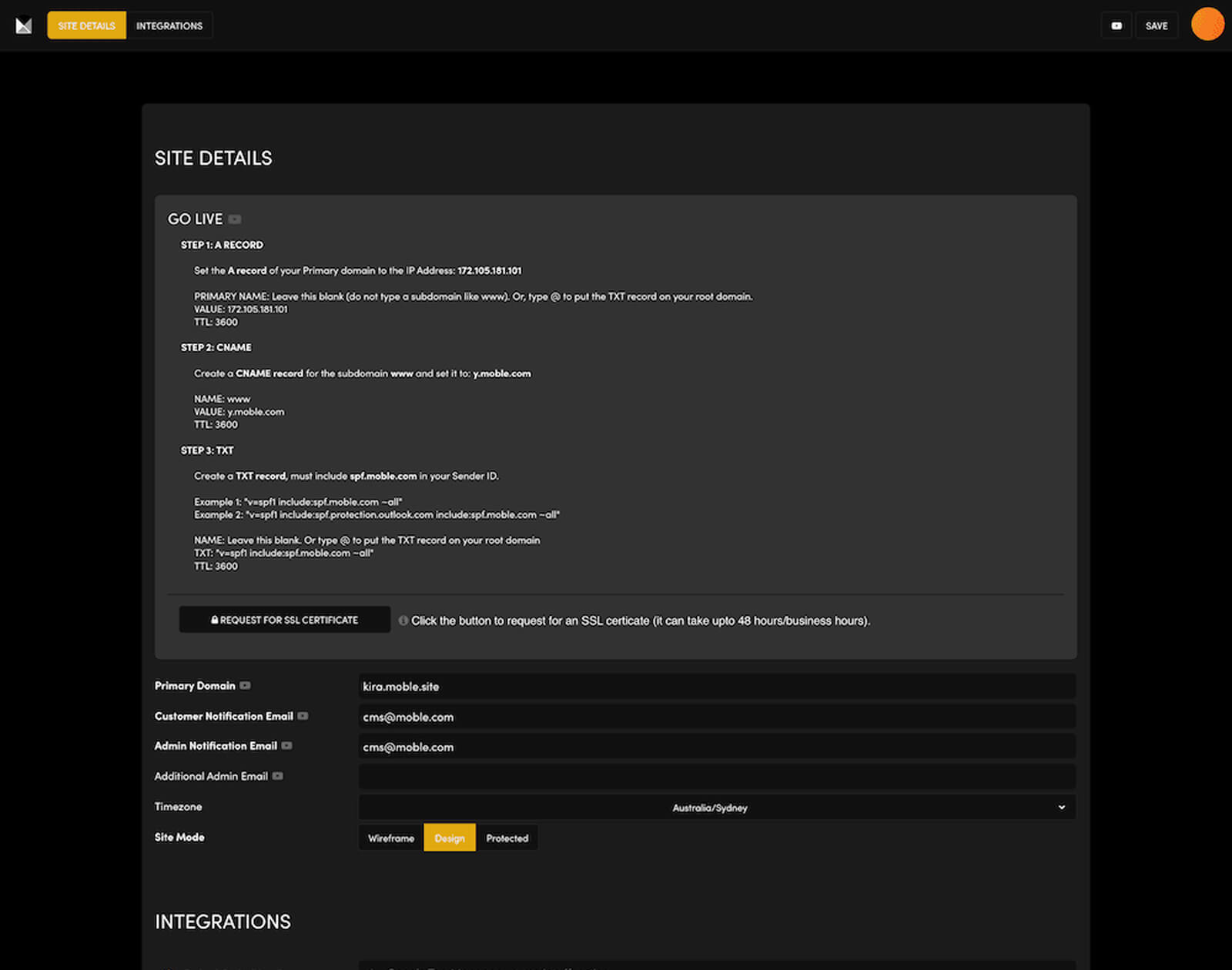
Ready to go live on your domain?  Point your domain at your site with the GO LIVE box's three records, then add your notification emails and the keys for the tools you connect.

Go live, set your notification emails and connect your tools.

Ask the Settings Agent to explain every field as you go.

Ask: “How do I make my site live on my own domain?”

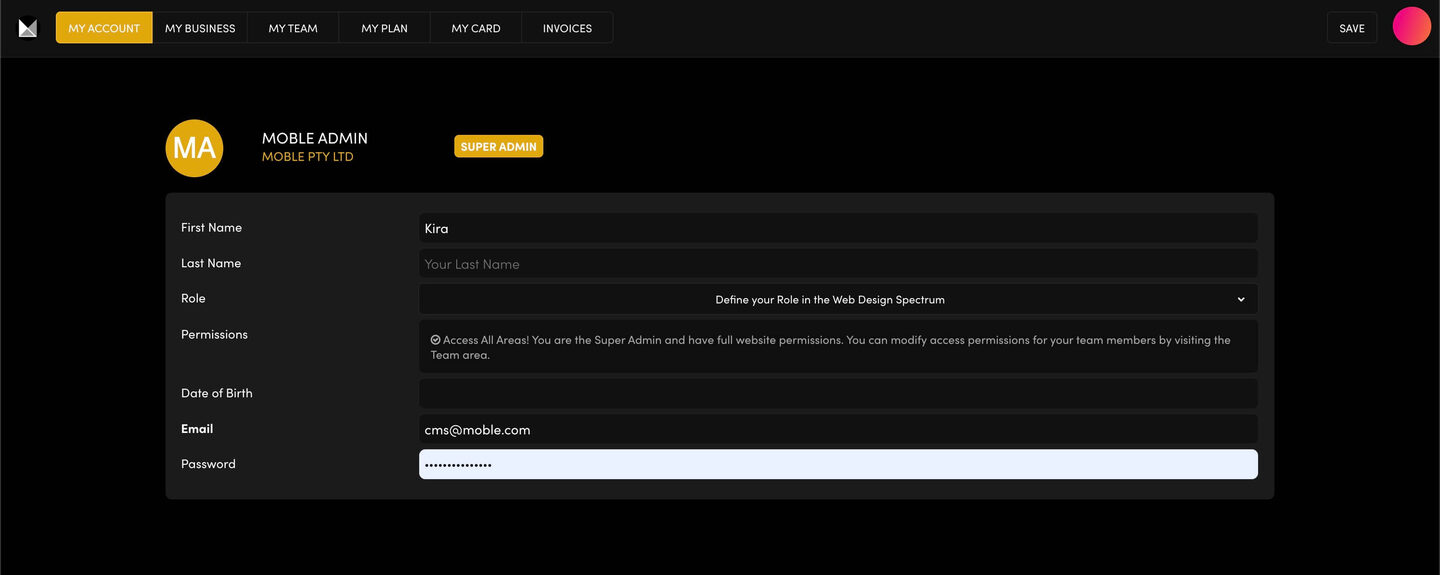
MY ACCOUNT

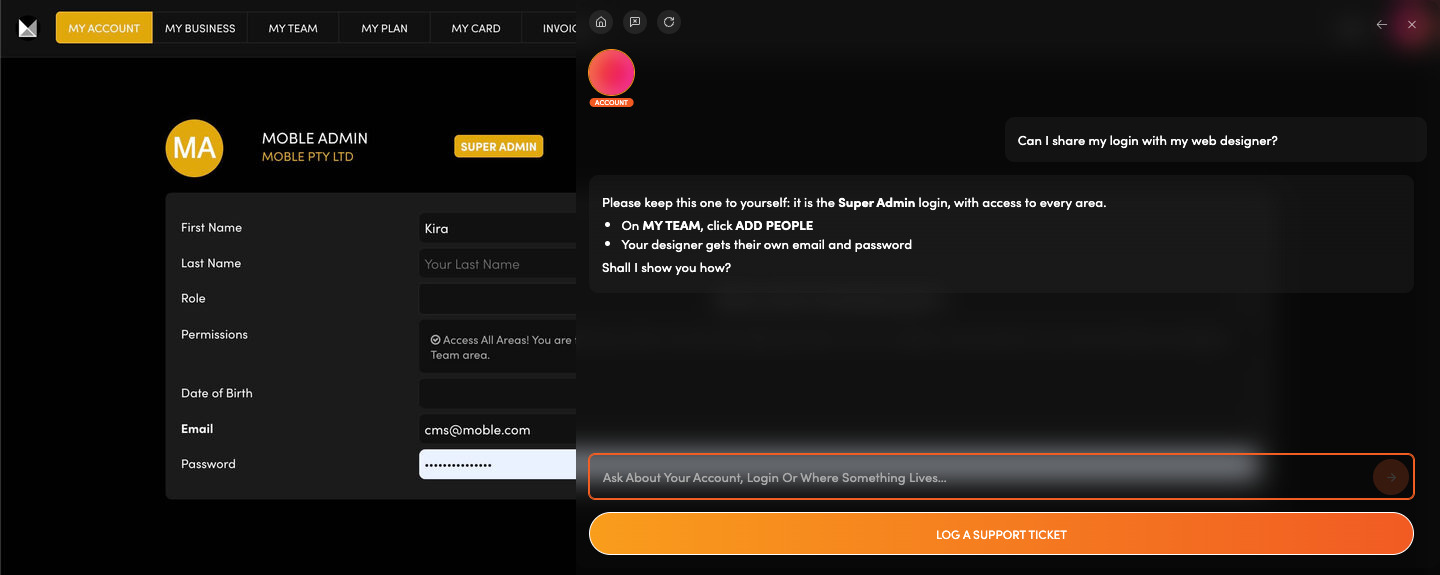
One login that opens everything.  This is the Super Admin login: your name, email and password, with access to every area.

Update your name, email and password.

Ask the Account Agent to guide each change, and to point others to their own login on My Team.

Ask: “Can I share my login with my web designer?”

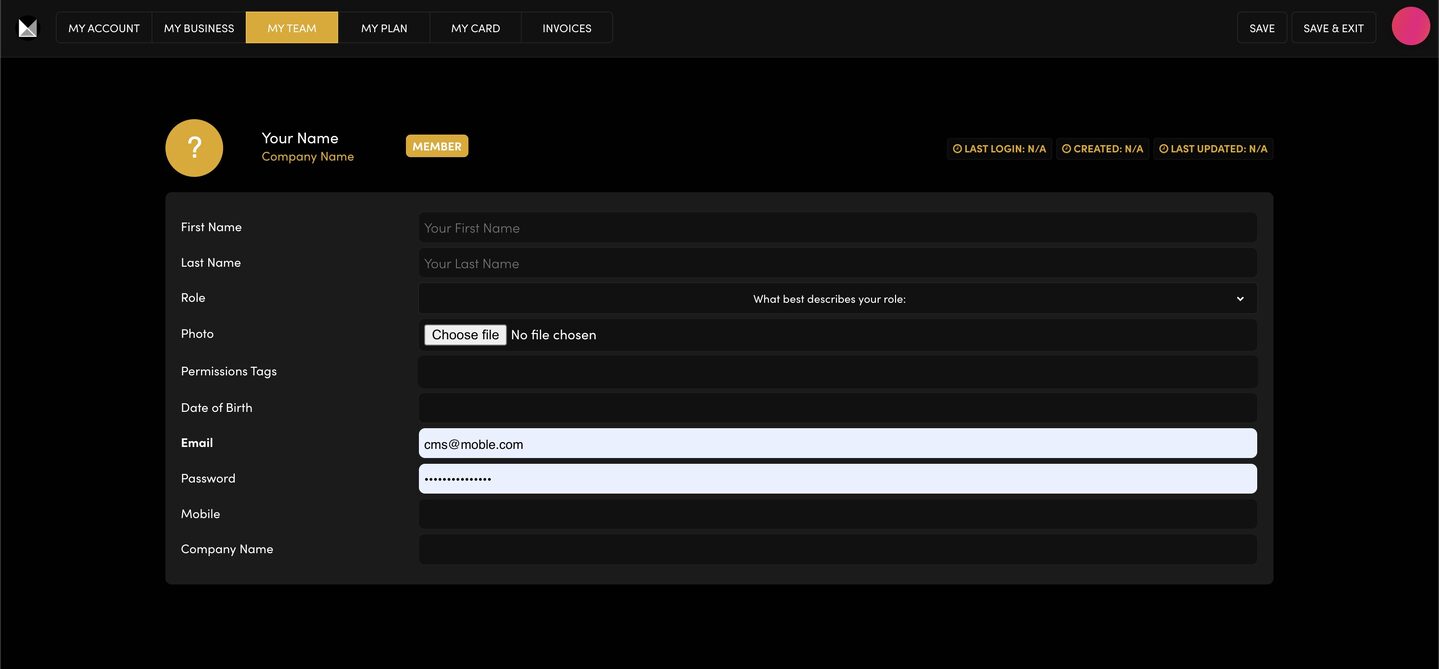
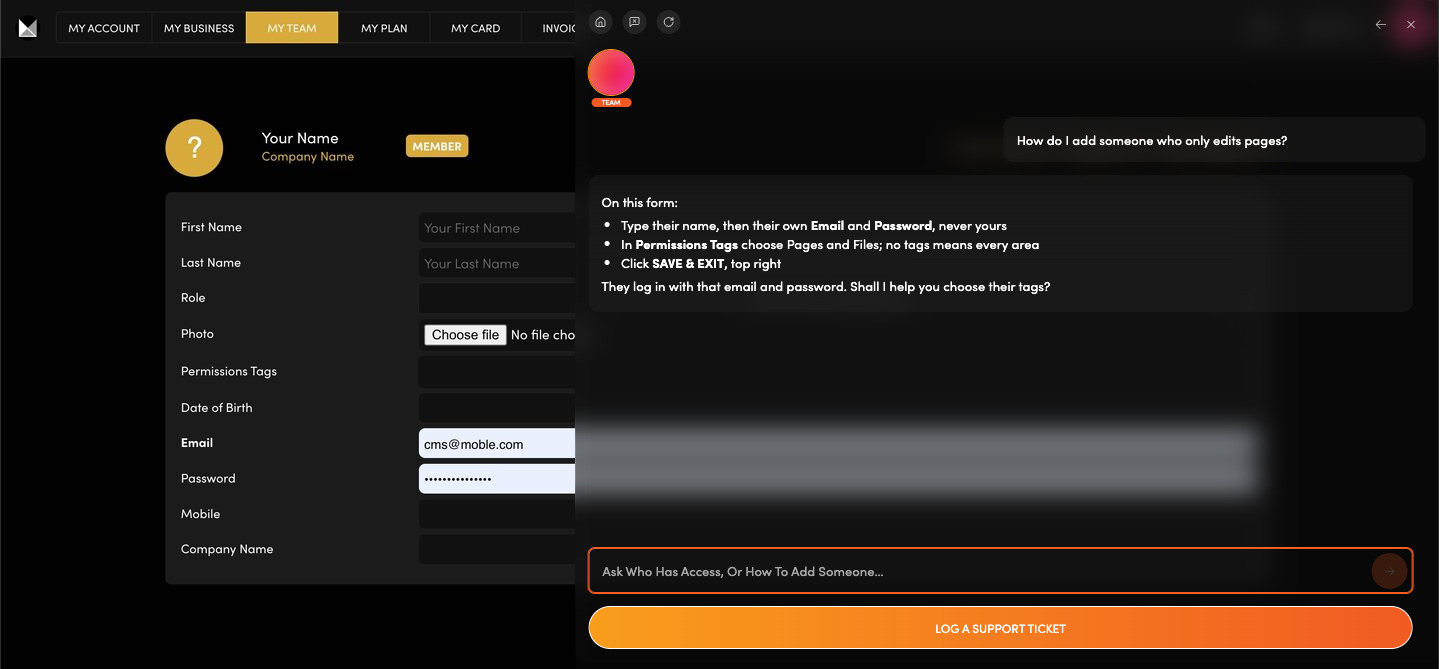
MY TEAM

Bringing someone in to help?  Give each person their own login, then choose their Permissions Tags (the areas they can open). No tags means every area.

Add, limit or remove a team member.

Ask the Team Agent to guide you through each step.

Ask: “How do I add someone who only edits pages?”

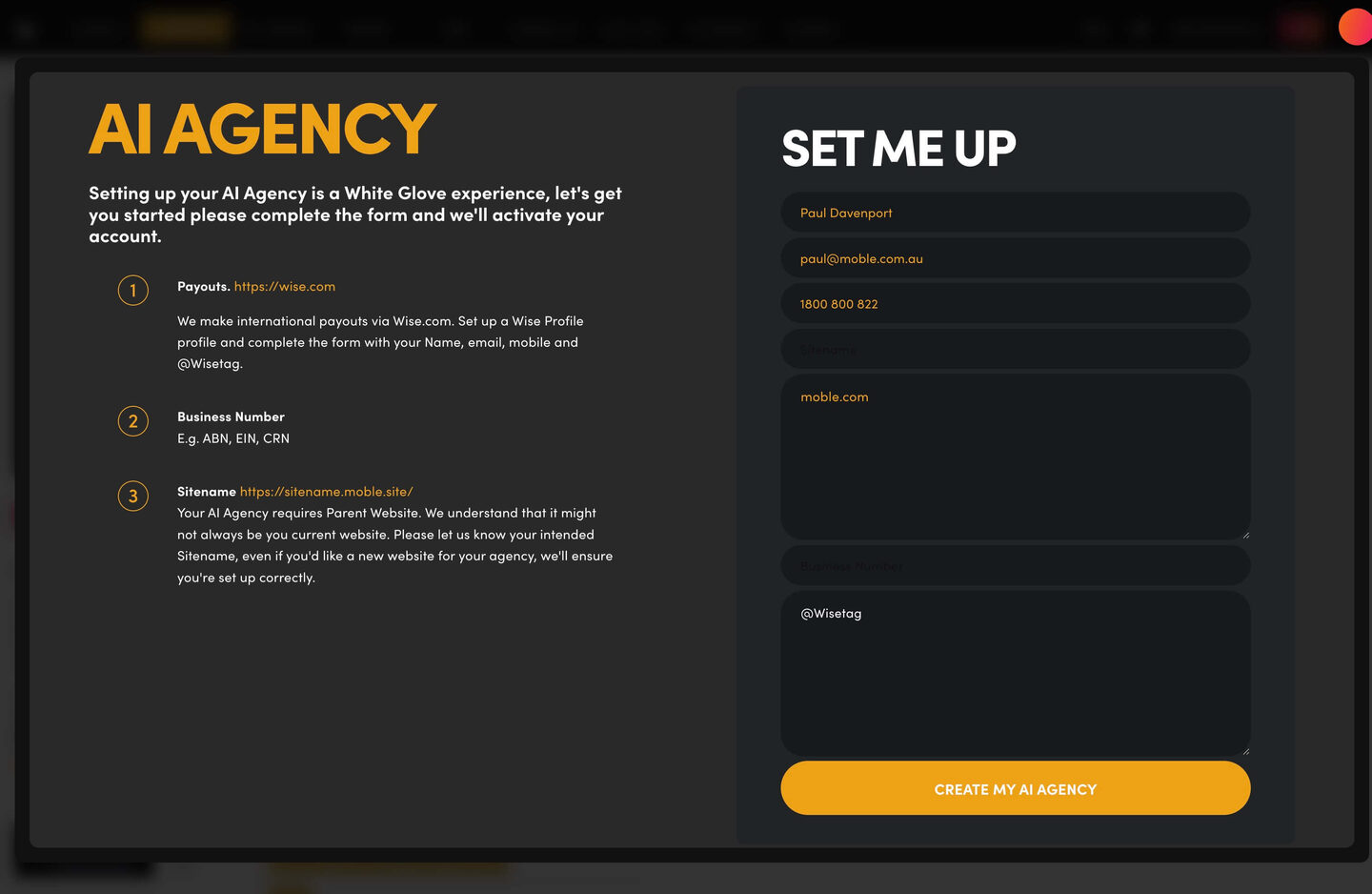
MY AGENCY

Build websites for your own clients?  Resell MOBLE to your clients, keep your own build fees and earn commission on the clients you bring.

Fill in one set-up form, and the MOBLE team sets you up.

Ask the AI Agency Agent to explain the form and how commission is paid.

Ask: “Can I resell MOBLE chatbots to my clients?”

SESSION TAKEAWAYS

Check Bullet
An agent
on every admin screen
Check Bullet
A micro session
for every ongoing task
Check Bullet
Rapid page building
from your layouts
Check Bullet
Your website, sales, support
and tasks, on demand
You manage everything in MOBLE with the Platform Tools or AI Chat.

PAUSE AND PLAY. ONLY PAY IN THE MONTHS YOU PLAY.

EASY HOSTING & AI TOKEN PLANS THAT WORK FOR EVERYONE


PAUSE AND PLAY ROADMAP

Paul Davenport

With AI you can now do much of the work yourself, so you don't need an agency every month. PAUSE AND PLAY is a new kind of retainer built for AI, with no lock-in contracts. MOBLE's experts are on hand for the months you want them.

AT MOBLE WE ARE AI FIRST, HUMAN PERFECT!”
Paul Davenport | CEO | MOBLE
A six-month roadmap, for example:
  1. MONTH 1BUILT BY YOUFrom $9You build with AI. You pay your plan only.
  2. MONTH 2BUILT FOR YOU$5,000Custom Sales and Support Agents
  3. MONTH 3BUILT BY YOUFrom $9You build with AI. You pay your plan only.
  4. MONTH 4BUILT FOR YOU$5,000Custom Designed Ecommerce Store
  5. MONTH 5BUILT BY YOUFrom $9You build with AI. You pay your plan only.
  6. MONTH 6BUILT WITH YOU$12,500Custom Supply Chain Management Application
1. Pause.
Build it yourself with AI on your plan, from $9 a month.
2. Fill a sprint.
When a job needs a human expert, add it to your roadmap as a sprint of design, build or training hours.
3. Play.
We work your sprint that month, then you pause again. No contract.

PAUSE AND PLAY ROADMAP PRICING.  You only pay in the months you play.

BUILT BY YOU

$9

Chatbots, Websites & Knowledge Bases
Turnkey Templates or Build from Scratch

VIEW FEATURES

   + VISUAL AI KNOWLEDGE BASE
   + CHATBOT BUILDER - UNLIMITED CHATBOTS
   + 10 TURNKEY CHATBOTS
   + PROMPT TEMPLATES LIBRARY
   + 100 WEBSITE THEMES
   + WEBSITE BUILDER & CMS

   + 5,000 WEB PAGE LAYOUTS
   + SALES CHATBOT & CRM
   + SUPPORT CHATBOT & TICKET DESK
   + PROJECTS CHATBOT & TASK BOARD
   + AI HELP ASSISTANTS & COURSES
   + WEB HOSTING & AI TOKENS

AI BUILDER & CMS
Just add your Website Address and Logo to get started!

BUILT FOR YOU

$5,000

You Design Your Roadmap. We Build it.
Pick 'n Mix services into Monthly Sprints:

VIEW FEATURES

   + CUSTOM VISUAL KNOWLEDGE BASE
   + CUSTOM CHATBOTS
   + CUSTOM WEBSITES
   + CUSTOM LANDING PAGES & FUNNELS
   + CUSTOM AI SALES CAMPAIGNS
   + MOBLE SALES LEADS CRM
   + MOBLE SUPPORT TICKET DESK
   + MOBLE PROJECT TASK BOARD
   + STAFF AI TRAINING
   + STAFF WEBSITE TRAINING
   + AI HELP ASSISTANTS & COURSES
   + WEB HOSTING & AI TOKENS

PAUSE AND PLAY ROADMAP:
No contract. Only pay in the months you play!

BUILT WITH YOU

$12,500

Companywide AI Adoption Roadmap
Design, Development, Recruitment & Training

VIEW FEATURES

   + COMPLETE AI TRANSFORMATION
   + AI CONSULTING & AUDIT
   + AI ADOPTION ROADMAP
   + AI DESIGN
   + AI DEVELOPMENT
   + AI INTEGRATION
   + AI AUTOMATION
   + AI RECRUITMENT
   + AI SALES & SUPPORT
   + 10,000 CONTACTS
   + AI AUTOMATION TRAINING
   + WATCH 'N LEARN SESSIONS

NOT JUST CONSULTING:
We Consult, Design, Build, Hire and Train

NO CONTRACT PLANS.  Website, CMS and CRM hosting, Agent VPS hosting and AI tokens.

MINI
PLUS
PRO
ELITE
$9
$49
$79
$299
12 KBPs
50 KBPs
500 KBPs
Unlimited KBPs
Unlimited
KBPs = Knowledge Base Pages. What's a KB Page?

Every feature on every plan.  That includes MOBLE Web Builder, CMS, AI Chatbot Builder, and SPIBoard with Sales CRM, Support Tickets, Project Task Boards all from just $9 per month.

No plan switching required. Pricing is automatically calculated each month by the number of KB Pages and billed on your signup day, then on the same day each month. Simple Pricing. Build and scale at your own pace.

No per user, per team, or per contact, pricing.
Just contact us if going over 100,000 contacts in your CRM.

0% platform fees on online shop sales. Stripe charges apply.
ELITE annual offer: pay $2,990 upfront for the year and it includes a Sales Agent or a Support Agent built for you. Both for $5,000.

What's a KB Page? A Knowledge Base page used by your AI. Scrape KBPs from website pages, or upload from CSV, API, or in the UI. Upload or generate as many Images as you like. PDF's only become a KB Page when you generate 'PDF-to-Text' to extract text to your Knowledge Base.

BOOK YOUR FREE
DISCOVERY CALL
Built By You? Built For You? Built With You? Pause and Play Roadmap? Play Before You Pay? AI First, Human Perfect? AI Agency passive income? With so many ways to play, feel free to book a call and we'll set you on the right way.

HOW WOULD YOU LIKE TO BEGIN?

"Build your own AI Chatbot or Website from just $9 per month, or talk with me for a Custom Built AI Agent, Website or Online Store."
Paul Davenport, CEO.

Play before you Pay?

Brand an AI Website and Chatbot Theme in under 3 minutes, anyone can do it!!

GETTING AROUND

SUPPORT

  Web School


  Knowledge Base


AI SALES LINE 

  +61 483 919 993


AI SUPPORT LINE 

  +61 483 929 995


ENQUIRIES

  team@moble.com.au

GET A QUOTE

A Web Builder for Design. A CMS for Business. We serve all businesses from SMEs to Enterprise. Talk with us for AI development, custom website design, website development, ecommerce websites, directories, intranets and social networks.


PRIVACY | WEBSITE TERMS | PLATFORM TERMS | © 2026 MOBLE PTY LTD