
PICK YOUR AI THEME TO GET STARTED

ECOMMERCE SETTINGS
Ecommerce → SETTINGS holds the rules your whole shop runs on. One SAVE (top right) keeps them all.
- ADD SHOP — the Shop Button in your header, and whether it shows the cart price.
- PAYMENTS — the Payment Gateway (Stripe), your API Key and your Currency.
- CHECKOUT NOTIFICATION — the order emails to you and your buyers.
- FLAT SHIPPING — Shipping on or off (off for a digital store), the Flat Fee, Free Shipping Over and the Express Fee.
- INTERNATIONAL — a flat fee, a free shipping amount and the countries you ship to.
- STORE ADDRESS — your store's address, whether it ships from there, offers pickup or takes returns, and its opening hours. Add another store with + ADD ANOTHER.
- NOTIFICATIONS — the pickup messages, and the valid and invalid postcode messages.
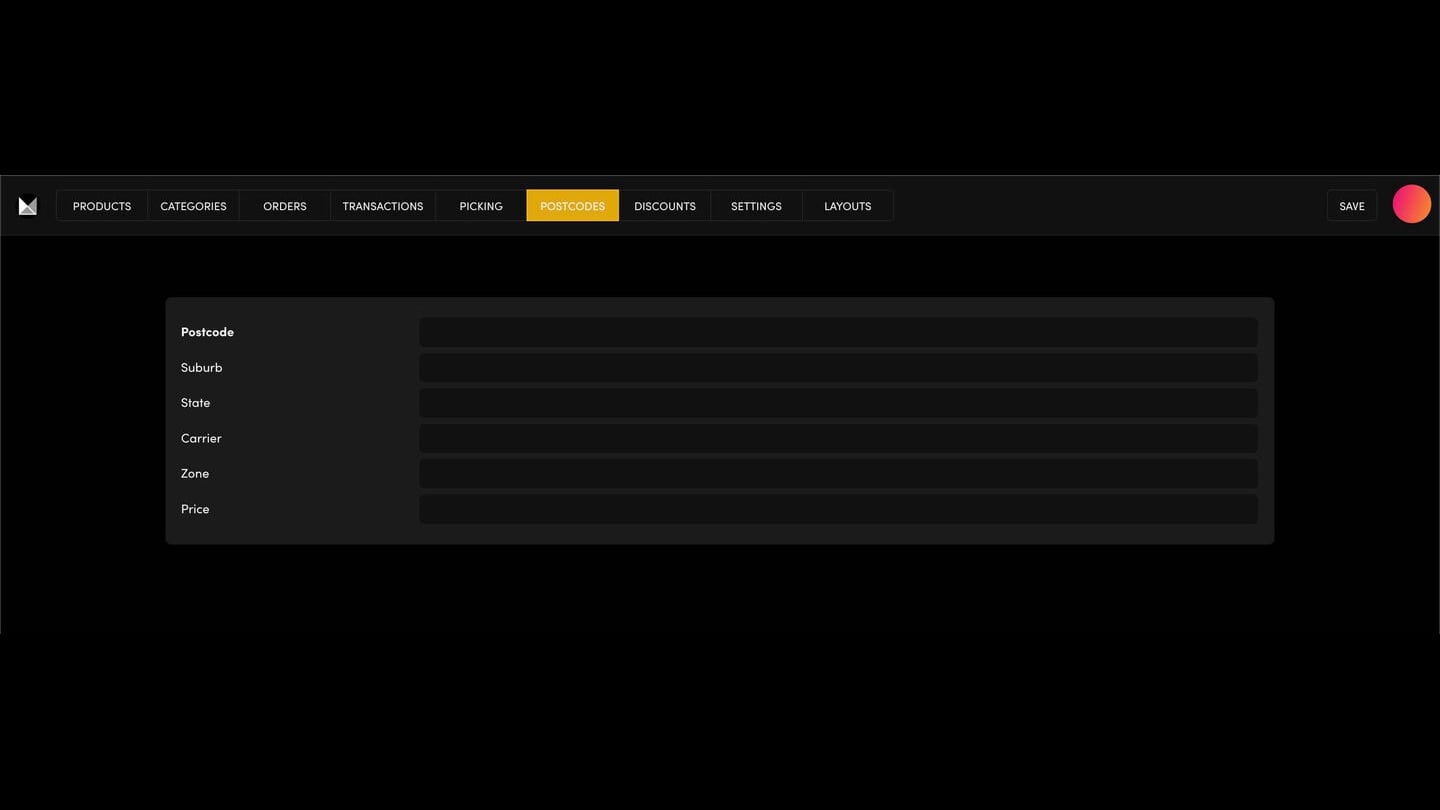
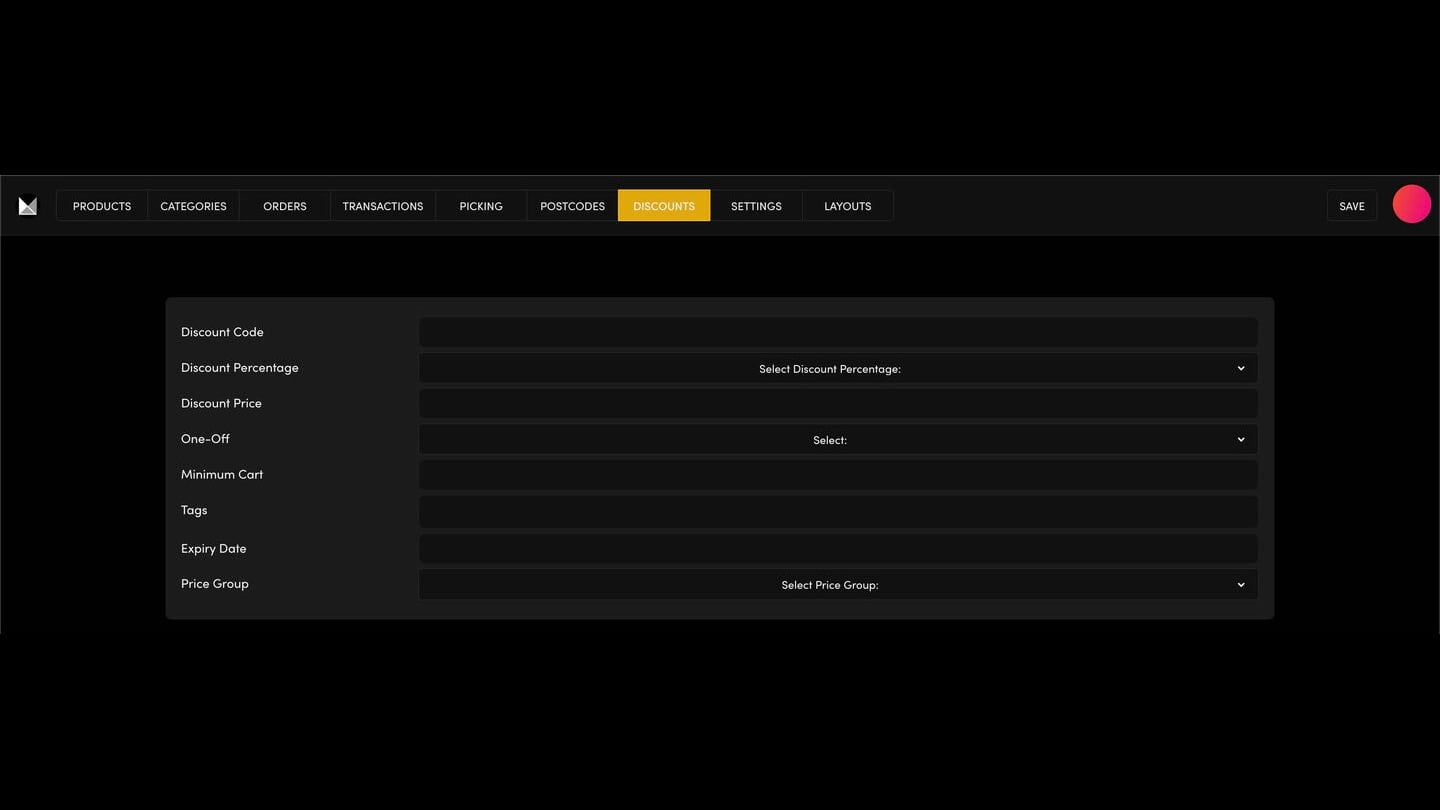
Each product can also have its own shipping rate (INVENTORY, in the product's Settings). Discount codes are on the DISCOUNTS tab and delivery areas on POSTCODES.
TEST IT
After you save, refresh your website and add a product to the cart to check the shipping and messages.

RELATED HELP

Play before you Pay?
GETTING AROUND
SUPPORT
AI SALES LINE
AI SUPPORT LINE
ENQUIRIES
team@moble.com.au
GET A QUOTE
A Web Builder for Design. A CMS for Business. We serve all businesses from SME's to Enterprise. Talk with us for AI development, custom website design, website development, ecommerce websites, directories, intranets and social networks.
PRIVACY | WEBSITE TERMS | PLATFORM TERMS | © 2026 MOBLE PTY LTD