
PICK YOUR AI THEME TO GET STARTED

ADD A TEAM MEMBER
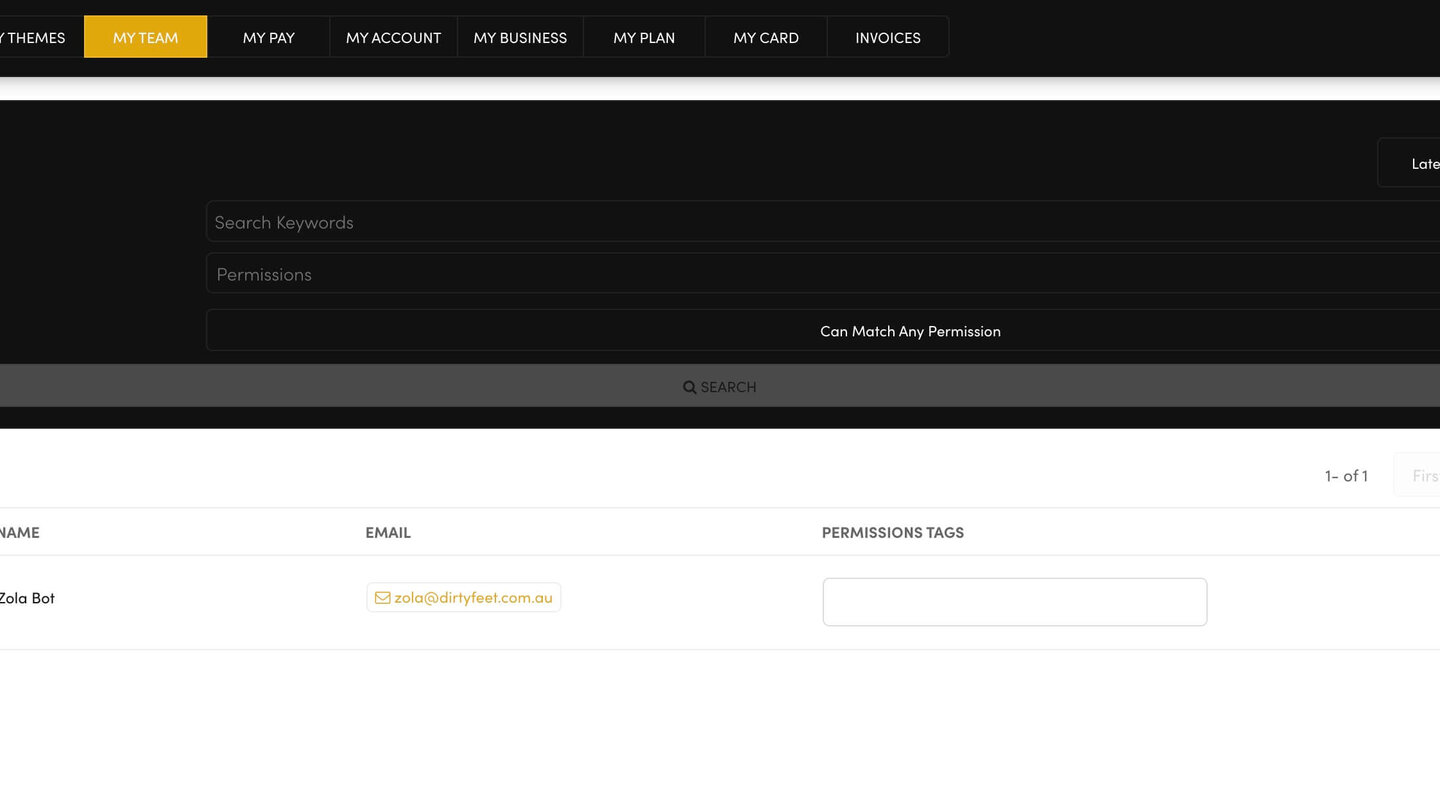
Everyone who works on your website should have their own login. You add them on MY TEAM — never share your own.
ADD PEOPLE
- Open MY TEAM and press ADD PEOPLE at the top right.
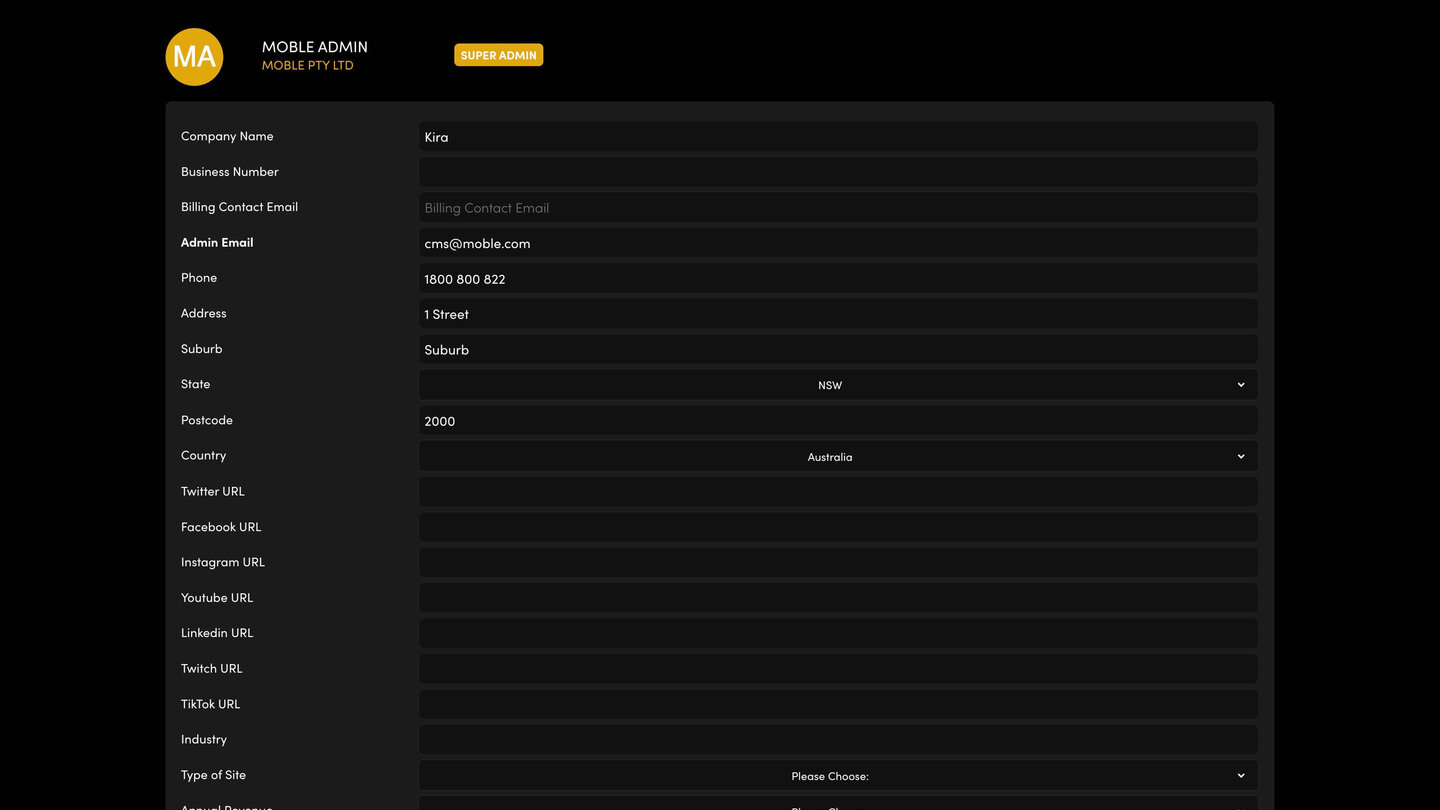
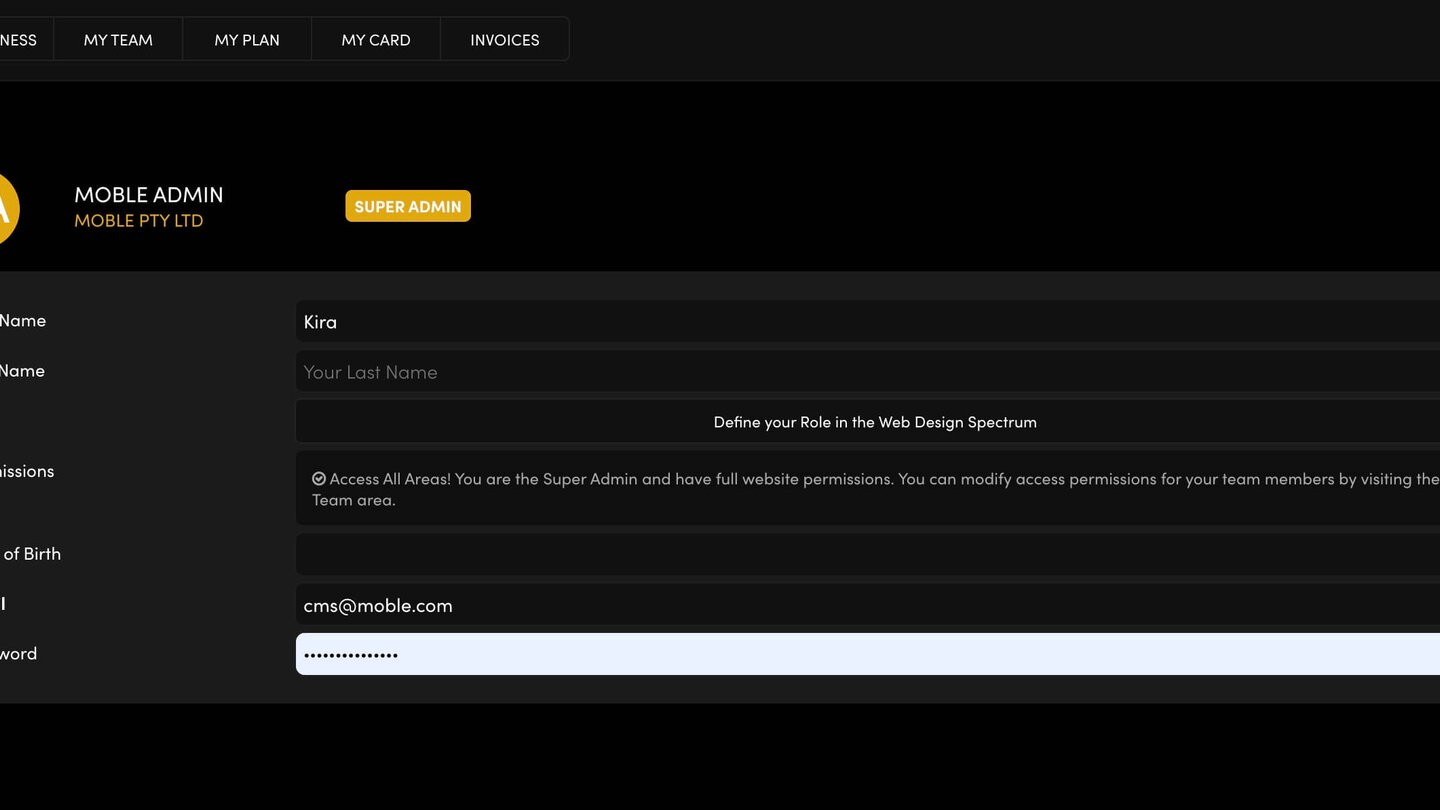
- Fill in First Name, Last Name, Role, a Photo if you like, Mobile and Company Name.
- Type THEIR Email and a Password for them. If your browser fills in your own email and password, replace them — a login that already exists can't be used twice.
- Choose their Permissions Tags (see the next help article).
- Press SAVE & EXIT.
THEN
They appear on your MY TEAM list. Send them your website's log-in address (your website address with /login on the end) and their own email and password.
REMOVE SOMEONE WHO LEFT
On the MY TEAM list, press the bin icon on their row. Refresh the list to check they're gone.
RELATED HELP
Play before you Pay?
GETTING AROUND
SUPPORT
AI SALES LINE
AI SUPPORT LINE
ENQUIRIES
team@moble.com.au
GET A QUOTE
A Web Builder for Design. A CMS for Business. We serve all businesses from SME's to Enterprise. Talk with us for AI development, custom website design, website development, ecommerce websites, directories, intranets and social networks.
PRIVACY | WEBSITE TERMS | PLATFORM TERMS | © 2026 MOBLE PTY LTD