
PICK YOUR AI THEME TO GET STARTED

CATEGORIES
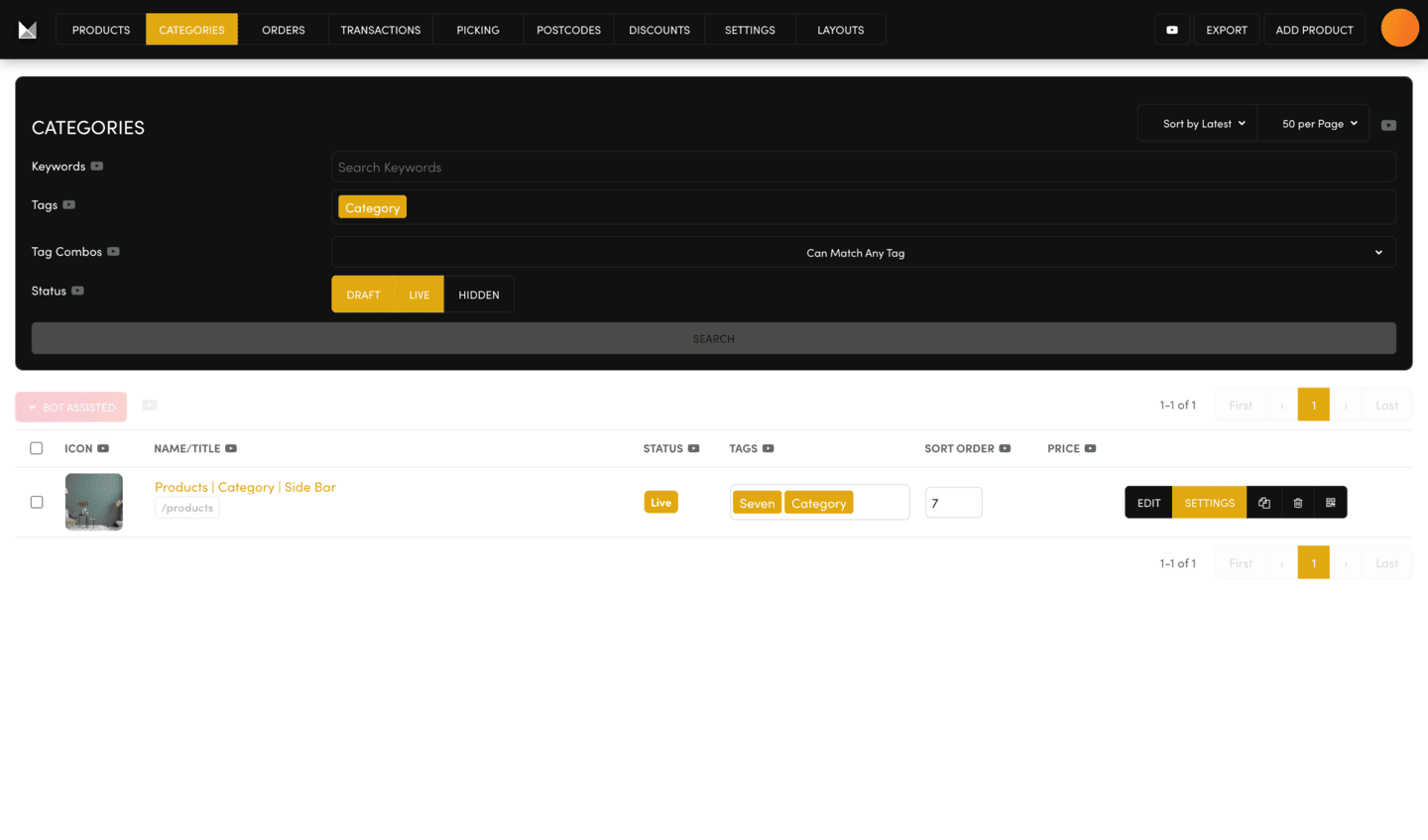
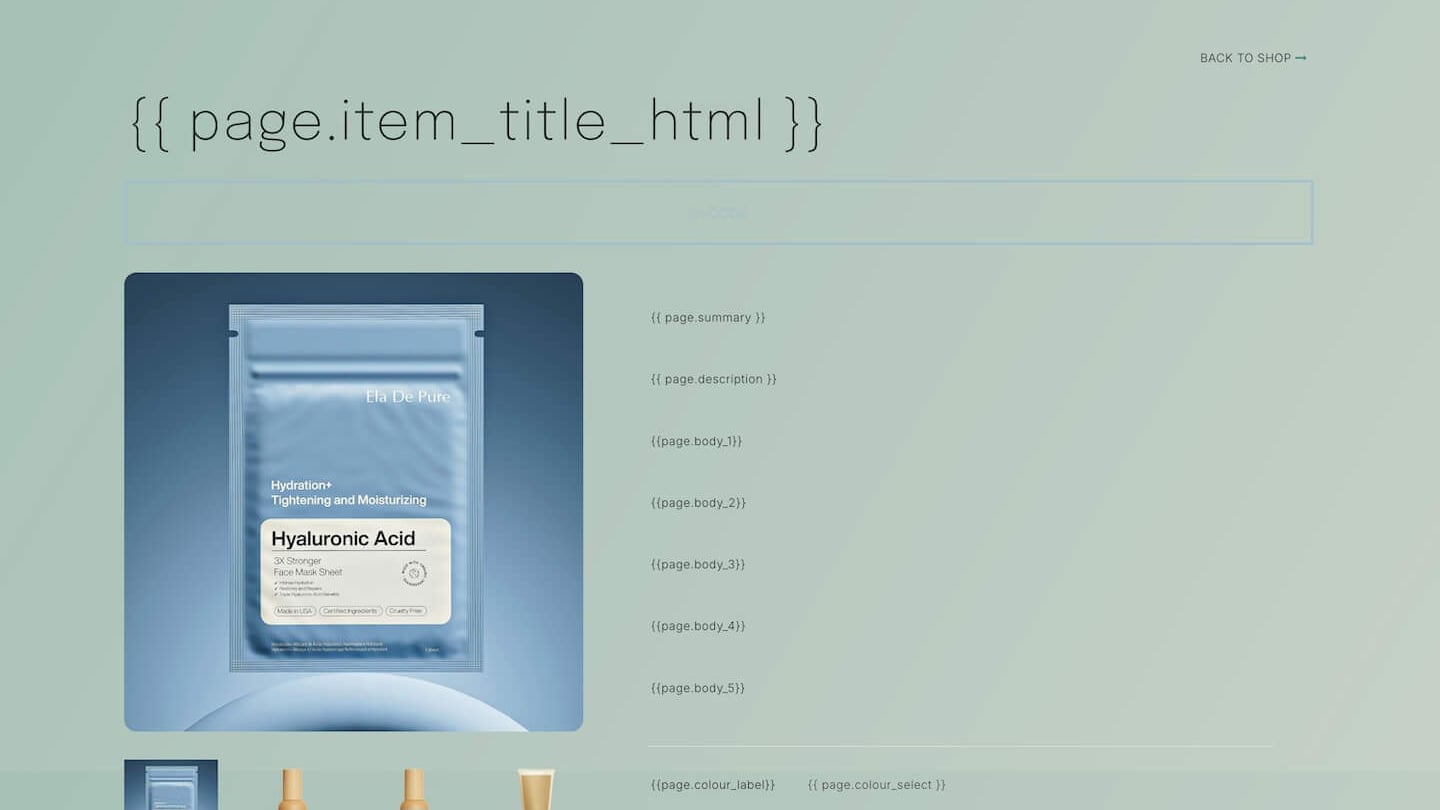
A category page shows every product that carries its tag.
PUT A PRODUCT IN A CATEGORY
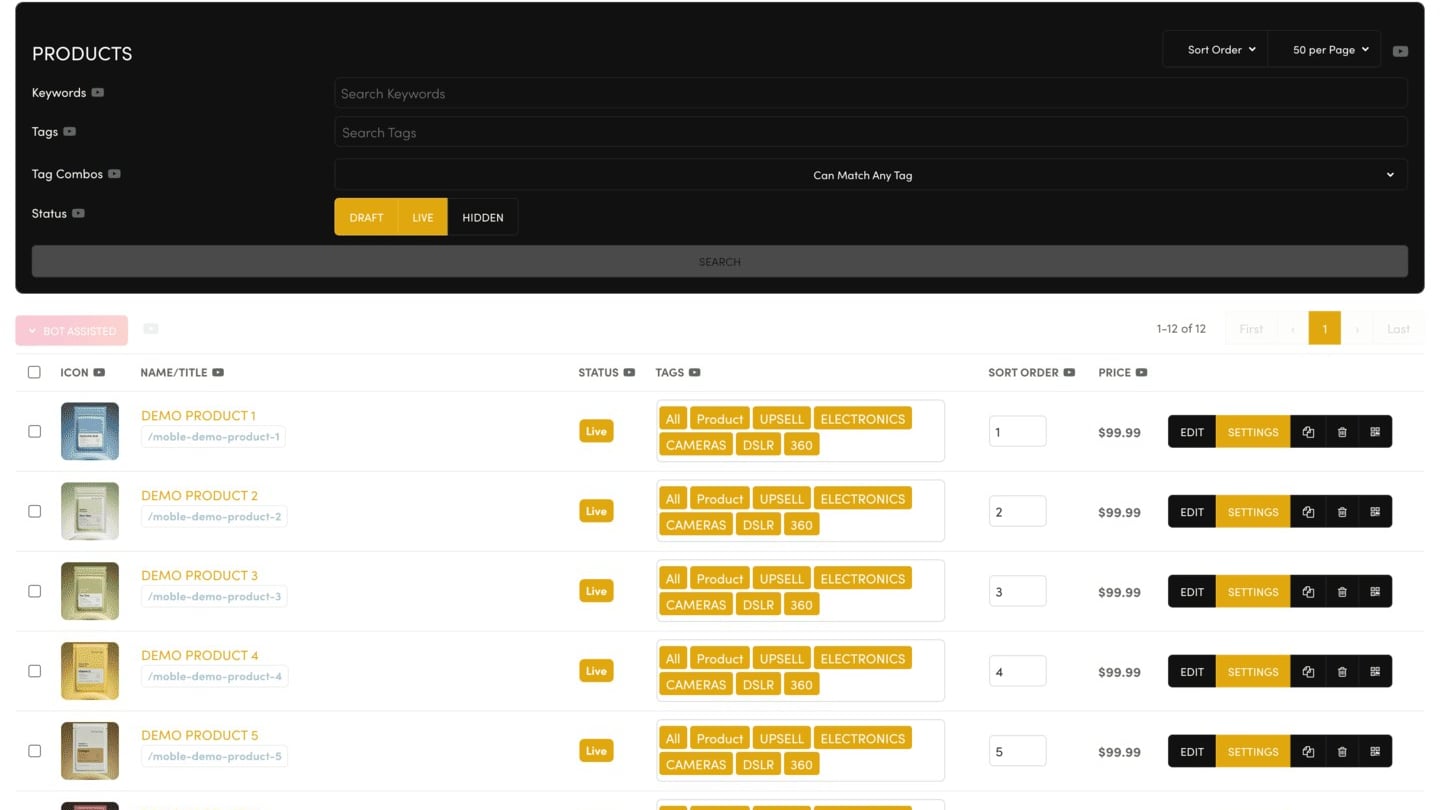
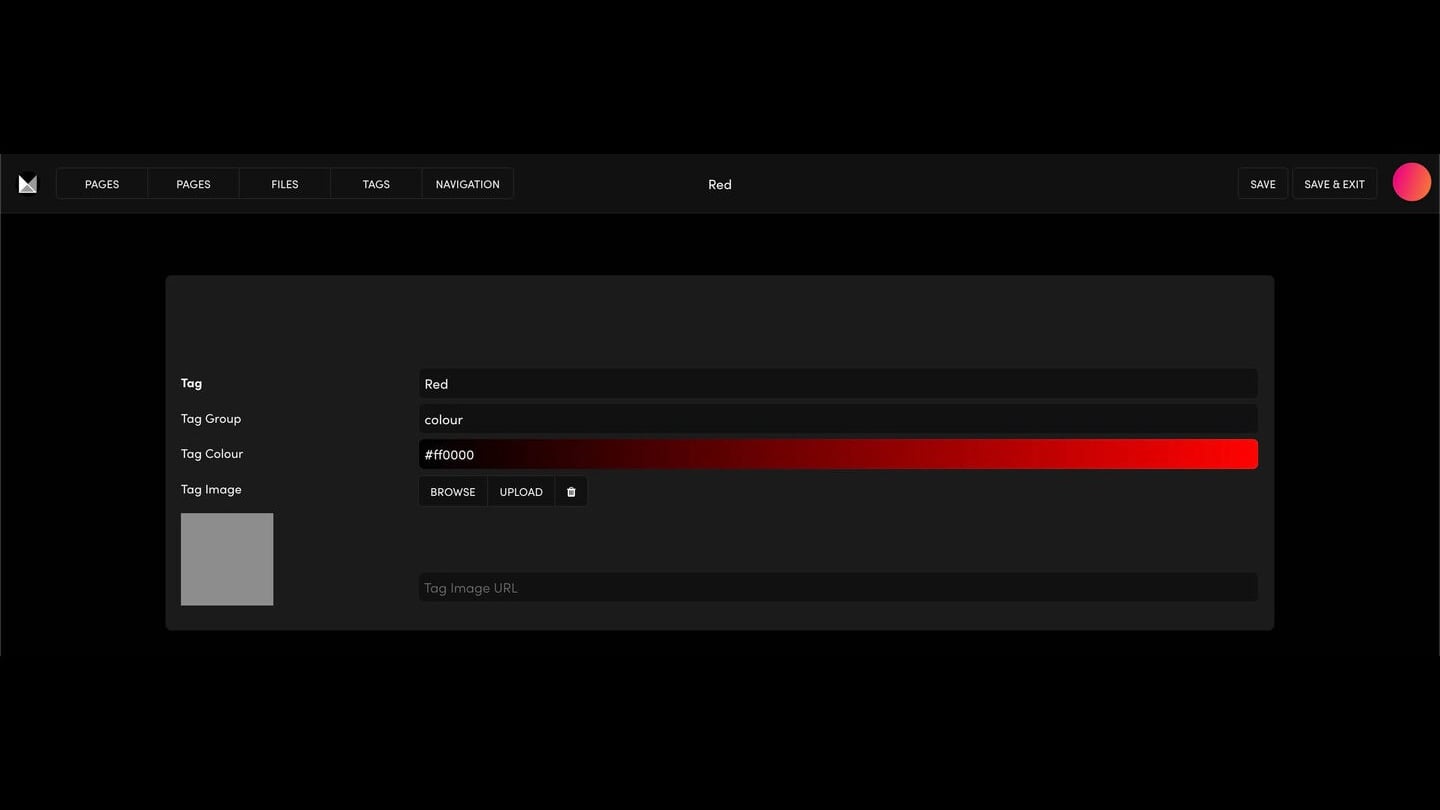
Add the category's tag to the product (Tags, in the product's Settings). A product can be in two categories: give it both tags.
CREATE A CATEGORY
Your theme comes with category pages. Find them in Ecommerce → CATEGORIES. Click the clone icon on the one you like, then change its Page Name and Page URL and click SAVE. Open it with EDIT, click the product listing and set its Tags to your new category's tag.
MY CATEGORY PAGE IS EMPTY
No product carries the tag the listing shows, or the tag is spelt differently. Check the tag on the listing and on your products.
CATEGORIES IN YOUR MENU
The Category menu shows what you add to it in Navigation, not your tags. Add your category pages there.
To hide a category for now, set its Page Status to Draft.
RELATED HELP

Play before you Pay?
GETTING AROUND
SUPPORT
AI SALES LINE
AI SUPPORT LINE
ENQUIRIES
team@moble.com.au
GET A QUOTE
A Web Builder for Design. A CMS for Business. We serve all businesses from SME's to Enterprise. Talk with us for AI development, custom website design, website development, ecommerce websites, directories, intranets and social networks.
PRIVACY | WEBSITE TERMS | PLATFORM TERMS | © 2026 MOBLE PTY LTD