
PICK YOUR AI THEME TO GET STARTED

LEADS
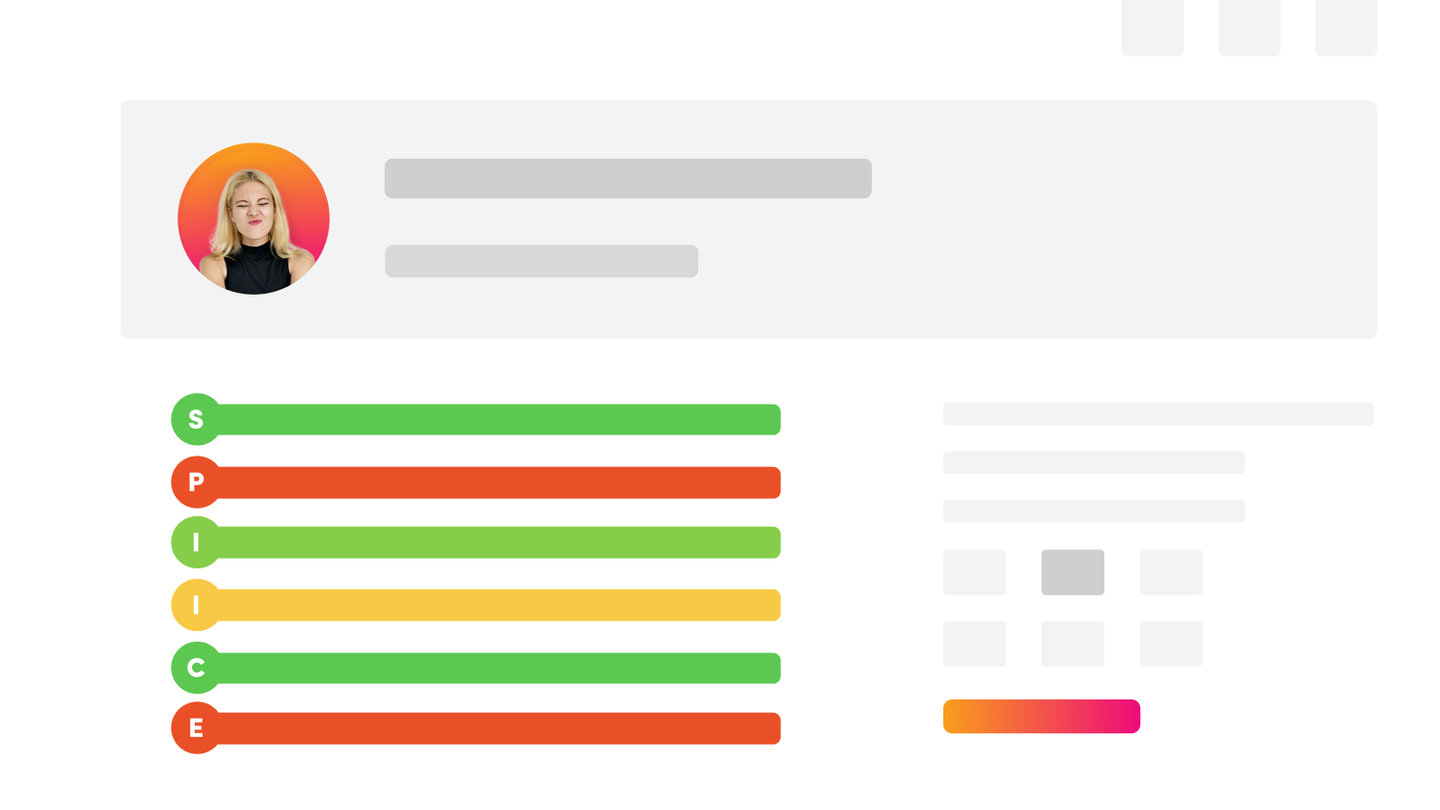
Leads is your sales board. Every lead moves through eleven stages, from 0 - New Lead to 10 - Sold, with a priority, an importance and an owner.
THE SALES STAGES
- 0 - New Lead — the lead has just arrived.
- 1 - Assigned — given to a team member.
- 2 - Outreach — you are contacting them by email, SMS or phone.
- 3 - Discovery — the first meeting, to qualify the lead.
- 4 - Presentation — the pitch presentation.
- 5 - Proposal — the proposal has been sent.
- 6 - Meetings — follow-up meetings.
- 7 - Objections
- 8 - Contract
- 9 - Negotiation
- 10 - Sold — won.
THE LEADS LIST
Open CRM and click LEADS. Filter by Search, Owner, Status, Tags, Source and a date range.
Each row shows the SPI SCORE (stage, priority, importance), the owner, company, date, due date, price, the person's details, the source and a PERSONALISATION link for that lead.
Click ADD to add a lead by hand.
EDITING A LEAD
Click EDIT on a lead. The edit screen has four tabs:
- LEAD — Solution, Status, Priority, Importance, Owner, Notes, Price, Currency, Payment Type, Price 2, Forecast Date, Next Action Date, Tags, Source, Resolution and Files.
- COMPANY — website, company name, phone, address, business number, industry, number of staff, annual revenue and software.
- CONTACT — the person's name, email, mobile, job title, role, address, subscribed and Member Groups.
- PRESENTATION — the personalised page for this lead: Page, Presentation ID, video, Summary, Description and Options.
The right-hand column shows the enquiry that created the lead, its chat transcript, and the Enquiry Log.
WHERE LEADS COME FROM
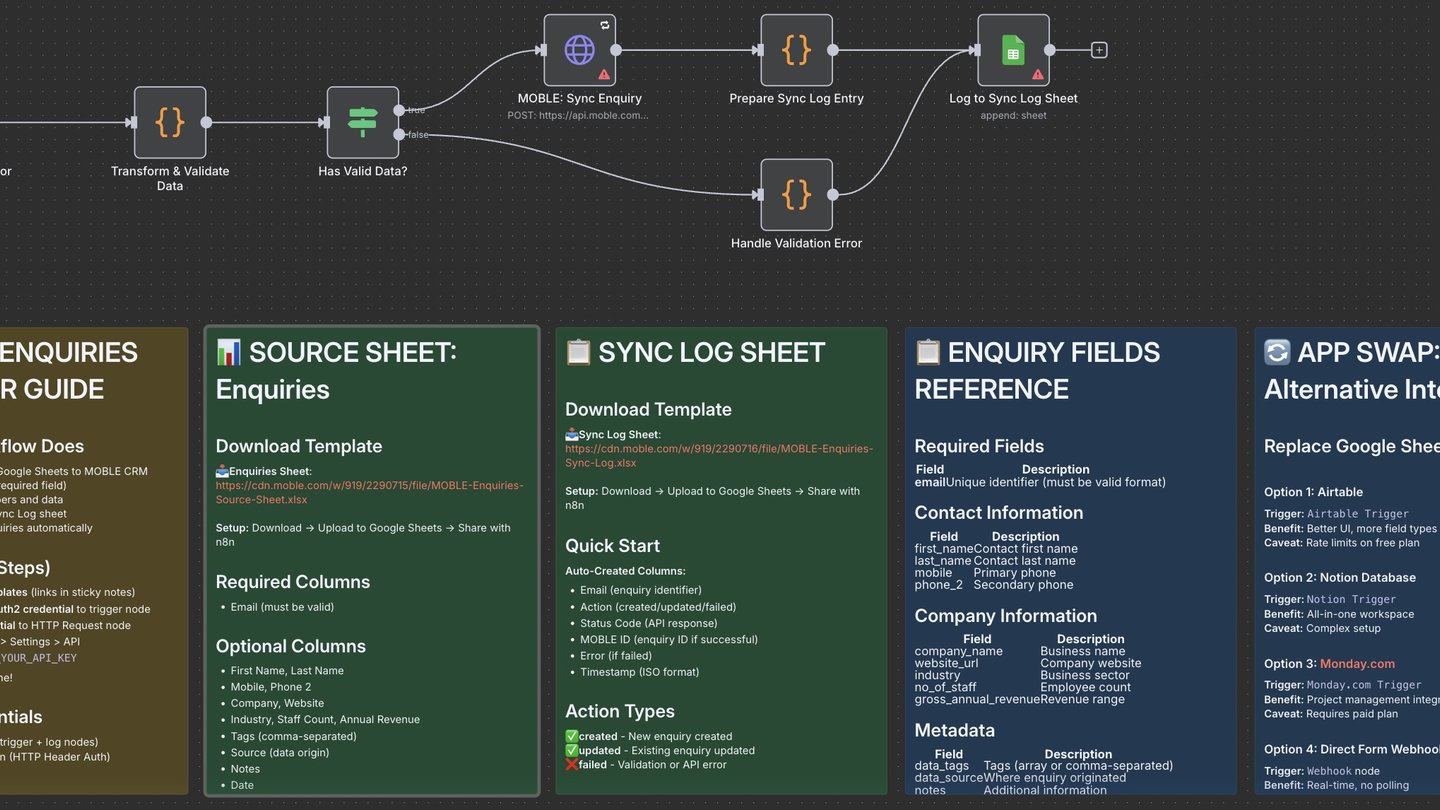
A lead is created when someone fills in a form or talks to an AI Chatbot whose form sends to Leads (for example a Sales Lead or Quote Request chatbot). The enquiry is always saved in Enquiries too. You can also add leads by hand, or sync them from Google Sheets or Airtable.
AUTOMATIONS FOR LEADS
Base automations can alert your team to a new lead, a quote request or a hot lead (Priority 8), confirm the enquiry to the person, and remind you when a lead sits idle. See Automation Skills.
RELATED HELP


Play before you Pay?
GETTING AROUND
SUPPORT
AI SALES LINE
AI SUPPORT LINE
ENQUIRIES
team@moble.com.au
GET A QUOTE
A Web Builder for Design. A CMS for Business. We serve all businesses from SME's to Enterprise. Talk with us for AI development, custom website design, website development, ecommerce websites, directories, intranets and social networks.
PRIVACY | WEBSITE TERMS | PLATFORM TERMS | © 2026 MOBLE PTY LTD