
PICK YOUR AI THEME TO GET STARTED

ORDER EMAILS
Order emails are set in Ecommerce → SETTINGS → CHECKOUT NOTIFICATION.
- Send Notification — turns the confirmation email on.
- Customer Notification Email — the email address used for your buyers' order emails.
- Admin Notification Email — where your new-order alerts go.
- Email Subject Line and Email Title — what the email says at the top.
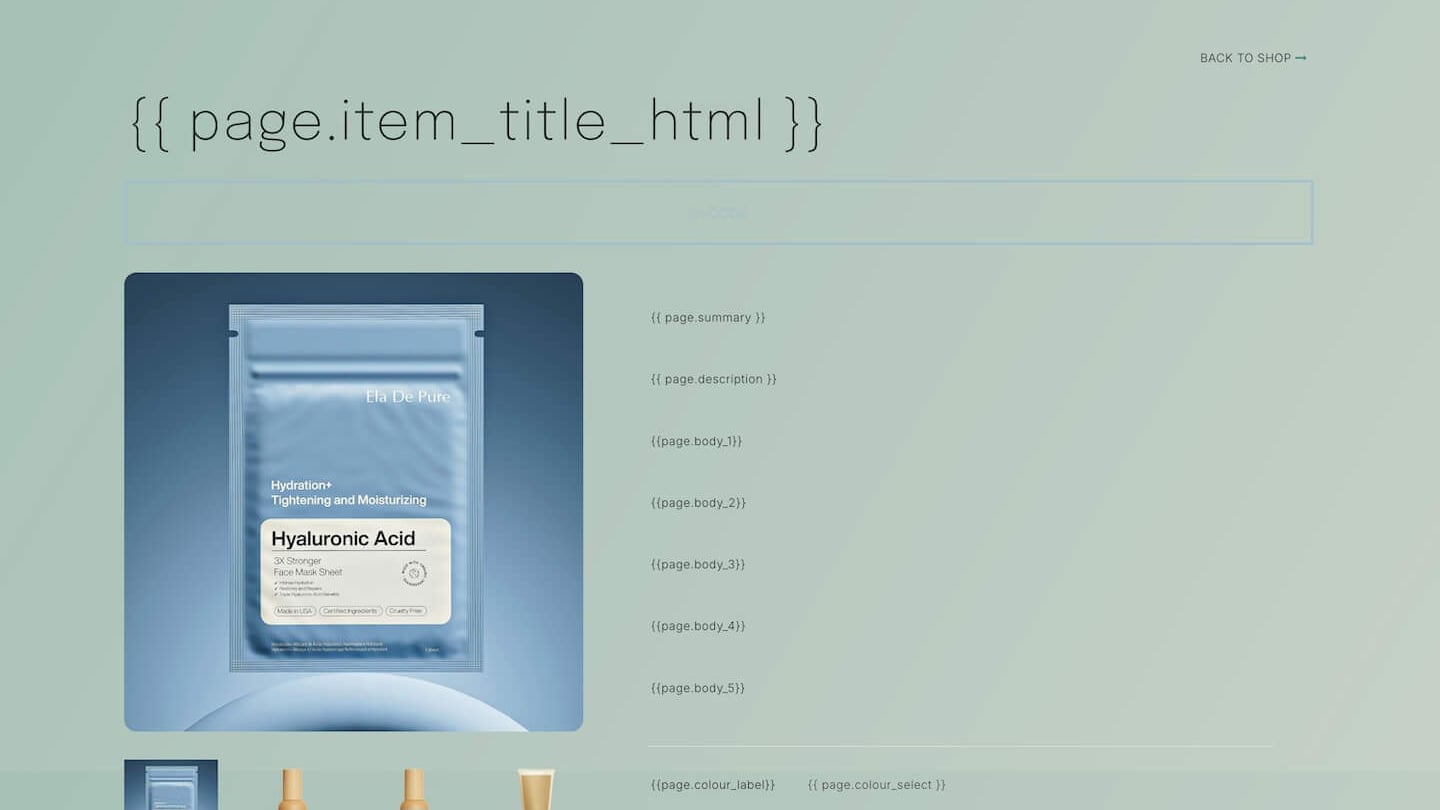
- Email Body Content — the page used as the email.
CHECK YOUR CHECKOUT FORM
Your Checkout form has its own notification emails too. In FORMS, open the Checkout form's settings and check who receives them.
TEST IT
Place an order to your own email address and check that both emails arrive.
Want an SMS or extra alerts? Set them up in Automations.

RELATED HELP

Play before you Pay?
GETTING AROUND
SUPPORT
AI SALES LINE
AI SUPPORT LINE
ENQUIRIES
team@moble.com.au
GET A QUOTE
A Web Builder for Design. A CMS for Business. We serve all businesses from SME's to Enterprise. Talk with us for AI development, custom website design, website development, ecommerce websites, directories, intranets and social networks.
PRIVACY | WEBSITE TERMS | PLATFORM TERMS | © 2026 MOBLE PTY LTD