
PICK YOUR AI THEME TO GET STARTED

PRODUCT PAGE DESIGN
Every product page uses a layout. Pick one, or design your own and apply it to all your products.
PICK A PREMADE LAYOUT
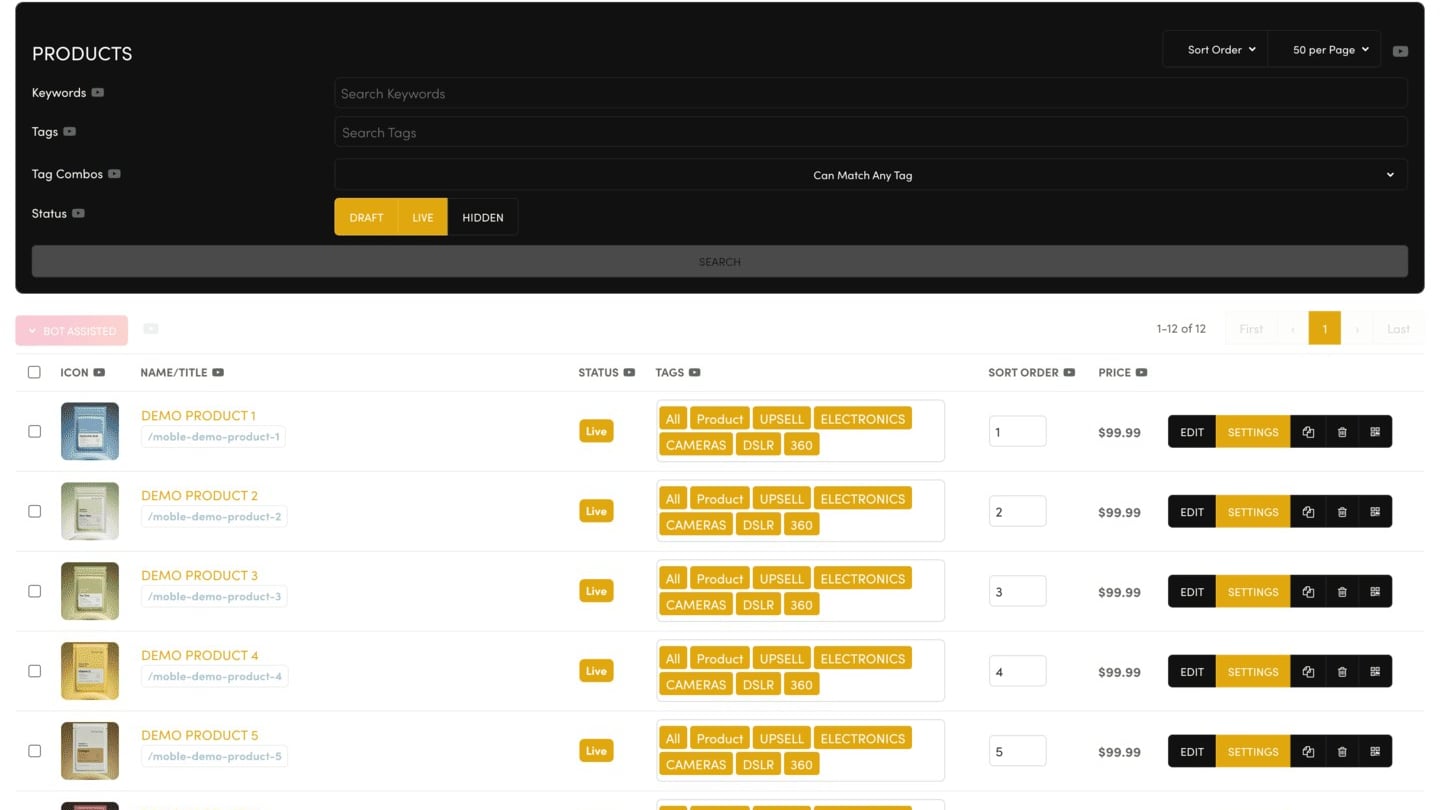
In a product's Settings, find Premade Product Page Layouts in the PRODUCT panel and click BROWSE. Choose a layout, then click SAVE.
APPLY ONE DESIGN TO EVERY PRODUCT
Happy with one product page? In that product's Settings, turn on Custom Product Page Layouts: "Make this Product Page the default and apply to all Product Pages".
WHY THE EDITOR SHOWS CURLY BRACKETS
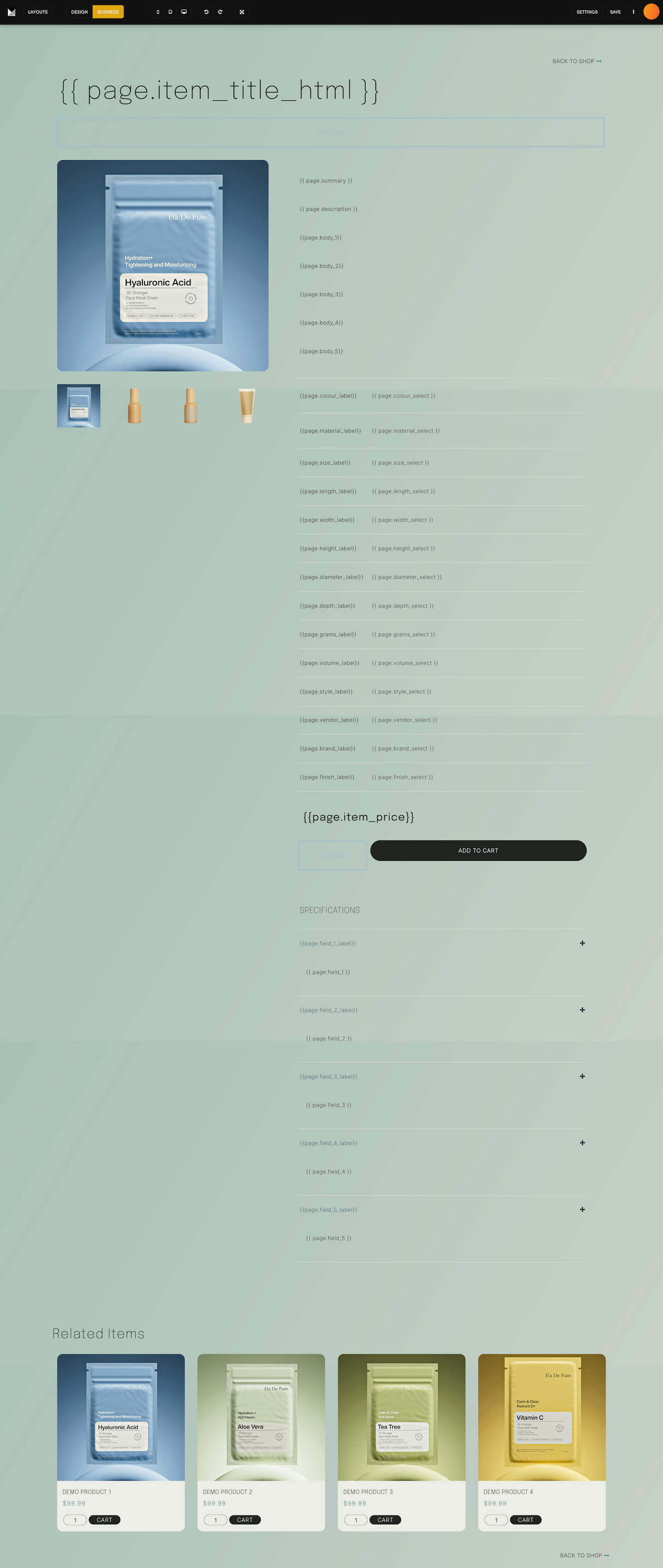
Open a product with EDIT and you'll see placeholders in double curly brackets: Product Page Design for the name, How do I change my 'Product Page Design'?, a row for each option, and above the ADD TO CART button. Each one is filled in from the product's Settings on the live page. The product pictures and Related Items show as they really are.
Never delete or type over the brackets.
RENAME A TAB HEADING
To change a heading such as "Specifications", edit it in the page editor on one product, then apply that design to all products with the switch above.
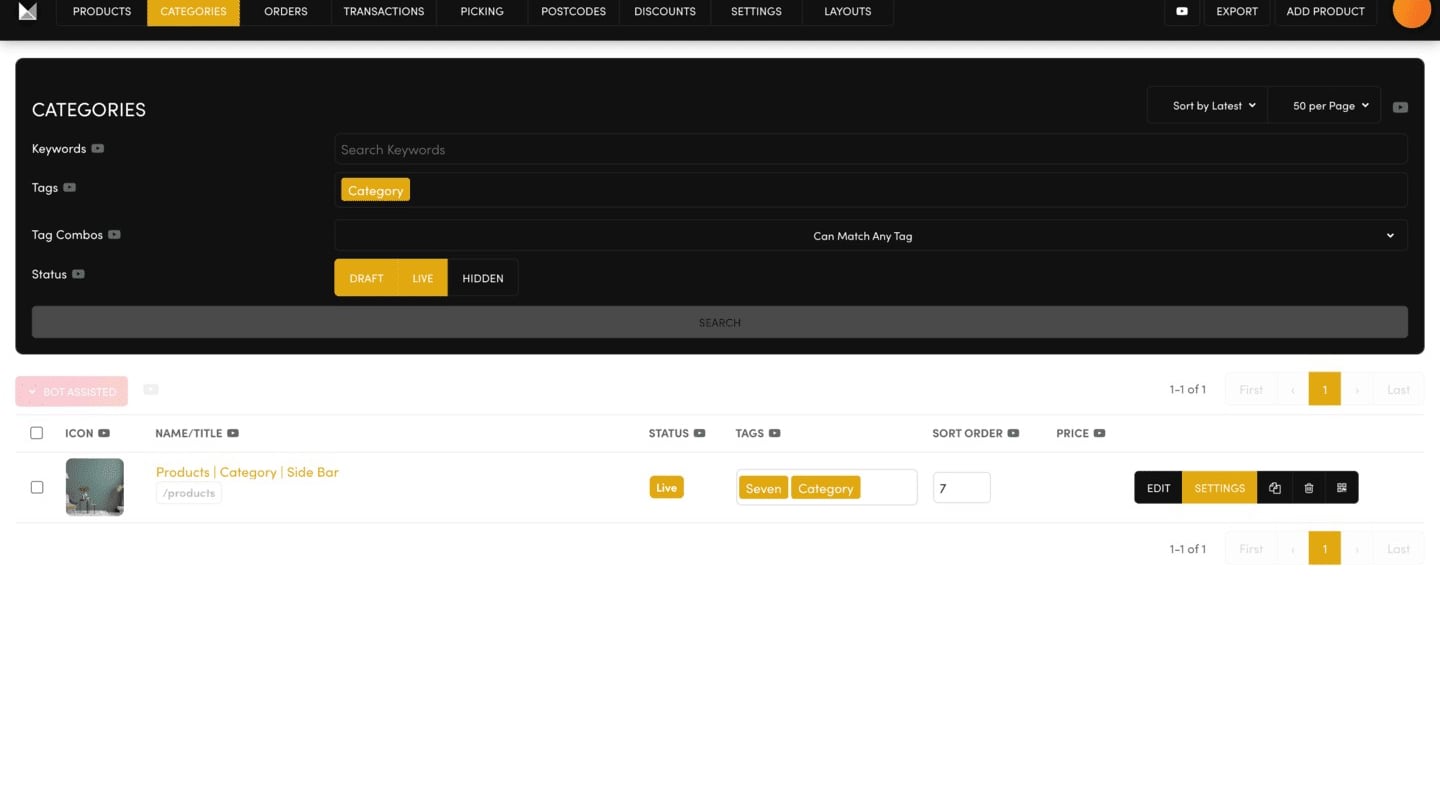
Your saved product and category layouts are in Ecommerce → LAYOUTS.
RELATED HELP

Play before you Pay?
GETTING AROUND
SUPPORT
AI SALES LINE
AI SUPPORT LINE
ENQUIRIES
team@moble.com.au
GET A QUOTE
A Web Builder for Design. A CMS for Business. We serve all businesses from SME's to Enterprise. Talk with us for AI development, custom website design, website development, ecommerce websites, directories, intranets and social networks.
PRIVACY | WEBSITE TERMS | PLATFORM TERMS | © 2026 MOBLE PTY LTD