
PICK YOUR AI THEME TO GET STARTED

YOUR LOGIN DETAILS
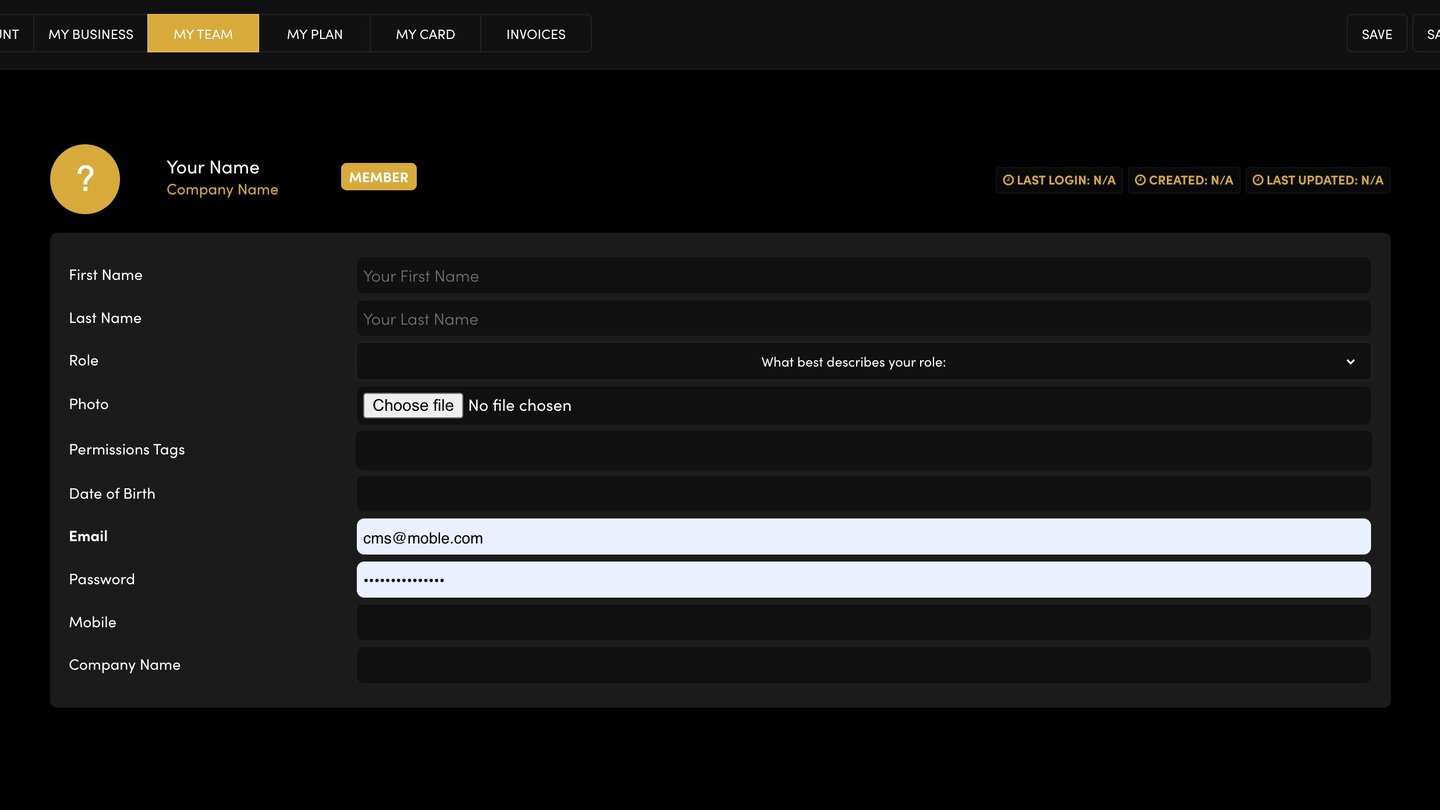
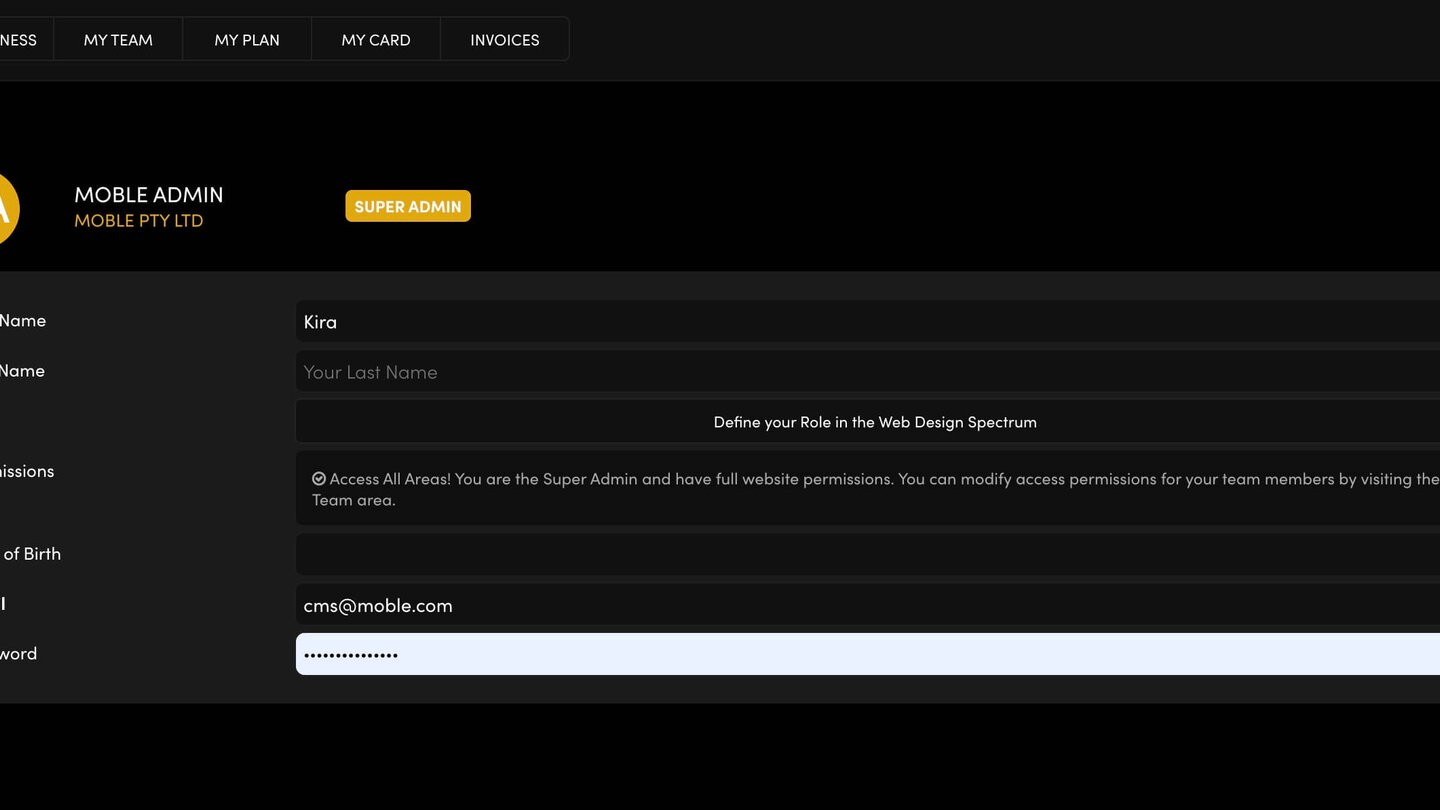
The email and password you log in with are on your My Account screen. You are the Super Admin: the one login with access to every area of your website.
WHAT'S ON MY ACCOUNT
- First Name and Last Name.
- Role — what best describes your role.
- Permissions — for the Super Admin this reads "Access All Areas!".
- Date of Birth.
- Email and Password — your login.
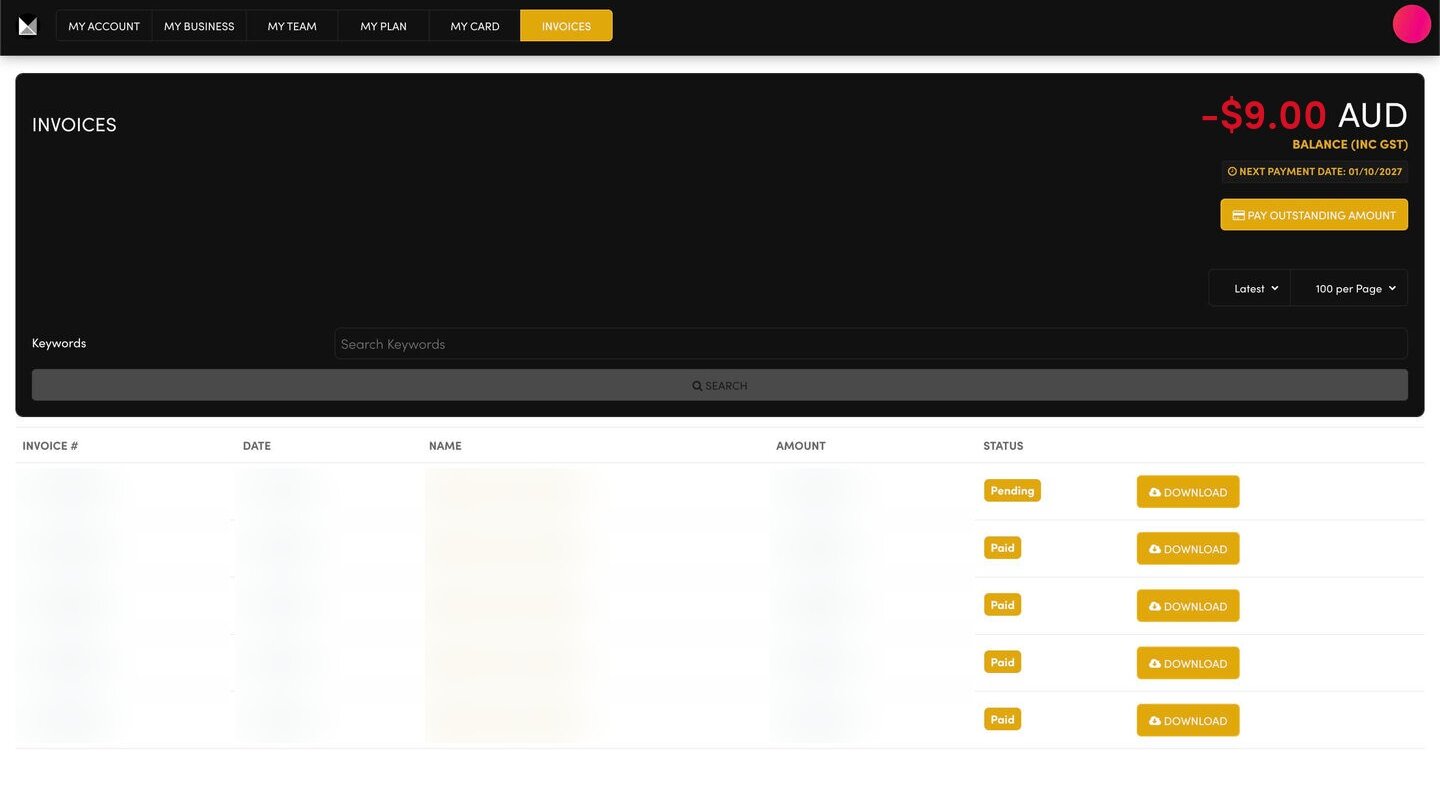
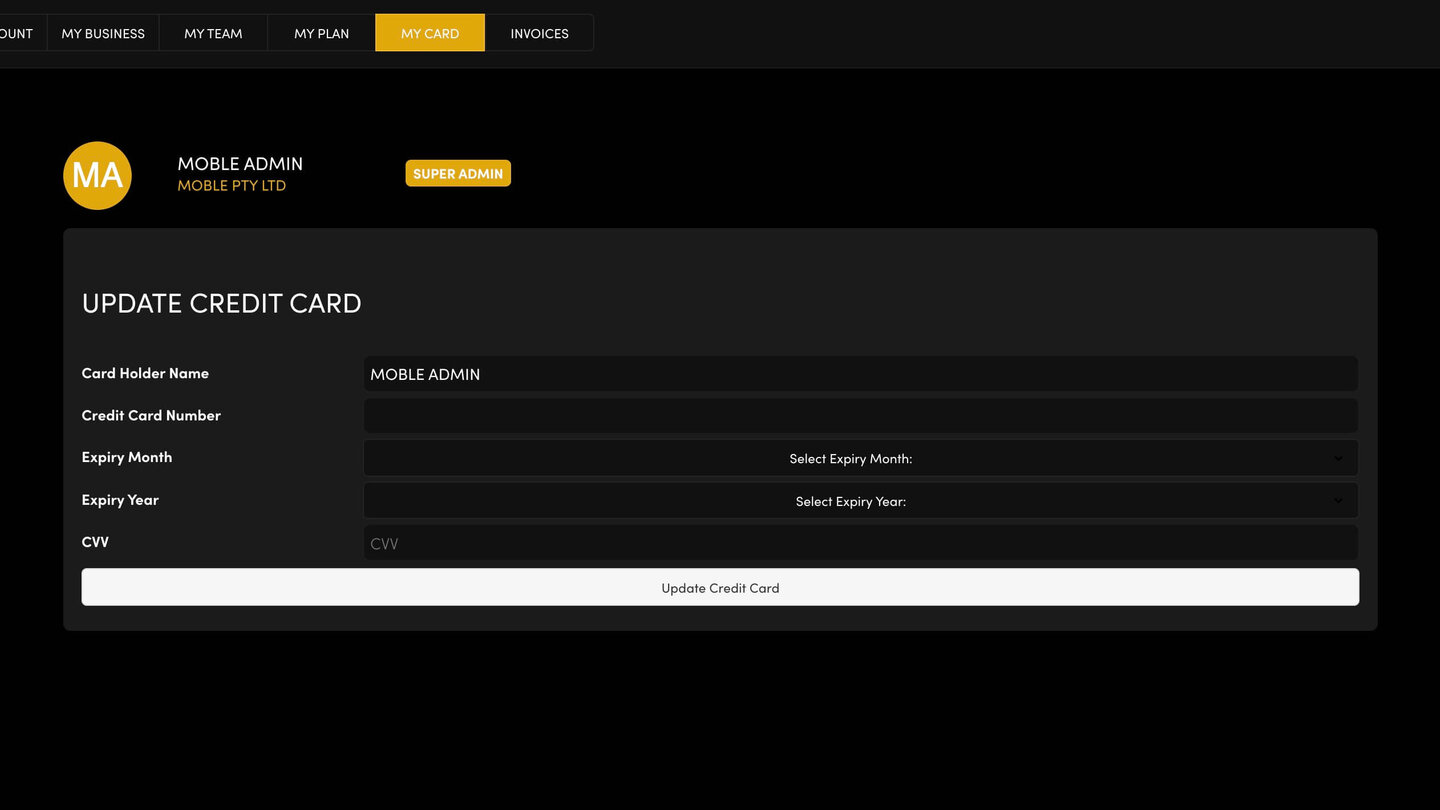
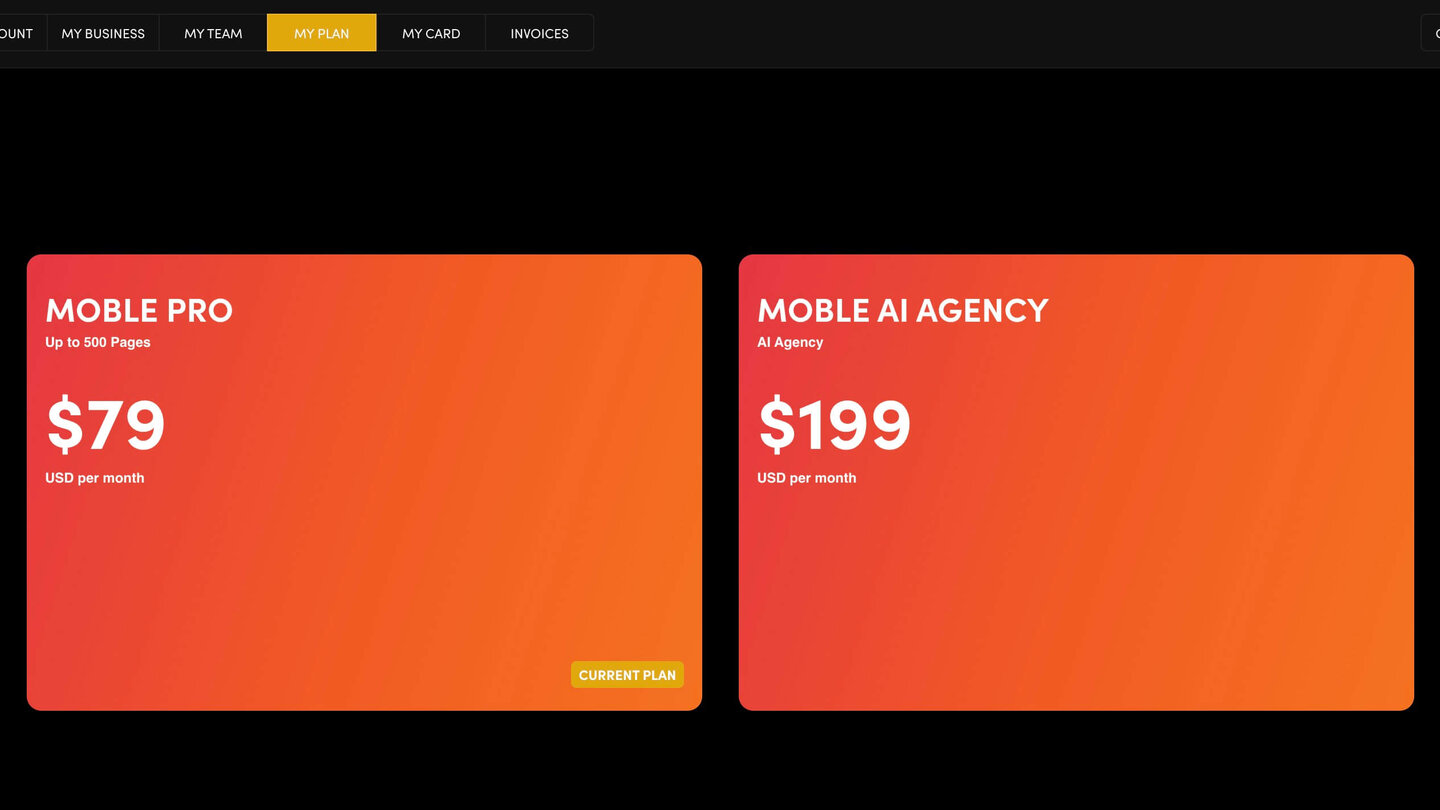
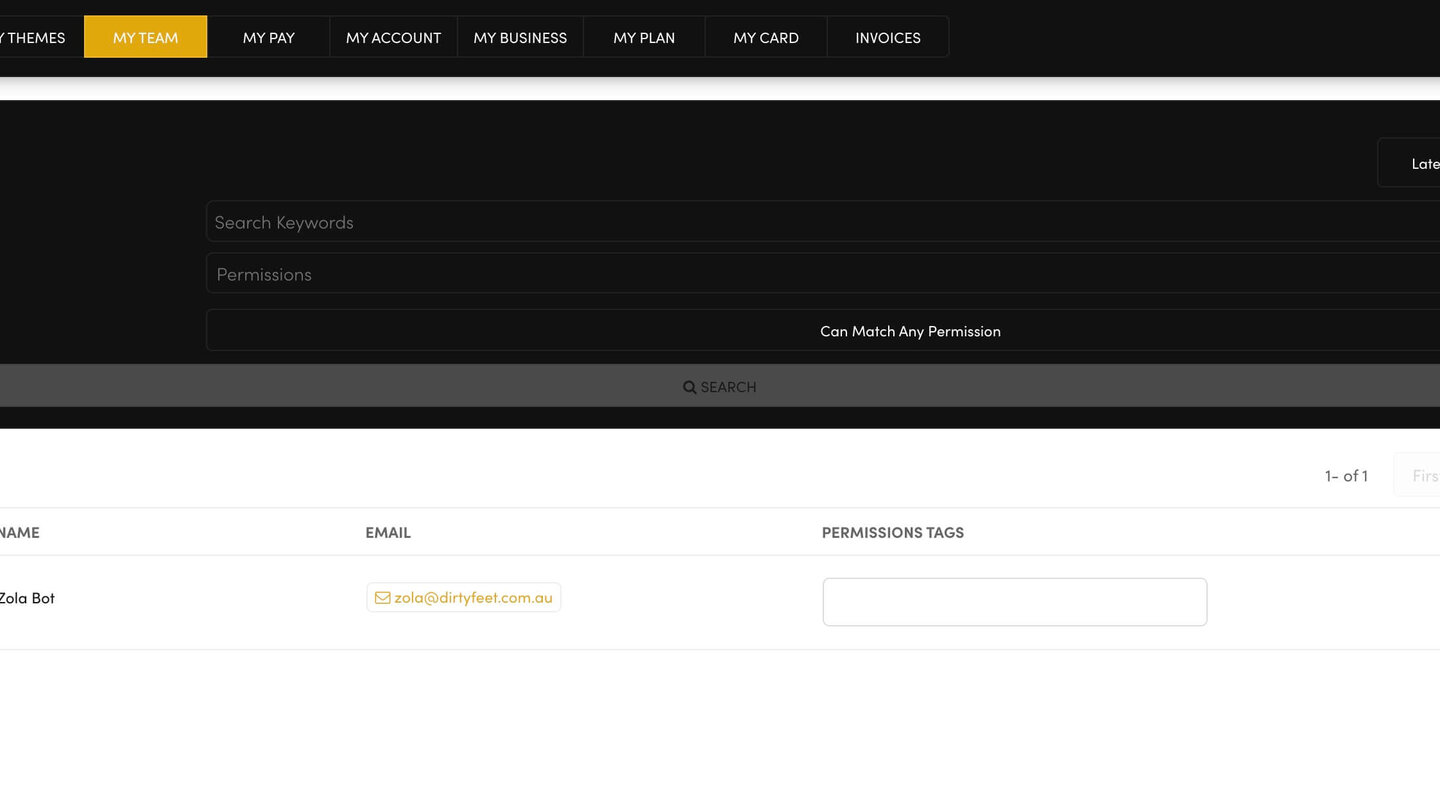
All of these screens share one tab bar: MY ACCOUNT, MY BUSINESS, MY TEAM, MY PLAN, MY CARD and INVOICES.
CHANGE YOUR EMAIL OR PASSWORD
- Open MY ACCOUNT.
- Type your new email in Email, or a new password in Password.
Press SAVE at the top right. Nothing on the screen is kept until you do.
Use the new email or password the next time you log in.
KEEP IT PRIVATE
- Never share your login, not even with your own staff. Give each person their own login on MY TEAM instead.
- Never paste your password into an email or a chat.
RELATED HELP
Play before you Pay?
GETTING AROUND
SUPPORT
AI SALES LINE
AI SUPPORT LINE
ENQUIRIES
team@moble.com.au
GET A QUOTE
A Web Builder for Design. A CMS for Business. We serve all businesses from SME's to Enterprise. Talk with us for AI development, custom website design, website development, ecommerce websites, directories, intranets and social networks.
PRIVACY | WEBSITE TERMS | PLATFORM TERMS | © 2026 MOBLE PTY LTD