
PICK YOUR AI THEME TO GET STARTED

PAGE SETTINGS AND PRODUCT SETTINGS
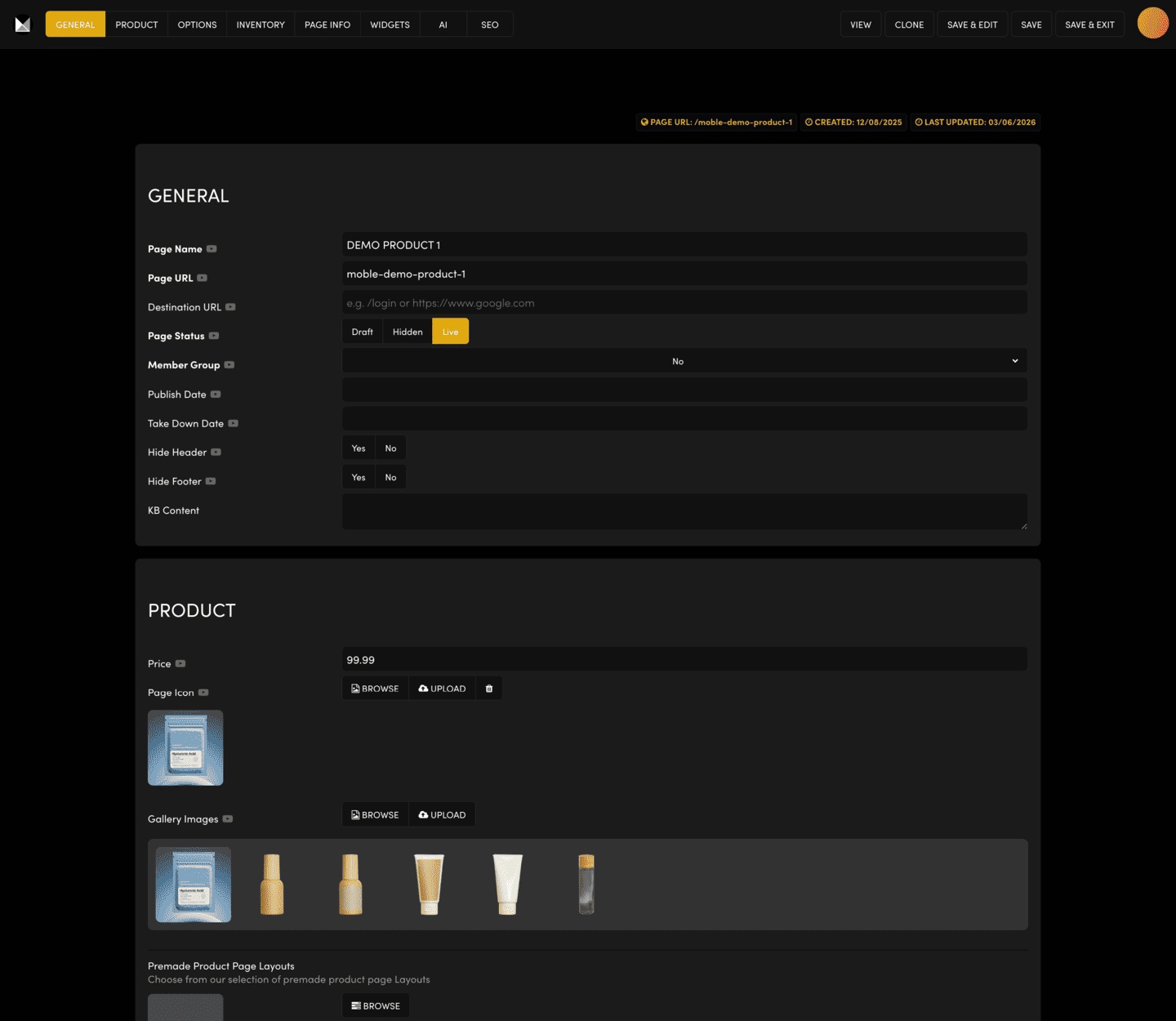
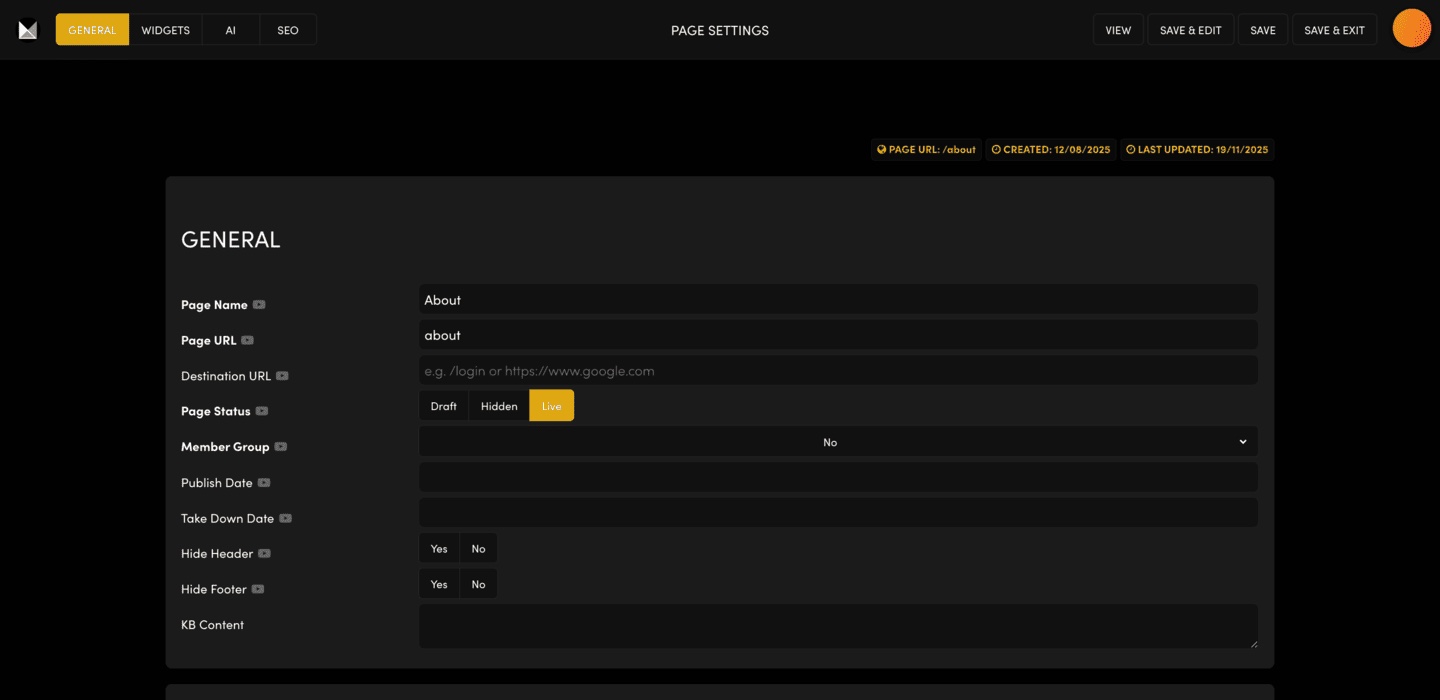
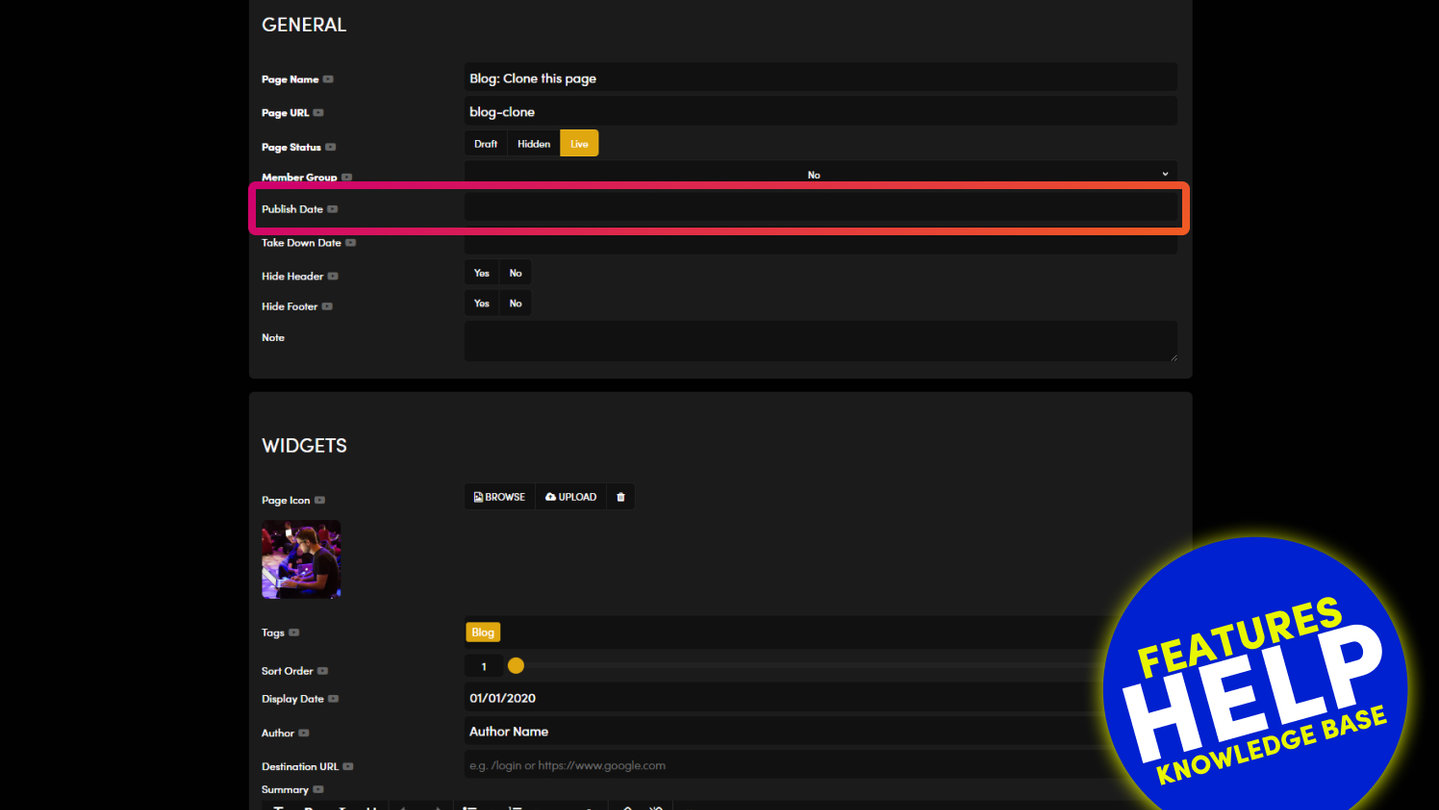
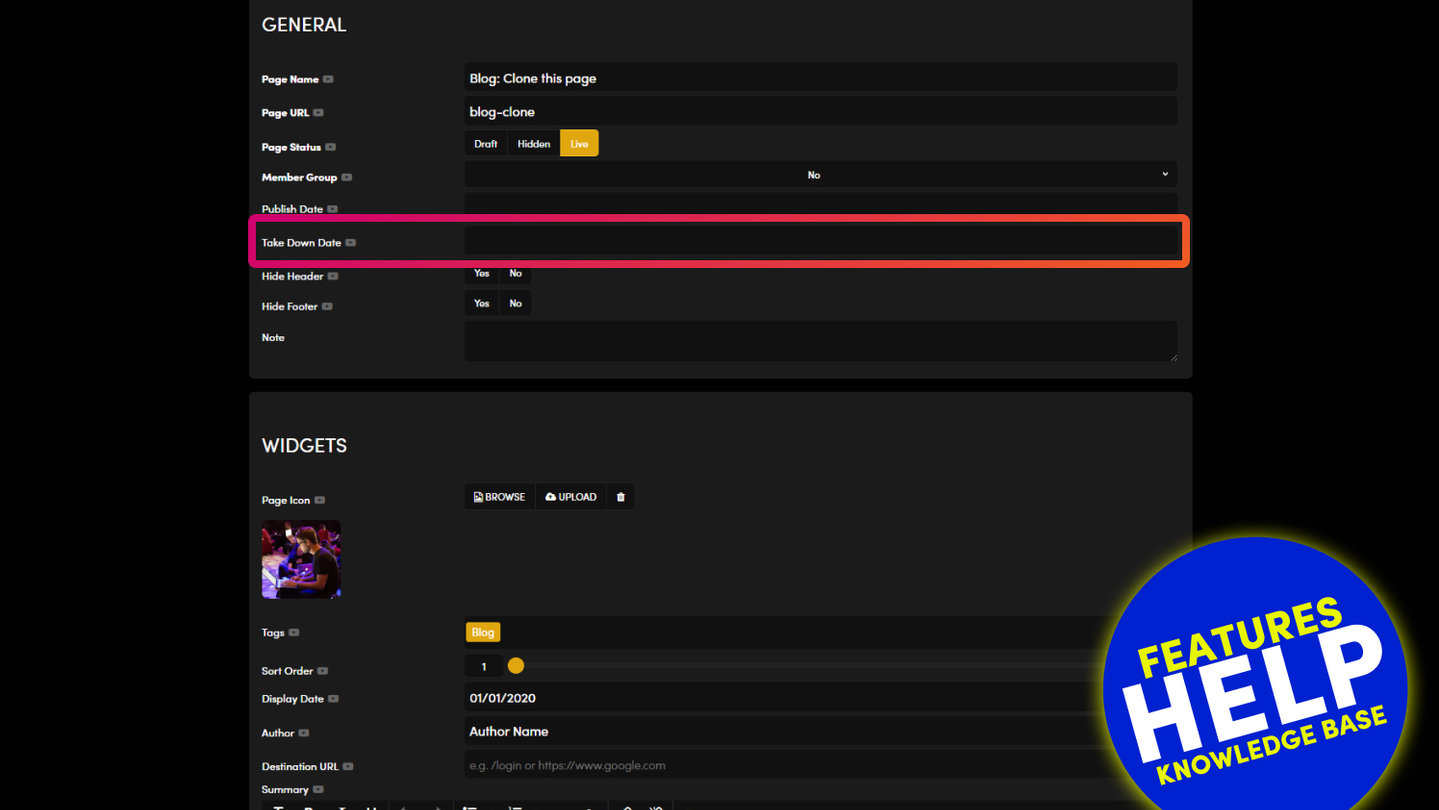
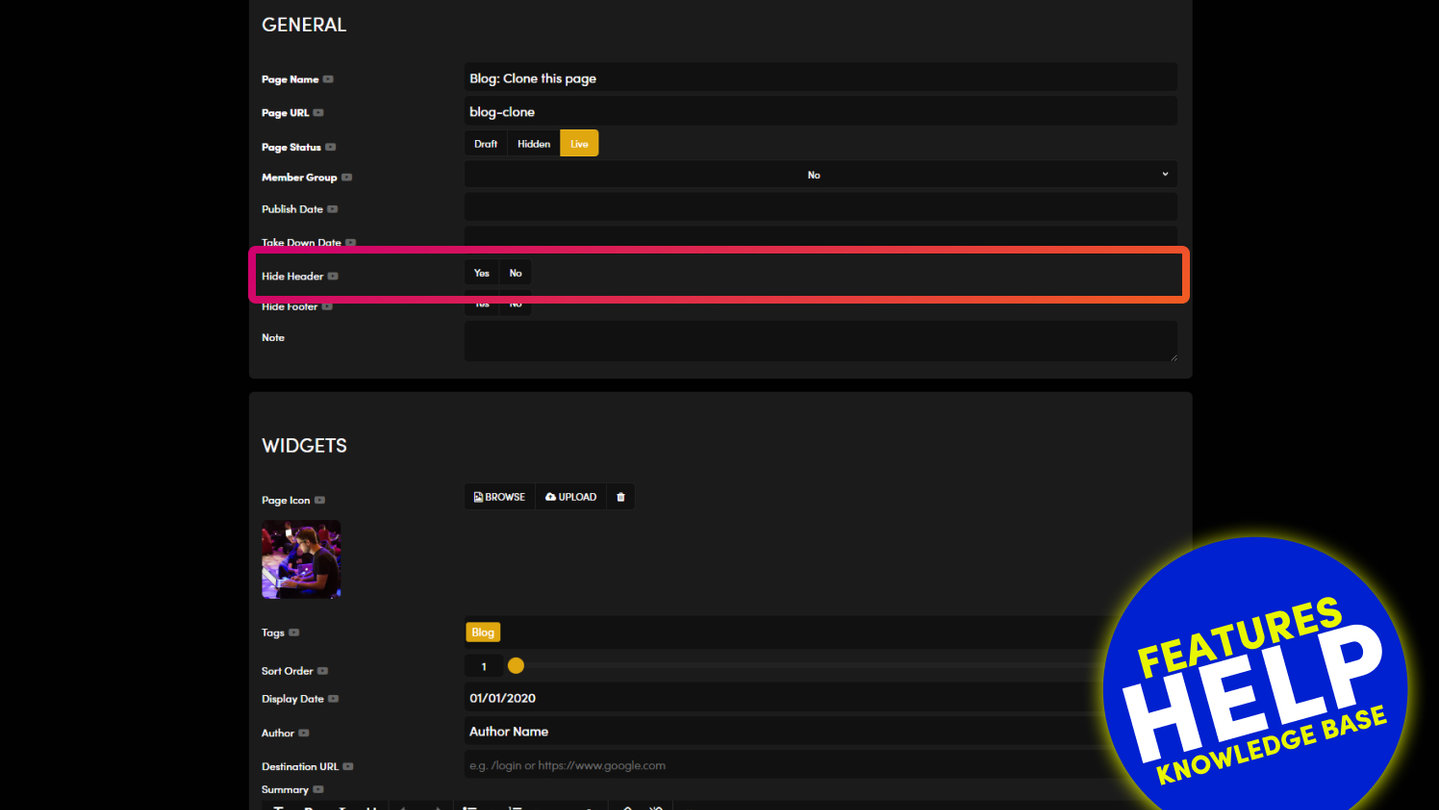
Page Settings and Product Settings are the same screen. A product shows extra tabs because its content lives in its settings.
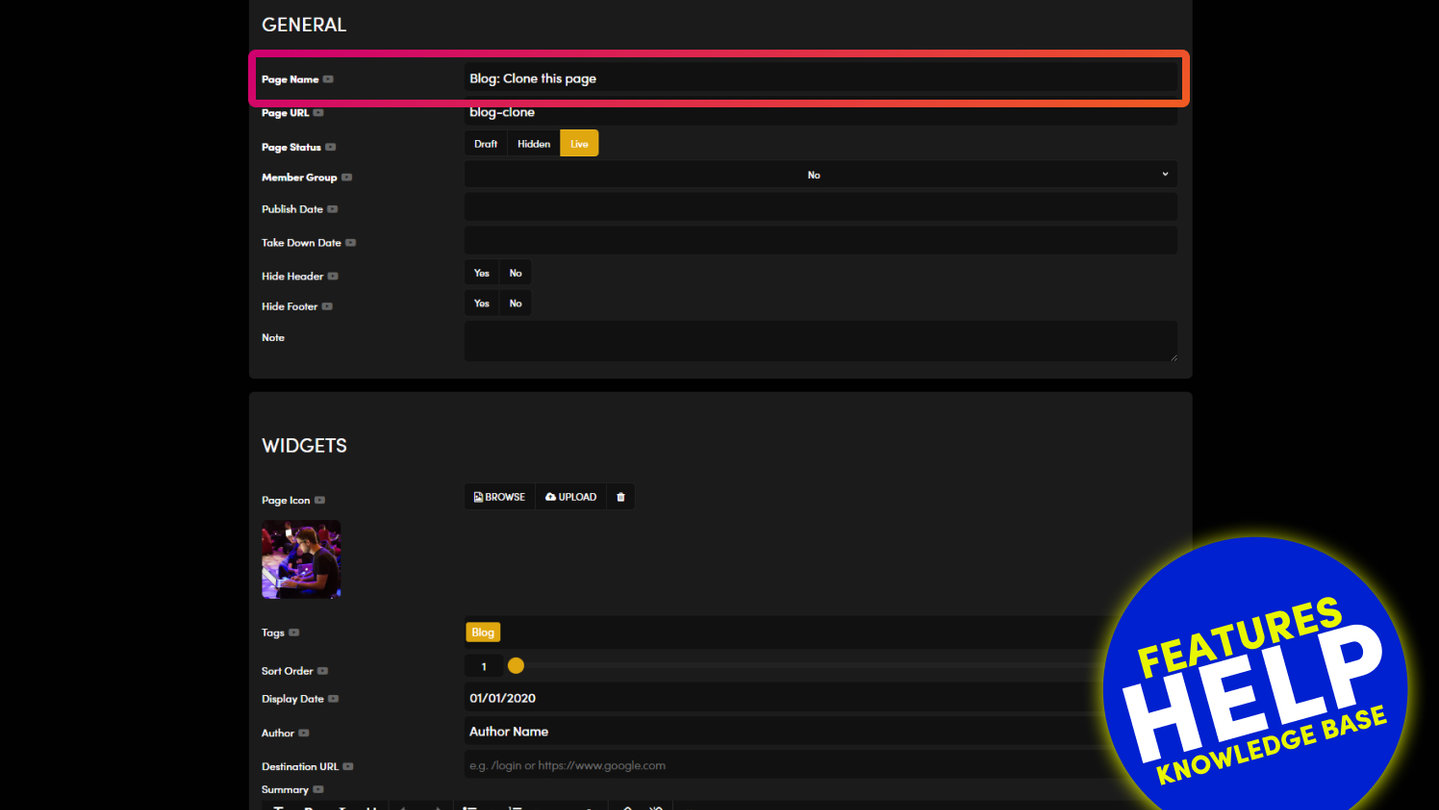
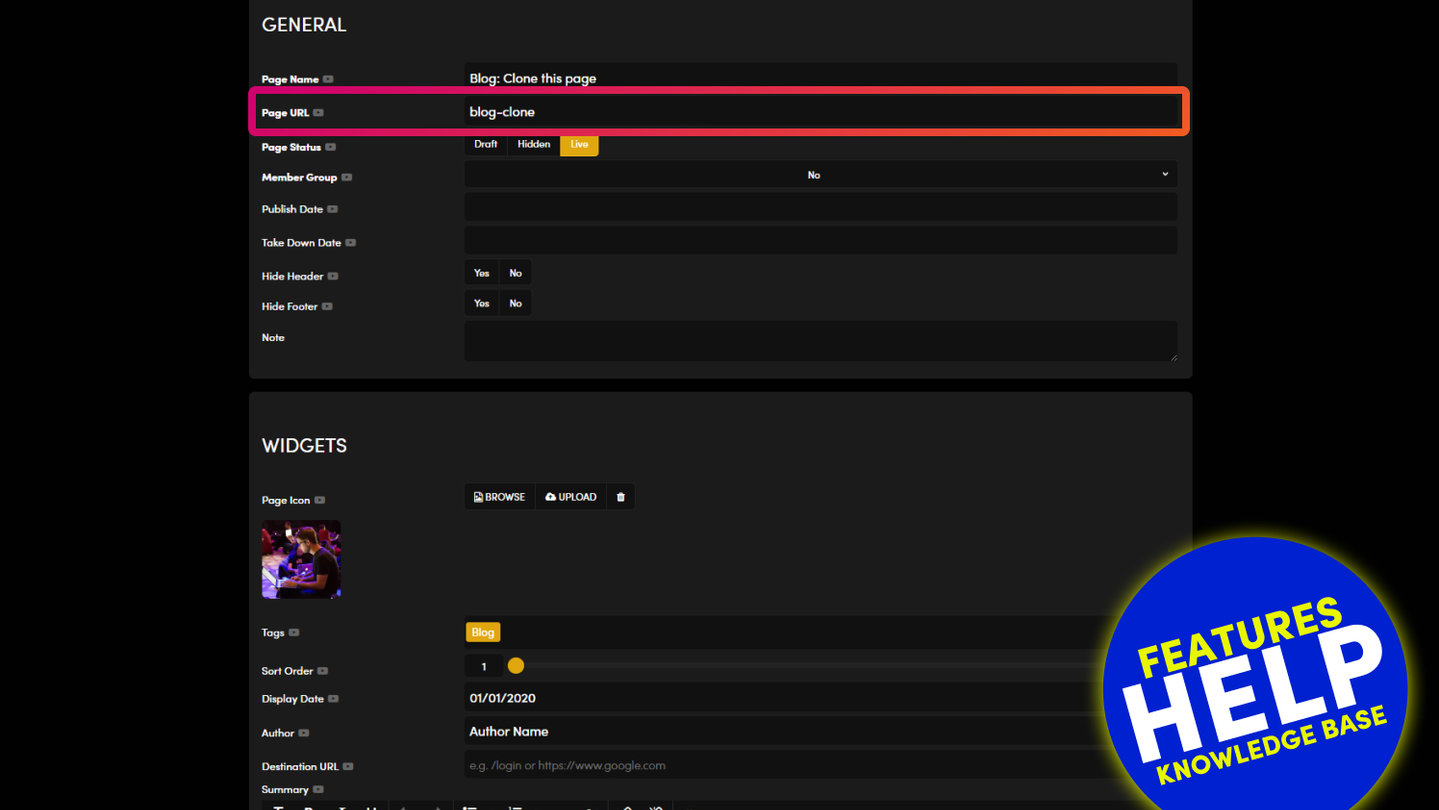
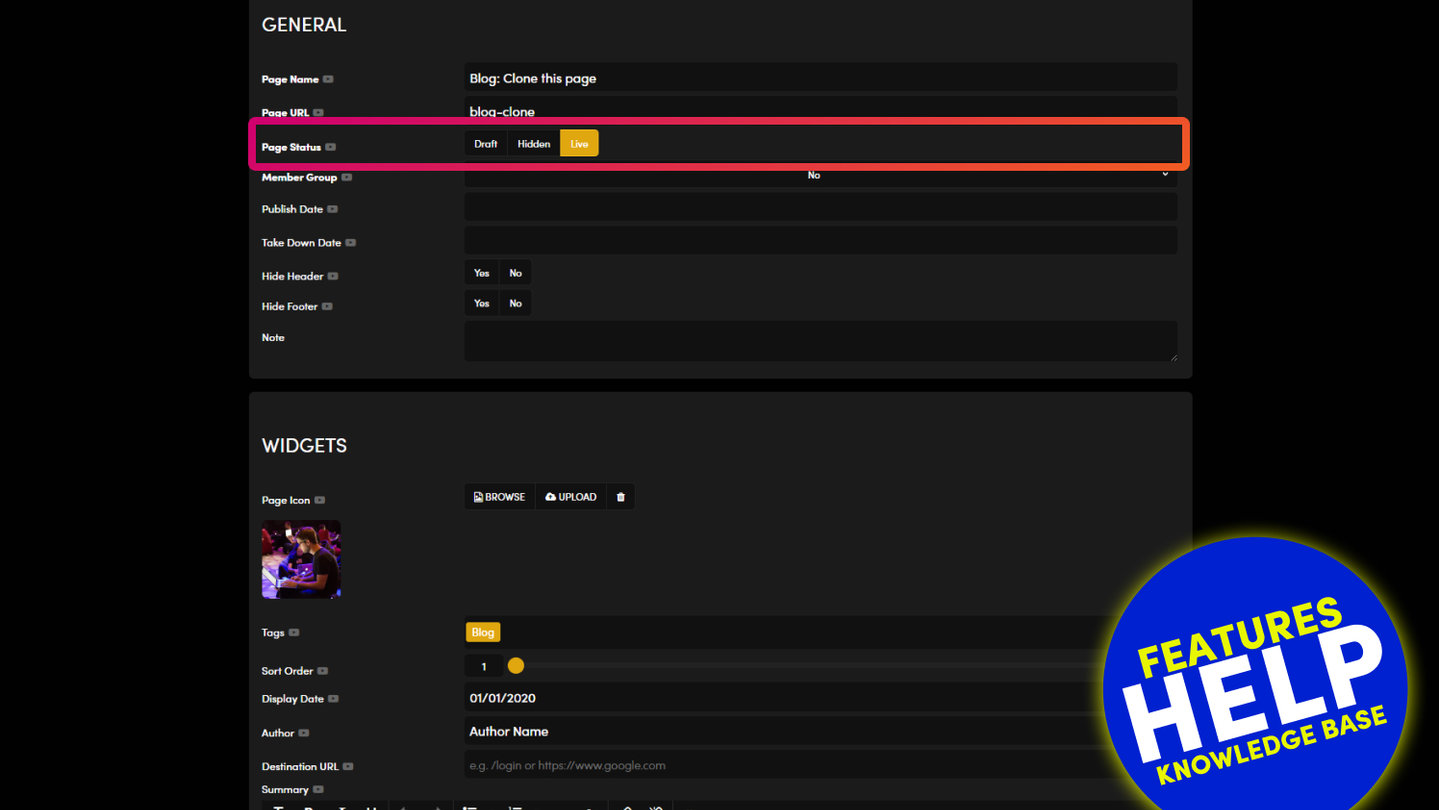
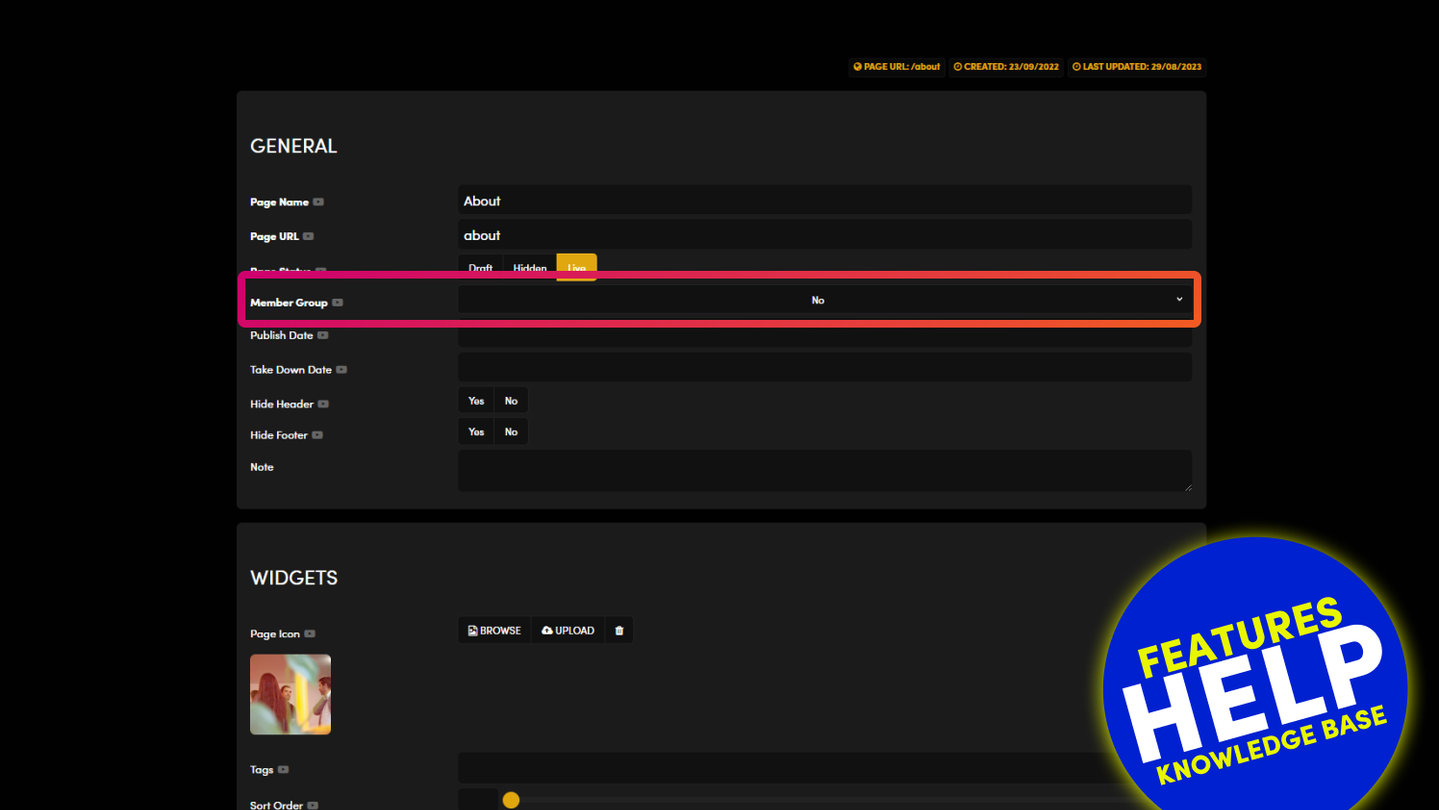
Press SETTINGS on any page. A normal page shows GENERAL, WIDGETS, AI and SEO. A product also shows PRODUCT, OPTIONS, INVENTORY and PAGE INFO, and a CLONE button.
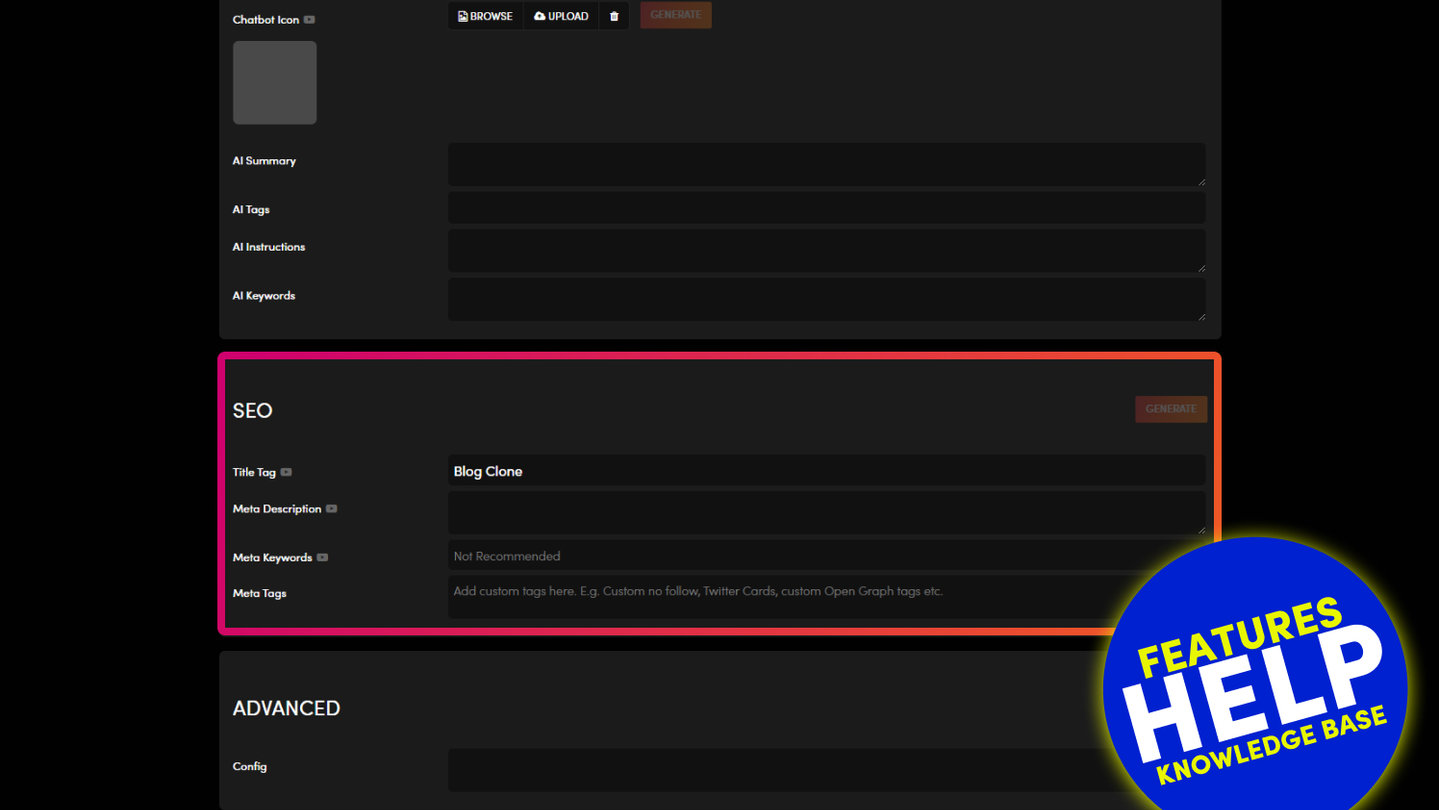
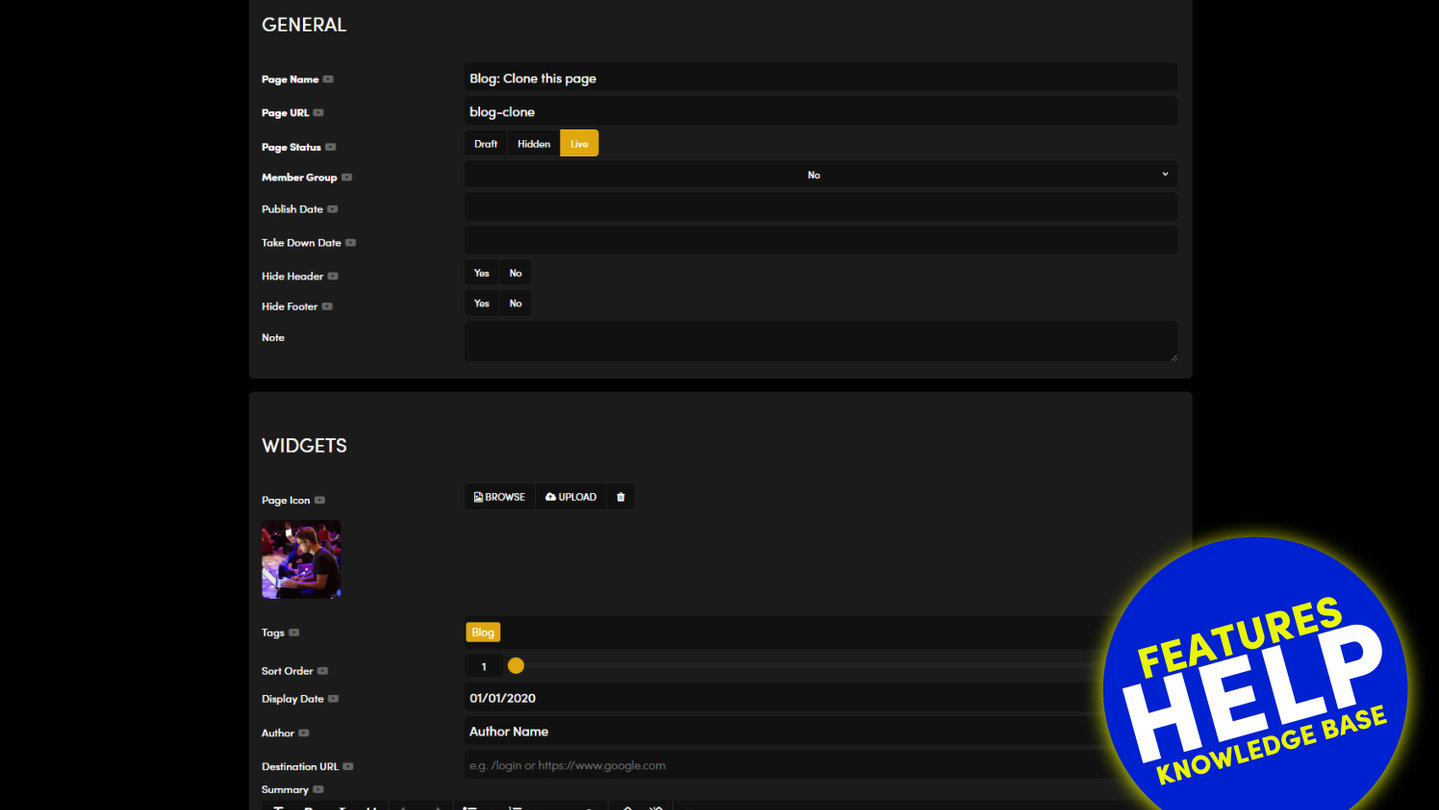
- On a page, the words and pictures live in the Visual Page Editor. Settings hold the name, web address, status, tags and SEO.
- On a product, the product layout reads its content from Settings: PRODUCT (Price, Page Icon, Gallery Images), PAGE INFO (Summary, Description, Body, Tabs), OPTIONS and INVENTORY.
That is why changing a product's text in the editor may not change the product page. Edit it in Settings.
If a page has no PRODUCT or OPTIONS tab, it is a Page, not a Product. Products are created as products.
RELATED HELP
Play before you Pay?
GETTING AROUND
SUPPORT
AI SALES LINE
AI SUPPORT LINE
ENQUIRIES
team@moble.com.au
GET A QUOTE
A Web Builder for Design. A CMS for Business. We serve all businesses from SME's to Enterprise. Talk with us for AI development, custom website design, website development, ecommerce websites, directories, intranets and social networks.
PRIVACY | WEBSITE TERMS | PLATFORM TERMS | © 2026 MOBLE PTY LTD