
PICK YOUR AI THEME TO GET STARTED
Choose an Award Winning AI Website theme, then just pay $9 hosting to unlock the full AI tools and customise everything.
Build: a $50-$50k AI Website
Free: Theme, 5,000 Layouts, and Course
Includes: AI Chatbots, Voicebots and AI Automations
Become: the AI Manager and Web Designer
Earn: life changing passive income with an AI Agency

SEO GENERATE
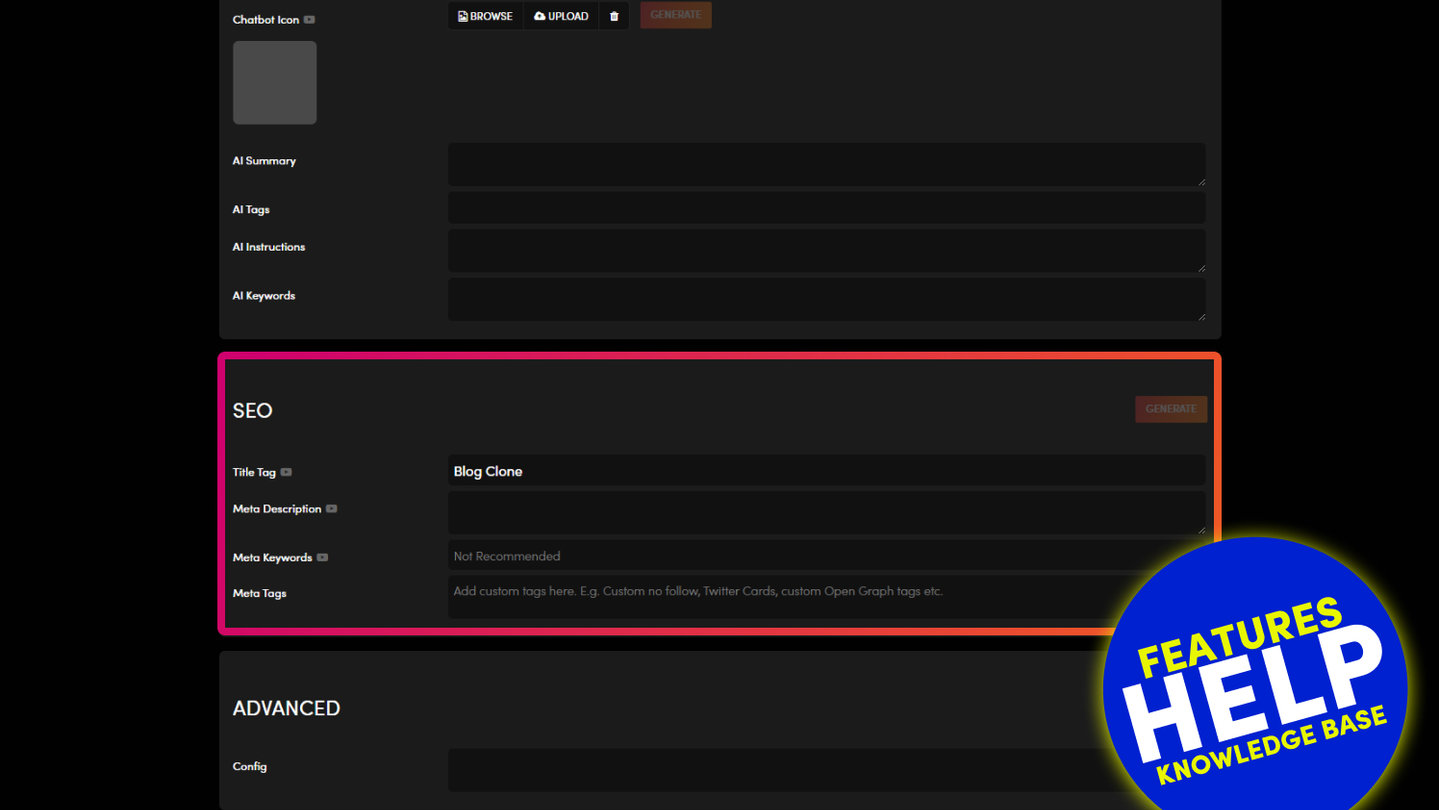
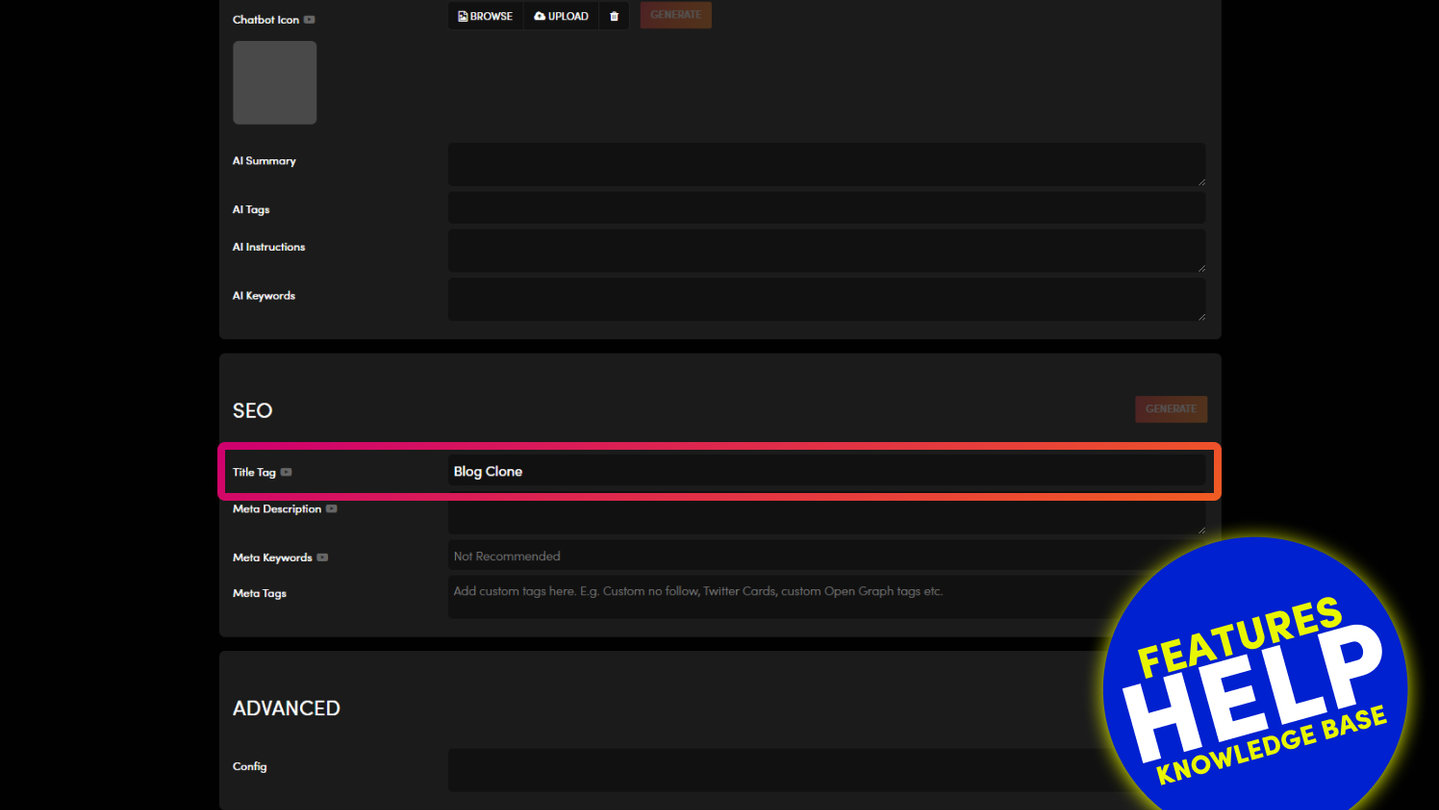
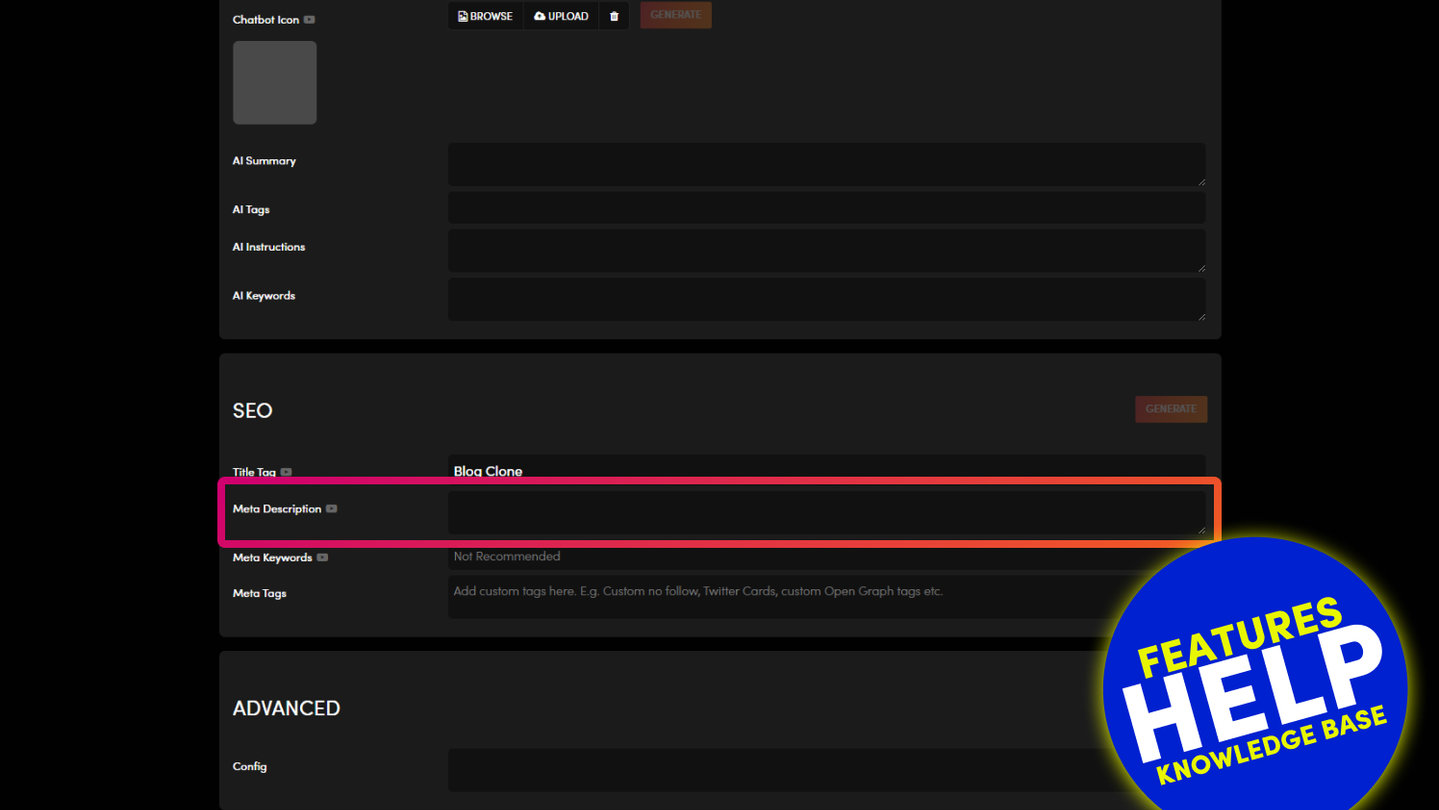
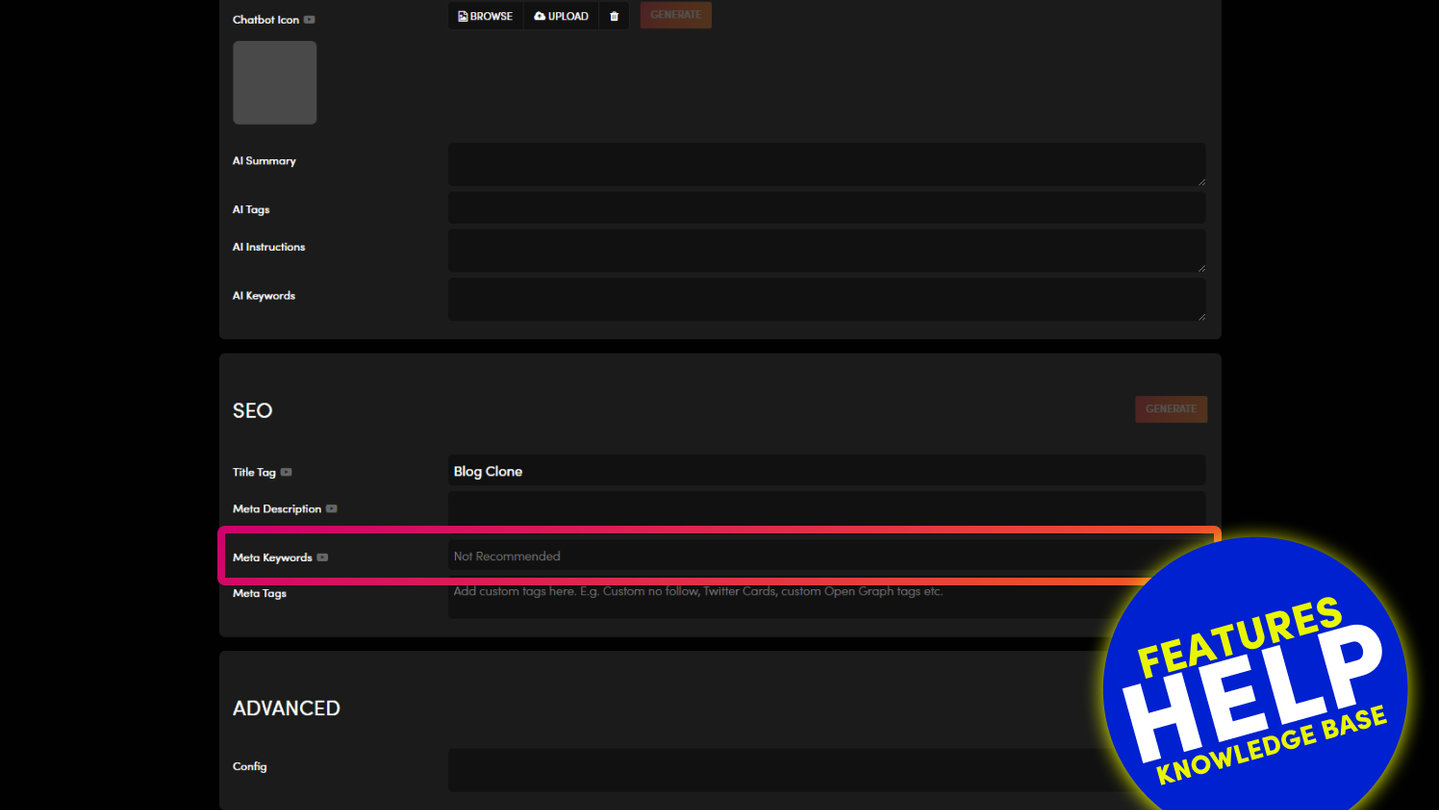
The GENERATE button in the SEO box of a page's or product's settings opens Mo, the SEO Agent, in the Drawer. Mo writes your Title Tag and Meta Description for you, from what your page says.
HOW IT WORKS
- Press GENERATE in the SEO box. Mo opens in the Drawer.
- Mo reads your page and suggests a Title Tag that Google can show in full, and a Meta Description that ends with a reason to click. If Mo asks which page, tell it.
- Nothing changes until you say yes. Ask for changes as many times as you like.
- When it's saved, reload the page settings to see it. Your Pages list then shows the blue SEO tick for that page.
WHAT ELSE MO CAN DO
- Check your whole site and list every page with a missing or weak Title Tag or Meta Description.
- Write them for many pages at once, from your pages or from your own spreadsheet. Mo does one test page first and asks you before the rest.
- Set your share image: the Page Icon that shows when your page is shared.
- Add extra structured data for Google, one page at a time, in the Meta Tags field.
- Put it back: Mo keeps what was there before, so you can ask for the old version.
GOOD TO KNOW
Mo never fills in Meta Keywords. MOBLE doesn't recommend them.
Search engines re-read your pages on their own timetable, usually within days, sometimes weeks.
RELATED HELP
Play before you Pay?
Brand an AI Website and Chatbot Theme in under 3 minutes, anyone can do it!!
GETTING AROUND
SUPPORT
AI SALES LINE
AI SUPPORT LINE
ENQUIRIES
team@moble.com.au
GET A QUOTE
A Web Builder for Design. A CMS for Business. We serve all businesses from SME's to Enterprise. Talk with us for AI development, custom website design, website development, ecommerce websites, directories, intranets and social networks.
PRIVACY | WEBSITE TERMS | PLATFORM TERMS | © 2026 MOBLE PTY LTD