
PICK YOUR AI THEME TO GET STARTED

MENU ITEM LINKS
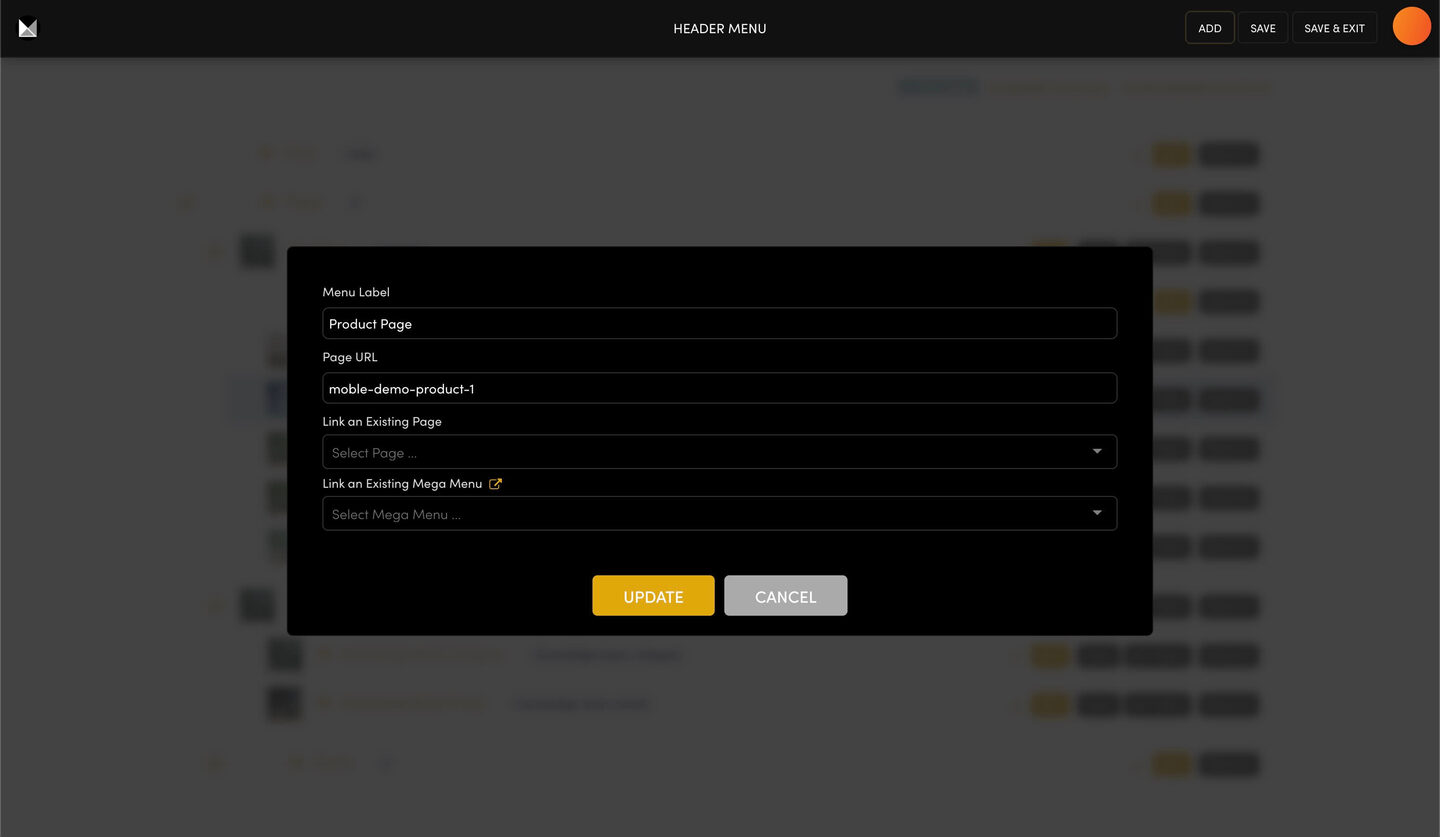
Every menu item links to a page on your site or to a full web address. Change it with the item's EDIT button.
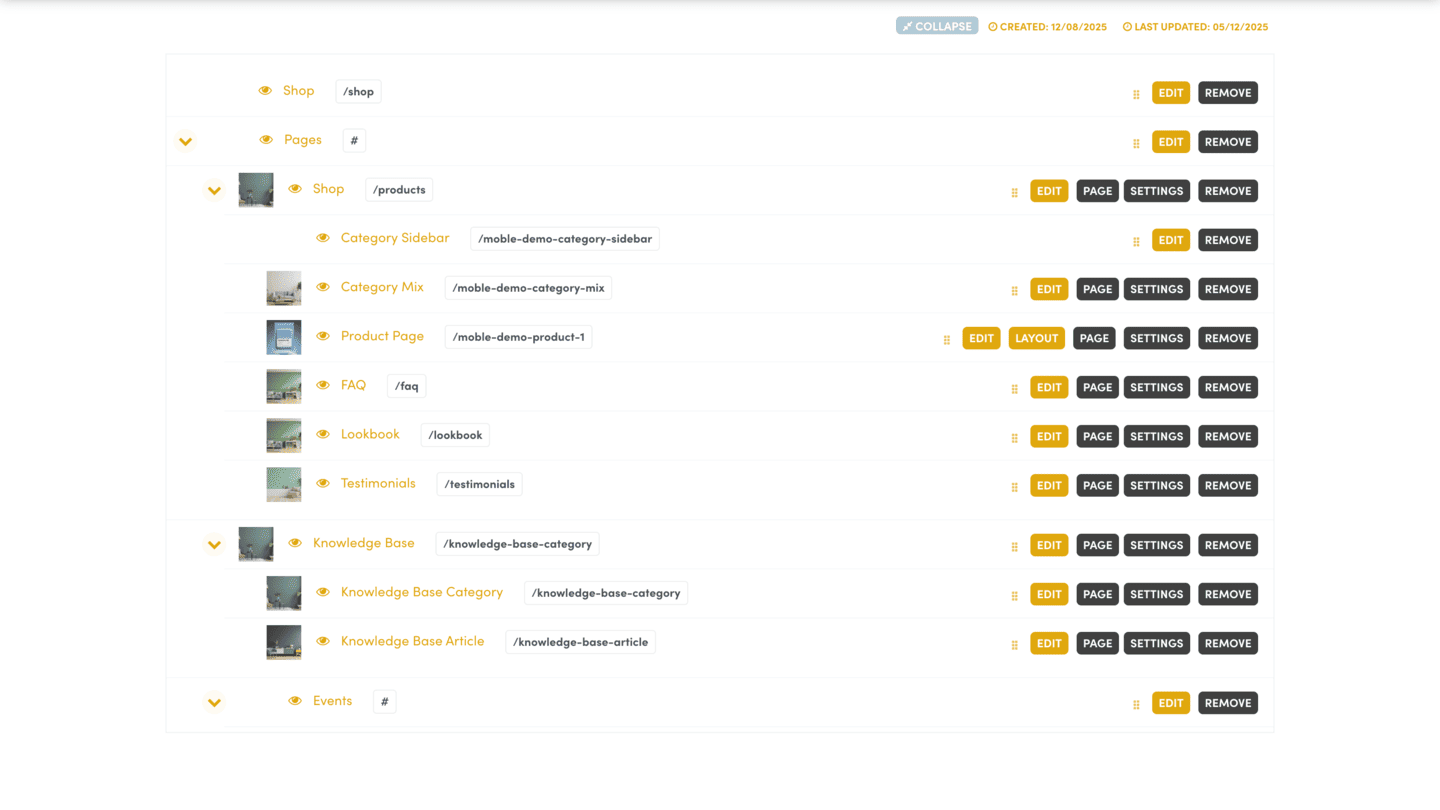
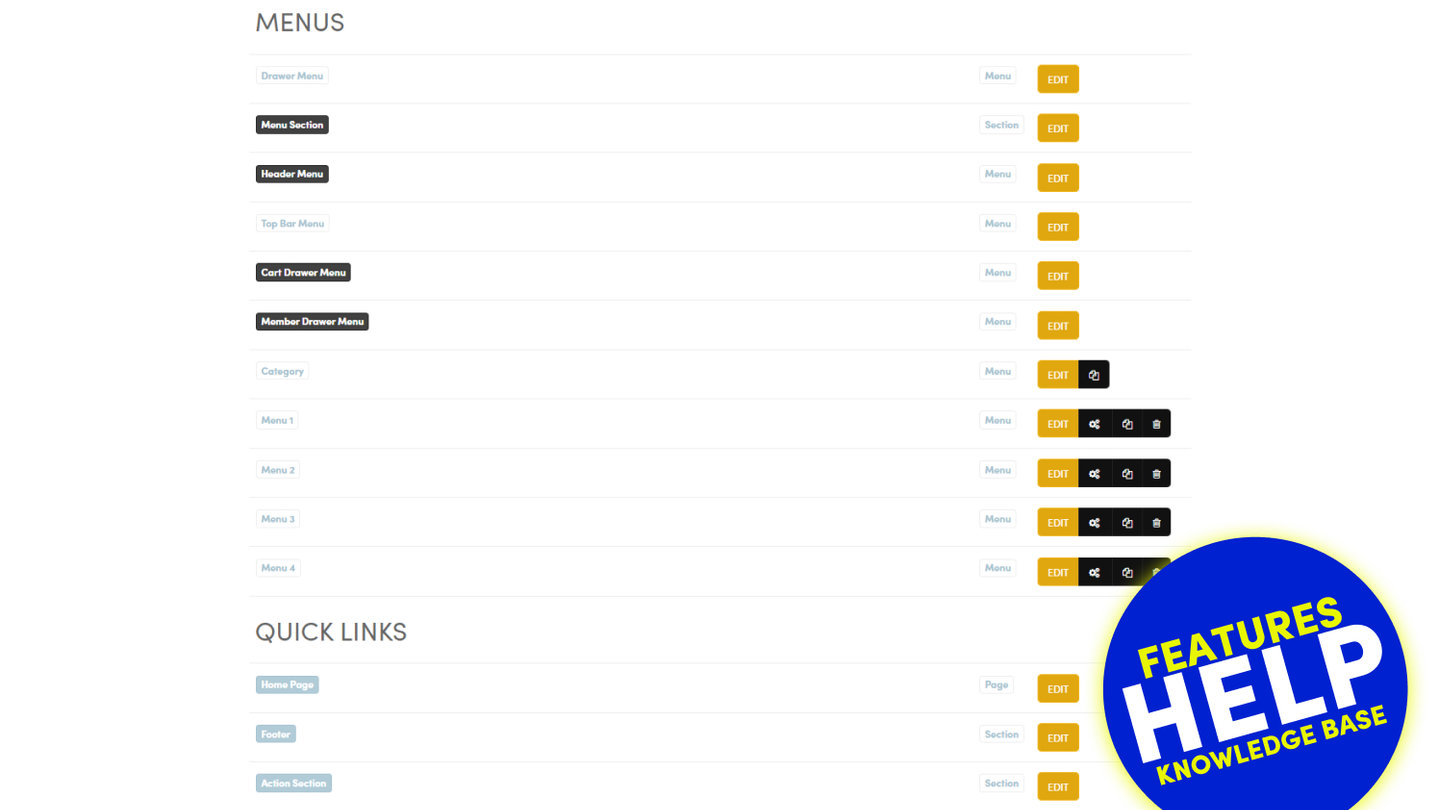
In NAVIGATION, press EDIT on the menu, then EDIT on the item.
- Menu Label: the words shown in the menu.
- Page URL: a page address, or a full web address starting with https://. A link to another website opens in a new tab.
- Link an Existing Page: choose one of your pages instead of typing.
- Link an Existing Mega Menu: open a mega menu from this item.
Press UPDATE, then SAVE. Nothing changes on your site until you SAVE the menu.
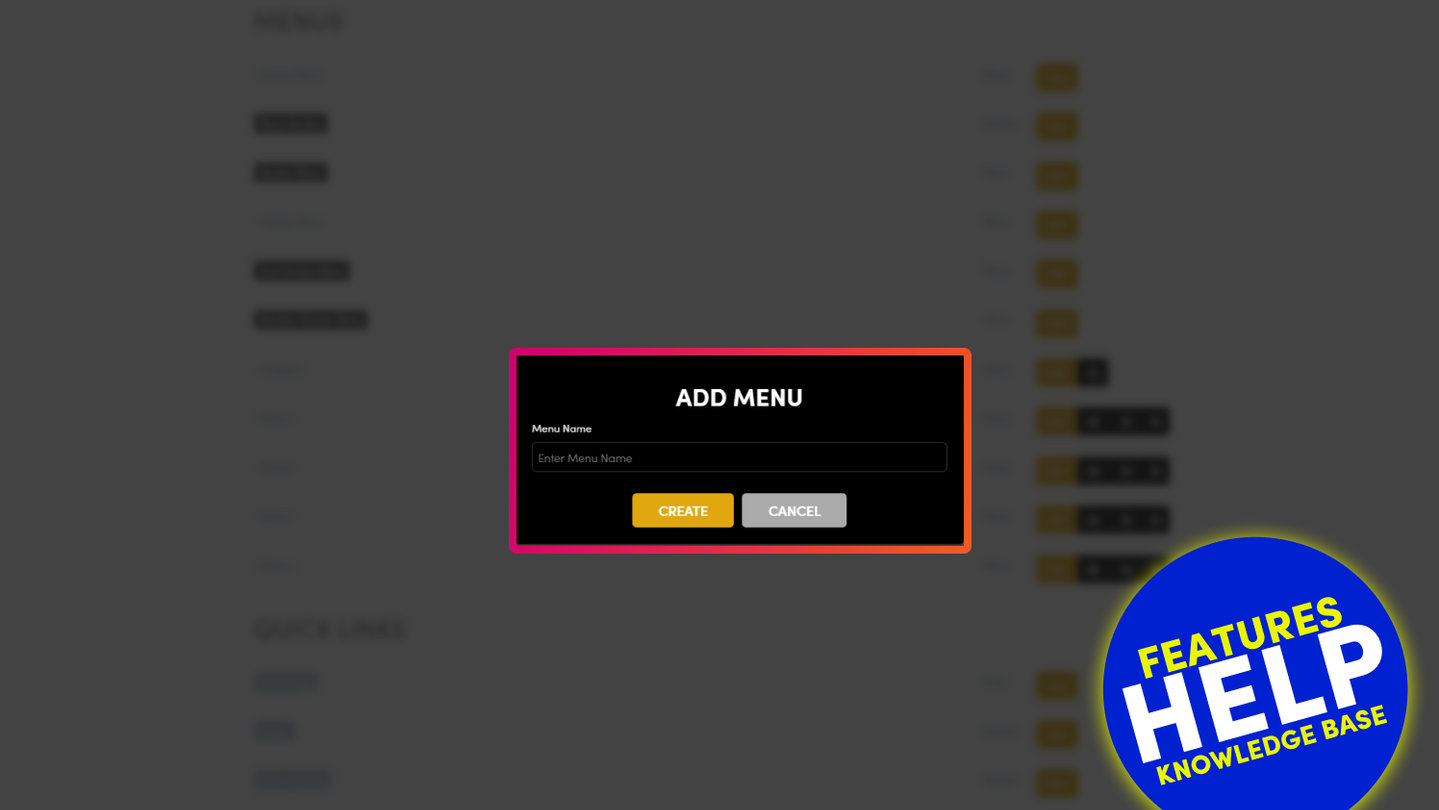
The ADD popup has no Page URL box: add the item first, then EDIT it to give it an outside address.
To hide an item without removing it, click its eye icon. REMOVE takes it out of the menu; the page itself stays.
RELATED HELP
Play before you Pay?
GETTING AROUND
SUPPORT
AI SALES LINE
AI SUPPORT LINE
ENQUIRIES
team@moble.com.au
GET A QUOTE
A Web Builder for Design. A CMS for Business. We serve all businesses from SME's to Enterprise. Talk with us for AI development, custom website design, website development, ecommerce websites, directories, intranets and social networks.
PRIVACY | WEBSITE TERMS | PLATFORM TERMS | © 2026 MOBLE PTY LTD