
PICK YOUR AI THEME TO GET STARTED

DROPDOWN MENUS
A dropdown is a menu item with other items nested under it. In the menu editor, drag an item under another one.
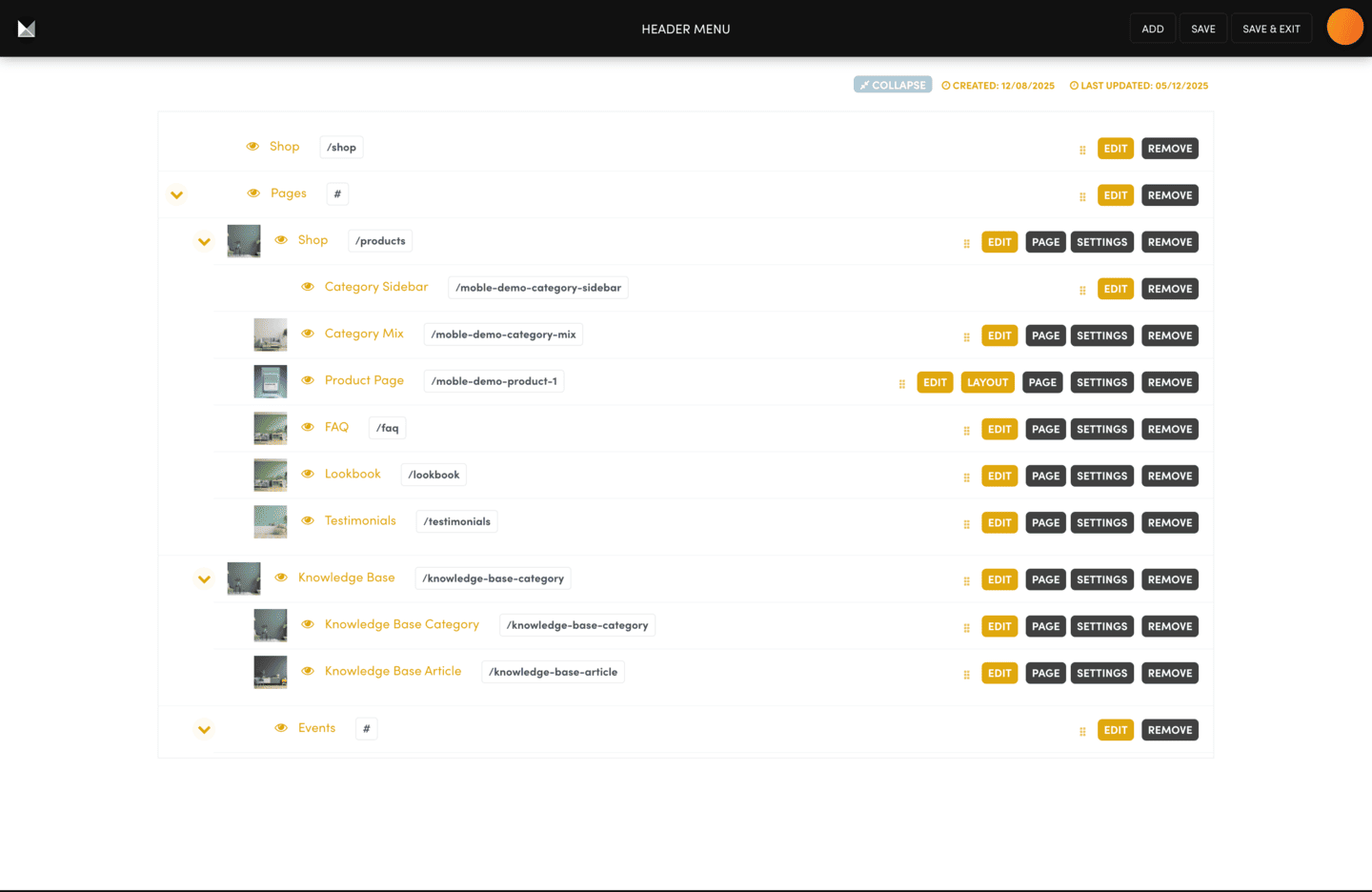
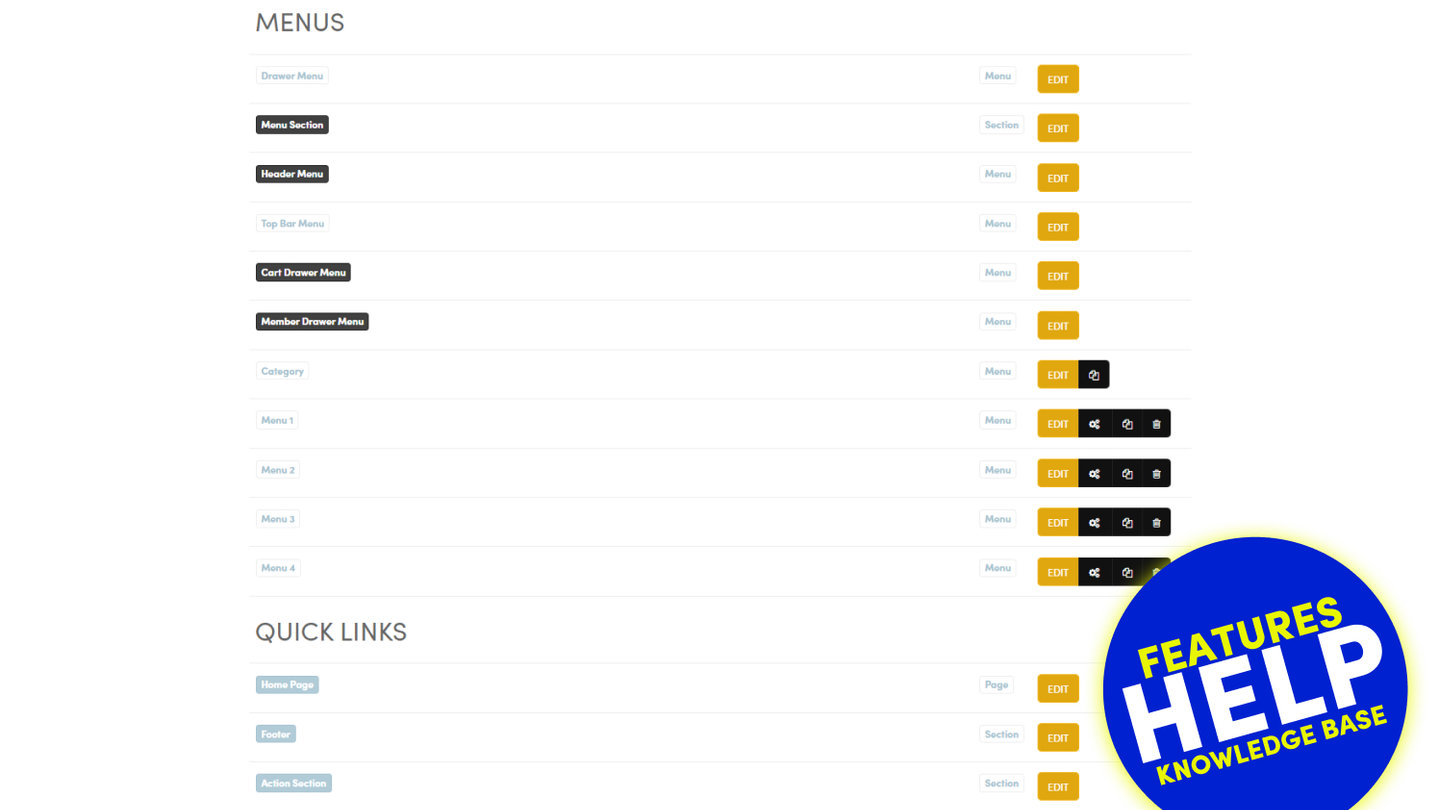
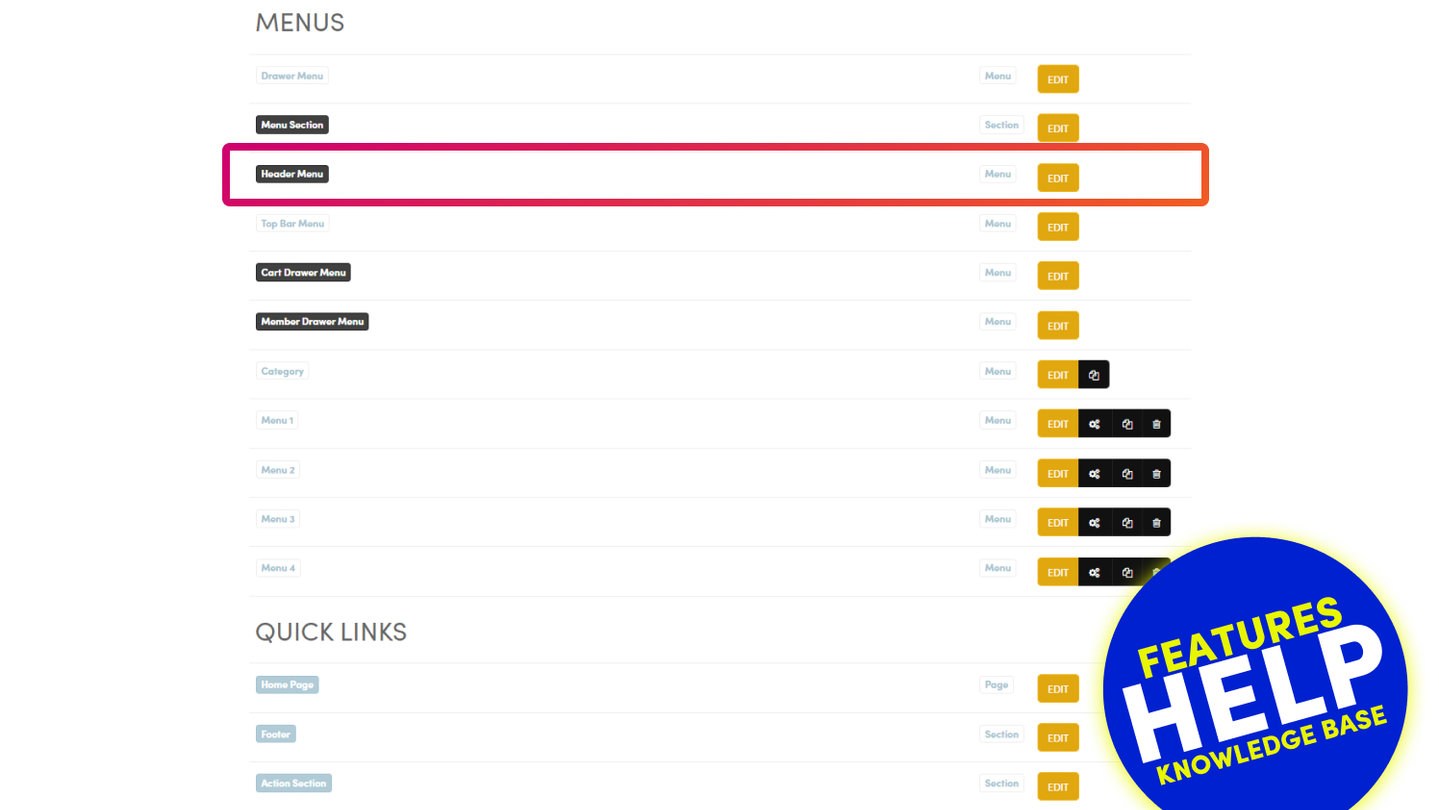
Go to NAVIGATION and press EDIT on the menu, for example Header Menu.
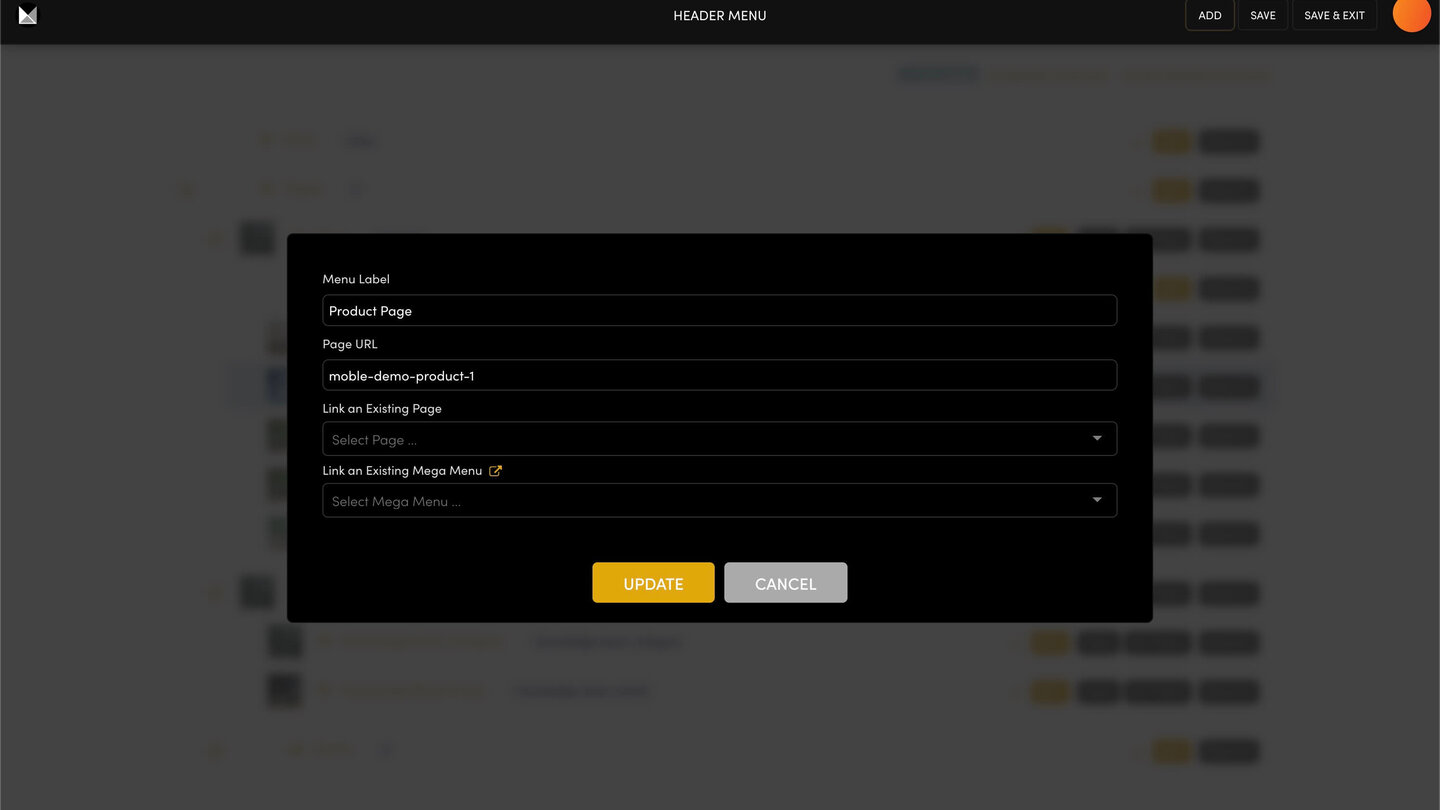
- Add the items you need with ADD.
- Drag an item by its handle so it sits indented under the item above. That item becomes the dropdown.
- For a heading that only opens its dropdown, give the parent item the address #.
- Press SAVE.
Refresh your site and hover over the parent item (tap it on a phone) to see the dropdown. The arrow beside a parent only folds its items inside the editor.
On phones the menu icon usually opens the Drawer Menu, which has its own items. Add them there too.
RELATED HELP
Play before you Pay?
GETTING AROUND
SUPPORT
AI SALES LINE
AI SUPPORT LINE
ENQUIRIES
team@moble.com.au
GET A QUOTE
A Web Builder for Design. A CMS for Business. We serve all businesses from SME's to Enterprise. Talk with us for AI development, custom website design, website development, ecommerce websites, directories, intranets and social networks.
PRIVACY | WEBSITE TERMS | PLATFORM TERMS | © 2026 MOBLE PTY LTD