
PICK YOUR AI THEME TO GET STARTED
Choose an Award Winning AI Website theme, then just pay $9 hosting to unlock the full AI tools and customise everything.
Build: a $50-$50k AI Website
Free: Theme, 5,000 Layouts, and Course
Includes: AI Chatbots, Voicebots and AI Automations
Become: the AI Manager and Web Designer
Earn: life changing passive income with an AI Agency

FIND A MISSING PAGE
Most 'deleted' pages were renamed, given a new web address or moved to another page type. Search like this before you rebuild anything.
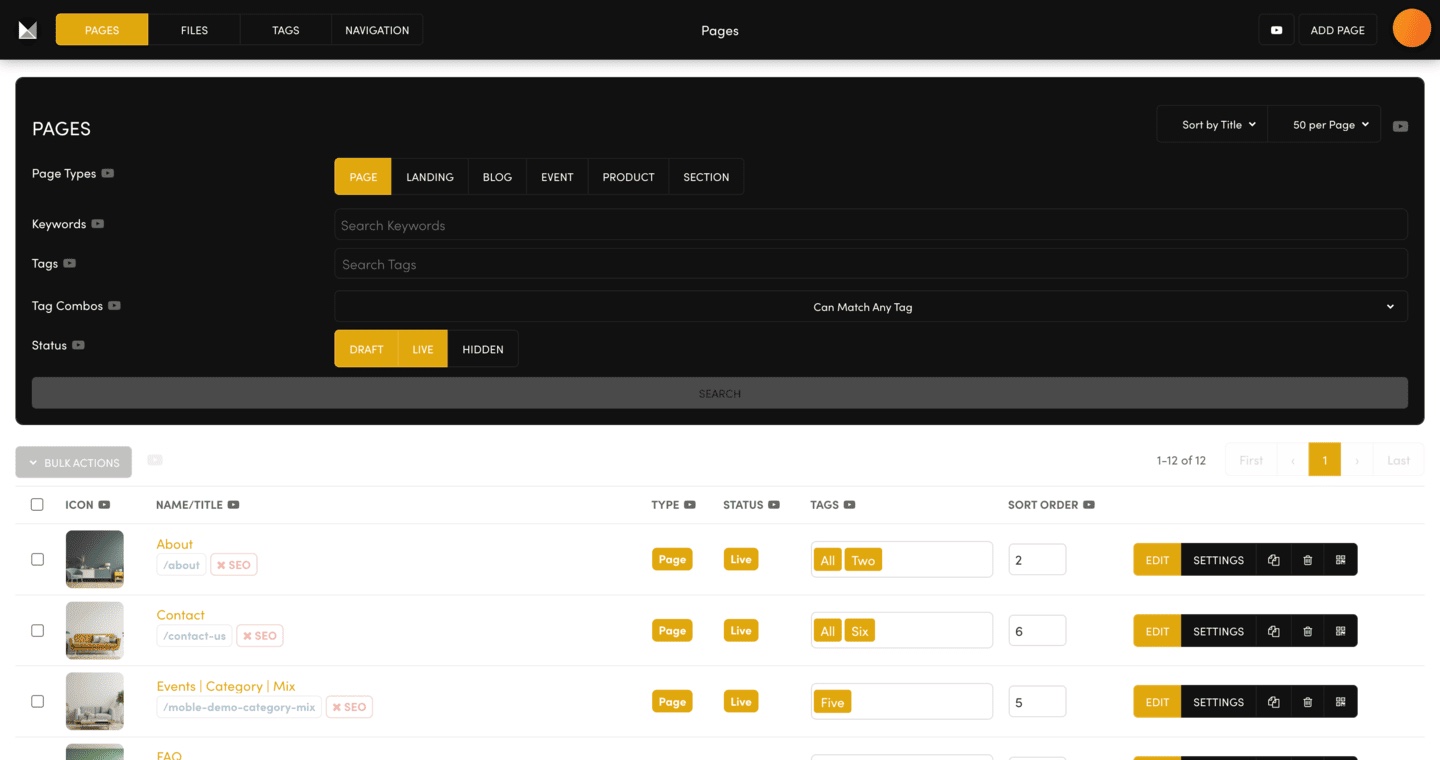
- Go to PAGES.
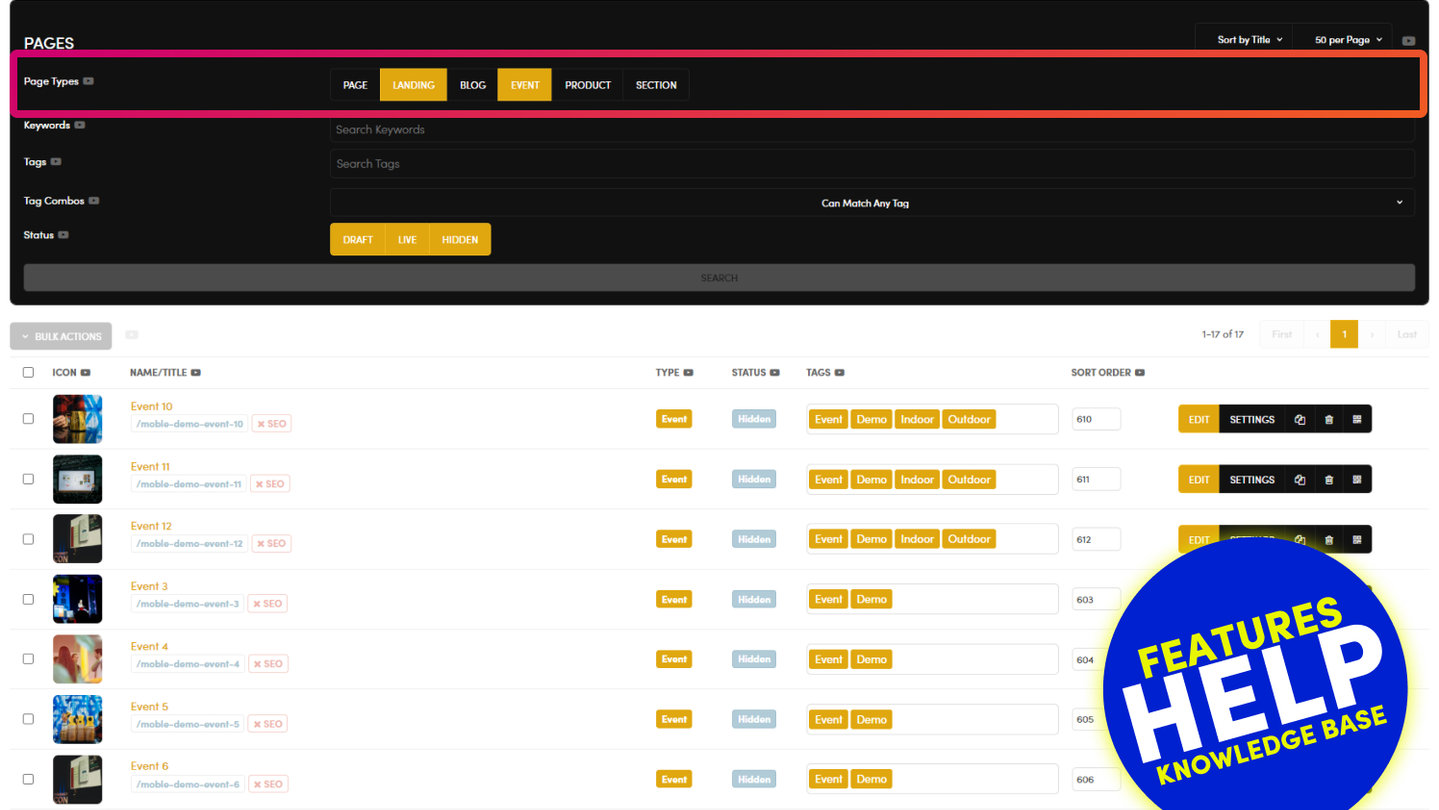
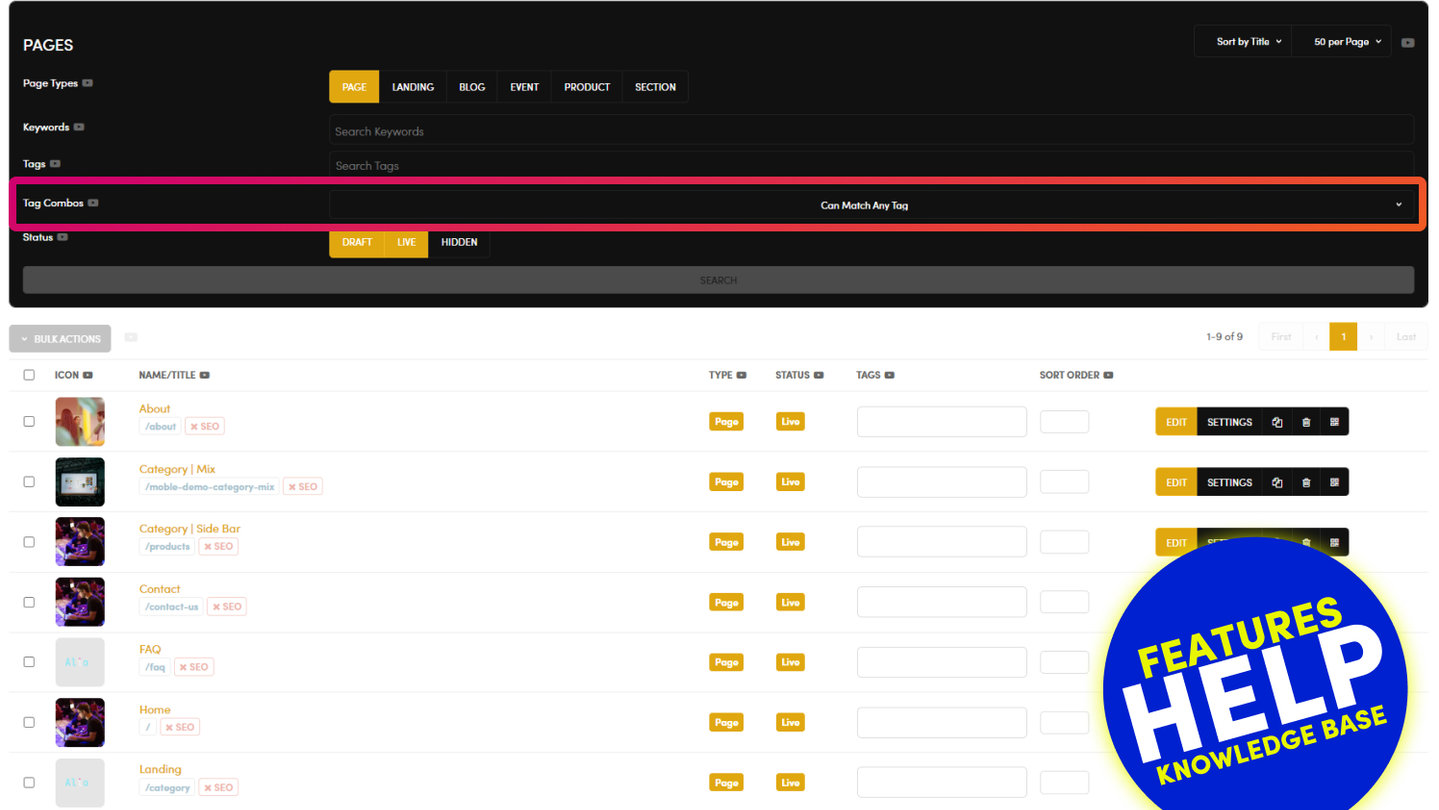
- In Page Types, light up every button: PAGE, LANDING, BLOG, EVENT, PRODUCT and SECTION.
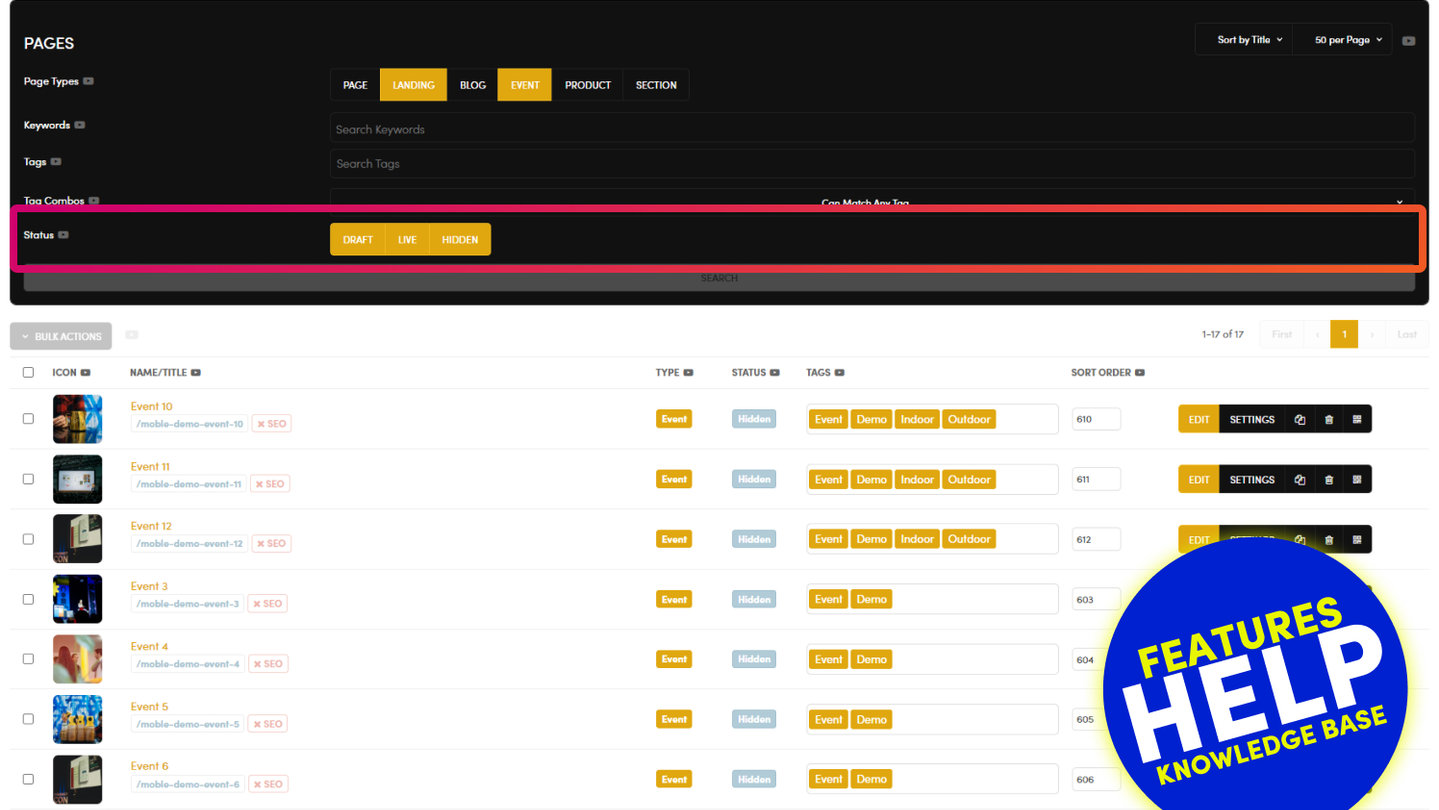
- In Status, light up DRAFT, LIVE and HIDDEN.
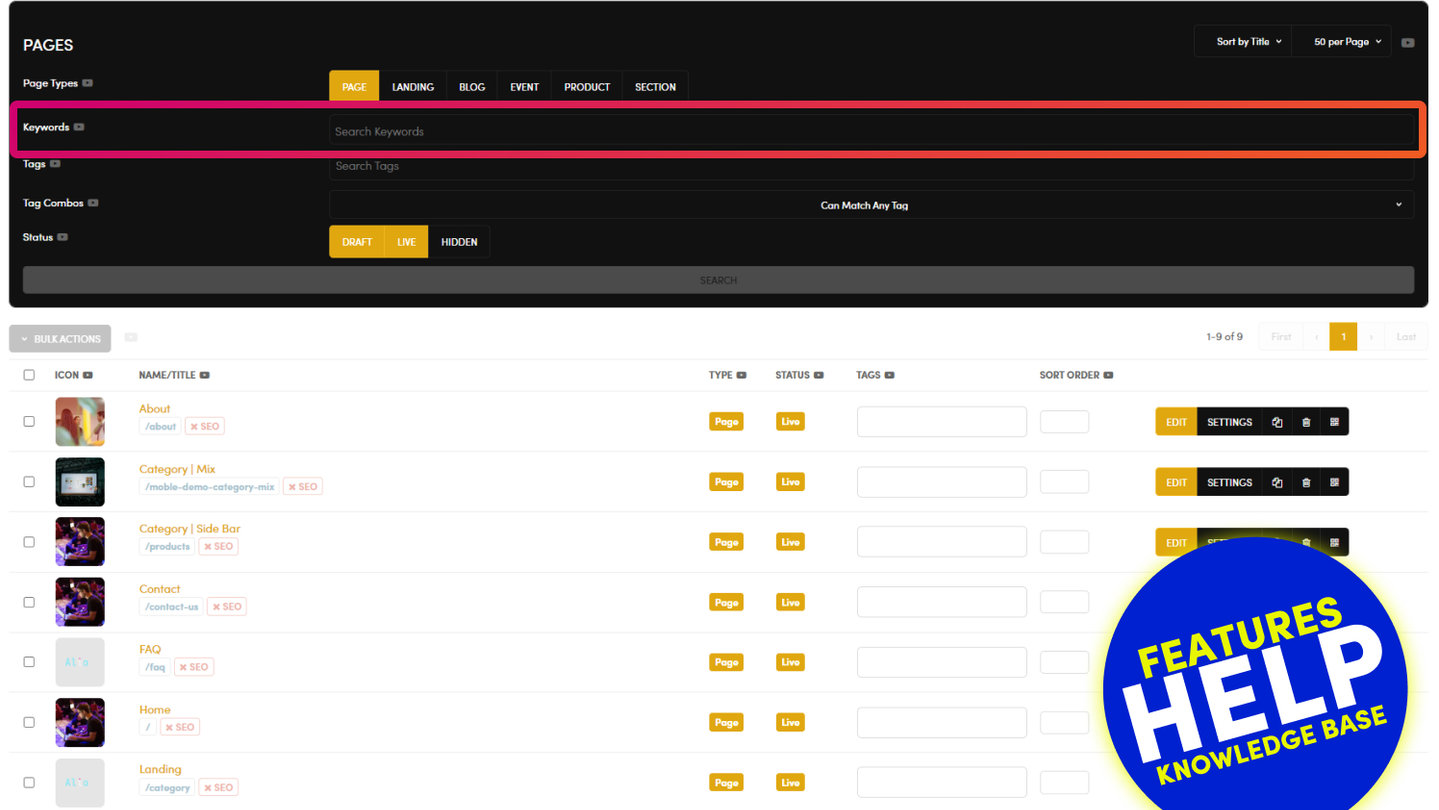
- Type a word from the page's name in Keywords, or leave it empty.
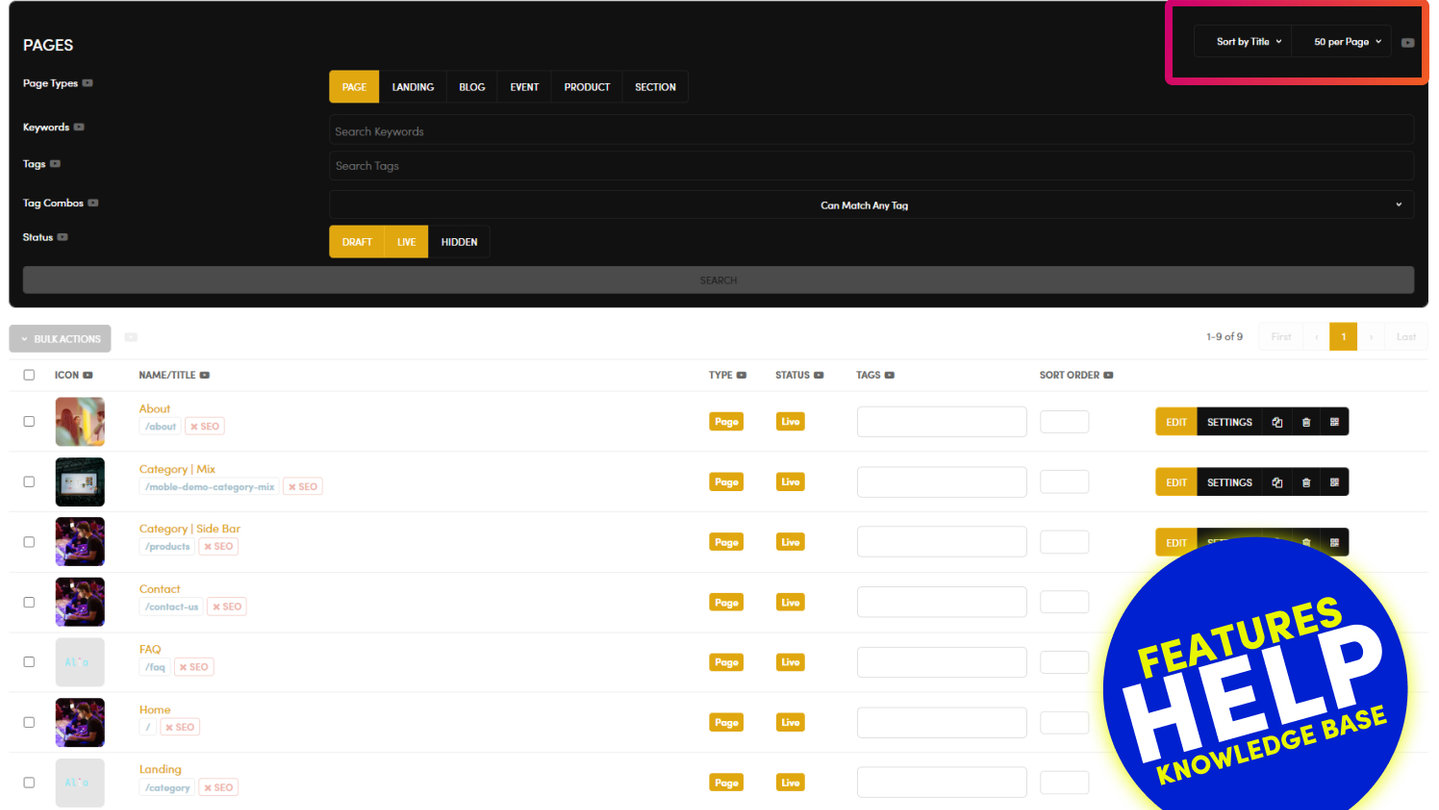
- Set the sort at the top right to Latest and press SEARCH.
Recently changed pages come first. Check each one's name, web address and type: a teammate may have changed one of them.
If the page really is gone, contact the MOBLE team.
RELATED HELP
Play before you Pay?
Brand an AI Website and Chatbot Theme in under 3 minutes, anyone can do it!!
GETTING AROUND
SUPPORT
AI SALES LINE
AI SUPPORT LINE
ENQUIRIES
team@moble.com.au
GET A QUOTE
A Web Builder for Design. A CMS for Business. We serve all businesses from SME's to Enterprise. Talk with us for AI development, custom website design, website development, ecommerce websites, directories, intranets and social networks.
PRIVACY | WEBSITE TERMS | PLATFORM TERMS | © 2026 MOBLE PTY LTD